A candid 2026 Salesforce Sales Cloud review: current edition pricing, the annual-billing requirement, Agentforce AI, hidden implementation costs, and who should choose it.
Every CRM review, including the other three we published this month, ends up comparing itself to Salesforce. That is the honest starting point. Salesforce Sales Cloud has been the enterprise default for two decades, it holds the largest share of the CRM market, and its AppExchange marketplace lists thousands of integrations that exist because everyone else built for Salesforce first. When a big company says "our CRM," this is statistically the one they mean.
None of that makes it the right tool for you. The reasons Salesforce dominates the enterprise are the same reasons it is a poor fit for a lean team: it assumes you have someone to configure it, budget to feed it, and a process complex enough to justify both.
Sales Cloud pricing, per user per month, read off the Salesforce pricing page in August 2026:
Two details on that list decide more than the numbers do. First, an August 2025 price increase of roughly 6% already flowed through the Enterprise and Unlimited tiers, so these are the raised figures, not last year's. Second, Starter is the only edition billed monthly. Pro and everything above it require an annual commitment, so "$165 per user" is really a twelve-month contract. The jump from Starter to Pro is not just $75 a seat; it is the point where you lock in for a year and lose the option to leave mid-term.
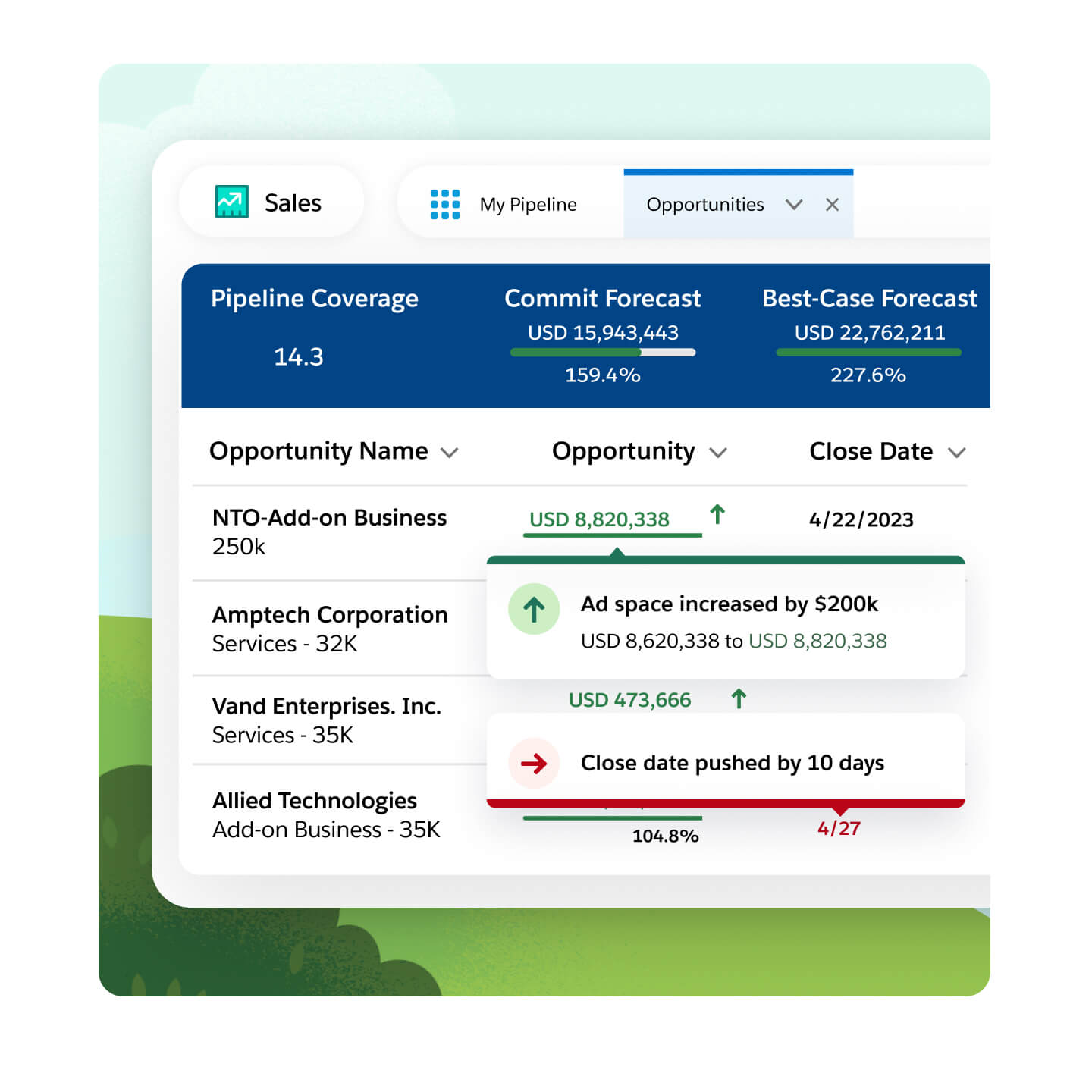
Depth. There is no serious limit to how far you can bend Salesforce to your process. Custom objects, custom fields, validation rules, approval flows, page layouts per role, and the Flow automation engine together let you model a sales operation that no off-the-shelf CRM would fit. The reporting follows: custom report types across related objects, dashboards per team, and forecasting that rolls up by territory and product line.
The ecosystem is the other half of the value. AppExchange means the connector you need for your ERP, your billing system, or your marketing stack almost certainly exists and is maintained. That gravity is real, and it is why companies stay even when they grumble about the bill.
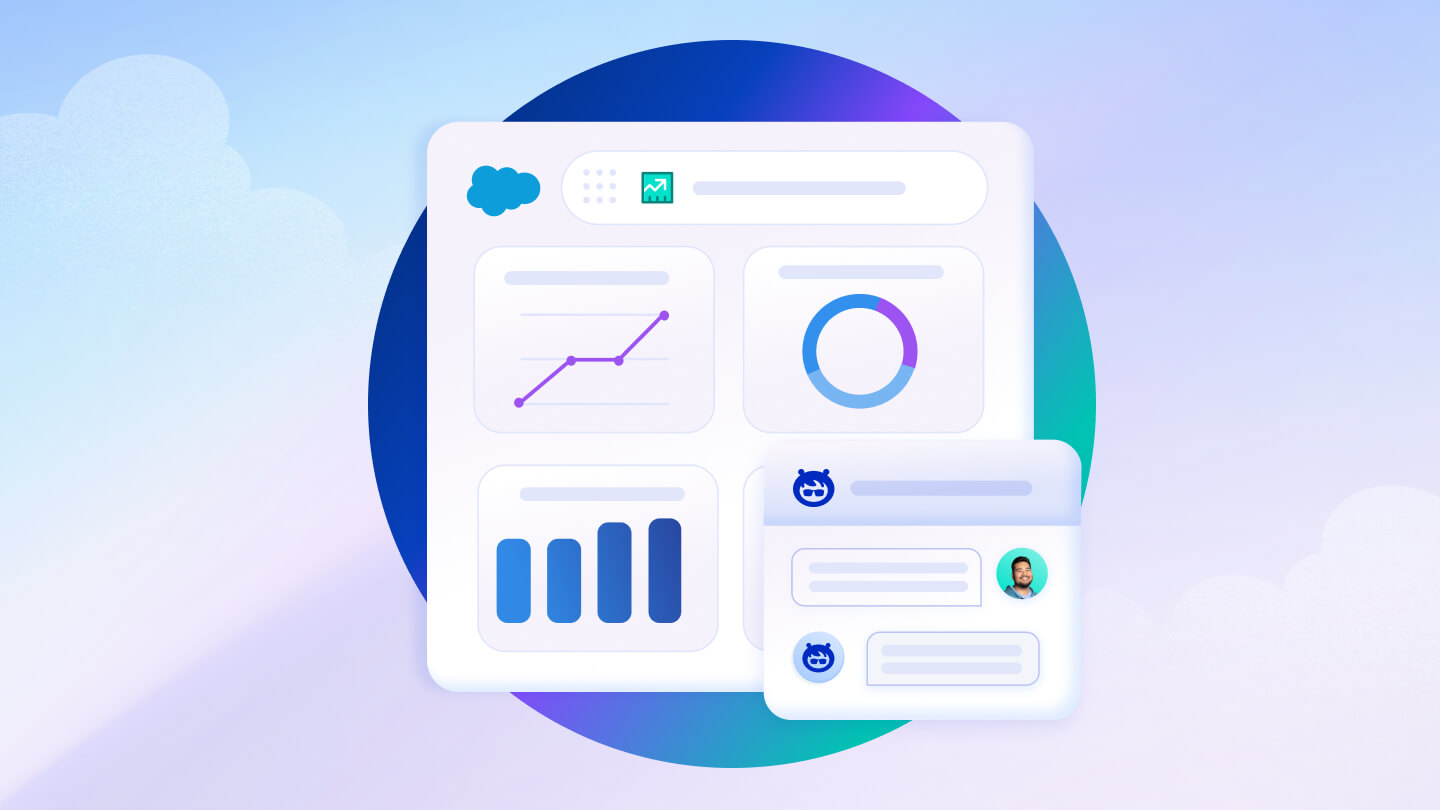
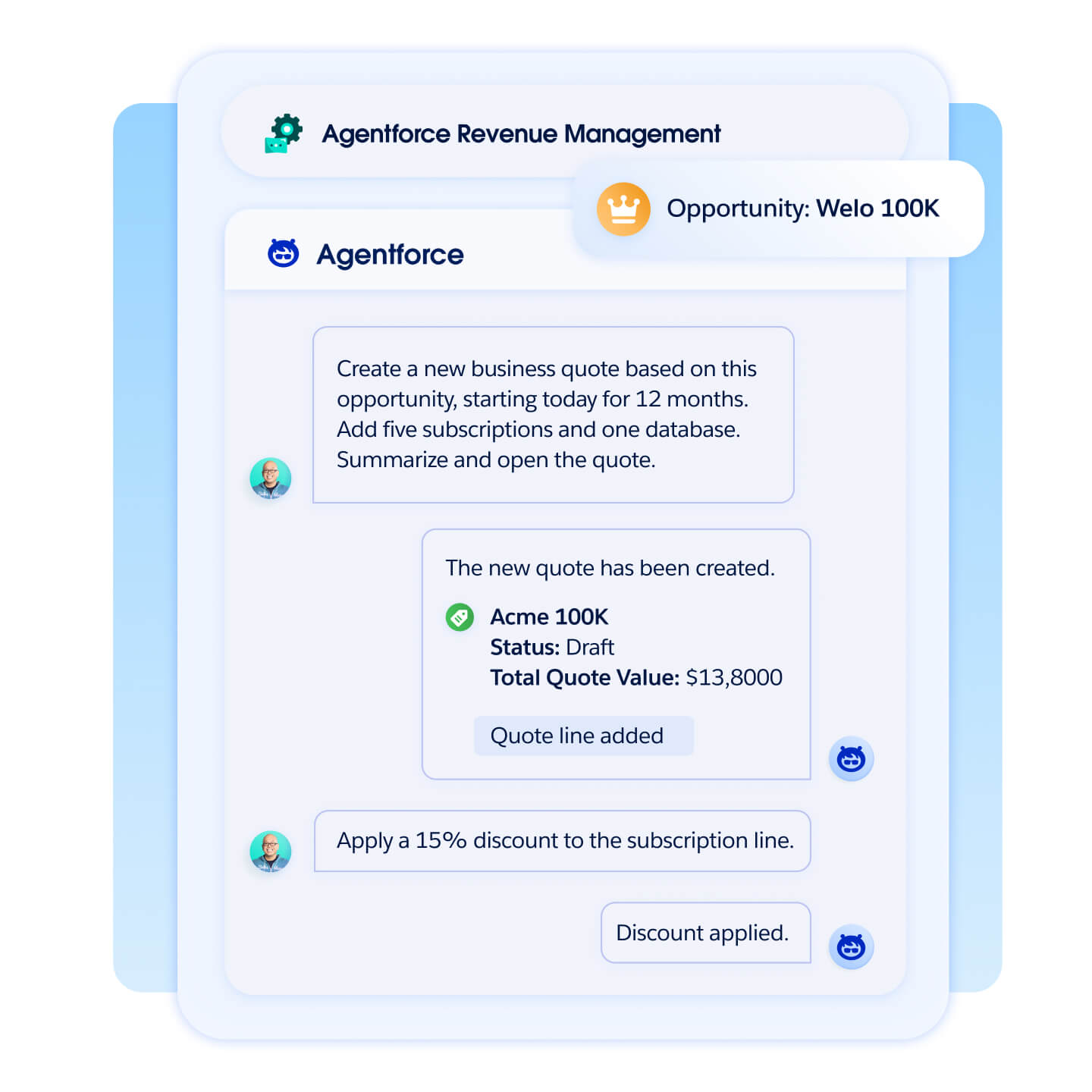
Salesforce now markets Sales Cloud under the Agentforce banner, its push into AI agents that act inside the CRM rather than just summarizing it. On the sales side that means agents that draft outreach, research accounts, and handle routine updates, layered on the older Einstein features for lead scoring, opportunity insights, and call summaries.
Read the meter before you get excited. Much of the heavy AI capability is consumption-priced or sits in a higher Einstein tier rather than being included in your per-seat plan, so an agent that does real volume is a separate, usage-based line on the invoice. The AI is capable, and on Salesforce's data it is well-fed. It is also one more reason the effective price and the sticker price diverge.
The per-seat figure is the smallest part of a real Salesforce budget. Enterprise deployments almost always involve an implementation partner, and that engagement can cost more in year one than the licenses. Then come the add-ons: CPQ for complex quoting, Sales Engagement for cadences, Data Cloud, and premium support each carry their own price. Someone has to administer the org, whether that is a dedicated Salesforce admin or a consultant on retainer.
Migrating out is its own cost. Salesforce exports your data, but the custom objects, automations, and integrations you built to make it fit do not travel; you rebuild them in whatever you move to. The switching cost you create over three years is part of why the renewal conversation rarely goes your way.
Salesforce is the right platform for a company large enough to have a complex, multi-team sales process and the budget to staff it, especially one that needs deep integration with an existing enterprise stack. If you have a Salesforce admin, or the revenue to hire one, nothing else matches its ceiling. At that scale the cost is a rounding error against the process it enables.
For a startup, a small business, or any team without dedicated CRM ownership, it is overbuilt and overpriced, and the annual lock-in above Starter turns a mistake into a year-long one. A five-person team that wants pipeline visibility should look at Pipedrive, and a growing business that wants marketing and sales in one affordable suite should look at Zoho CRM. Buy Salesforce when your process has outgrown everything simpler, not before.
Explore Salesforce Sales Cloud and price the Enterprise edition against the implementation quote, not just the per-seat rate.
Visit the official website to see the latest plans, pricing, and special offers.
Get Started - Salesforce* Affiliate link - we may earn a commission at no extra cost to you.