Bitwarden Review 2026: The Open-Source Password Manager Worth Trusting?
Bitwarden review 2026: open-source security, the new $19.80 Premium price after January's increase, free-plan limits, and who should pick 1Password instead.
Expert Review

Why open source is the point
Most password managers ask you to trust their security on faith. Bitwarden hands you the source code instead. Every client app and the server itself live on GitHub under an open licence, and the company publishes a third-party security assessment every year. Cure53 and other firms have run those audits, and the reports are public. You are not reading a marketing claim about "bank-grade encryption." You are looking at the actual AES-256 implementation that wraps your vault, and so is everyone else in the security community.
That openness buys one thing almost no rival offers: you can host Bitwarden yourself. Run the official server in a Docker container, or the lighter community build Vaultwarden, and your passwords never touch a server you do not control. Most people will never bother. The point is that the option exists, and its existence is why security researchers tend to trust Bitwarden more than the closed alternatives.
The free plan that embarrasses rivals
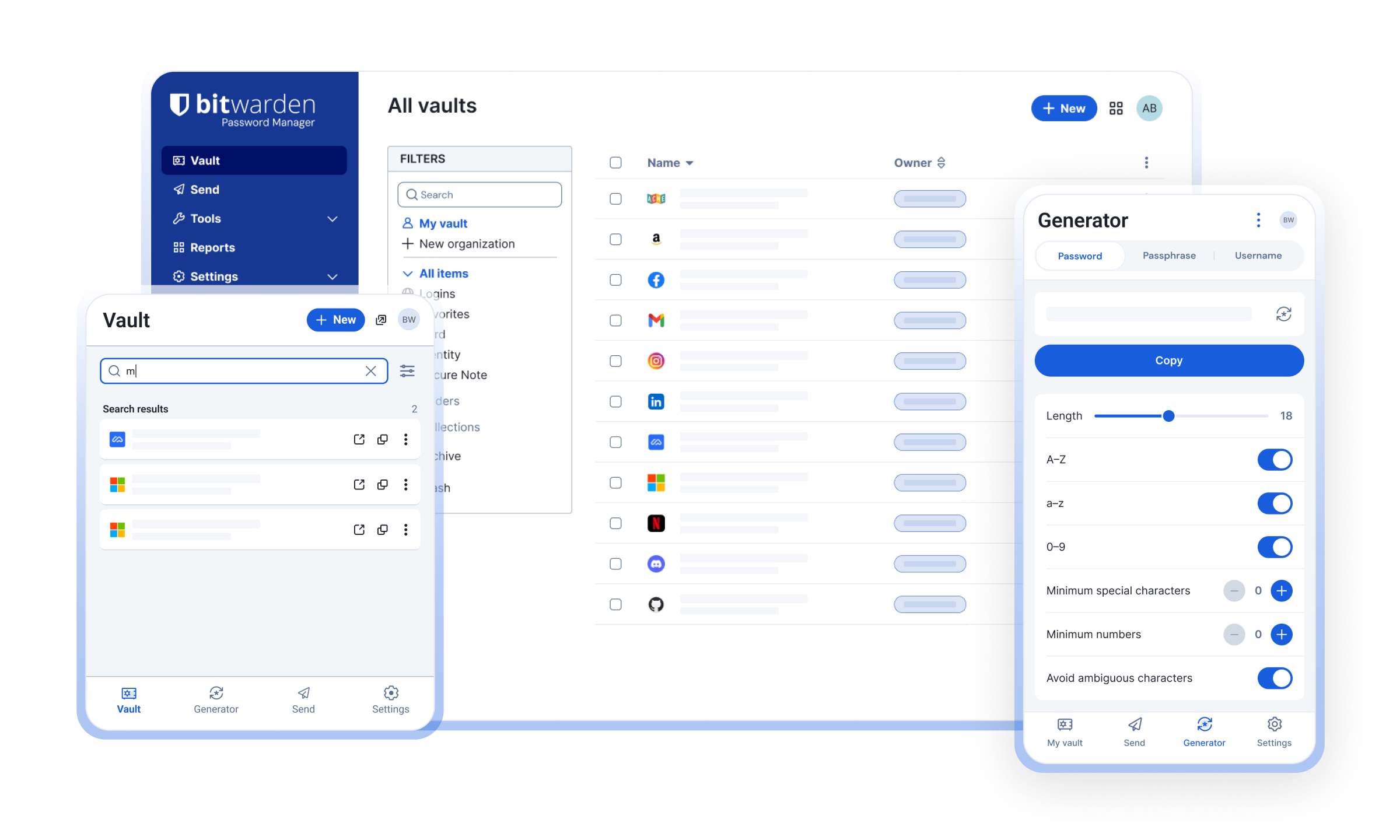
Here is the headline most reviews bury: the free tier is genuinely useful, and it beats several paid competitors. One account gets you unlimited passwords synced across unlimited devices, forever. LastPass restricts its free tier to a single device type. Bitwarden does not restrict the count at all.
Free also includes the browser extensions, desktop apps and mobile apps, passkey storage, secure notes and the standalone password generator. What you give up without paying is the integrated two-factor authenticator, encrypted file attachments, emergency access and the vault health reports. For a single person who just wants strong, synced passwords on their phone and laptop, the free plan is the whole product. That is a rare thing to be able to write about any subscription tool.
Pricing after the January 2026 hike
Bitwarden's pricing changed this year, and not in your favour. In January 2026 the Premium plan went from $9.99 to $19.80 a year. It doubled. Families rose from $3.33 to $3.99 per month over the same period. Existing subscribers were given a one-time 25% loyalty discount on their first renewal to soften it, checked on the pricing page in August 2026.
Even after doubling, the numbers stay low against the field:
- Premium: $19.80/year, billed annually. Adds the built-in TOTP authenticator, 5 GB of encrypted attachments, emergency access and vault health reports.
- Families: $47.88/year for up to six users, with unlimited sharing between them.
- Teams: $4/user/month for small businesses that need shared collections and event logs.
- Enterprise: $6/user/month, adding SSO, SCIM provisioning, self-hosting and a complimentary Families plan for every seat.
One catch the pricing page understates: the personal plans bill annually, up front. There is no true month-to-month option, so "$1.65 a month" means $19.80 charged once. For comparison, 1Password starts around $2.99/month billed yearly and has no free tier at all, so Bitwarden still wins on price by a wide margin.
Passkeys, authenticator and autofill
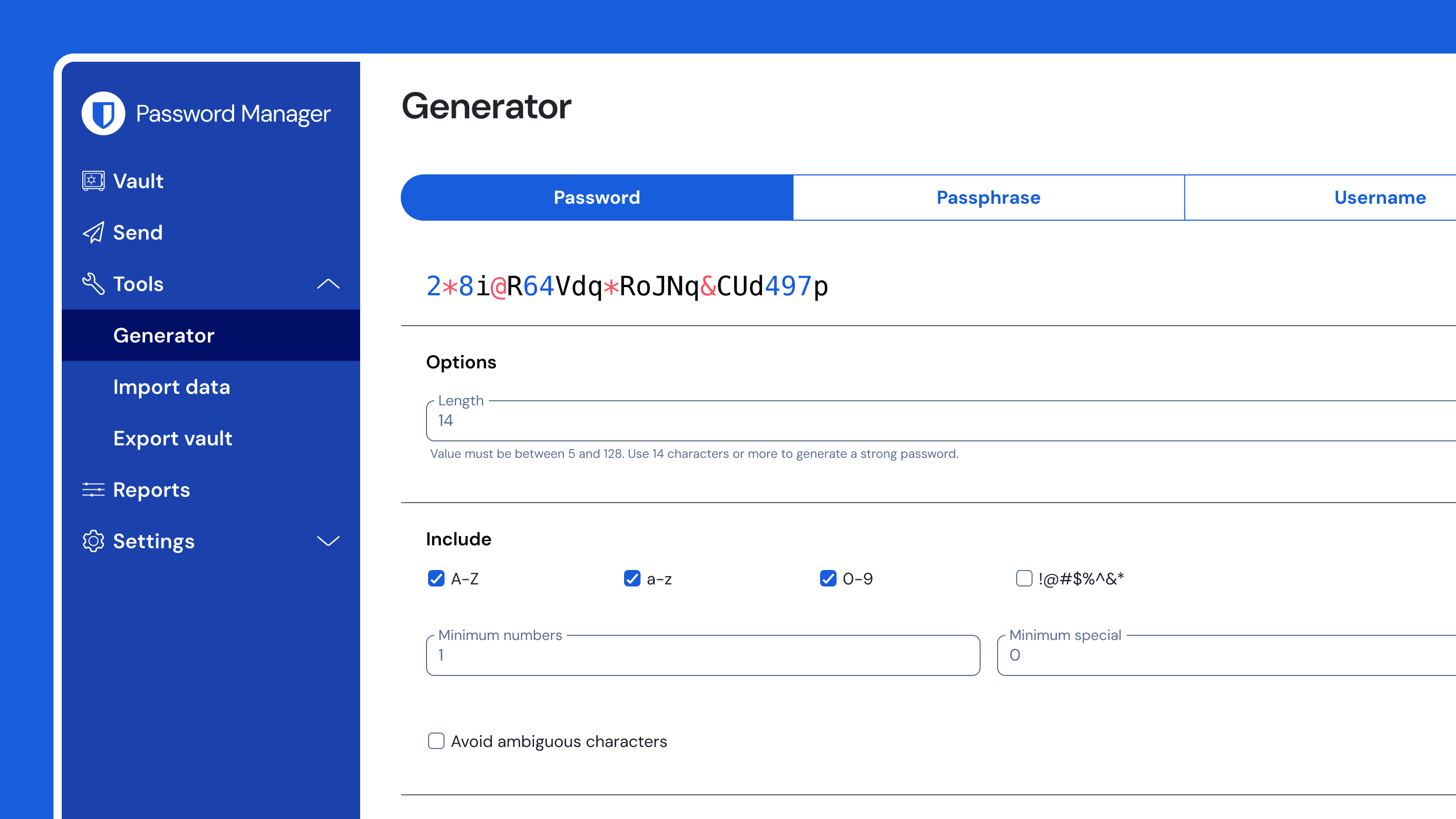
Bitwarden stores and fills passkeys, so you can replace passwords entirely on the sites that support them. The generator, shown below, produces passwords or passphrases with fine-grained control over length and character sets, and it remembers the settings between sessions.
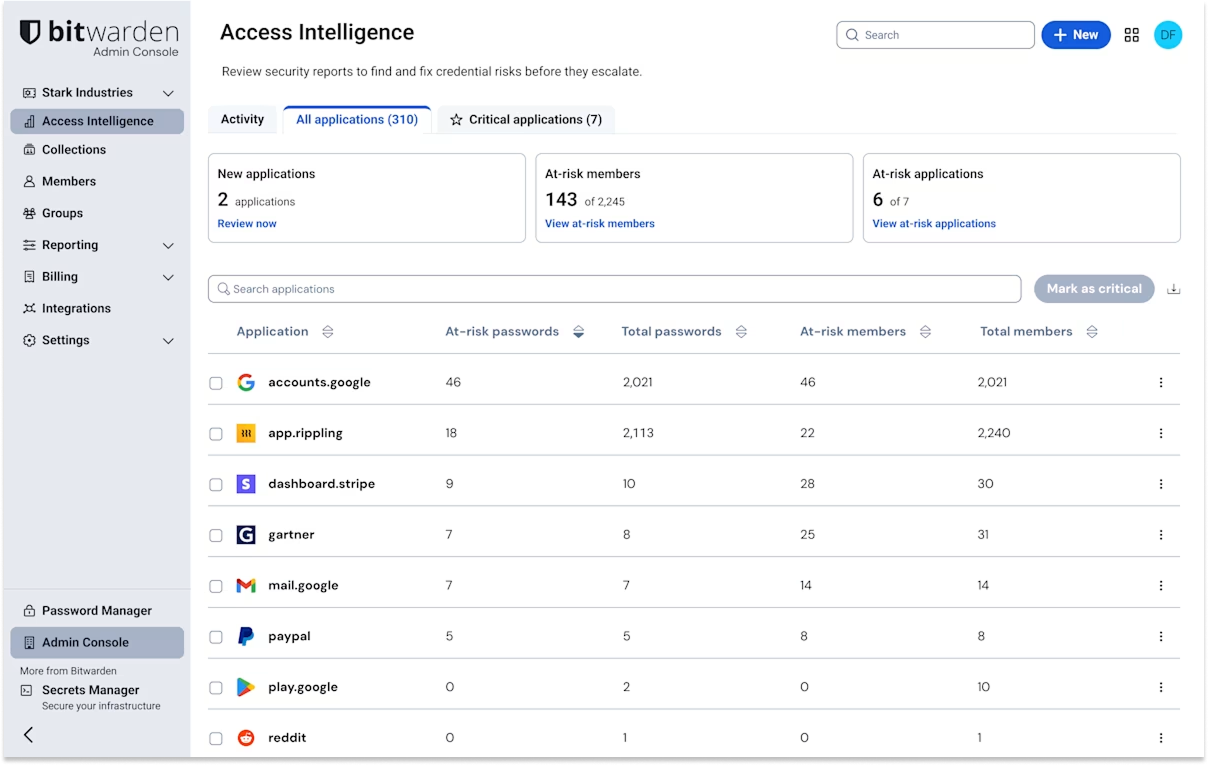
Premium folds in a TOTP authenticator that shows your two-factor codes right next to each login. It is convenient. It also puts your passwords and your second factor in the same vault, which quietly undoes some of the benefit of two-factor in the first place. Keep that in mind before you move every code across. Bitwarden Send handles encrypted text and file sharing with an expiry date, and autofill works across the major browsers and both mobile platforms.
Where it falls short
The open-source badge took a knock in November 2024. Users noticed the desktop build had started pulling an sdk-internal package under a licence that was not GPL, and the fear spread fast that the client was no longer fully free software. Bitwarden's response was that it was a packaging mistake, and it adjusted the licensing so you can still build the app yourself from source. The episode was resolved within days, but it dented the "100% open source" line for the people who care most about it, and the history is worth knowing before you lean on that badge.
The day-to-day rough edges are smaller. Autofill is reliable most of the time but still misfires on some login forms where 1Password gets it right. The interface is functional rather than polished, and it looks it next to the Apple-ecosystem rivals. Support is email and community forums, with no phone line. None of these is a dealbreaker. They are the reasons someone might pay more elsewhere.
Verdict: who should use it
Bitwarden is the right password manager for anyone who wants audited, open-source, self-hostable security at the lowest credible price. The free tier alone outclasses most paid rivals, and even the doubled $19.80 Premium plan is a small price for the extras. If you value being able to verify what your software does over how it looks, nothing else comes close.
Skip it if you want the slickest autofill and the most polished native apps: 1Password still leads on both, and its family sharing feels more considered. And if you live entirely inside Apple's ecosystem, the built-in Passwords app or Proton Pass will feel more at home than Bitwarden's cross-platform interface. For everyone else, this is the one to install first, and the free plan means you can decide for yourself before paying a cent.
Ready to try Bitwarden?
Visit the official website to see the latest plans, pricing, and special offers.
Get Started - Bitwarden* Affiliate link - we may earn a commission at no extra cost to you.