1Password Review 2025: Still the Password Manager to Beat?
1Password review (2025): pricing, the Secret Key security model, apps, and where it falls short versus Bitwarden and Dashlane. Is it worth paying for?
Expert Review
What 1Password Is
1Password has been around since 2005, built by a Toronto company then called AgileBits, and it spent two decades becoming the password manager other password managers get compared to. It stores logins, passkeys, credit cards, secure notes, and documents in an encrypted vault, fills them on every device you own, and warns you when something you saved has turned up in a breach. That is the table-stakes description. What actually sets it apart is one design decision about how your vault is locked, covered below.
The short version: it is the most polished tool in this category and one of the most expensive, and whether that trade is worth it depends almost entirely on how much you value not thinking about it again.
The Secret Key Model
Most password managers protect your vault with one thing: your master password. 1Password protects it with two. Alongside the master password you memorize, it generates a 34-character Secret Key that lives on your devices and never travels to 1Password's servers. To decrypt your data an attacker would need both, so a breach of 1Password itself does not hand over your vault the way a stolen master password hash might elsewhere.
This is the feature that matters, and it cuts both ways. It genuinely raises the floor on your security, because a weak master password is no longer a single point of failure. It also means setting up a new device is a two-step affair: you need that Secret Key, not just something you remember. Save it somewhere safe or you will be locked out, because 1Password cannot reset it for you. That is the point, and it is also the thing new users trip over.
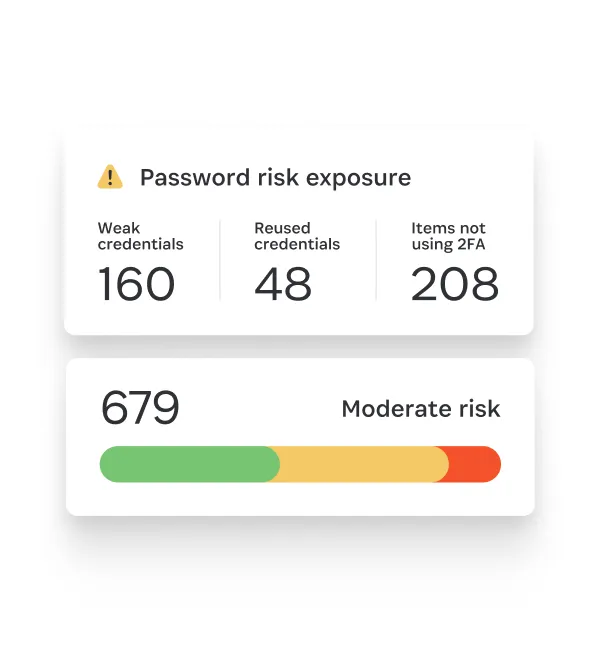
The vault itself is AES-256 encrypted with a zero-knowledge design, and 1Password commissions regular independent security audits, the most recent of which it publishes on its security page. It is closed-source, which is the usual knock against it, though the audit trail is more transparent than most closed products. Watchtower, its built-in monitor, flags reused, weak, and breached passwords and sites that support two-factor but that you have not enabled it on.
Living With It
Apps exist for Windows, macOS, Linux, iOS, Android, and every major browser, and they are genuinely native rather than a web page in a wrapper. Autofill is reliable, which sounds minor until you use a manager where it is not. Passkey support is mature: 1Password will store and sync passkeys and was one of the first to ship it properly.

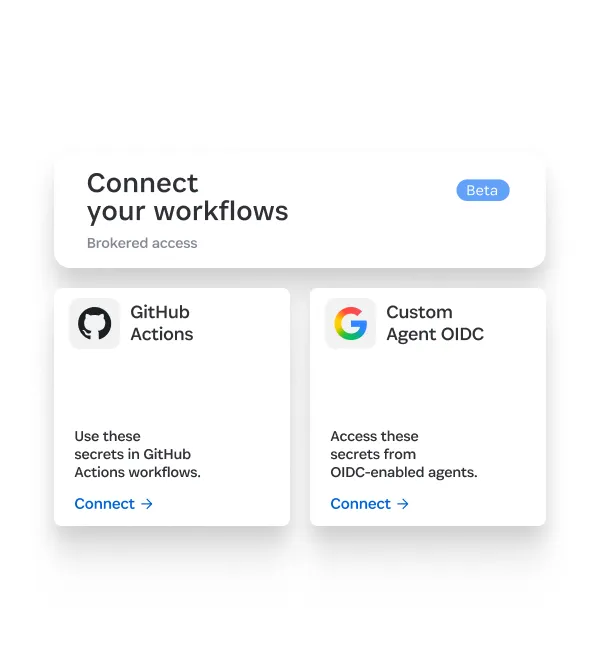
There is a second audience 1Password quietly serves better than anyone: developers. It stores SSH keys and acts as an SSH agent, integrates with the CLI, and its Developer tools can broker secrets into GitHub Actions and other CI systems instead of leaving them in plaintext env files. If that sentence meant something to you, it is a real reason to pick 1Password over a consumer-only rival.
What It Costs
Prices below were checked on 1Password's pricing pages in September 2025. Note the thing that will decide it for a lot of people first: there is no free plan, only a 14-day trial.
- Individual: about $3.99/month, billed annually (roughly $48/year), for one person on unlimited devices.
- Families: about $6/month ($72/year) for up to five people, with the ability to add more.
- Teams Starter Pack: $24.95/month for up to 10 members, billed annually.
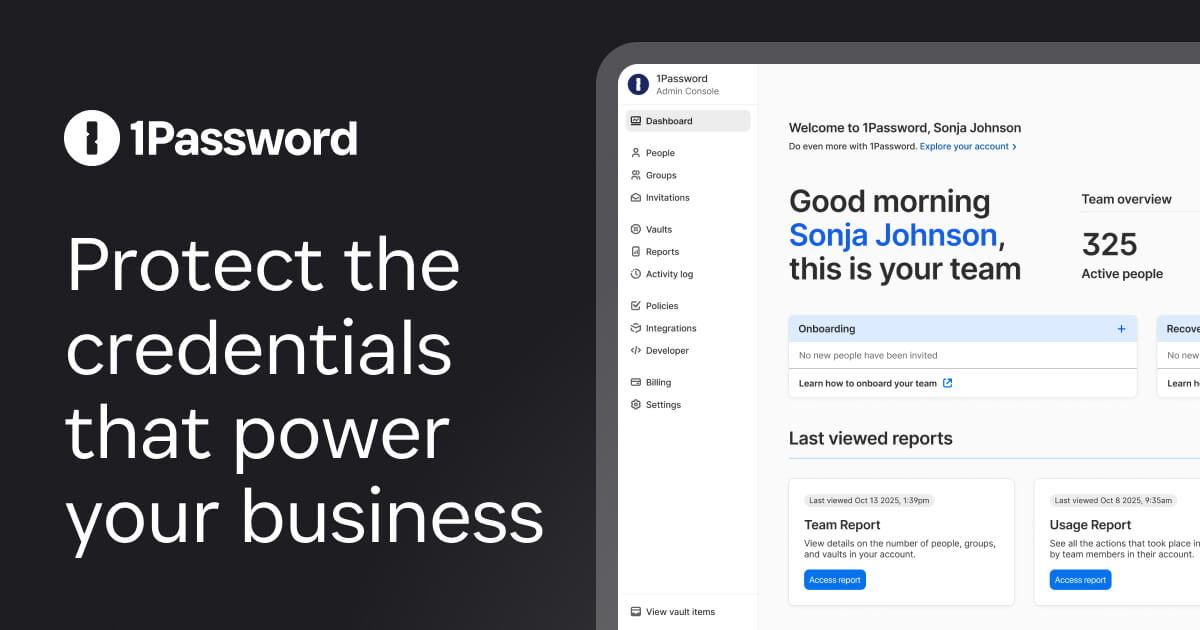
- Business: around $8 per user/month, billed annually, adding admin controls, reporting, and SSO.
That puts 1Password at the premium end. NordPass Premium is roughly a dollar a month, and Bitwarden's paid tier is $10 a year, so you are paying two to four times more for the individual plan. What you get for it is the polish, the Secret Key model, the developer tooling, and support that answers.
Where It Falls Short
Three honest complaints. First, the price, already covered: if budget is the deciding factor, 1Password loses on paper before you open it. Second, no free tier at all, so you cannot run it indefinitely for nothing the way you can with Bitwarden or NordPass. Third, it is closed-source, and for a subset of security-minded users that is a dealbreaker no audit fully answers.
The Secret Key is a strength I would also list here as a friction point: it is one more thing to protect, and losing it means losing your vault. That is the correct security trade, but it is not the effortless experience the marketing implies.
Verdict
1Password is the one to buy if you want the most refined, best-supported password manager and you would rather pay a little more than think about it again. It is the safe recommendation for families who need something a non-technical relative will not fight, for developers who want SSH keys and CI secrets in the same tool, and for businesses that need real admin controls.
Skip it if price is your first filter. Someone who wants the same core security for nothing should run Bitwarden, which is free, open-source, and self-hostable. Someone who mainly wants a bundled VPN with their vault is better served by Dashlane. But if "just works, and works everywhere" is worth $48 a year to you, nothing here does it better. Start a 1Password trial and set up the Secret Key backup before you migrate anything.
Ready to try 1Password?
Visit the official website to see the latest plans, pricing, and special offers.
Get Started - 1Password* Affiliate link - we may earn a commission at no extra cost to you.