AgencyAnalytics Review: $20 a Client, Everything Included - Until the Roster Grows
AgencyAnalytics review: one $20-per-client Core plan with white label, API and AgencyAI included, checked October 2026. Where it beats DashThis, the Rank Tracker add-on, export limits and billing catches.
Expert Review

One plan, $20 a client
Most agency reporting tools sell you a ladder: a cheap tier that hides white label, a middle tier that caps dashboards, and a top tier where the API finally appears. AgencyAnalytics used to work that way too, with Freelancer and Agency plans priced in bundles of client campaigns. That ladder is gone. Checked on agencyanalytics.com/pricing on October 19, 2026, there is one plan, called Core, at $20 per client per month, billed annually, and every feature the company sells is switched on for every client.
The page shows no client minimum. You pay for the clients you manage, in its own words. Staff accounts, client logins, reports, dashboards and data sources are all unlimited. A custom domain, custom sender email, the API and the AI features sit in the same column as everything else, marked included.
Two caveats on that $20. It is the annual price, and annual means a one-year commitment. AgencyAnalytics does not print its monthly price in the page itself; DashThis, a competitor, says in a comparison page updated July 2026 that monthly billing is $25 per client. Treat that as the competitor's reading, not the vendor's. Second, the pricing page's own FAQ still talks about "Agency and Agency Pro plans" and a 10-dashboard limit, which describes the retired tiers. Small thing, but it tells you the overhaul is recent.
Agencies past 25 clients are told to contact sales for discounted per-client pricing, dedicated onboarding, database connectors (BigQuery, MySQL) and priority support. There is no public number for that tier.
What every client gets
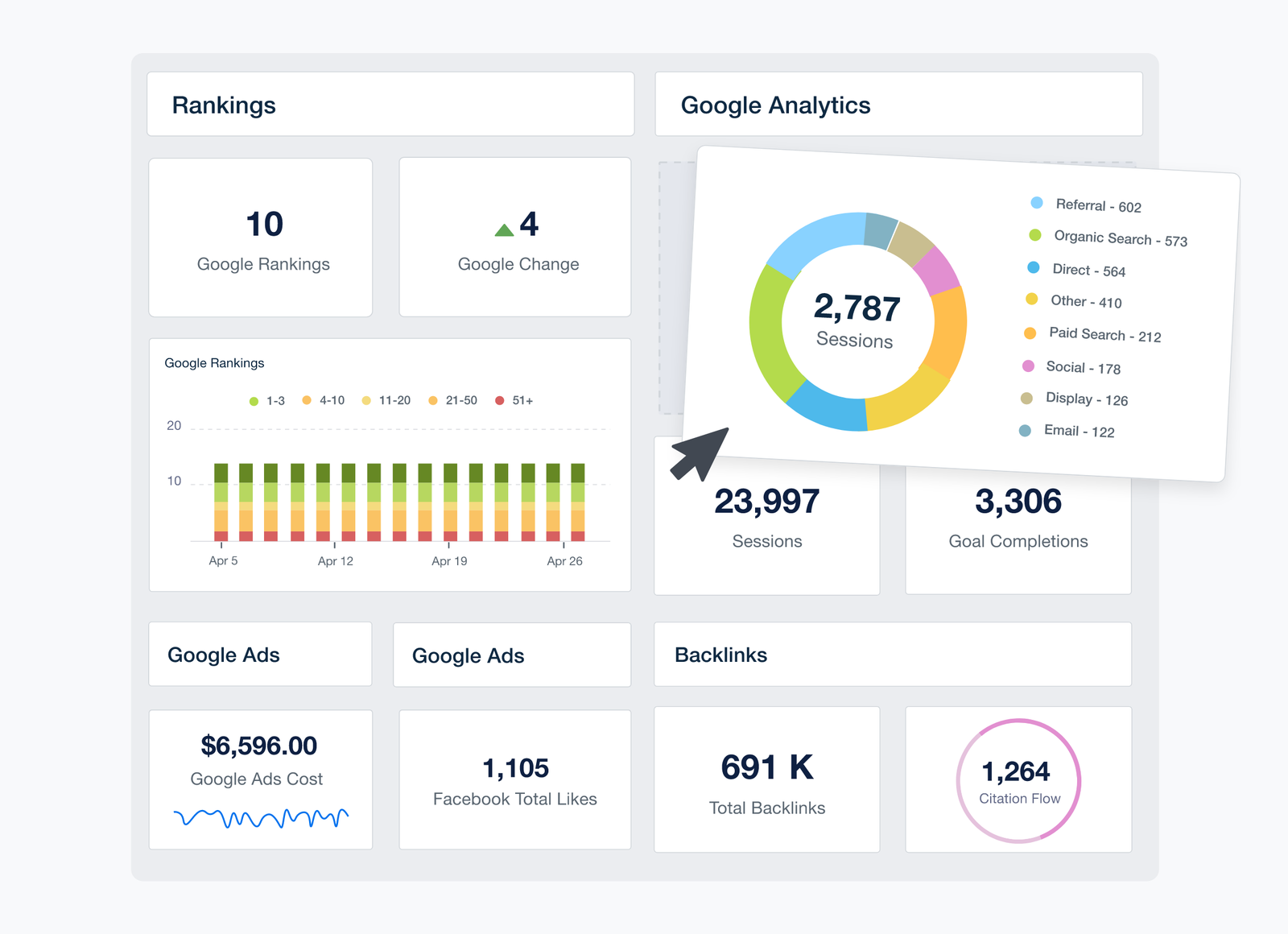
The core of the product is a white-labelled client portal: your logo, your domain, your email address on the automated reports, and a login for the client that shows only their own dashboards. Behind it sit 85+ integrations (the filter on the integrations page lists 92), covering the sources an agency actually bills for - Google Analytics, Google Ads, Search Console, Facebook, Instagram, LinkedIn, TikTok, YouTube, Shopify, Mailchimp, HubSpot, Semrush and Ahrefs among them.
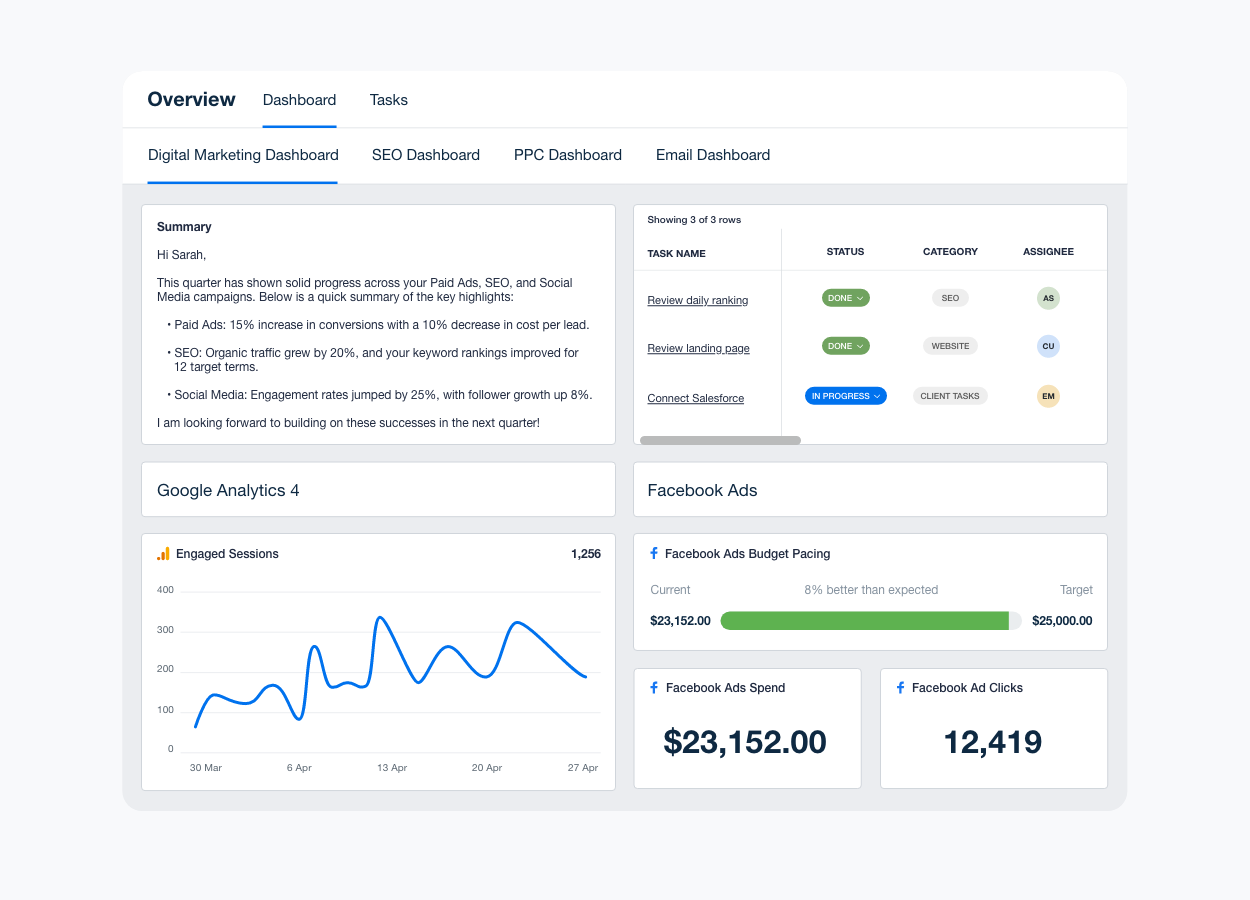
Zapier is not one of them. The help centre says so plainly, which matters if you were planning to pipe a niche CRM in through a Zap. If a source is not in the list, the route is the Google Sheets integration or custom metrics, and that is manual work every month.
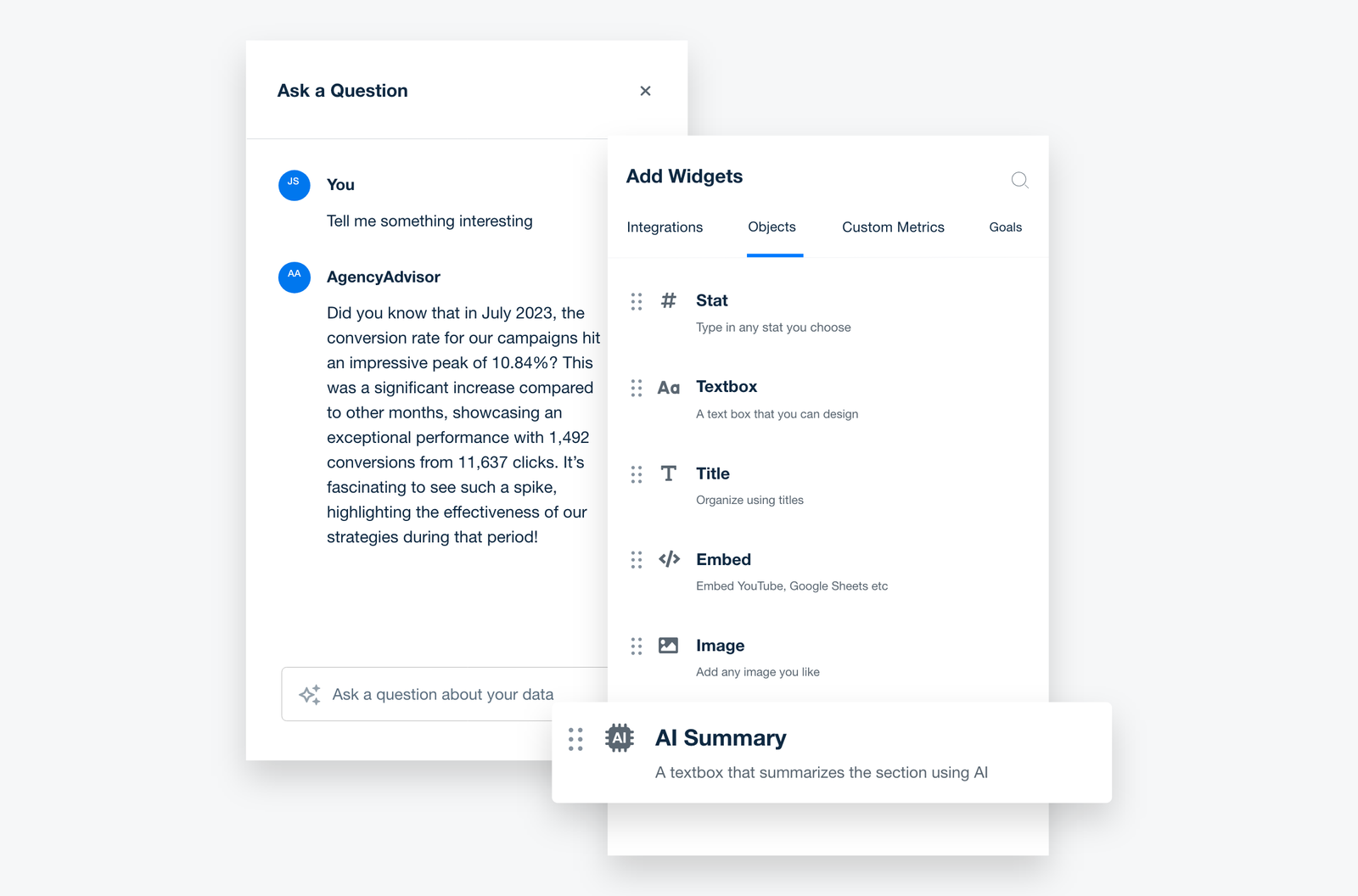
AgencyAI is the newer layer. It is included on every account with "no usage limits, no premium tier", and it does three useful things. AI Summary writes a plain-language summary of a widget, a report page or a whole report, which is the paragraph account managers otherwise write by hand on the first of the month. You can upload up to 20 files per client, 10 MB each, so the AI has the brief and the contract to work from. And prompts can be scheduled daily, weekly or monthly, with built-in skills such as finding at-risk clients or drafting a client update email. MCP access is also included, so ChatGPT or Claude can query your account data directly.
The SEO tools, and the one that costs extra
AgencyAnalytics grew up as an SEO reporting tool (the legal entity is still My SEO Tool Inc., a Canadian company founded in 2010), and two SEO tools ship inside the $20. The Site Auditor checks for 40+ common technical issues, with a crawl limit you set anywhere between 100 and 30,000 pages per audit. The detailed report has a 60-day shelf life, and the help centre does not say how many pages your account may crawl per billing cycle, only that the allowance resets. The Backlink Manager refreshes each tracked link once every 30 days, which is fine for a monthly report and useless for spotting a lost link this week.
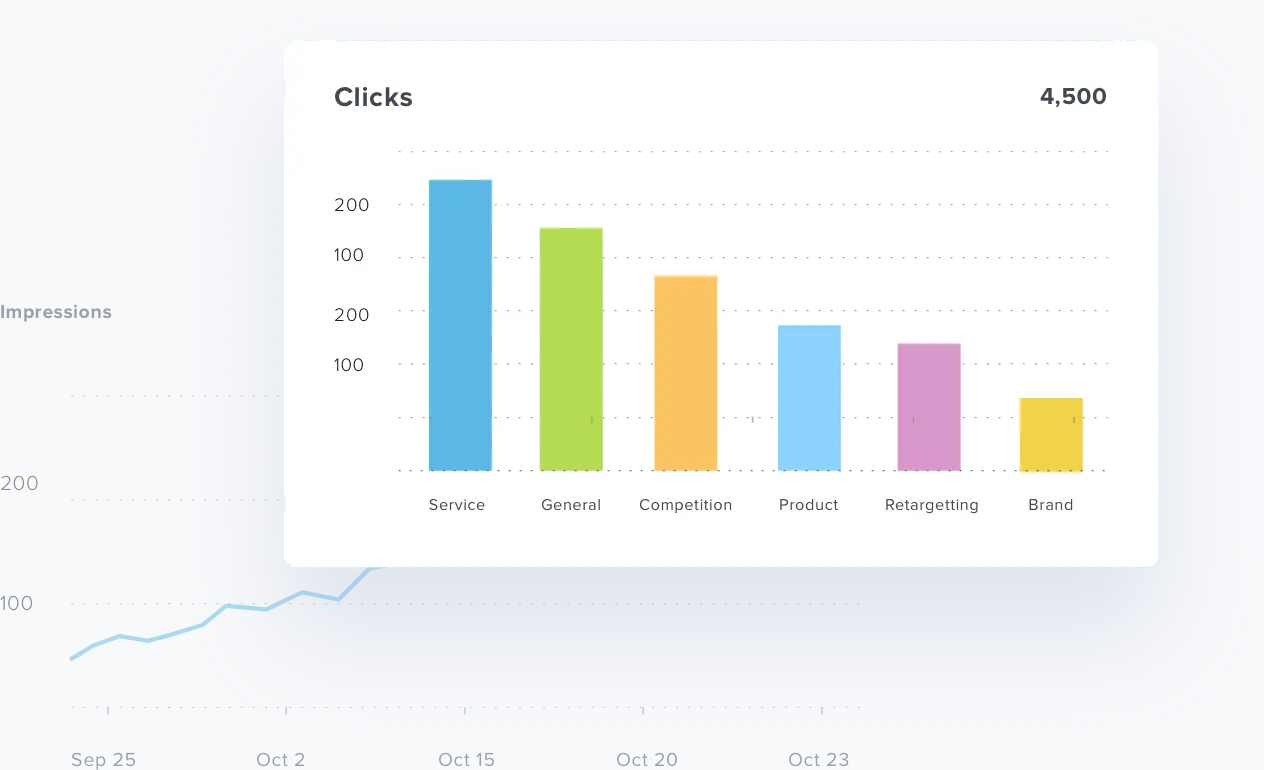
Rank tracking is the exception to "everything included". The Rank Tracker is an add-on at $41.67 a month per 500 keywords, billed annually. Every keyword and location pair counts separately, so one phrase tracked in five cities uses five of your 500. Rankings refresh every seven days, with manual refreshes capped at four times your keyword count per month. An SEO agency tracking 1,500 keyword-location pairs adds $125 a month on top of its client fees, for weekly data. The add-on trial also bills itself automatically when its 14 days end unless you cancel, unlike the main trial.
Per-client billing against DashThis
The single plan is easy to understand. It is also linear forever: client 40 costs exactly what client 4 did until you negotiate. The obvious comparison is DashThis, which sells four flat tiers at $44, $139, $279 and $429 a month on annual billing, metered by dashboards and connected sources together.
| Roster | AgencyAnalytics (annual) | DashThis (annual) |
|---|---|---|
| 3 clients | $60/month | $44/month, but capped at 4 connected accounts per client and once-a-day data |
| 25 clients | $500/month ($6,000/year) | $279/month for 25 dashboards ($3,348/year) |
At three clients the gap is $16 a month, and AgencyAnalytics buys you unlimited data sources per client, white label, an API and AI summaries for it. A client running Google Ads, Meta, GA4, Search Console and a Shopify store already breaks the DashThis entry plan's source cap. At 25 small clients the picture flips: AgencyAnalytics costs about $2,650 a year more, and if most of those clients only need a GA4-and-Ads report, you are paying for features they never open. That is exactly where the sales-quoted volume pricing has to earn its keep.
The catches the help centre admits
The billing rule most likely to cost you money: deleting a client does not stop paying for it. Adding a client mid-term is charged prorated and reducing your count earns a credit, but per the billing article (updated October 9, 2026) you must manually reduce the number of client slots - deleting the client alone triggers nothing. One Trustpilot reviewer described this in February 2025 as being charged for clients long after removing them. That is not a bug. It is the documented behaviour, and it is easy to miss.
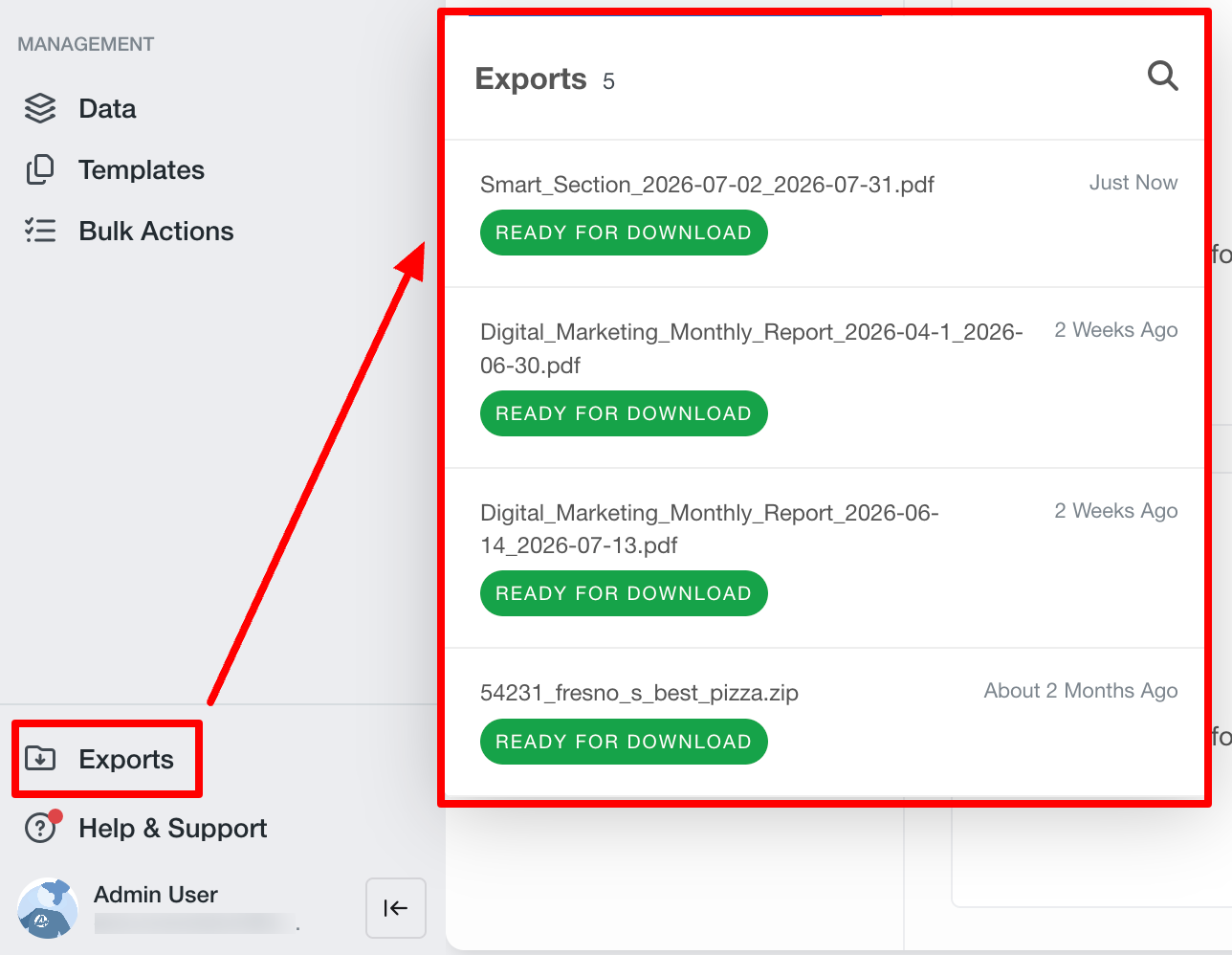
Leaving is harder than joining. Rankings and integration settings export as a ZIP of CSV files, admin only, and dashboard sections export as PDF. Custom dashboards, reports and users cannot be exported at all, so the layouts you spent a year refining stay behind. The API, included on every account, will not help either: the help centre says it "is not designed to push the AgencyAnalytics platform to another location", only to pull from the endpoints that exist, some rate-limited. After you cancel, you keep access to the end of the term, then lose it, and all account data is permanently deleted three months later. There are no prorated refunds mid-term, though first-time purchases carry a 30-day money-back guarantee.
The 14-day trial needs no card and, per the newer help article, simply ends if you never add payment details. It is also limited: 15 clients maximum, one reporting email with up to five recipients and default wording only, and no data import or export or custom email setup. Debit cards are not accepted once you pay.
Support is email and in-app chat 24 hours a day, Monday to Friday, with a free onboarding call on every account and priority support reserved for the 25+ tier. No response-time target is published. Trustpilot showed a TrustScore of 4.2 from just 23 reviews when checked in October 2026, and the complaints there are about escalation: one 2023 reviewer said more than 75% of their tickets had to go to higher-tier support. G2 and Capterra both sit around 4.7 to 4.8, with price per client and integrations that are slow to sync as the recurring cons.
Verdict
AgencyAnalytics is the right buy for an agency with up to about 15 clients where each client runs several channels: paid search, paid social, SEO and an ecommerce store. At $20 a client you get unlimited sources, full white label, a client portal and AI summaries that genuinely shorten monthly reporting, with no tier to outgrow. SEO shops should budget the Rank Tracker on top and accept weekly rankings.
Skip it if your roster is 25+ small clients on two or three sources each. DashThis does that job for a little over half the money, and HighLevel makes more sense if you want reporting bundled with a CRM. And whichever you choose, put a calendar reminder on client offboarding: with AgencyAnalytics, deleting the client is step one of two.
Ready to try AgencyAnalytics?
Visit the official website to see the latest plans, pricing, and special offers.
Get Started - AgencyAnalytics* Affiliate link - we may earn a commission at no extra cost to you.