Gamma Review 2026: Fast Decks, If You Share the Link
Gamma review 2026: real pricing and credit costs, why PowerPoint exports break, who is still opted into AI training, and the alternatives that fix each flaw.
Expert Review
Two ratings, one explanation
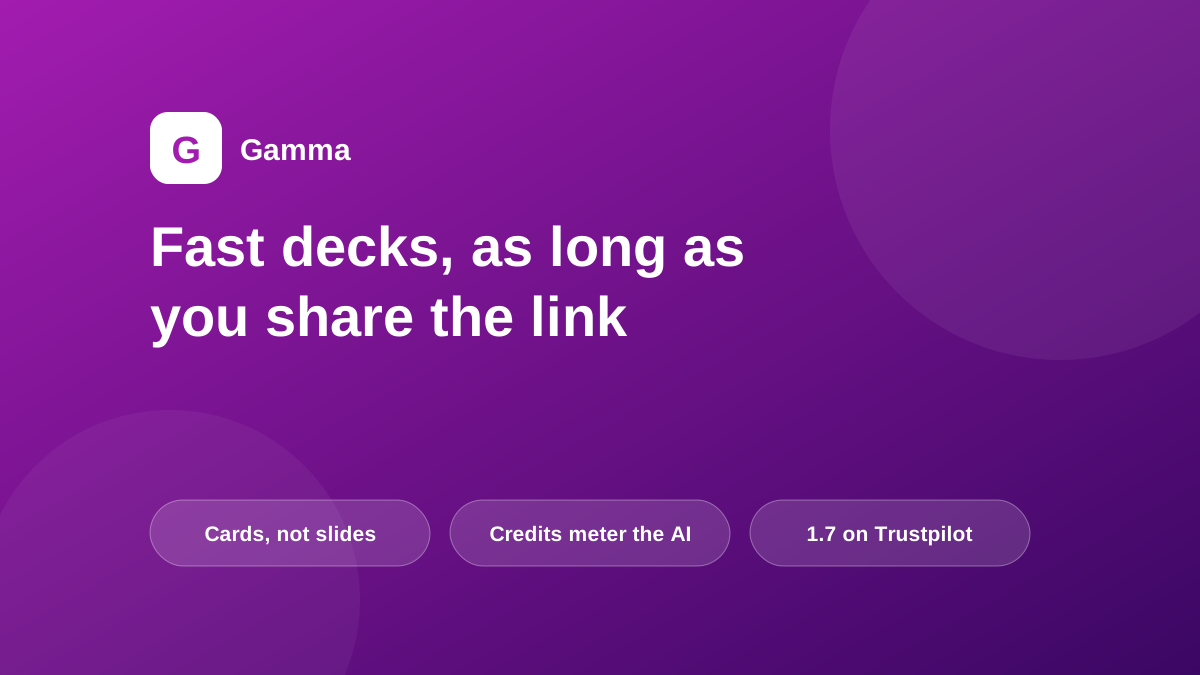
Two current facts about Gamma sit oddly together. Its iOS app holds 4.9 out of 5 from 291 ratings. Its Trustpilot page holds 1.7, which Trustpilot's own page labels "Bad", and the company has never claimed the profile. Both were checked on 28 July 2026.
A spread that wide usually means a quality problem. Gamma has a format problem, and it explains most of what follows.
A gamma is a URL before it is anything else. The unit you write in is a card, an elastic block that grows to fit whatever you put in it, rather than a fixed 16:9 rectangle. The default artifact is a scrolling web page. Presenting full screen and exporting to PowerPoint are both conversions away from that native format.
So the product sorts its own users into two camps. Send a link and Gamma is genuinely excellent: fast, good-looking, with embeds and expandable sections intact. Hand someone a .pptx and you meet the conversion. Which camp you sit in decides whether this is a $108-a-year bargain or the worst software you bought this year.

What the credits actually buy
Prices below are per seat, from gamma.app/pricing, checked on 28 July 2026.

- Free: 400 starter credits, up to 10 slides a prompt, and Gamma's badge on everything you make.
- Plus, $9: 1,000 credits a month, 20 slides a prompt, badge removed. $108 a year.
- Pro, $18: 4,000 credits a month, 60 slides a prompt, custom fonts and branding, 10 custom domains. $216 a year.
- Ultra, $90: 20,000 credits a month, 75 slides a prompt, access to the newest text, image and video models. $1,080 a year.
A caveat on those figures. Gamma advertises up to 28% off for annual billing, and $9, $18 and $90 multiply exactly by twelve into $108, $216 and $1,080. The month-to-month rates are therefore higher, and Gamma does not publish them anywhere a reader can check, so budget on the annual numbers. Team and Business plans exist above this ladder with 6,000 and 10,000 credits per seat per month.

Now the part that catches people. Every credit line on that page says "a month" except one. The free plan's 400 credits are a lifetime grant that never refills. Gamma says so plainly. Almost nobody reads it that closely, because it sits in a column where every neighbouring number resets.
Gamma's developer documentation prices the actions: 1 to 3 credits per card of text, and 2 to 125 credits per image depending on which of roughly 28 image models runs. Its own published examples are the clearest guide. A ten-card deck with five basic images costs about 20 to 60 credits. A twenty-card document with fifteen premium images costs 320 to 1,070. Thirty cards with thirty images on the top-end model reaches 3,900, nearly ten times everything a free account will ever receive.
Two mechanics are worth knowing before you pick a tier. Unused credits roll over, but only to twice your monthly allowance, so a Plus seat banks 2,000 and no more. And the rates are not fixed: "Credit consumption rates and the actions that consume credits are subject to change" is Gamma's own wording.
What happens on the way to PowerPoint
Export is not paywalled. PDF, PPTX, PNG and Google Slides are all on the free plan, which tells you the problem is fidelity rather than packaging.
The failure modes reviewers report are consistent. Text boxes shift and overlap. Fonts substitute. Long cards split across slides at unpredictable points. Interactive elements flatten into static equivalents, and cards built in Gamma's Studio mode arrive as single images with the text baked in, so the recipient cannot edit a word. None of that is a bug list Gamma could clear in a sprint. It follows from cards being elastic and slides being fixed.
There is a second-order version of the same trap. The "Made with Gamma" badge attaches to the document rather than the account, so upgrading to Plus does not retroactively clean a deck you started on the free plan. The documented fix is to copy the slides into a fresh project inside the paid workspace and export again.
If your deliverable is a file someone else opens and edits, this section should decide your purchase. Plus AI works as an add-in inside Google Slides and PowerPoint, so nothing is converted and nothing is lost. It costs $10 a user a month on annual billing and solves this by construction rather than by effort.
Who is excluded from model training
Gamma's privacy policy, effective 10 April 2025, says it may use personal information "to train our artificial intelligence models". The help centre is specific about who that covers, and the answer rewards a second reading.
Individual workspaces default to allowing your content to improve Gamma's AI features, and that default applies to Free, Plus, Pro and Ultra. You can switch it off in account settings. Team and Business workspaces are excluded automatically, and there the setting is locked so nobody can switch it back on.
Read the pricing consequence. An Ultra seat at $1,080 a year does not buy you out of AI training, while a two-seat Team plan does. If training exclusion is a policy requirement where you work, the individual tiers are the wrong shelf however much you spend on them.
Credit where it is due on disclosure. Gamma names its model vendors on the public pricing page, which most AI products do not: Anthropic, OpenAI, Google, Flux, Recraft, Playground, Ideogram, Luma and Leonardo. It publishes a subprocessor list you can subscribe to for changes, and states that it is SOC 2 Type II compliant. A Gamma deck is the output of nine vendors' models behind one credit meter, and at least you can see that from the outside.
Fifty people, seventy million users
Gamma Tech, Inc. was founded in San Francisco in 2020 by Grant Lee, Jon Noronha and James Fox, all three out of Optimizely. Accel led a $7M seed in October 2021. In November 2025 Andreessen Horowitz led a $68M Series B at a $2.1 billion valuation, with a secondary component that let early employees take money off the table.
The operating numbers in that announcement are the interesting part. Gamma had passed $100 million in annual recurring revenue, had been profitable for over two years, and had reached that on $23 million of funding with roughly 50 people serving 70 million users. Anthropic's case study catches an earlier snapshot of the same strategy: 17 million users, 16 employees.
That works out at about one employee per 1.4 million users, and it is the explanation for the support complaints rather than an excuse for them. Nobody staffs a refund desk at that ratio. Trustpilot's top-mention tags on Gamma's page include Refund, Payment and Cancellation, and the reviews behind them describe slow or absent replies. A deliberately tiny, profitable company has decided what it will spend on that, and $9 a month is roughly what that decision buys you.
What else to buy
Four alternatives are worth pricing against Gamma, each of which beats it at something specific. All checked on 28 July 2026.
- Beautiful.ai, $12 a month billed annually. Unlimited AI generation with no credit meter at all. If metering is what you dislike about Gamma, this is the direct answer, and it is built around real slides rather than web cards.
- Plus AI, $10 a user a month annually. An add-in that writes inside Google Slides and PowerPoint. The export problem does not exist because there is no export.
- Canva Pro, $180 a year. Cheaper than Gamma Pro at $216, with a far deeper asset library and an offline mode Gamma has no equivalent for. It will not draft a whole deck's argument from one prompt.
- Pitch, free for five members. The most generous free tier here, with unlimited presentations. Paid plans start at $10 a seat a month annually.
Two notes on the wider market. If your company already pays for Microsoft 365, PowerPoint Copilot may already sit in the licence, and its output is a .pptx by definition. And treat Tome as a warning rather than an option: it shut its presentation product down on 30 April 2025 and the team now builds something else entirely. Decks that had not been exported went with it.
Verdict: who should buy it

Buy Gamma if your decks travel as links and the bottleneck is reaching a first draft. At $108 a year, Plus is the cheapest way to turn a rough outline into something presentable in a few minutes, and that speed is real rather than marketing. Step up to Pro at $216 when you need custom fonts, brand control, or a deck published on your own domain.
Do not buy it if what you hand over is a PowerPoint file a colleague will edit. Buy Plus AI at $10 a seat and skip the conversion entirely. Skip Gamma too if you resent metered AI, where Beautiful.ai's $12 unlimited plan is the cleaner deal, or if you need offline access or a large stock library, where Canva Pro costs less per year than Gamma Pro. And if your employer forbids sending content to a model that trains on it, note that no individual tier fixes that, however much you spend.
Start on the free plan, but start it on the deck you actually need rather than a test run. Four hundred credits is one honest attempt at real work, and once they are gone they do not come back.
Ready to try Gamma?
Visit the official website to see the latest plans, pricing, and special offers.
Get Started - Gamma* Affiliate link - we may earn a commission at no extra cost to you.