Livestorm Review 2026: The No-Download Webinar Platform That Bills You by the Attendee
A 2026 Livestorm review: the browser-based webinar platform's new pay-per-attendee pricing, free-plan limits, engagement tools, and who should pick Demio or Zoom instead.
Expert Review

What Livestorm actually is
Livestorm is a webinar and video-engagement platform built by a Paris company that has been at this since 2016. The pitch is narrow, and you should take it literally: run registration pages, live webinars, on-demand replays and internal meetings from one place, without asking anyone to install software. It is not a marketing suite, a course platform, or a Zoom replacement for daily standups. It is the layer between "we should do a webinar" and "people watched it."
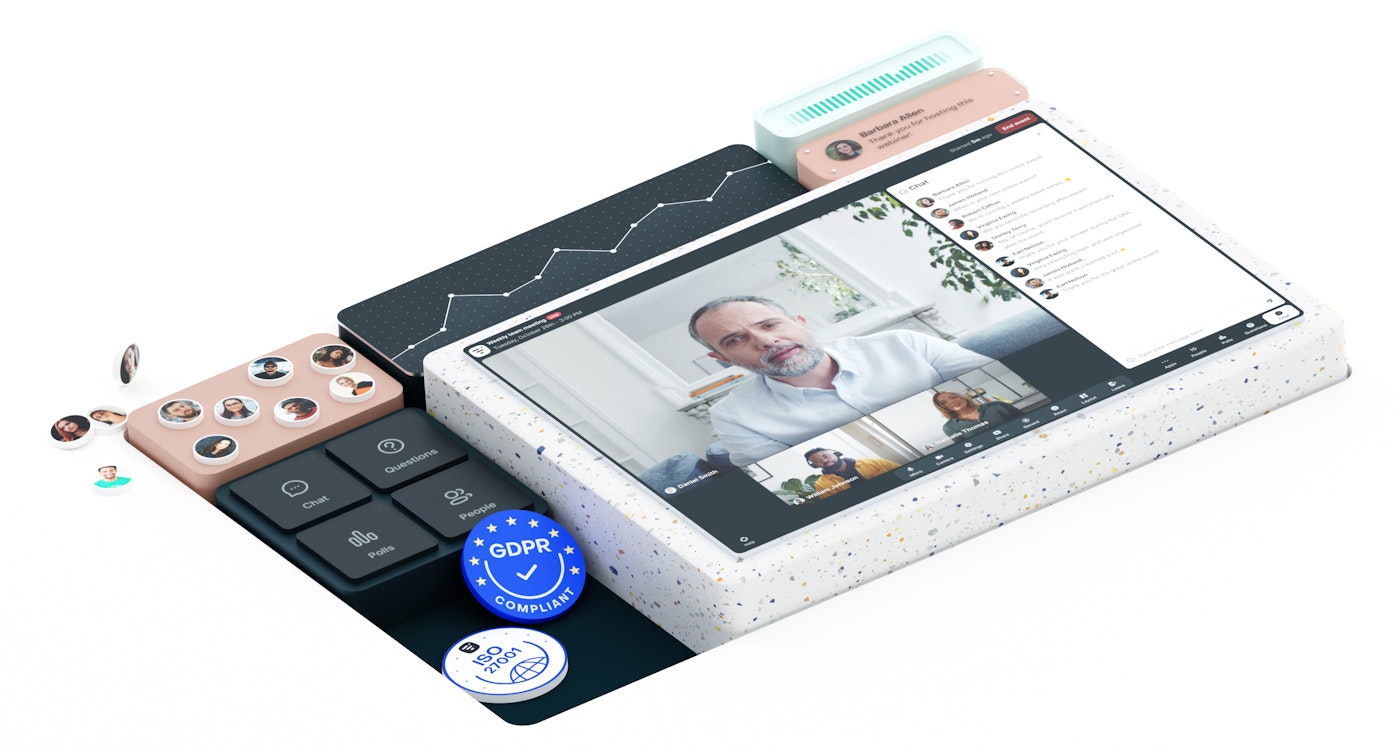
The company leans hard on trust signals, and for a European buyer they are the real draw: GDPR compliance, ISO 27001 and SOC 2, with the data-residency answers a legal team will ask for. If your webinars involve customer PII in a regulated industry, that shortlist alone is why Livestorm keeps showing up.
The no-download bet
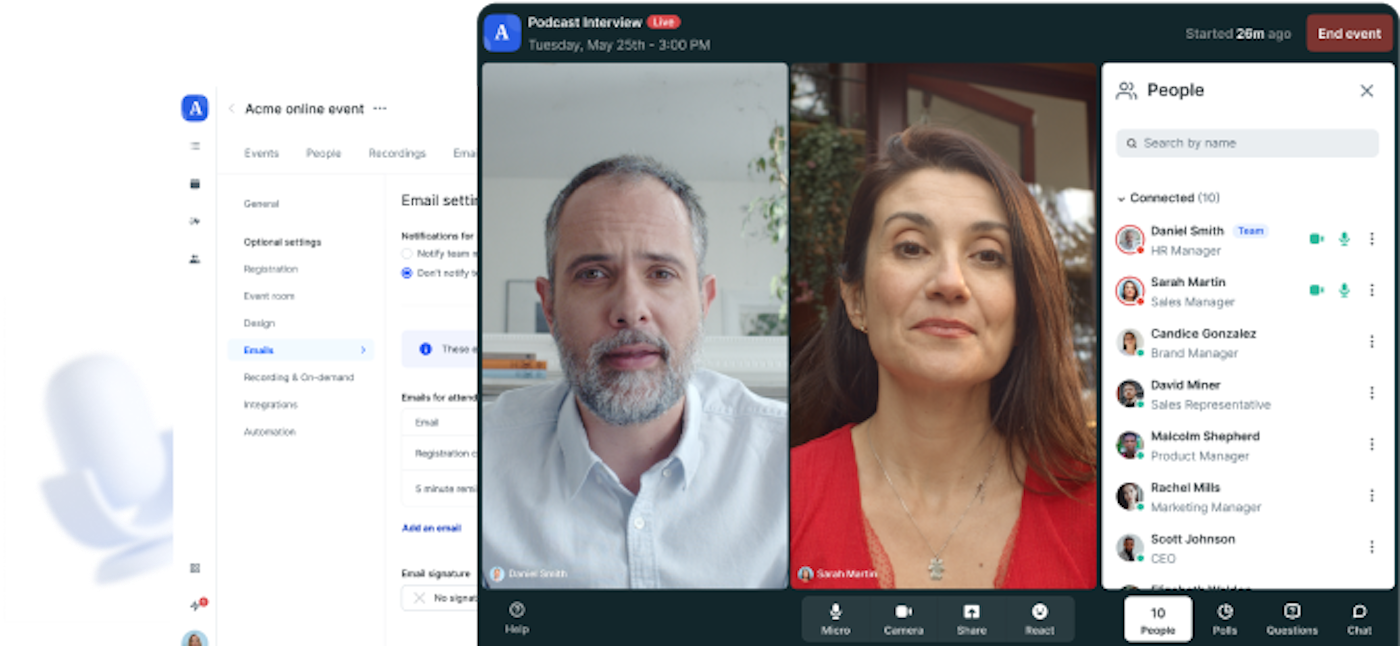
Everything happens in a browser tab. Attendees click a link and they are in, on Chrome, Firefox, Safari or Edge, on a phone or a laptop, with no app store detour and no "please wait while we install the launcher." Hosts get the same thing.
This sounds like a small convenience. It is the single biggest reason people pick Livestorm over Zoom Webinars. On a public marketing event, the download prompt is where a real slice of registrants quietly drop off, and Livestorm removes that step entirely. The trade is that a browser cannot match a native app for very large, video-heavy stages, so anything past a few hundred concurrent cameras is not where this tool is happiest. For a talk with a handful of speakers and an audience that mostly watches, the browser is more than enough.
Pricing: you now pay by the attendee
This is the part that has genuinely changed, and most of the review sites ranking for "Livestorm pricing" have not caught up. Checked on the Livestorm pricing page in August 2026, the Pro plan is sold as attendee credits at €2.50 per credit, not as a flat monthly room. One credit is spent per unique person, per session, over a rolling 12-month window. Your own team members do not burn credits, and a no-show costs nothing because a credit is only consumed when someone actually joins the live event or watches the replay.
Read that model before you budget, because it inverts the usual math:
- Few, valuable events win. A monthly sales demo with 40 real attendees is cheap under credits and would have been overpriced under a flat "up to 500 seats" plan.
- A busy public funnel loses. Run weekly top-of-funnel webinars pulling a thousand strangers each and the credits add up fast, with far less predictability than a flat capacity fee.
- Enterprise is quote-only. It lifts sessions to 12 hours and up to 3,000 live attendees, but you will not see a number without a sales call.
Two footnotes that will save you an argument with finance. Aggregators like Capterra and several 2026 "review" posts still quote an old flat Pro plan around $110 a month; ignore them and price from the live page. And Livestorm bills in euros, so a US buyer eats whatever the card's conversion adds on top.
What the free plan really gives you
There is a genuine free tier, and it is built for kicking the tyres, not for shipping. Per Livestorm's own support docs in August 2026, you can create unlimited events, but any live session is capped at 20 minutes and roughly 30 attendees, and a plain meeting tops out at four people. That is enough to see whether the registration flow and the event room feel right. It is not enough to run a real 45-minute webinar, which is the point. Do not build a launch plan around it.
Running a session
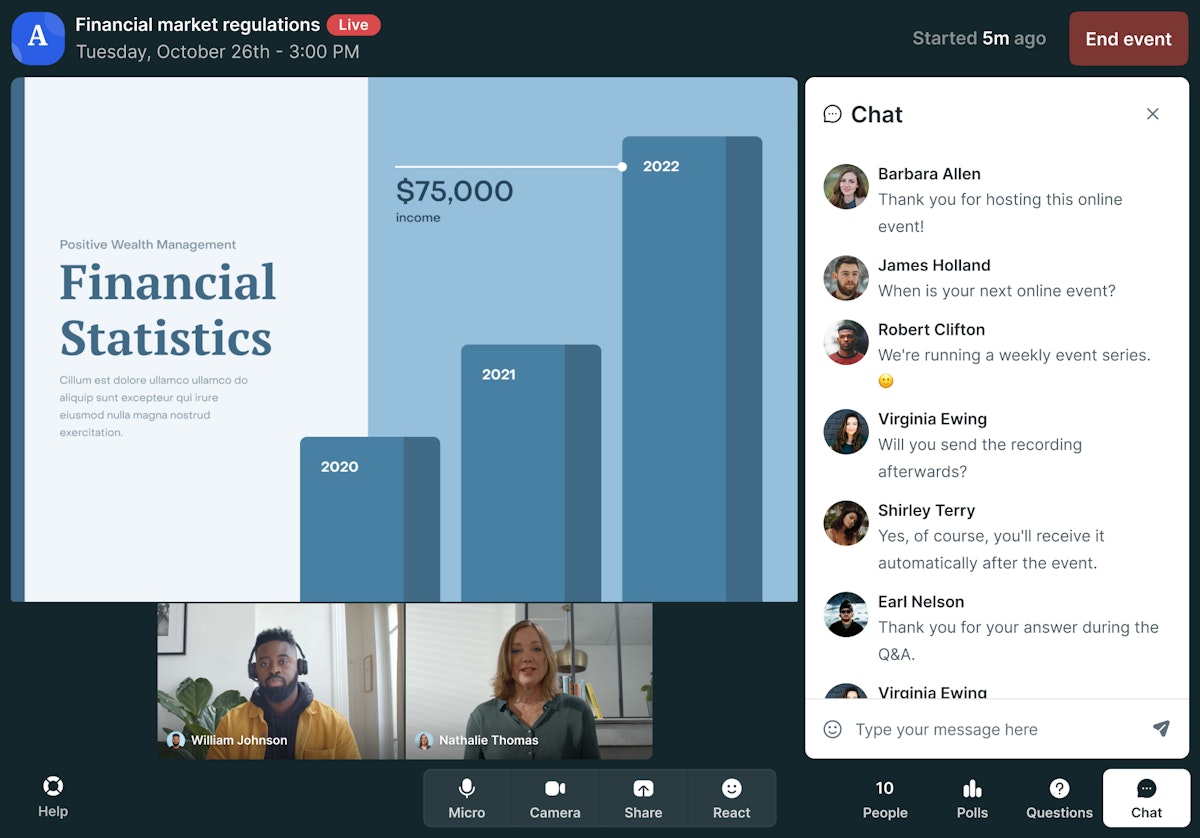
Inside the event room, Livestorm covers the engagement basics well: threaded chat, polls, upvotable Q&A, emoji reactions, screen sharing and the ability to pull attendees up as speakers. Registration pages and the automated email sequence (confirmation, reminders, the replay link afterwards) are the part that quietly earns its keep, because that plumbing is what actually gets people to attend and re-watch.
Recording is automatic and the replay becomes an on-demand asset with its own analytics. The reporting is the other strong suit: per-event dashboards for registration-to-attendance, watch time and engagement, plus native syncs to HubSpot, Salesforce, Marketo, Pardot and Pipedrive so attendance lands next to the lead instead of in a spreadsheet. Newer AI features add transcripts and session summaries on top. If your reason for running webinars is pipeline, the CRM handoff is the feature that matters most.
Where Livestorm falls short
The gap that will actually bite depends on why you run webinars, so be honest about that first.
The biggest one is no true evergreen webinars. Livestorm gives you on-demand replays, but not simulated-live "automated webinar" funnels where a recording plays on a schedule and behaves like a live event with a countdown and a chat. Course creators and marketers who want that exact machine buy Demio, WebinarJam or EverWebinar instead, and it is a hard no from Livestorm, not a setting you can toggle.
Two more that catch people out: the branding does not go all the way to full white-label, so the Livestorm frame stays visible on lower tiers, and the marketing tooling stops at event emails. There is no built-in broadcast email or SMS marketing the way an all-in-one funnel tool would bundle it. And the pay-per-attendee model, for all its fairness on small events, is simply harder to forecast than a flat seat count when your audience size swings month to month.
Who should use Livestorm
Livestorm is the right pick for a B2B team running a manageable number of high-value live events, product demos, customer webinars, partner training, where browser-based access lifts attendance and the CRM sync turns those attendees into pipeline. If you are in a regulated European industry, the ISO 27001 and GDPR posture pushes it near the top of the list on its own, and the credit model means a few well-attended events cost less than a flat plan would.
Skip it if your whole strategy is an evergreen funnel, an automated webinar running on a timer to cold traffic. Livestorm does not do simulated-live, so that money should go to Demio or EverWebinar. If you just need cheap, huge, one-off capacity and your audience already lives in Zoom, plain Zoom Webinars is cheaper per seat, and if the download prompt is not a problem for your crowd, it may be all you need. The 20-minute free tier is worth twenty minutes of your time to feel the event room before you commit; the report Livestorm publishes on its own 2026 webinar benchmarks is a fair place to sanity-check whether your attendance targets are even realistic.
Ready to try Livestorm?
Visit the official website to see the latest plans, pricing, and special offers.
Get Started - Livestorm* Affiliate link - we may earn a commission at no extra cost to you.