Motion Review: The AI Auto-Scheduler, Its Credits and the Real Solo Price
Motion review: the $19 price is a team seat - solo Pro AI is $29-$49/month. Credits, auto-scheduling, renewal complaints and who should skip it.
Expert Review

The $19 on the pricing page is a team price
Motion's pricing page opens on "$19 /seat /mo", and most people who sign up alone never pay it. That figure is the per-seat rate for a team billed annually. Flip the toggle to "Individuals" and the same Pro AI plan costs $29 a month billed annually ($348 up front) or $49 month to month. Business AI goes from $29 per team seat to $39 annually or $69 monthly for one person. All of these figures were checked on Motion's pricing page on November 9, 2026.
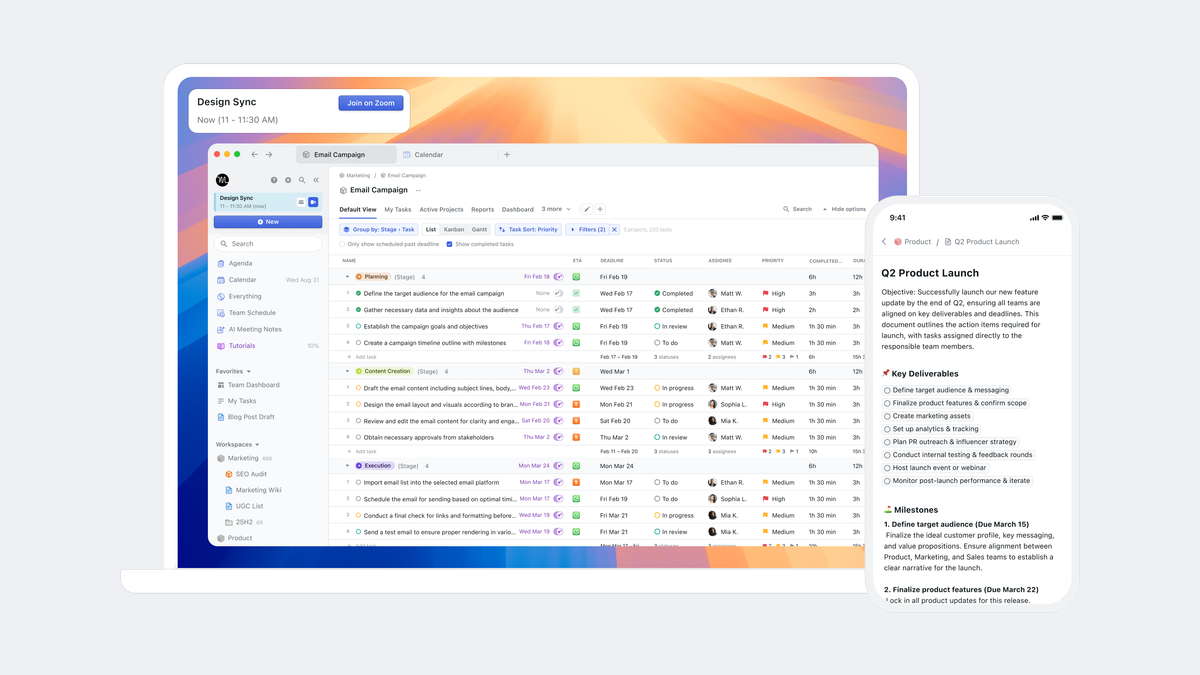
This is Motion from usemotion.com, the auto-scheduling calendar and project manager. It is not Motion.ai, the chatbot builder HubSpot bought in 2017, and it has nothing to do with the Framer Motion animation library. Motion was founded in 2019 by Harry Qi, Omid Rooholfada and Ethan Yu, went through Y Combinator in Winter 2020, and says it has more than 40,000 paying users.
| Plan | Solo, annual | Solo, monthly | Team seat, annual | Team seat, monthly | AI credits per seat / month | Extra credits |
|---|---|---|---|---|---|---|
| Pro AI | $29 | $49 | $19 | $29 | 7,500 | 25 cents per 100 |
| Business AI | $39 | $69 | $29 | $49 | 15,000 | 19 cents per 100 |
| Enterprise | Custom pricing | Custom integrations, API with engineering support, dedicated solutions engineer | ||||
The toggle says "Save 33%". The real annual discount runs from 34% (Pro AI team) to 43% (Business AI solo), so the monthly price is the one that is padded. Pay monthly only if you expect to quit inside a quarter.
Since the repackaging around December 2025 (Motion publishes no changelog), every plan is the same product. Pro AI includes AI Chat, projects and tasks, the AI calendar and meeting tools, docs, wiki and notes, the task planner, the writer, unlimited storage and the iOS, Android and desktop apps. Business AI adds team capacity planning, dashboards and reports, Gantt timelines, time tracking, permissions and central billing. In Motion's own words, the difference "comes down to number of seats and AI usage".
Seats come in bundles: 1, 3, 5, then steps of 5. Motion's help centre gives the example itself - a team of six has to buy the 10-seat plan. On Pro AI annual that is 10 x $19 = $190 a month, or $2,280 a year, for six people. Past 50 seats you are sent to sales. Billing belongs to the workspace, and every Owner, Admin or Member with full access takes a seat.
What the auto-scheduler actually does
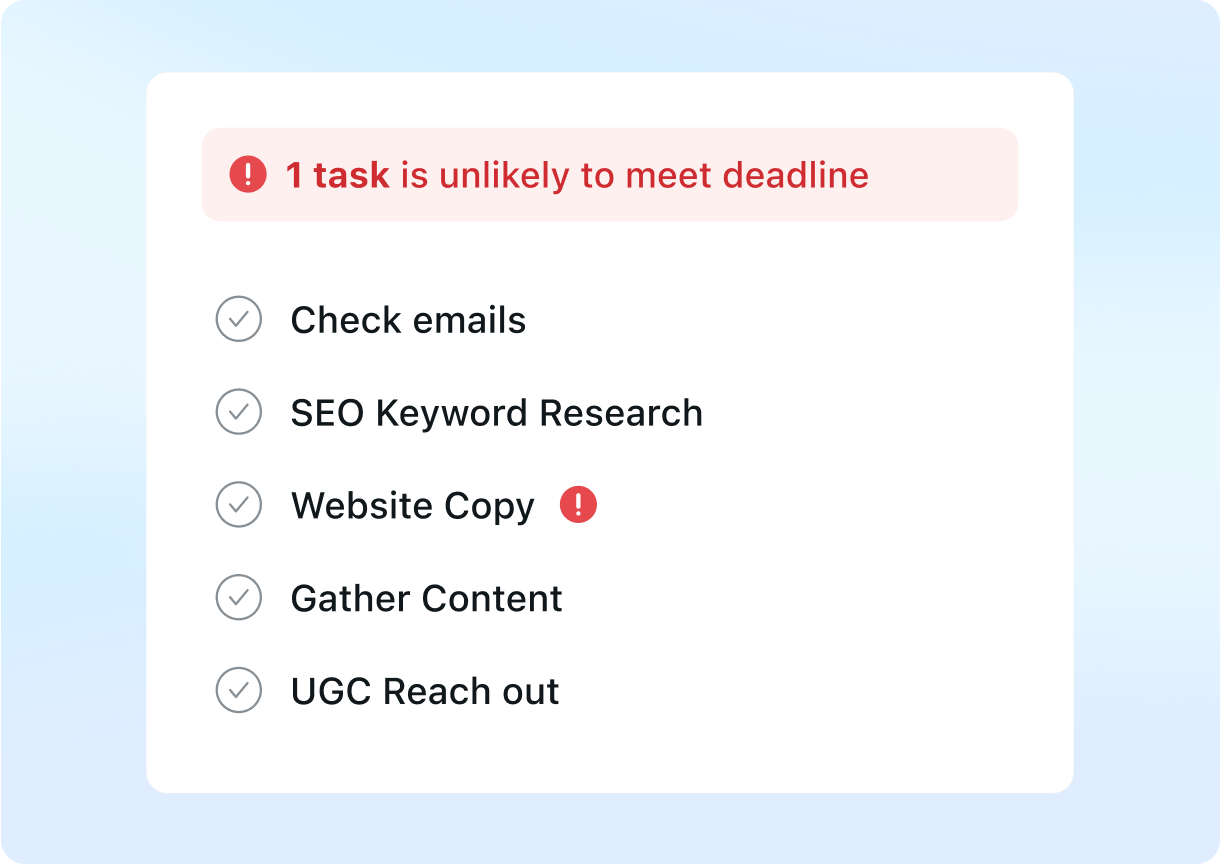
The reason anyone pays this much is one feature. You give a task a duration, a priority and a deadline, and Motion finds a slot in your calendar for it. When a meeting lands on that slot, or a higher-priority task arrives, it moves the work and re-plans the rest of the week. Motion's homepage puts it as "Do Date ≠ Due Date": the deadline is Friday, but the task is booked for Tuesday at 10:00 because that is when you are free.
It reads Google Calendar, Outlook (Office 365 and Exchange Online) and iCloud, though Motion says iCloud's feature set "is more limited compared to Google and Outlook". Tasks show up in those outside calendars for visibility only. Drag one in Google Calendar and nothing changes - edits happen in Motion or not at all.
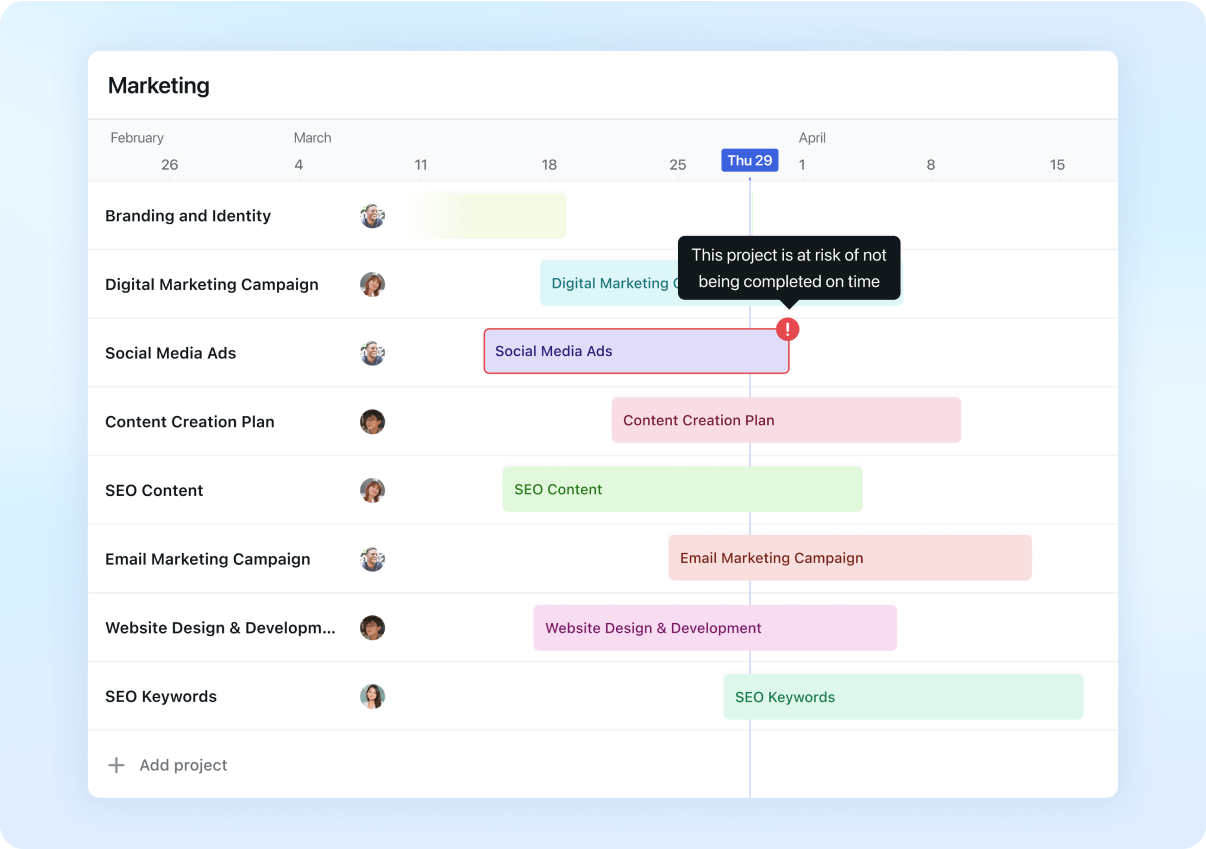
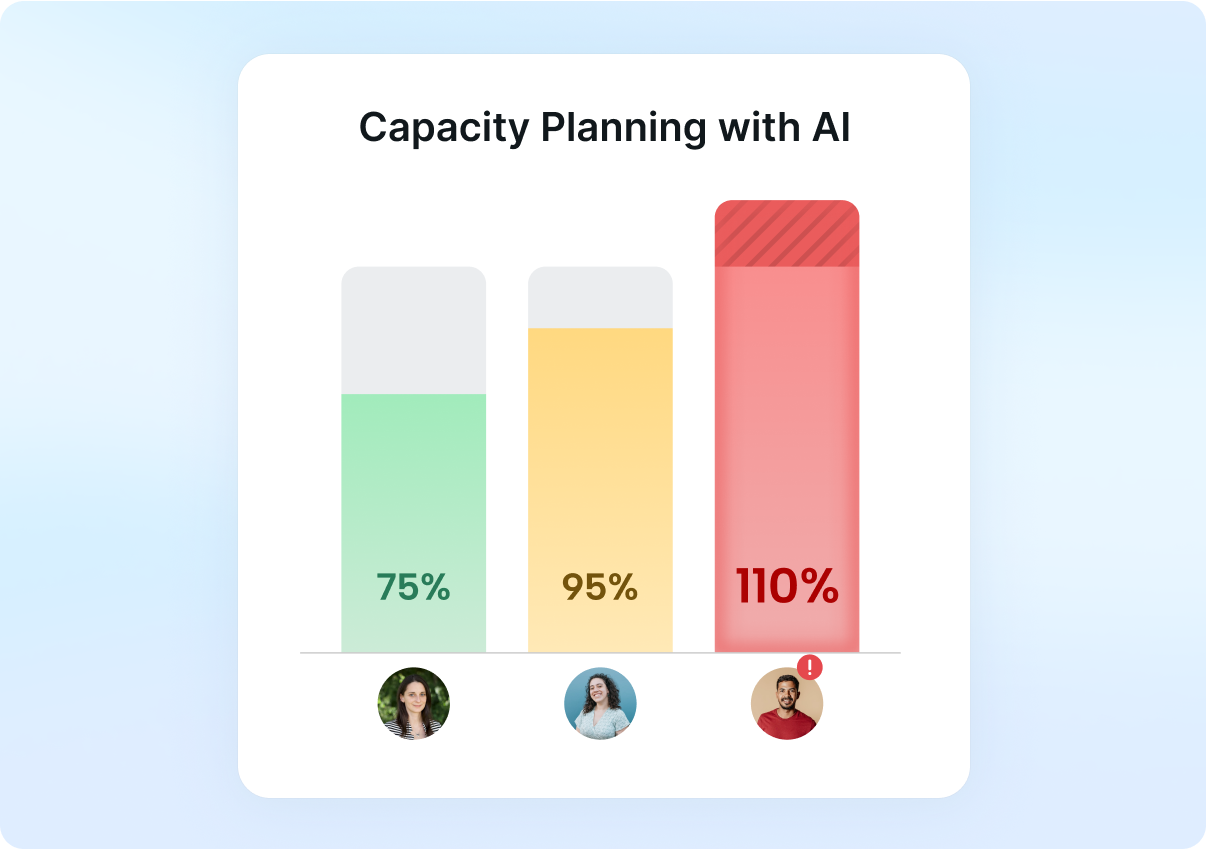
The same engine scales to projects. Business AI's Gantt view projects when a project will finish from the scheduled tasks, and capacity planning shows which teammate is booked past their hours. Unlike cheaper solo schedulers, it plans other people's time as well as yours.
G2 reviewers mostly praise the time saved and complain about the price. Capterra reviewers add that the app can be slow and buggy and that the auto-scheduling can feel rigid - which matches the design. If you plan your day by instinct, a tool that keeps moving your tasks gets in the way.
AI credits, the model nobody names, and the missing AI Employees
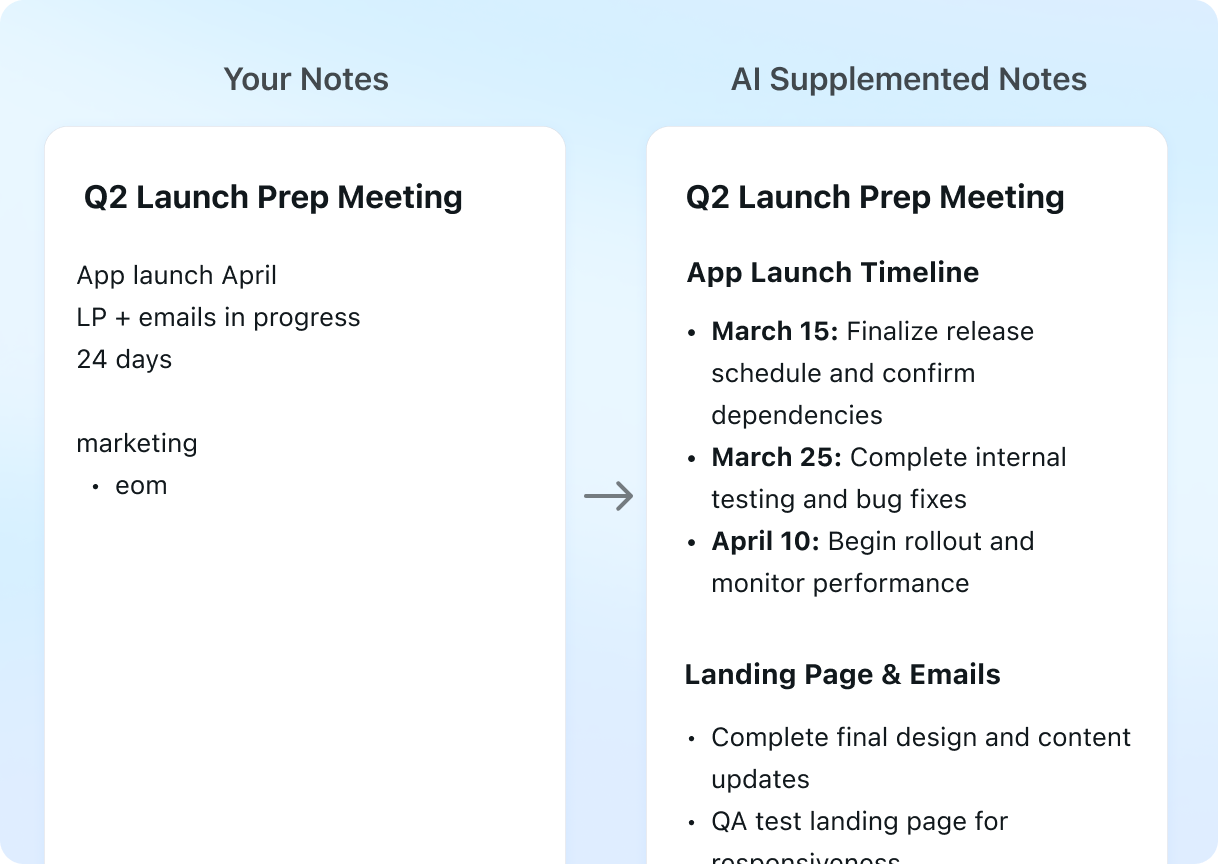
Credits are the meter. Pro AI gives 7,500 per seat per month, Business AI 15,000, pooled across the workspace. They reset each billing cycle and "do not carry over". The two features Motion says spend them are AI Chat (creating, updating or searching work in plain language) and the AI Meeting Notetaker, which joins calls and produces transcripts, summaries and action items. The help pages tell you that daily meetings and heavy chat use burn faster, and a badge in the AI panel shows the balance and what each conversation cost. What they do not give is a price per action, so you learn your burn rate by using it.
For an AI product, the gaps are bigger than the meter. Motion does not name the models behind AI Chat or the notetaker anywhere, only that research uses "grounding-enabled models", so a silent model swap would not show up anywhere you could check. Its privacy policy (last updated June 27, 2025, operating entity Nexusbird, Inc.) does not mention AI or model training at all. It does reserve the right to use "aggregated or anonymized information for any purpose", and keeps personal information for up to a year after you delete your account. On output, the terms say Motion claims "no ownership rights over your User Content". Infrastructure is better documented: Google Cloud hosting and a SOC 2 Type II report from Prescient Assurance, sent on request.
The September 2025 funding round - $60M across Series B, C and C2, $75M raised in total, a $550M valuation - was pitched on seven "AI Employees": Alfred the executive assistant, Chip for sales, Clide for support, Dot the recruiter, Millie the project manager, Spec the researcher and Suki for marketing. CEO Harry Qi wrote that they went from $0 to eight-figure ARR in three months. As of November 2026 they are no longer listed in Motion's navigation, its llms.txt or its help index, and their help pages return "Page Not Found". Motion has announced no retirement; one stray mention survives on its "What is Motion" page. Buy it for the calendar, not for agents you cannot find on the site.
Signup, the trial and the renewal complaints
There is no free plan. Signup asks you to choose an individual or team trial, pick Pro AI or Business AI, and enter a card - Motion places a $1 hold to verify it and releases it in a couple of days. Onboarding has to be finished in a desktop browser before the mobile and desktop apps will work. Motion's pages do not state how long the trial lasts; third-party write-ups say seven days.
The terms matter more than the trial length. The trial converts automatically on the first day of the subscription term, cancellation must happen before the next term starts, and "Purchases are non-refundable". The cancel page repeats that cancelling "does not automatically trigger a refund". Team plans can only be cancelled by an admin, and an iPhone in-app purchase has to be cancelled through Apple. The terms also carry an arbitration clause and a class-action waiver.
That is the background to Trustpilot, where Motion holds a 3.7 TrustScore from 579 reviews and the profile notes it "Hasn't replied to negative reviews". The recurring complaint is the renewal. "I never used the software and was charged 228 yearly on an autorenew" (August 14, 2026) - exactly twelve months at $19. "No warning no your subscription is renewing email" (July 24, 2026). "Charged 2 times for 600$ out of the blue... NO response from their support" (August 22, 2026). If you buy annual, put the renewal date in your own calendar on day one.
Limits the marketing page leaves out
The app is English only. Deleted items "are permanently removed from our system and cannot be restored", and neither the help centre nor the terms document a data export, so leaving with years of projects is not a menu option. There is a public API and Zapier (both rate-limited), plus task capture by forwarding email to [email protected] or through Siri. Native integrations are thin: Motion's own FAQ says there are no plans for native integrations with Notion, ClickUp or Google Sheets.
Verdict: who should buy Motion, and who should skip it
Buy Motion if you run a small team that wants tasks, projects and calendar planning in one place, and you want the software to decide when each person does what. Business AI's capacity view and Gantt timeline are the real product here. Size the team to the seat bundles first, though. Seven people pay for ten.
Skip it if you work alone and mainly want your tasks time-blocked. Solo Pro AI is $348 a year up front or $588 paid monthly, and the AI credits are the part you are least likely to need. FlowSavvy does Motion-style automatic time-blocking for $10-14 a month, without the team features. If your team lives in Google Calendar and mainly needs focus time protected, compare Reclaim first. And if a non-refundable annual charge with an auto-renewal you might not be warned about worries you, pay monthly for a month - expensive, but it is the only version you can walk away from.
Ready to try Motion?
Visit the official website to see the latest plans, pricing, and special offers.
Get Started - Motion* Affiliate link - we may earn a commission at no extra cost to you.