Opera Puts Local AI Inside the Browser With WebAI: What Sites and Extensions Get
Opera's WebAI preview runs Gemma models locally in Opera One so sites and extensions get AI with no API key or cloud. What runs, where, and the caveats.
News Report

What Opera shipped
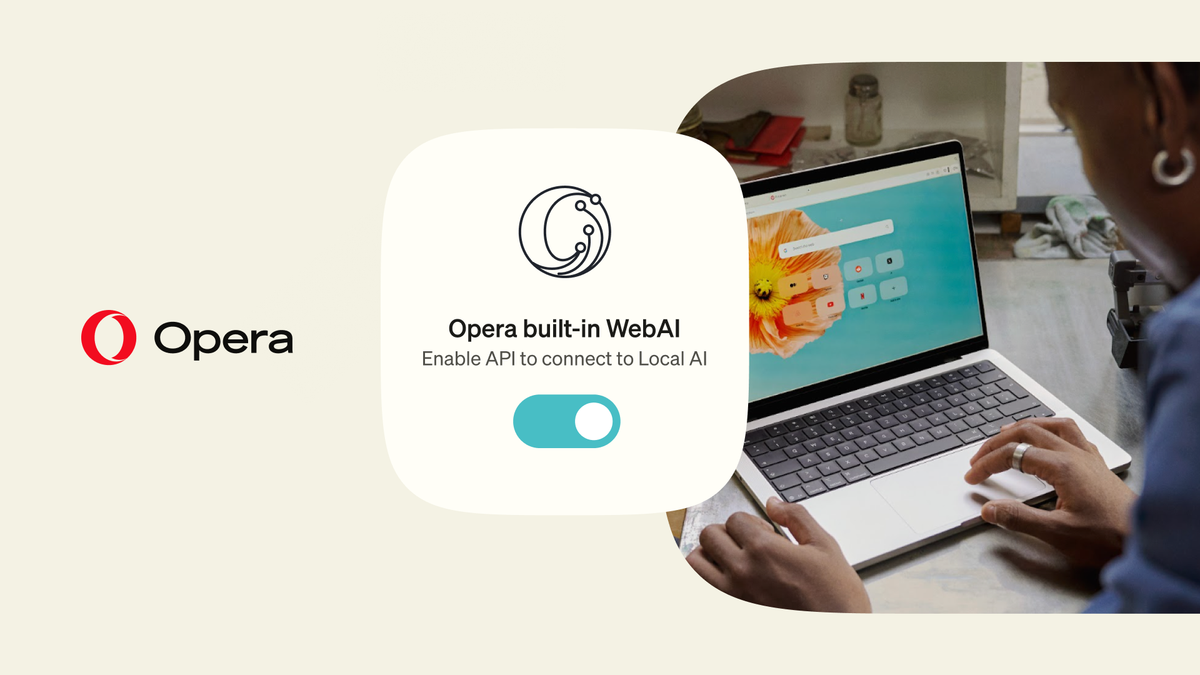
On October 27, 2026, Opera began shipping AI models inside its browser. The feature is called WebAI, and it lets websites and browser extensions ask a model running on the visitor's own computer for text, classifications or embeddings - no API key, no cloud account, no per-request bill. It arrives as an opt-in early preview in Opera One, with Opera GX and Opera Neon next in line.
Opera's announcement frames this as the start of a bigger push. "We're starting a bigger push into local AI, making it a central part of our browsers," Opera's Emily Northway told Thurrott, calling WebAI "the first step". Krystian Kolondra, Opera's EVP of Browsers and AI, put the pitch in one line: "A lot of what people want from AI doesn't need a data center."
Why it matters if you build on AI
Today, a developer who wants a summarise button on a page sends the text to a hosted model and pays for every call. WebAI moves that work onto the reader's machine. Opera says developers "can add AI features without running AI infrastructure or paying for every request", and that users "don't need AI subscriptions" because what the local model handles stays on their device.
Three groups feel the change. A site owner running a free tool stops paying per token for visitors who use Opera. An extension author can ship AI features with no backend and no key hidden in the extension code. A reader can run those features on a private or paywalled page without handing it to a third party. The catch is reach. Only Opera users on supported hardware who switched the feature on get any of this, so a production site still needs a hosted fallback for everyone else.
Three APIs, eight playgrounds
Opera's blog post names three core APIs: the Prompt API for text generation, the Decision API for classifying content, and the Semantic Embeddings API for finding relationships between pieces of text. The WebAI developer page lists eight hands-on playgrounds instead - Prompt, Summarizer, Writer, Rewriter, Translator, Proofreader, Semantic Embedder and Decisions - and each card shows whether that API is available in the browser you are using.
Six of those eight names match the built-in AI APIs Google has been proposing for Chrome, which run on Chrome's own on-device model. That overlap matters more than the branding. If the interfaces line up, code written for Chrome's Summarizer or Writer has a second browser to run in. Decisions and Semantic Embedder are Opera's additions and do not appear in Google's list; embeddings are the building block for local search and "find related" features, so that is the more interesting of the two.
What actually runs, and on which machines
Opera's implementation is model-agnostic. It delivers open-weight models through Opera's own inference engine and can also use compatible models already on the device. At launch that means Google's Gemma everywhere and, on Macs, Apple's on-device foundation model. Opera's screenshot of the WebAI panel shows which files land: two completions models, gemma-4-E2B-it and gemma-4-E4B-it, plus an embeddings model, embeddinggemma-2, all in the UD-Q4_K_XL quantisation. The completions model is marked "Downloaded · Loads on use", so it is not held in memory until a page asks for it.
Hardware is the hard limit. According to Opera's developer blog, WebAI runs on 64-bit Windows PCs with Intel or AMD chips and on Apple-silicon Macs. Intel Macs, Linux and Windows on Arm are out, and the last one rules out Snapdragon-based Copilot+ laptops. Opera says response speed depends on the device and that performance is still improving, and TechCrunch points to the obvious cost: a local model puts extra load on the computer running it. Opera has not published a download size for these models (checked on its developer blog on October 31, 2026).
How to turn it on
Nothing downloads until you ask for it. Update Opera One, open Settings → Opera AI (opera://settings/ai) and switch on Enable Web AI API. That fetches a compatible local model, which Opera warns "may take a few minutes". Then install one of the example extensions and open it from the extensions menu. Site-specific permissions decide which websites may use the local model, and the switch can be turned off at any time.
The six example extensions
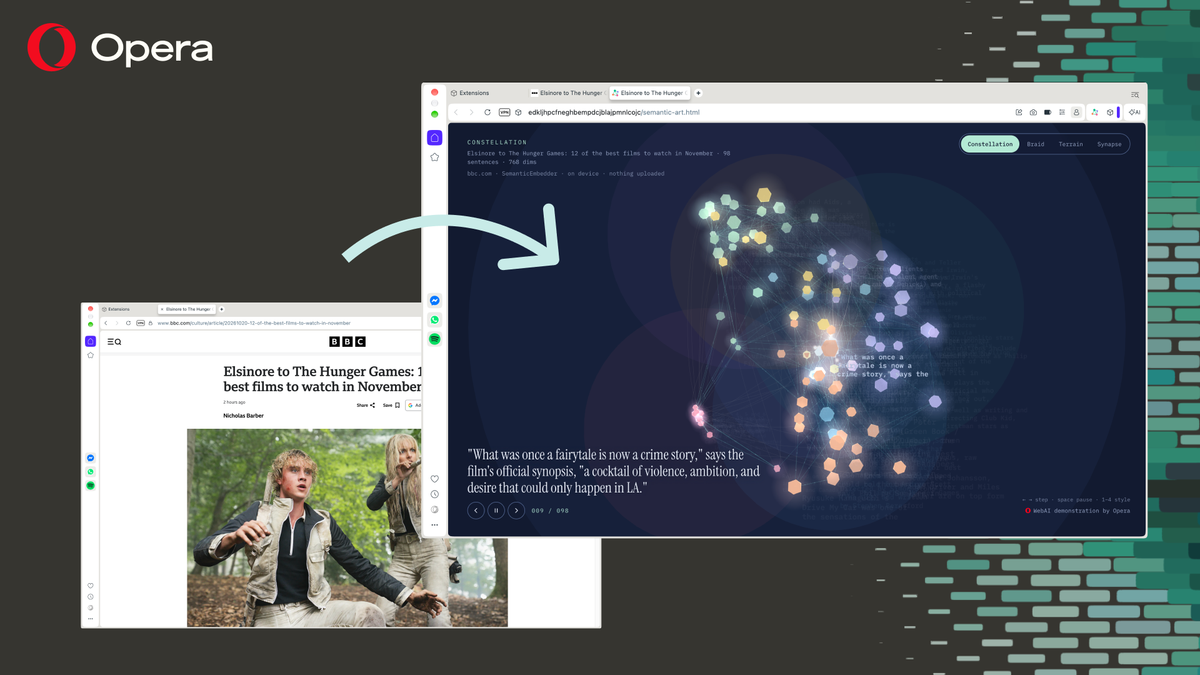
Opera put six experimental extensions on addons.opera.com and calls them idea starters rather than Opera features. Two are practical. Project Lens highlights the paragraphs of an article that matter most to a project you describe, and Got It? quizzes you on the article you just read, with the questions written on-device. Semantic Art turns an article into moving art, placing similar sentences next to each other; Opera's screenshot shows it mapping the 98 sentences of a BBC film list under the header "on device · nothing uploaded · 768 dims".
The other three are jokes with a point. Questionable Intelligence asks sarcastic questions about a page and charts the verdict, RecordIn Alchemy rewrites an article as an over-the-top inspirational social post, and C·I·A·O ("Cat Intelligence at Opera") has two ASCII cats improvise a scene on any topic. None is a reason to switch browsers. They are demos of what the three APIs can be wired into, and starting points for anyone who wants to build their own.
The "standard" claim, and what comes next
Opera calls WebAI "a proposed web standard, backed by companies including Google and Microsoft". Treat that as Opera's claim. Neither the blog post nor the press release links to a specification, a W3C document or a code repository, and neither says which parts Google or Microsoft support. Until another browser ships the same interface, WebAI is an Opera feature with a standards ambition.
It is also Opera's second attempt. In April 2024 an experimental developer build offered about 150 local model variants from roughly 50 families, including Llama, Vicuna, Gemma and Mixtral, each needing 2-10 GB of storage, Unite.AI recalls. That build put the models behind the browser's own assistant; this time web pages and extensions can call them. Opera says more open models tuned for different devices, and more tools for building on local AI, are planned.
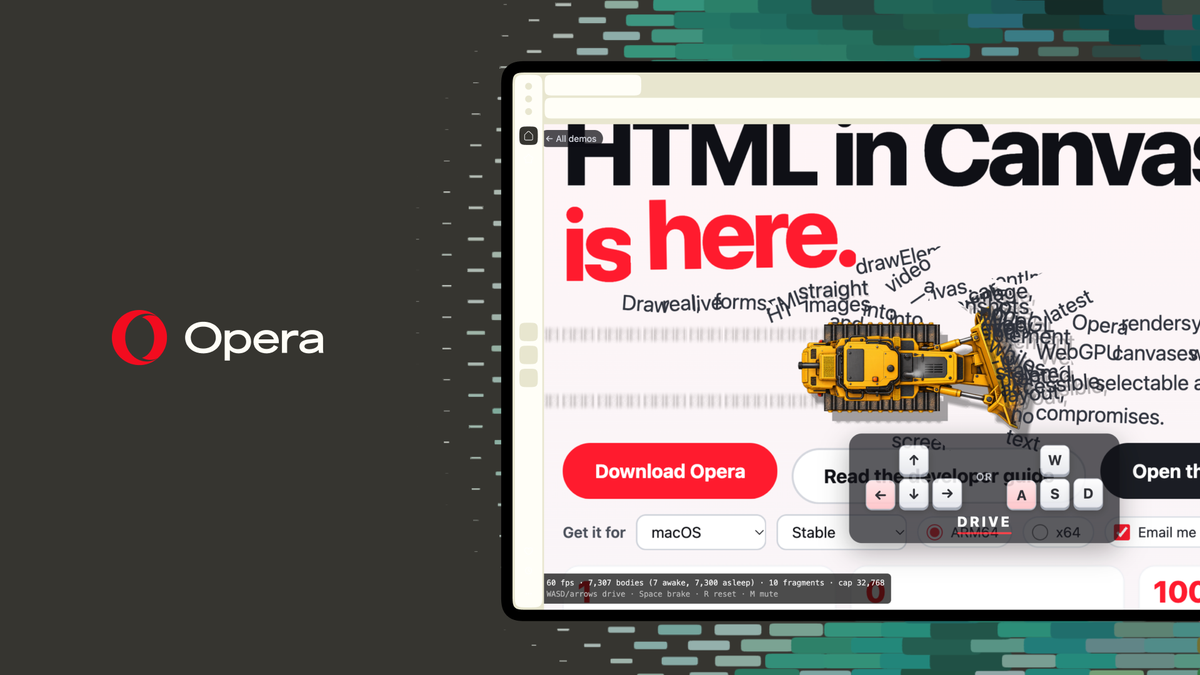
The same announcement brought HTML-in-Canvas, which places real, working web pages - menus, buttons and forms included - inside 2D and 3D scenes. "You can take a real web page and throw it into a 3D world, and everything still works," said Maciej Kocemba, Product Director for Opera GX.
For developers the practical move is feature detection: use WebAI where it exists, fall back to a hosted model where it does not, and watch whether Chrome and Edge settle on the same API shapes. For Opera users on a supported PC or Apple-silicon Mac, trying it costs nothing, and by Opera's account the text it handles never leaves the machine.
Images: Opera.