SEOTesting Review: Split Testing and Reporting Built on Search Console
A hands-on review of SEOTesting, the bootstrapped Search Console testing and reporting tool. Pricing, the four test types, the new LLM Test, and who should skip it. Checked September 2026.
Expert Review

Most SEO tools try to be everything at once. SEOTesting does one thing. It sits on top of your Google Search Console data and tells you whether a change you made to a page actually moved clicks and rankings, or whether the whole market drifted and you happened to ride it. The tool is run by three people out of Cornwall, and its newest feature tracks something the big suites are only starting to add: referral sessions from ChatGPT, Claude, Perplexity and Gemini.
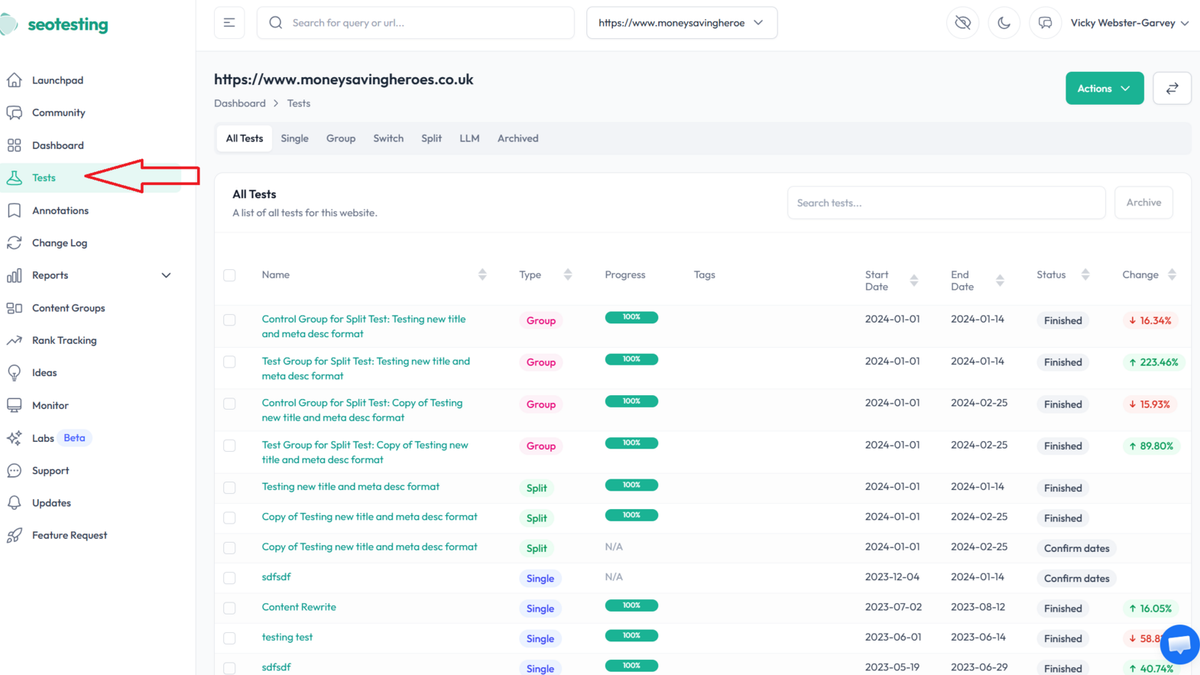
What SEOTesting actually does
The product started life in November 2016 as SanityCheck, a way to archive Google Search Console data past the three-month limit Google enforced at the time. It was rebranded to SEOTesting in April 2020. The operating company, SanityCheck.io Limited, was founded in Bude, Cornwall in October 2017, and the tool is still run by founder Nick Swan and a team of three who describe it as an independent, bootstrapped product.
That history explains the shape of the tool. Search Console only keeps 16 months of data, per SEOTesting's own explainer, and once a day falls out of that window it is gone. Archiving your own history is one of the two reasons to pay. The other is testing: proving that a specific edit caused a specific change, rather than guessing from a line chart that also reflects seasonality, algorithm updates and every other page on the site.
The four test types
Testing is the part of the name, and it comes in four flavours. A Single Test measures the impact of one change, such as a title tag update or a content rewrite, on a single page. It uses what the setup docs call a normalised methodology that accounts for overall site traffic trends, so a rising tide across the whole site does not get credited to your one edit.
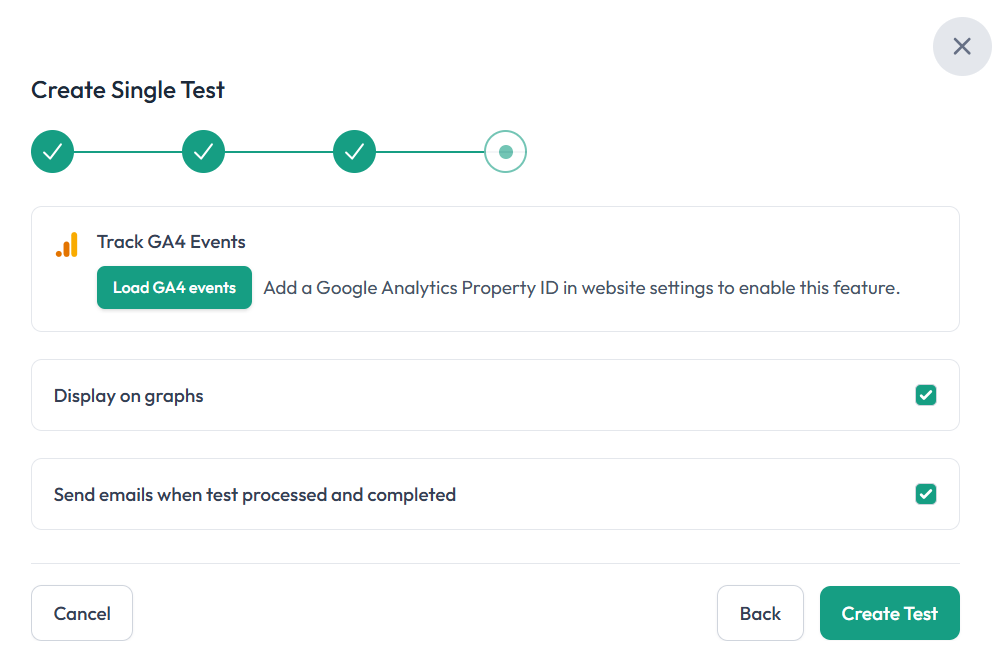
A Group Test does the same thing across many pages at once, so you can push a template change to a hundred product pages and read the impact at scale rather than one URL at a time.
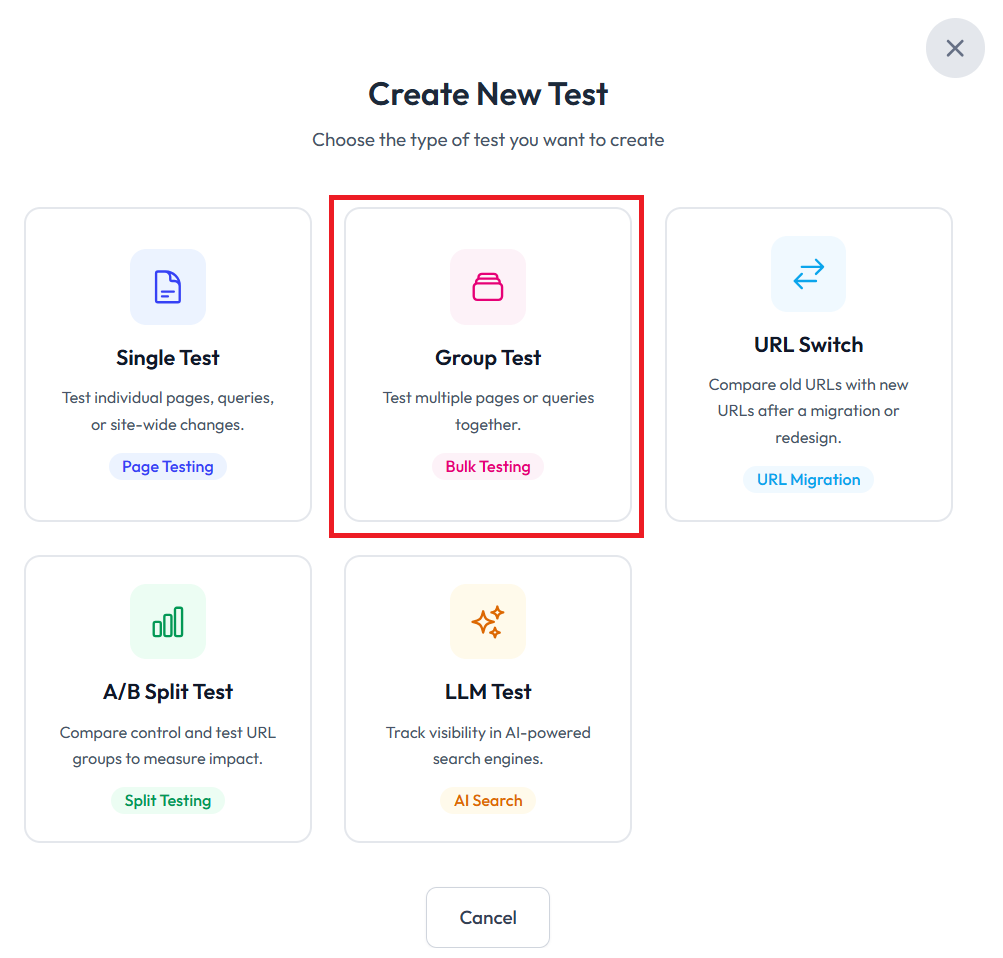
A URL Switch Test compares search performance before and after a redirect or migration, tracking how the new URL performs against the old one. It is the measurement most people skip when they move a page and then wonder why traffic dipped.
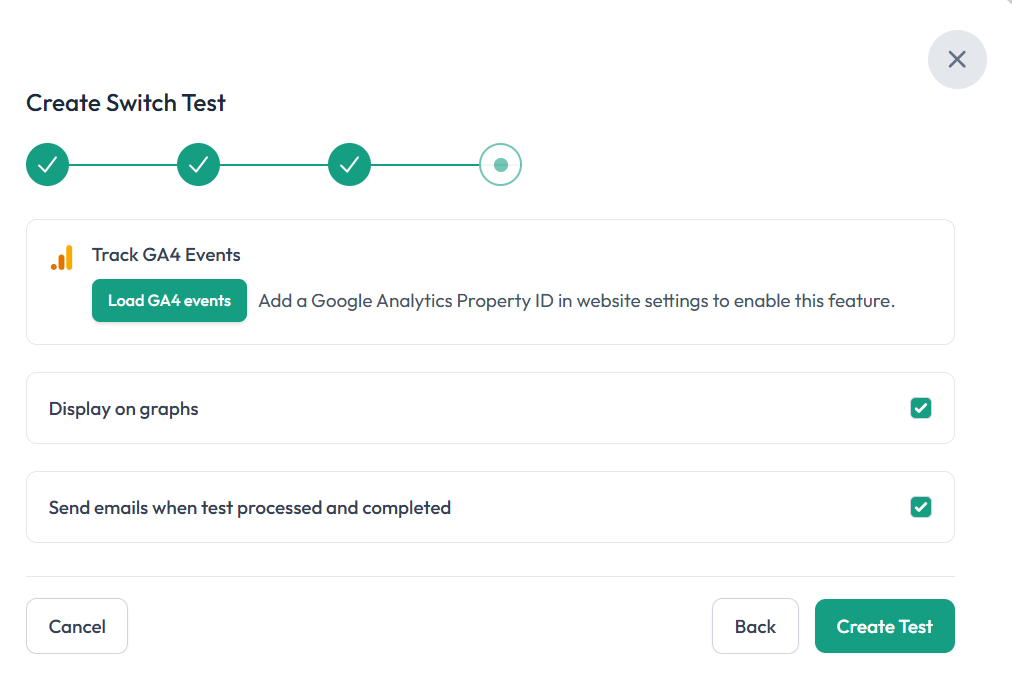
The newest and most interesting one is the LLM Test. It is a time-based test that reads GA4 and shows how many sessions referred by large language models, from ChatGPT, Claude, Perplexity and Gemini, land before and after a page change. If a client asks whether their AI-search traffic went up after a rewrite, this is a tool that will answer with a number instead of a shrug. Note the dependency: the LLM Test needs Google Analytics 4 connected, not just Search Console, because the session data comes from GA4.
The reporting around the tests
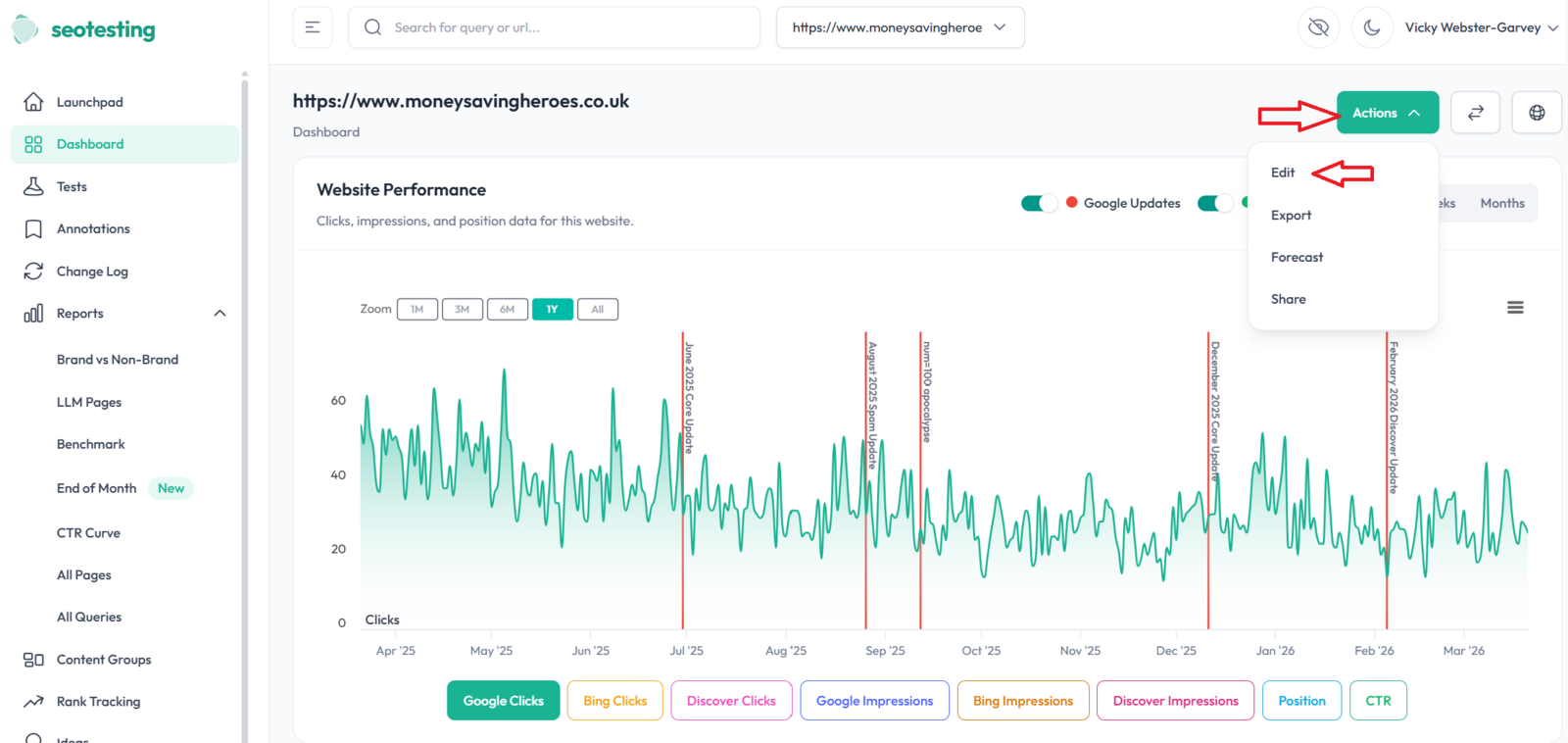
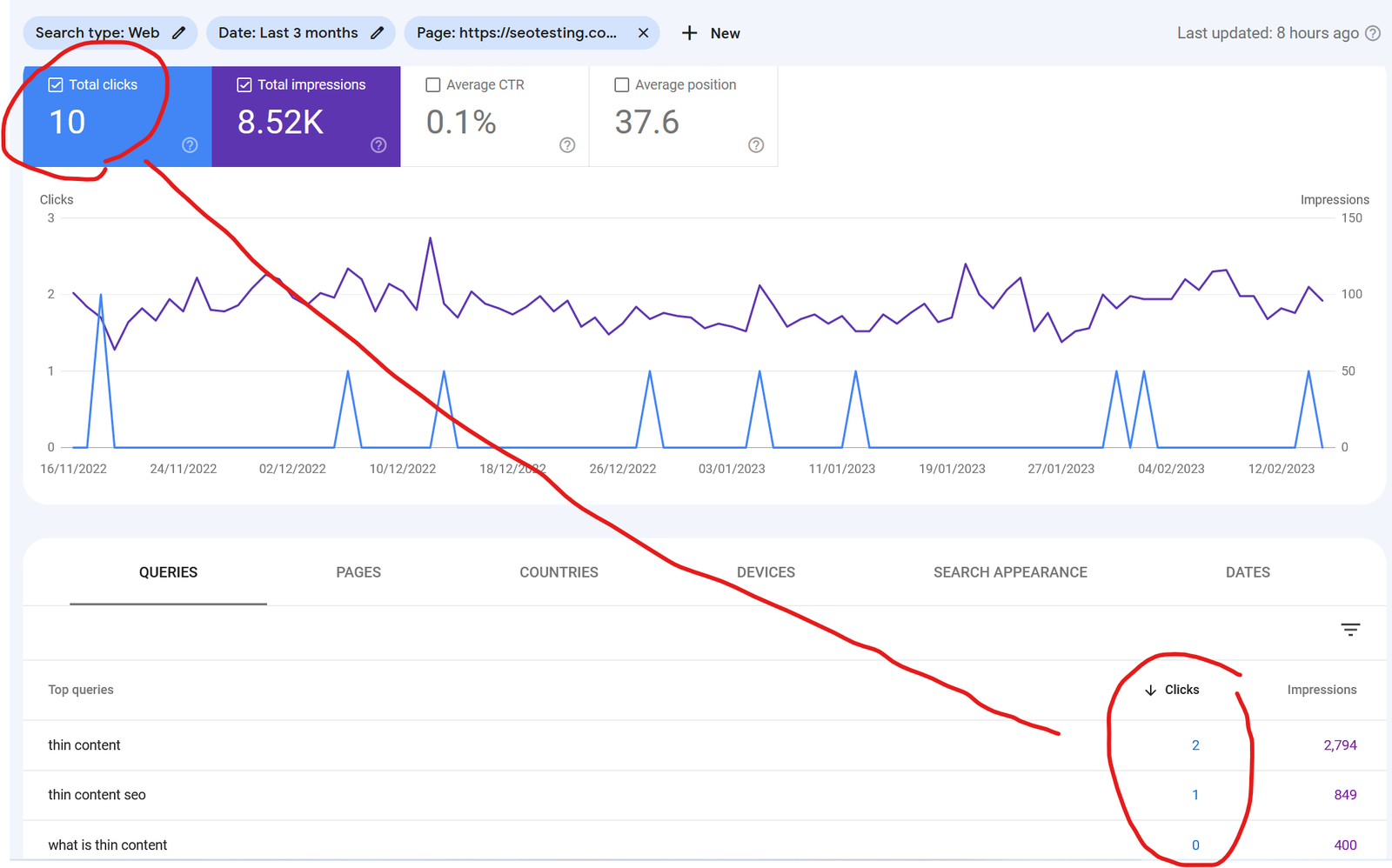
You will not run a test every day, so most of the daily value is in the reports built on your archived Search Console data. The CTR Optimization report surfaces pages with high impressions and weak click-through, the ones where a better title or meta description turns existing rankings into traffic. Content Insights flags declining pages and new opportunities, which is the content-decay problem most teams only notice quarters too late. There is also keyword cannibalization detection, which finds two of your own pages competing for the same query.
Beyond the web app, SEOTesting ships a Chrome extension and an API with an MCP server, so the archived data can feed other workflows. It integrates with Search Console as the core connection and GA4 for the LLM session data.
Pricing and the trial
Pricing is month-to-month, billed per site rather than per seat, and every tier includes unlimited users. Checked on the pricing page on 22 September 2026:
- Single Site, $50/month: one website, unlimited users, 25 InternalLinking.com credits.
- Medium, $125/month: five websites, 75 InternalLinking.com credits, a 1:1 onboarding call.
- Large, $375/month: 20 websites, 300 InternalLinking.com credits, quarterly training.
- Enterprise: custom priced, with more sites, unlimited training and a customer success manager.
There is no published annual price. The pricing page tells you to email [email protected] if you want an annual plan, so the only discount, if one exists, is negotiated by hand. Do not budget for a headline annual saving that is not advertised.
The free trial is a genuine one: 14 days, no credit card, and up to 30 sites during the trial. If you do not subscribe when it ends, you get 7 more days before your archived site data is deleted, which is a fair grace period and worth knowing before you start pouring GSC history into it.
Who should skip it
SEOTesting is not an all-in-one SEO suite, and it does not pretend to be. Its Capterra reviews, 11 five-star and one four-star at the time of writing, make the boundary clear: the tool is hyper-focused on Search Console data and cannot do competitor analysis or backlink tracking. One reviewer recommends it as a companion tool rather than a replacement for a full suite. If you need to see competitors' rankings or your own link profile, this is the wrong purchase and Ahrefs or Semrush is the right one; SEOTesting sits alongside them, not instead of them.
Two smaller gripes show up in the same reviews. A four-star reviewer notes the interface is looking a little dated, and another flagged that reports lean on email delivery, though the vendor replied that the same data is available in the dashboard. Neither is a dealbreaker, but the design will not win anyone over on a screenshot.
Verdict
Buy SEOTesting if you already live in Search Console and need to prove that your edits work. In-house SEOs defending a content budget, agencies running the same playbook across many client sites, and anyone who wants the LLM Test to quantify AI-search referrals will get their $50 a month back quickly. The archiving alone is worth it if losing 16-month-old data would hurt.
Skip it if you want one tool that also handles backlinks, competitor research and rank tracking, because it does none of those; pair Ahrefs or Semrush with it, or buy those instead. This is a sharp, single-purpose instrument from a small team, priced honestly, and it is better at its one job than the big suites are at that same corner of theirs.
Ready to try SEOTesting?
Visit the official website to see the latest plans, pricing, and special offers.
Get Started - SEOTesting* Affiliate link - we may earn a commission at no extra cost to you.