DreamHost Review: Is This Independent, Privacy-First Web Host Worth It?
An in-depth DreamHost review covering its custom control panel, DreamPress managed WordPress, pricing, performance, privacy, and 97-day money-back guarantee.
Expert Review

1. What is DreamHost?
DreamHost is one of the oldest and most stubbornly independent names in web hosting. Founded in 1996 and still privately, employee-owned rather than swallowed up by a hosting conglomerate, it has grown into a provider that powers more than 1.5 million websites, apps, and blogs around the world. That independence matters: while many budget hosts now sit under the same handful of parent companies, DreamHost answers to itself, which shows up in how it prices, supports, and positions its products.
It is also one of only a small group of providers officially recommended on WordPress.org, alongside a couple of well-known rivals. Just as importantly, DreamHost has built its reputation around privacy. It includes free domain privacy where competitors charge for it, has publicly resisted overbroad data requests, and keeps its data centers in the United States under its own control. For site owners who care about who is handling their data, that privacy-first stance is a genuine differentiator rather than marketing gloss.
2. Key features
DreamHost bundles a generous, no-nonsense feature set across its plans, with an emphasis on WordPress and privacy:
- Unlimited traffic & bandwidth: Shared plans come with unmetered bandwidth, so a traffic spike will not trigger a surprise overage bill.
- Free SSL: Free Let's Encrypt SSL certificates on every site for HTTPS out of the box.
- Free domain on annual plans: Register or transfer a domain free for the first year when you buy an annual term.
- Custom in-house control panel: DreamHost built its own panel instead of using cPanel, focusing it on the tasks most site owners actually need.
- DreamPress managed WordPress: A dedicated managed WordPress product with built-in caching, staging, and automatic core updates.
- VPS, Dedicated & Cloud options: A full ladder from shared hosting up to VPS, dedicated servers, and cloud compute for growing projects.
- Automated backups & 1-click WordPress: Automated daily backups and one-click WordPress installation get a site live in minutes.
- Strong privacy: Free domain privacy on eligible registrations and a documented, privacy-first company stance.
- 100% uptime guarantee: DreamHost backs its shared hosting with a 100% uptime guarantee, crediting you for qualifying downtime.
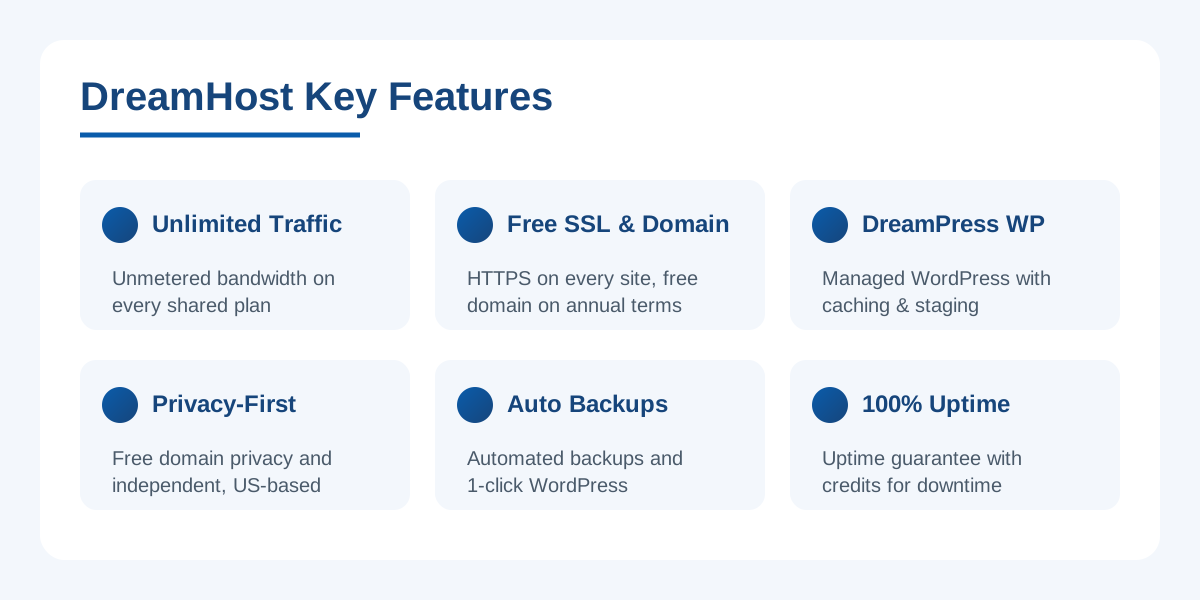 image: DreamHost key features
3. Hosting plans & pricing
DreamHost keeps its lineup refreshingly simple, with clear tiers for different needs. As with every budget host, the headline numbers are promotional intro rates tied to longer terms, and renewals land higher, so read the small print before committing.
- Shared Starter (from around $2.59–$2.95/mo): Intro pricing for a single website, free SSL, unmetered bandwidth, and a free domain on annual terms. Email is a small add-on on this tier.
- Shared Unlimited (from around $3.95/mo): Intro pricing for unlimited websites, unlimited email, and unmetered bandwidth — the sweet spot for most small businesses running several sites.
- DreamPress managed WordPress (from around $16.95/mo): Managed WordPress with server-side caching, staging, on-demand backups, and isolated resources for faster, hands-off WordPress sites.
- VPS hosting (from around $10/mo): Scalable virtual private servers with dedicated RAM for projects that have outgrown shared limits.
- Dedicated servers: Full physical servers for high-traffic sites and demanding workloads that need guaranteed resources.
Note the usual budget-hosting caveat: those low monthly figures assume you pay for a multi-year term up front, and renewal prices are meaningfully higher. Factor the long-term cost in, but also weigh DreamHost's unusually long money-back window, covered below, which lowers the risk of trying it. Ready to look at current pricing? Check the latest DreamHost plans here.
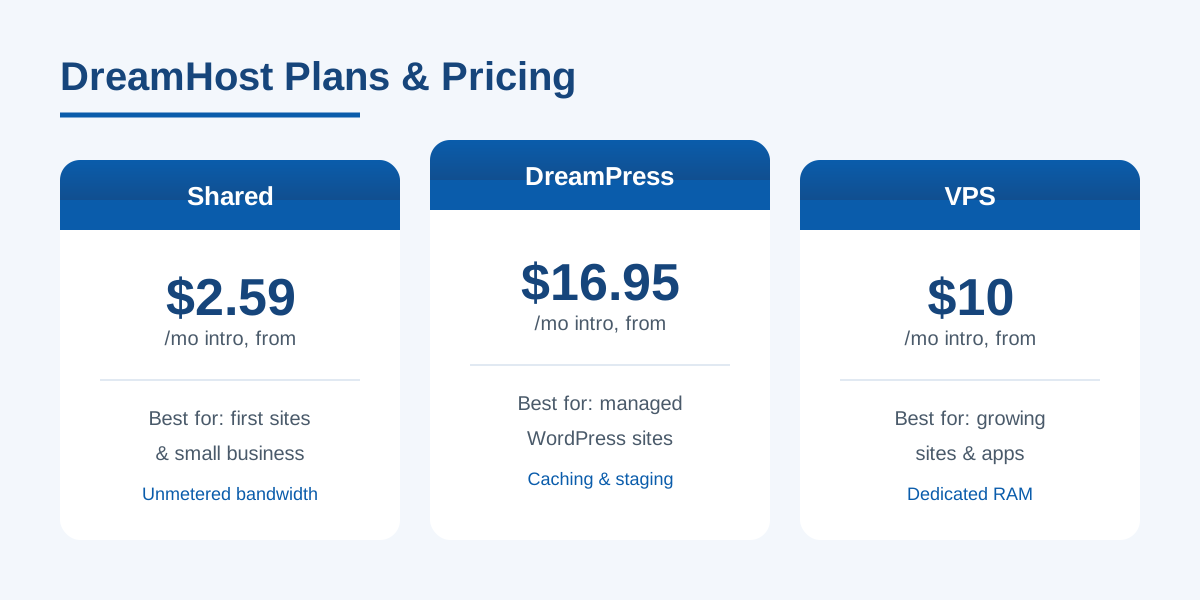 image: DreamHost pricing plans
4. Performance & support
On the performance side, DreamHost runs SSD storage across its plans, which speeds up database reads and page rendering compared with older spinning disks, and it operates its own US-based data centers rather than reselling someone else's infrastructure. Combined with server-side caching on DreamPress, that makes for dependable load times for typical blog, brochure, and small-business traffic. The 100% uptime guarantee is a confident signal, even if, in practice, no host is truly immune to the occasional blip.
Support is where expectations need setting. DreamHost offers live chat during set hours and 24/7 ticket-based email support, plus a deep knowledge base and active community forums. What it does not offer by default is around-the-clock phone support — phone help is available as a paid callback add-on rather than a standard channel. For most users the chat and ticket system is responsive and knowledgeable, but if you rely on picking up a phone at 3 a.m., that is a gap worth knowing about before you sign up.
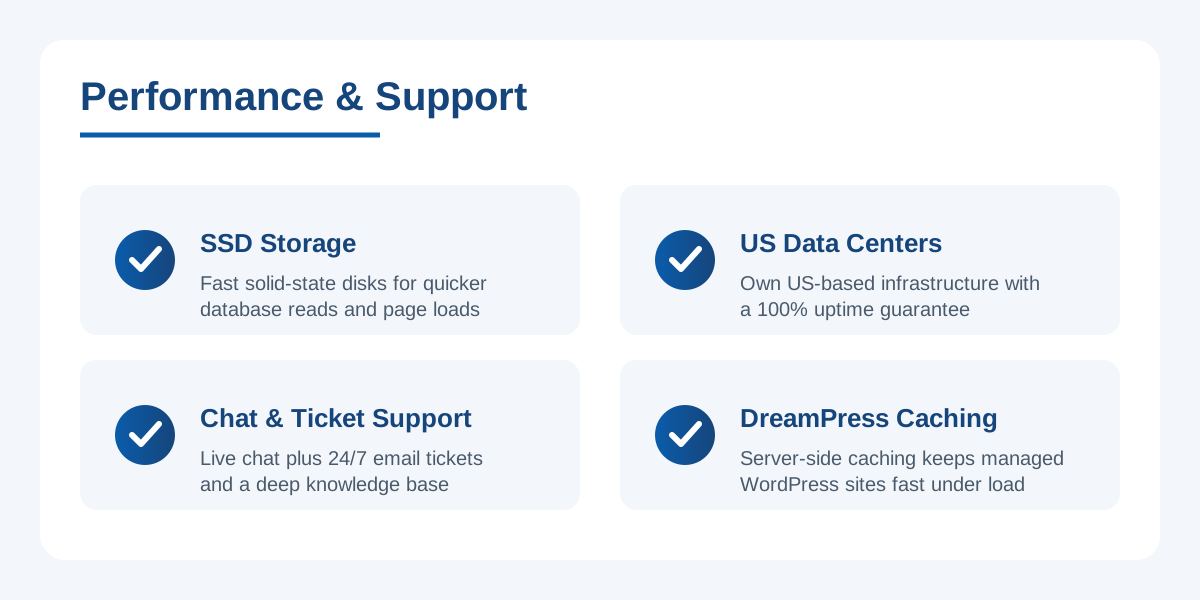 image: DreamHost performance and support
5. Money-back guarantee
Here is DreamHost's headline standout: an industry-leading 97-day money-back guarantee on shared hosting. Where most hosts give you 30 days — and some as few as 14 — to change your mind, DreamHost hands you more than three full months to build out a site, drive real traffic to it, and decide whether the service actually works for you. That is a remarkably long runway, and it flips the usual risk calculation on budget hosting.
The practical effect is that the promotional-versus-renewal pricing concern stings less. You can commit to an annual term to unlock the low intro rate, use nearly a quarter of a year to genuinely test performance and support, and still claim a refund if it disappoints. Few hosts are confident enough to offer a window this generous, and it reinforces the impression that DreamHost expects most customers to stay because they want to, not because they are locked in.
6. Pros & cons
Advantages
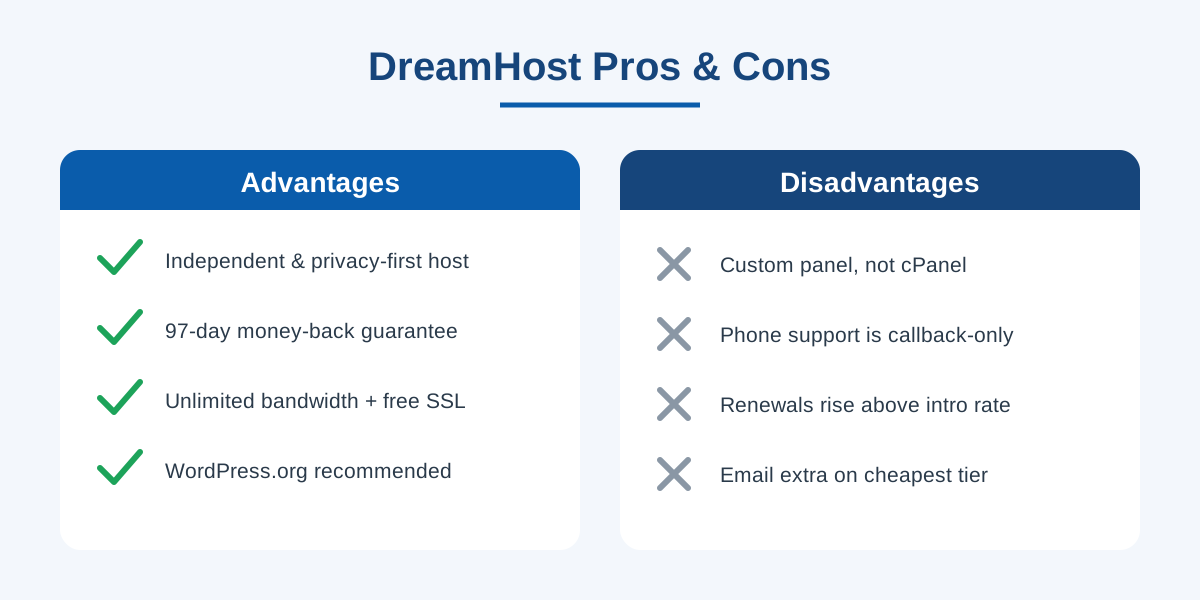
- Independent, employee-owned, and privacy-first — with free domain privacy included.
- Officially recommended by WordPress.org, with DreamPress for managed WordPress.
- Unlimited traffic and bandwidth on shared plans, plus free SSL on every site.
- Industry-leading 97-day money-back guarantee that dwarfs the usual 30 days.
- 100% uptime guarantee, SSD storage, and US-based data centers it controls itself.
- Clear plan ladder from shared hosting up to VPS, dedicated, and cloud.
Disadvantages
- The custom in-house control panel is unfamiliar if you are used to cPanel.
- No cPanel option, which can complicate some migrations and third-party tooling.
- Phone support is a paid, callback-only add-on rather than a standard 24/7 channel.
- Renewal prices rise from the low promotional intro rates, as with most budget hosts.
- Email is a paid add-on on the cheapest Shared Starter tier.
7. Verdict: who should use DreamHost?
DreamHost is one of the most appealing options for anyone who values independence and privacy alongside solid, WordPress-friendly hosting. The employee-owned company, the WordPress.org endorsement, the unlimited bandwidth, the free domain privacy, and above all the extraordinary 97-day money-back guarantee combine into a package that is easy to recommend for bloggers, small businesses, and privacy-conscious site owners. DreamPress gives WordPress users a genuine managed option, and the VPS and dedicated tiers provide room to grow.
The trade-offs are worth weighing. The custom control panel takes a little adjustment if you have lived in cPanel for years, phone support is not a standard channel, and — like every budget host — renewal pricing climbs above the intro rate. But if you can look past the unfamiliar panel and do not depend on phone support, DreamHost's mix of privacy, generous guarantees, and dependable performance makes it a standout in a category crowded with near-identical brands. With a 97-day safety net, trying it is about as low-risk as web hosting gets.
Related reading: Browse all our hosting comparisons & best-of guides to see how DreamHost stacks up against other web hosts.
Ready to try DreamHost?
Visit the official website to see the latest plans, pricing, and special offers.
Get Started - DreamHost* Affiliate link - we may earn a commission at no extra cost to you.