EndNote 2025 Review: The Best Reference Manager for Researchers?
EndNote 2025 review: features, Cite While You Write, the new AI Research Assistant, pricing, pros and cons — and whether this reference manager is worth buying.
Expert Review

1. What is EndNote?
EndNote is a reference management application developed by Clarivate. It helps students, academics, and professional researchers collect references, store and read PDFs, and automatically build accurate citations and bibliographies inside Microsoft Word. Instead of copying citation details by hand, you keep everything in a searchable library and let EndNote format the output in whichever style a journal requires.
First released in 1988, EndNote has become one of the most established tools in the reference-management space, alongside alternatives such as Zotero and Mendeley. Its strength is the combination of a full desktop application, cloud sync through EndNote Online, and deep integration with Word's writing workflow.
2. Key Features of EndNote
- Reference library: Store an unlimited number of references and organize them into groups and smart groups that update automatically.
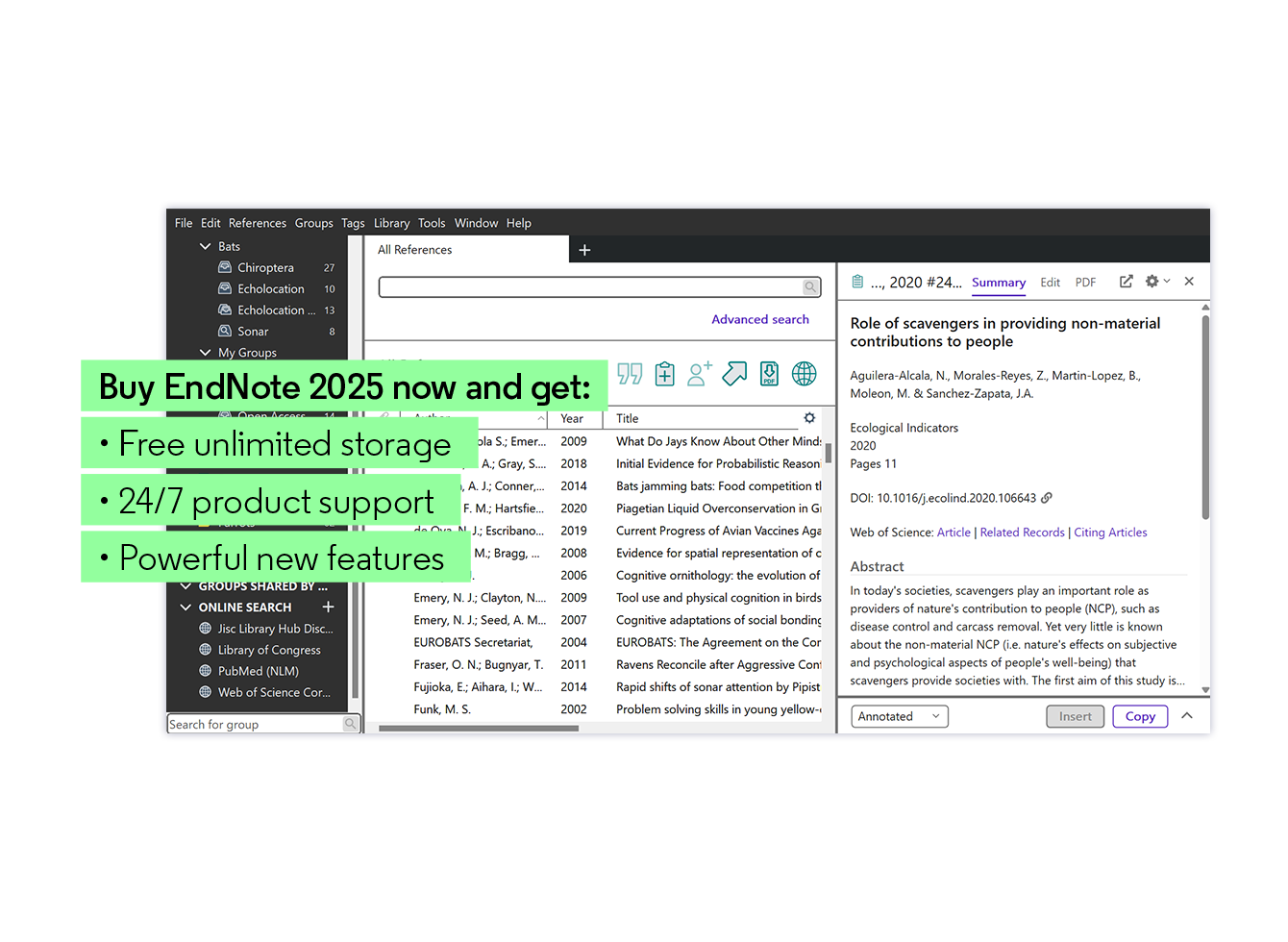
- Cite While You Write (CWYW): A Microsoft Word add-in that inserts in-text citations and builds the bibliography as you type, then reformats everything when you switch citation styles.
- 7,000+ citation styles: Output references in APA, MLA, Chicago, Vancouver, and thousands of journal-specific styles — with no manual reformatting.
- PDF management: Attach, read, annotate, and highlight PDFs directly in EndNote, and use "Find Full Text" to automatically retrieve papers you have access to.
- Sharing and collaboration: Share an entire library with up to 1,000 colleagues and track changes across a research team.
- Import from anywhere: Capture references directly from databases such as Web of Science, PubMed, and Google Scholar, or import RIS/BibTeX files.

3. What's New in EndNote 2025
The 2025 release (the successor to EndNote 21) is the most significant update in years, mainly because it introduces AI into the research workflow:
- EndNote Research Assistant: An AI-powered assistant that lets you interrogate a paper in plain language — summarize it, ask questions, and surface related work already in your library — turning a static PDF into an interactive experience.
- Quote and cite in one click: Highlight a quote inside a PDF and insert it, together with the matching citation, directly into your document.
- Smarter library building: Discover articles highly relevant to your work and find papers that have cited references you already track, helping you keep a literature review comprehensive.
- Performance and interface refinements: A cleaner layout and faster handling of large libraries.

4. EndNote Pricing and Licenses
EndNote is sold as a one-time (perpetual) license rather than a recurring subscription, which sets it apart from many modern SaaS tools. A single license belongs to one person and can be installed on up to three machines. The three main options are:
- Full license: The standard perpetual license for new users, typically around $249.95.
- Student license: A discounted perpetual license (roughly $125–$150) that requires valid proof of enrollment.
- Upgrade license: For existing EndNote owners moving to the latest version (around $99.95); you enter the serial number from your previous version during installation.

Check current pricing and buy at: the official EndNote store.
5. Pros and Cons of EndNote
Advantages
- Deep, reliable Cite While You Write integration with Microsoft Word.
- Enormous library of 7,000+ citation styles covers virtually every journal.
- Perpetual license — pay once instead of an ongoing subscription.
- Strong PDF handling, annotation, and full-text retrieval.
- The new AI Research Assistant genuinely speeds up literature review.
Disadvantages
- The upfront cost is high compared with free tools like Zotero and Mendeley.
- The feature-rich interface has a learning curve for newcomers.
- Best experience assumes you use Microsoft Word.

6. Who Should Use EndNote?
EndNote is aimed at people who write with citations regularly and cannot afford errors: PhD candidates, academic researchers, medical and scientific writers, and research teams that need to share a single, consistent library. If you juggle hundreds or thousands of references across long documents and switch between journal styles, the time EndNote saves easily justifies the license. Casual users writing the occasional short paper may be well served by a free alternative.
7. Final Verdict
EndNote remains one of the most capable reference managers available and the 2025 release keeps it competitive by folding AI directly into the research process. It is not the cheapest option, but for serious researchers the combination of a huge citation-style catalog, rock-solid Word integration, robust PDF management, and the new Research Assistant makes it a worthwhile investment. If you write research-heavy documents for a living or a degree, EndNote 2025 is a strong buy.
Ready to try EndNote?
Visit the official website to see the latest plans, pricing, and special offers.
Get Started - EndNote* Affiliate link - we may earn a commission at no extra cost to you.