HelpCrunch review: Basic is $12 per member, but AI, chatbot and WhatsApp start at Pro ($20). AI costs $0.08-$0.29 a conversation. Prices checked November 2026.
Table of Contents
HelpCrunch sells itself as the cheap Intercom alternative, and the first number on its pricing page backs that up. Basic is $12 per team member per month billed annually, or $15 month to month. It covers live chat, a shared inbox, email and a knowledge base, and contacts are unlimited on every plan.
Look at what Basic switches off, though. There is no chatbot (the plan label reads "Chatbot is not available on this plan"), no AI Agents, no WhatsApp channel and no way to remove HelpCrunch branding. You get one widget and a knowledge base in one language. Almost every reason to pick HelpCrunch over a plain chat widget begins at Pro, which costs $20 per team member annually or $25 monthly. Budget for Pro from the start.
Even so, HelpCrunch stays cheap where it matters. Its AI is billed per conversation handled, from $0.29 down to $0.08, while the bigger help desks charge $0.75 to $0.99 per resolution. All prices below were checked on the pricing page in November 2026.
HelpCrunch has three plans and no free tier. The "Get started for free" buttons open a 14-day trial that asks for no card. Annual billing takes 20% off, and at the time of checking the page also showed a banner offering up to 40% off the first payment, with no terms or end date given. Migration from another tool is included free.
| Plan | Annual (per month) | Monthly | What it adds |
|---|---|---|---|
| Basic | $12 per member | $15 per member | Live chat, inbox, 1 widget, monolingual knowledge base, REST API |
| Pro | $20 per member | $25 per member | Chatbot (15 flows), AI Agents, WhatsApp, 5 widgets, branding removal, multilingual knowledge base, custom CSS |
| Unlimited | $495 flat | $620 flat | Unlimited members, 50,000 emails, custom domains and sender addresses, unlimited custom roles |
There is no seat minimum, which is a real difference from Help Scout's 10-seat Pro floor. A two-person team on Pro pays $40 a month annually. A 10-person team pays $200 annually or $250 monthly, so the per-member model gets expensive quickly as you hire.
The flat Unlimited plan only pays off at about 25 agents: 25 Pro members cost $500 a month annually and $625 monthly, against $495 and $620. Below that, buy it only for its custom sending domains.
Two worked examples:
Fees are non-refundable under the Terms of Service, so use the trial before you buy annually.
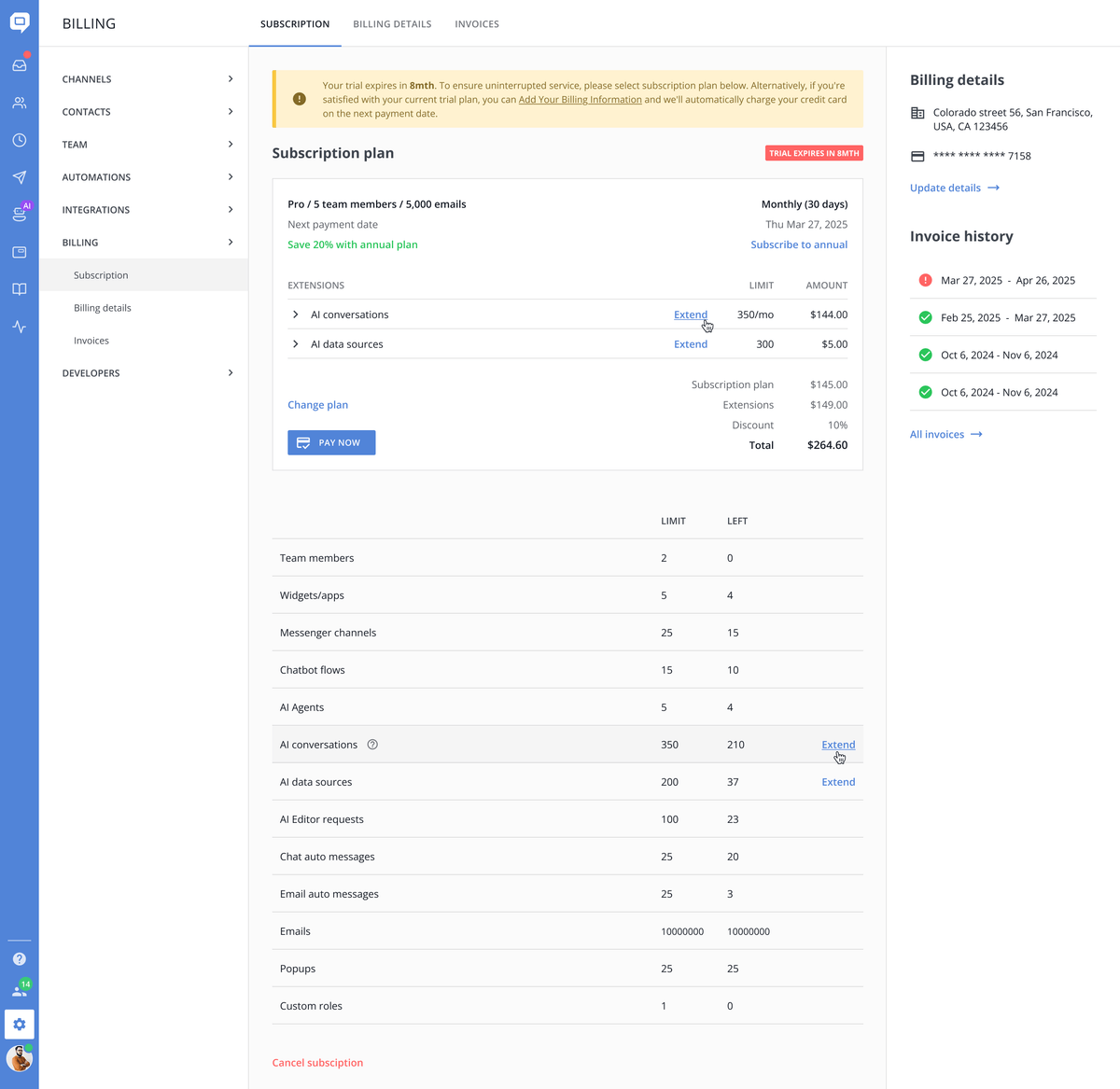
Pro includes 5 AI Agents, 50 AI conversations a month and 200 data sources. Unlimited raises that to 100 conversations and 500 sources. Fifty conversations is about two a day, so any team that turns the AI on will buy an extension. The monthly packs run from 100 conversations for $29 to 1,000 for $200, 10,000 for $1,000 and 100,000 for $8,000. That is $0.29, $0.20, $0.10 and $0.08 per conversation, and annual billing takes another 20% off.
Compare that with Intercom Fin at $0.99 per outcome, Help Scout at $0.75 per resolution and LiveChat at about $0.99 per extra answer. HelpCrunch looks three to five times cheaper, but the unit is different. It counts every conversation the AI handles, including the ones it hands to a human. If your bot resolves half of what it sees, the 1,000-pack really costs $0.40 per resolution. That is still well under Help Scout, just not the gap the headline suggests.
Running out of quota costs nothing extra. Once the monthly quota is used up, the help centre says, the AI Agent block is skipped in chatbot flows and nothing is charged automatically. The budget is safe, but the bot goes quiet until the cycle resets or someone buys a pack.
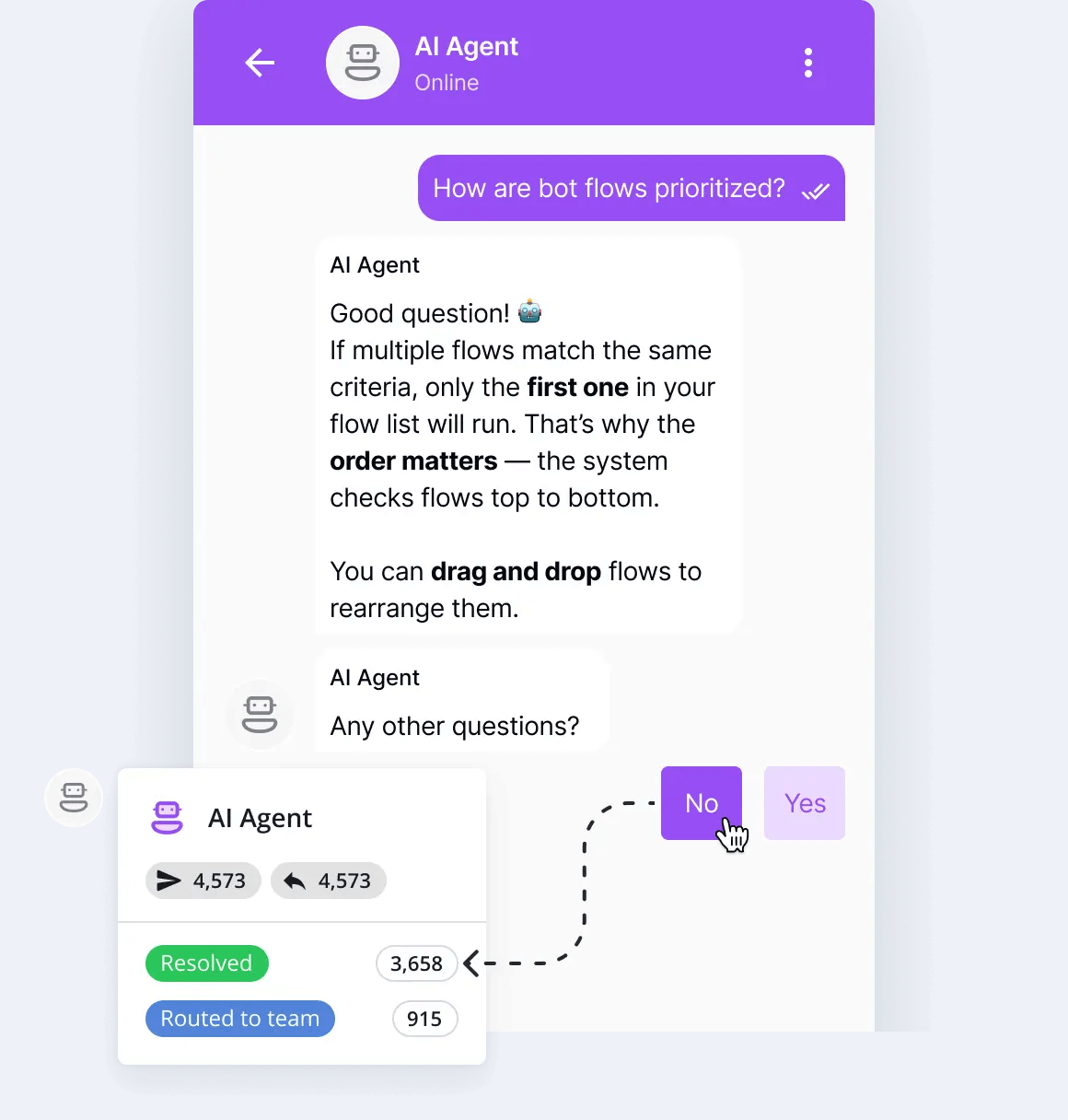
The bigger limit is what the AI can learn from. HelpCrunch lists two data source types, knowledge base articles and hand-written custom answers. It cannot crawl your website, read uploaded PDFs or learn from past conversations. Sources are metered too: 100 extra cost $5 a month, and one article in three languages counts as three. HelpCrunch says its agents are trained only on your content and escalate rather than make up an answer. It does not say which language model sits underneath.
HelpCrunch's FAQ answers "Are there any additional fees?" with "No, there are absolutely no hidden fees and no additional costs." That holds for contacts and seats. It does not hold for email or WhatsApp.
Email volume is built into the plan price rather than sold as an add-on. Pick a bigger email tier and the plan price goes up with it. One Basic member with 1,000 emails a month is $29 monthly, and one Pro member with 10,000 emails is $49. What surprises people is what counts toward that volume. Manual replies from the inbox count, and so do automatic email resends of unread chat messages, on the same quota as your marketing blasts. A busy support inbox uses up the newsletter budget, and the other way round.
WhatsApp runs through 360dialog, an official WhatsApp Business Solution Provider, and only from Pro. You pay 360dialog's subscription on top of HelpCrunch, plus Meta's messaging fees. Under the rules Meta introduced on October 1, 2026, each business number gets 1,000 free replies a month and charges apply from the 1,001st. Each AI Agent reply on WhatsApp counts as a message, so one conversation can be billed by both HelpCrunch and Meta. HelpCrunch says it adds no markup to Meta's fees.
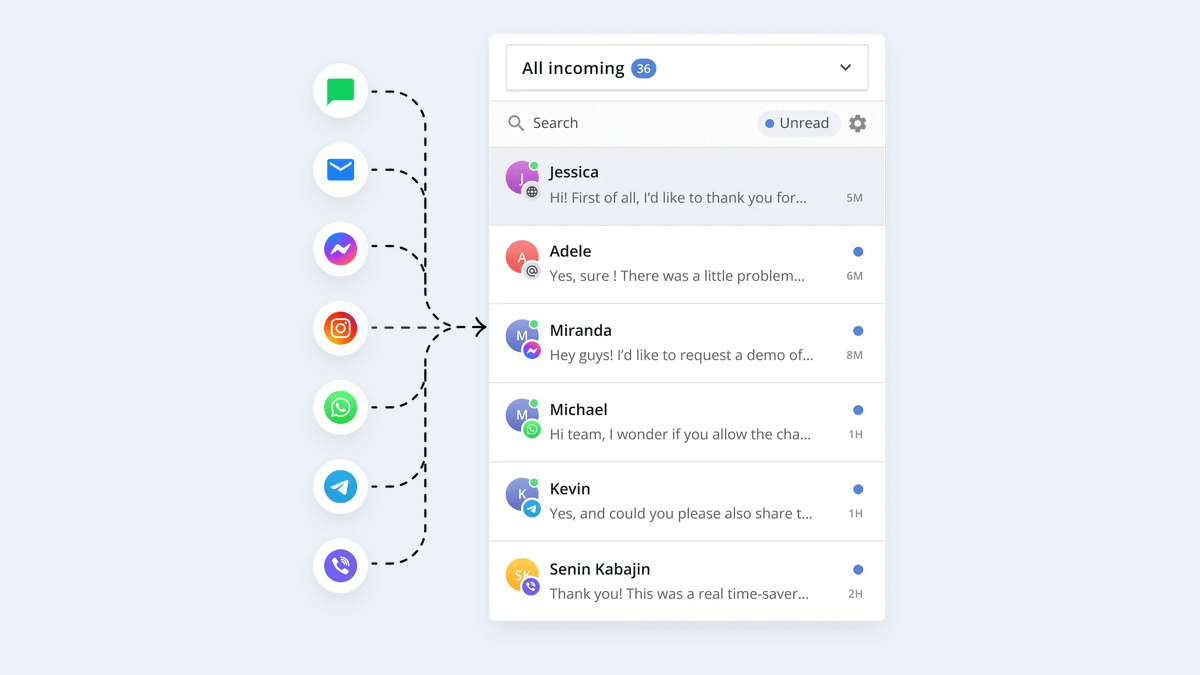
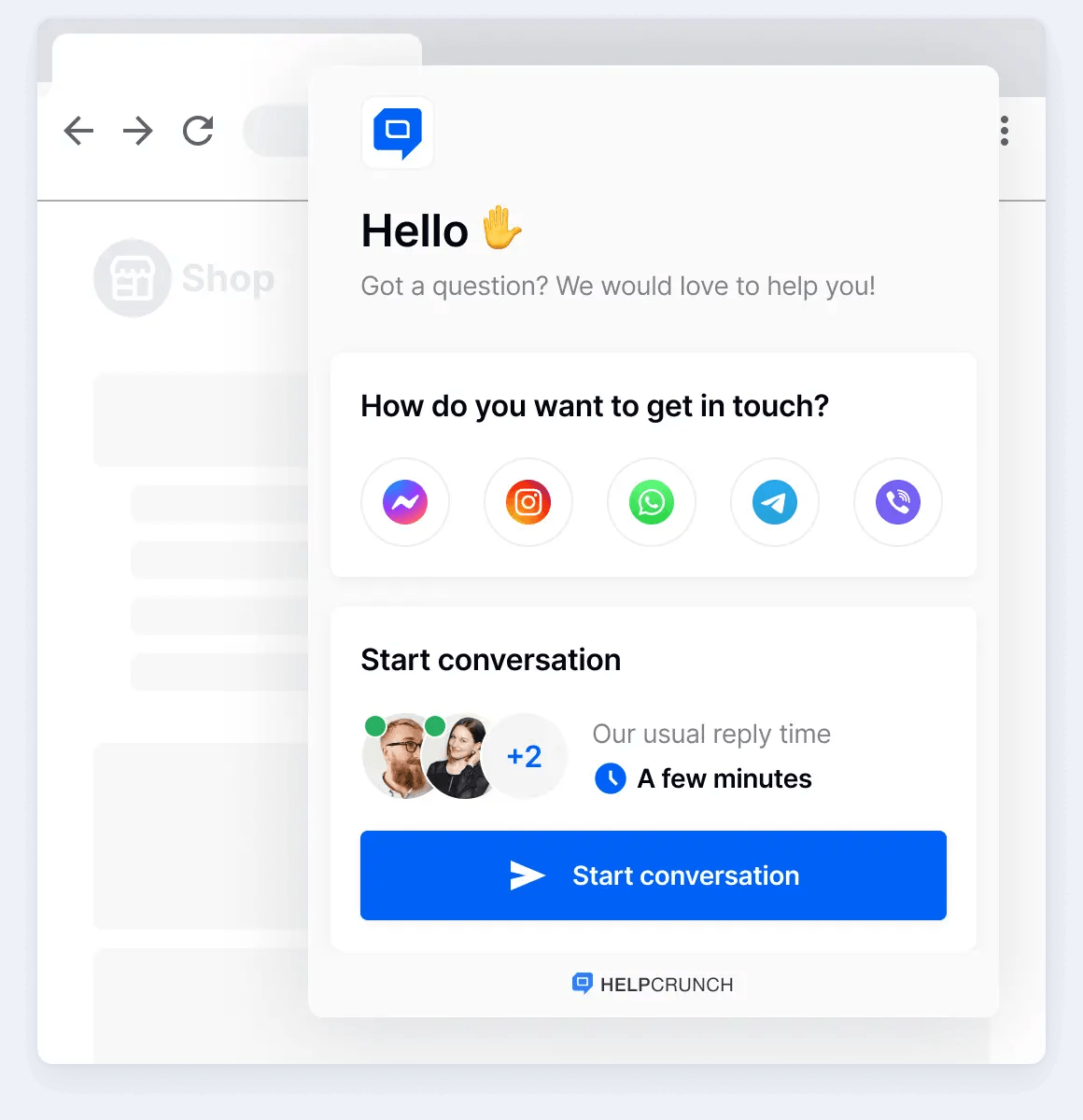
Facebook, Instagram, Telegram and Viber need no third party and share a messenger channel allowance of 15 on Basic, 25 on Pro and 100 on Unlimited. Integrations include Shopify, HubSpot, Salesforce, Slack and Zapier, and there are iOS and Android agent apps.
Leaving HelpCrunch is easier for contacts than for conversations. Contacts export to CSV or XLSX and the file is emailed to your registration address. Reports and chat lists export the same way. Neither help article documents a full conversation-transcript export in the interface, so moving years of chat history to another tool means using the REST API, which is at least available on every plan. That is still better than Crisp, which has no conversation export at all.
On security, the privacy policy (last reviewed October 30, 2026) mentions TLS encryption, GDPR and Article 46 safeguards for transfers outside the EU, and the pre-chat form can show a GDPR consent checkbox. No SOC 2 or ISO 27001 certification is listed anywhere on its site, and no data-centre location is given. For a buyer whose security questionnaire asks for a SOC 2 report, that ends the evaluation.
The company behind it is HelpCrunch Corporation, registered in Wilmington, Delaware, with its office in Kyiv. Support is free on every plan, by chat, at medium, high or highest priority depending on the plan, but no response-time target is published for any of them.
The help centre also lags the pricing page. The unbranding article still names a "Premium" plan that no longer exists, and the AI doc promises unlimited AI Agents where the plan data caps them at 100. Trust the pricing page.
Ratings are high and steady: about 4.7 out of 5 on G2 from around 238 reviews, and about 4.8 on both Capterra and Software Advice from around 195. Reviewers mostly praise setup speed and the support team.
The same complaints come up on all three sites: limited customization of the widget and email templates, chat that sometimes loads slowly, thin AI and ticketing next to larger help desks, cost rising with every agent, and an iOS app that misses features and notifications. They match the limits above. HelpCrunch suits small teams and starts to strain about where a full help desk would make sense.
Buy it if you run a team of 2 to 20 agents that wants live chat, email campaigns, a knowledge base and metered AI on one bill. Pro is the plan to buy. At $20 per member annually, with AI from $0.16 to $0.20 a conversation in the 1,000-pack, it costs far less than Intercom for a team that keeps its answers in a knowledge base.
Skip it if your AI needs to learn from past conversations, your website or PDFs, if procurement requires a SOC 2 report, or if you need deep widget customization. Intercom Fin or Zendesk cover those, at a higher price. If you only want cheap shared live chat for ten people, Crisp charges $95 a month for ten agents, where HelpCrunch Basic costs $120 to $150. For the wider field, see our customer support software roundup.
Visit the official website to see the latest plans, pricing, and special offers.
Get Started - HelpCrunch* Affiliate link - we may earn a commission at no extra cost to you.