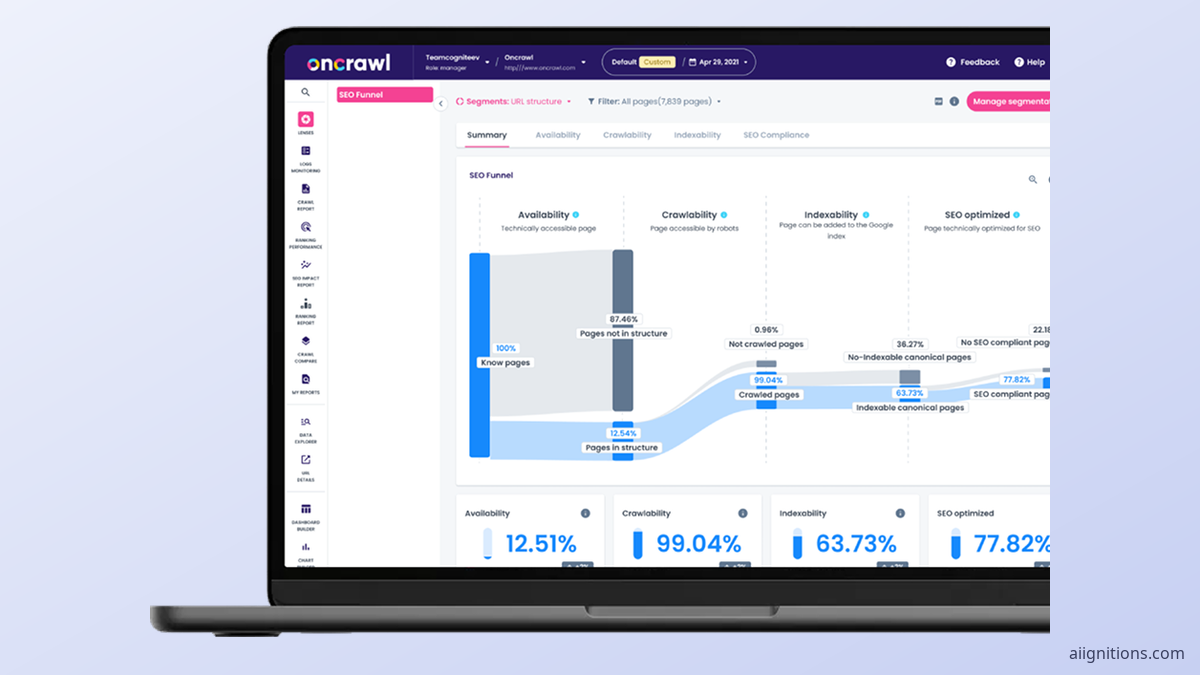
OnCrawl review: what its log analyzer shows about AI bots, what AI Search Lens citations really measure, how crawl tokens are billed, and who should pick Screaming Frog or Botify instead.
Most crawlers tell you what your site looks like. OnCrawl's better trick has always been the other half: it reads your raw server logs and tells you what Googlebot actually fetched, then lays that over its own crawl. A page in your sitemap that Google has not touched in 45 days shows up as a gap, not a guess.
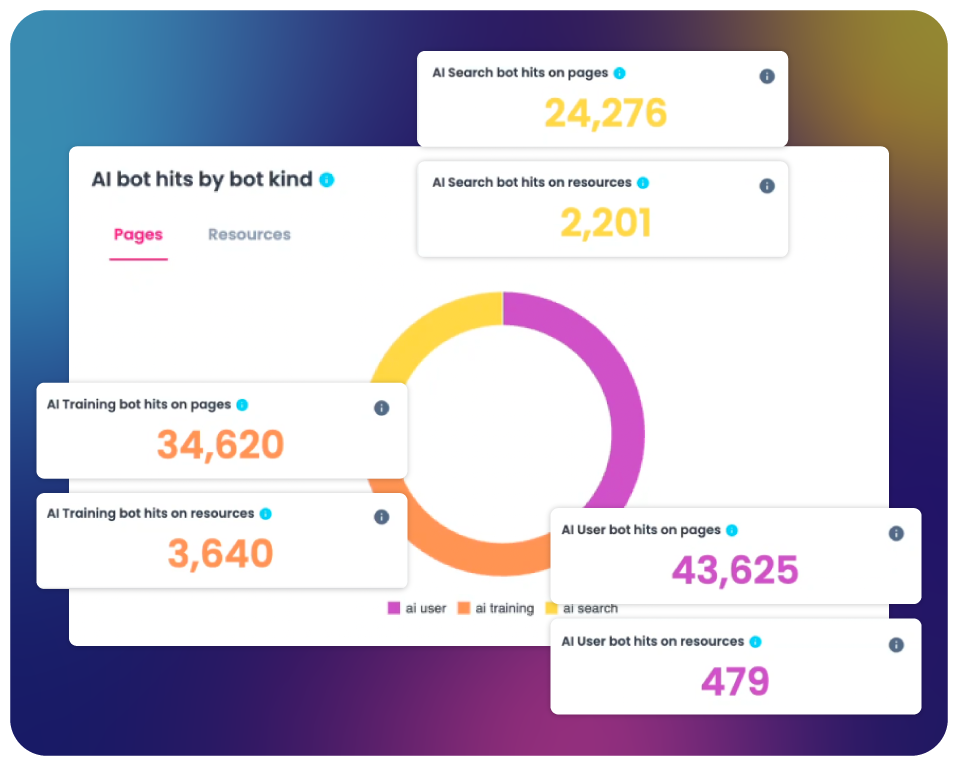
What changed in 2026 is who else is in those logs. OnCrawl's Log Analyzer now tracks AI bots from OpenAI, Perplexity, Anthropic, Google, Mistral and others, and it splits them into three kinds. Training bots (GPTBot, ClaudeBot, CCBot, Bytespider) collect pages for future models. Search bots (OAI-SearchBot, Claude-SearchBot, PerplexityBot) build an index. User bots (ChatGPT-User, Claude-User, Perplexity-User, MistralAI-User) fetch a page because a person asked a question right now. OnCrawl's supported-bots list, updated in September 2026, names each of these user agents individually, along with Google-Extended, Gemini-Deep-Research and Applebot-Extended.
That split matters more than it sounds. Blocking GPTBot in robots.txt to keep your content out of training is a reasonable choice; blocking ChatGPT-User by accident is how you vanish from answers. Seeing both on one chart, by URL and by hour, is the fastest way to check you did the first without the second.
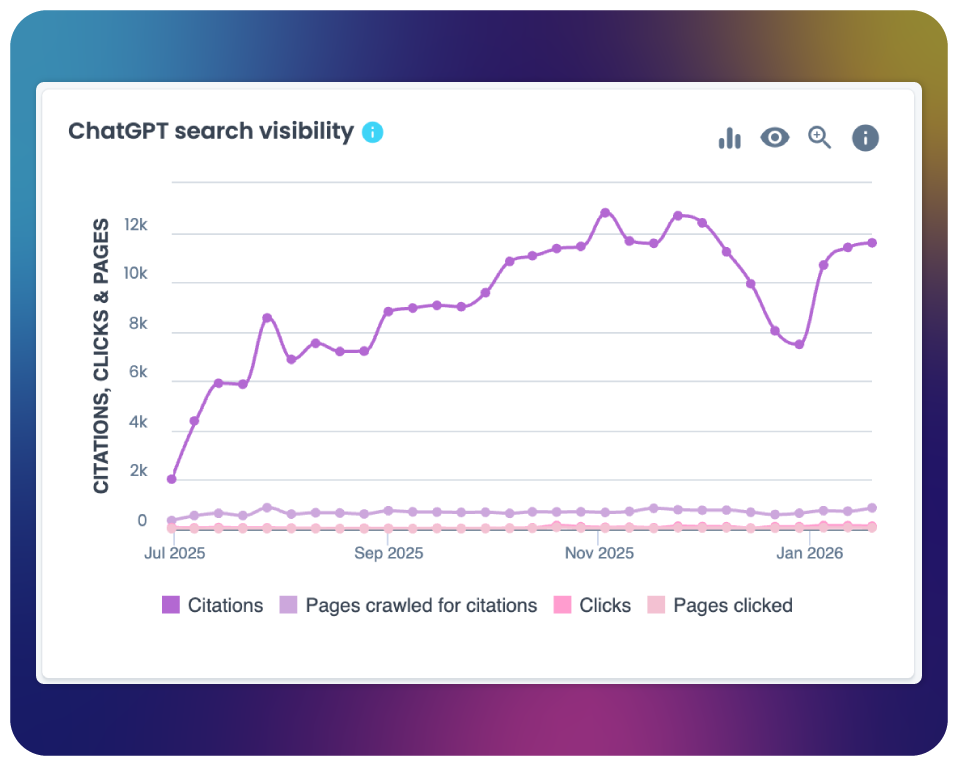
The newer pitch is AI Search Lens, which OnCrawl frames as an indexation, citation and traffic funnel for ChatGPT and similar engines. Its headline metric is "citations". The help centre defines it plainly: the estimated number of times your pages could be cited in AI answers, using AI user-bot visits as a proxy.
So the number is not observed in ChatGPT. It is counted in your own logs. When ChatGPT-User fetches a page, it is very likely because the page was being used to answer someone, which makes it a decent signal, and one you cannot get from a rank tracker. But a fetch is not a confirmed citation, and the lens cannot tell you what the answer said or whether your link was shown. Treat it as a trend line, not a count you report to a client as fact.
It is also an add-on. OnCrawl's terms list premium Lenses, "including but not limited to AI Search & Visibility capabilities", as sold separately from the base plans.
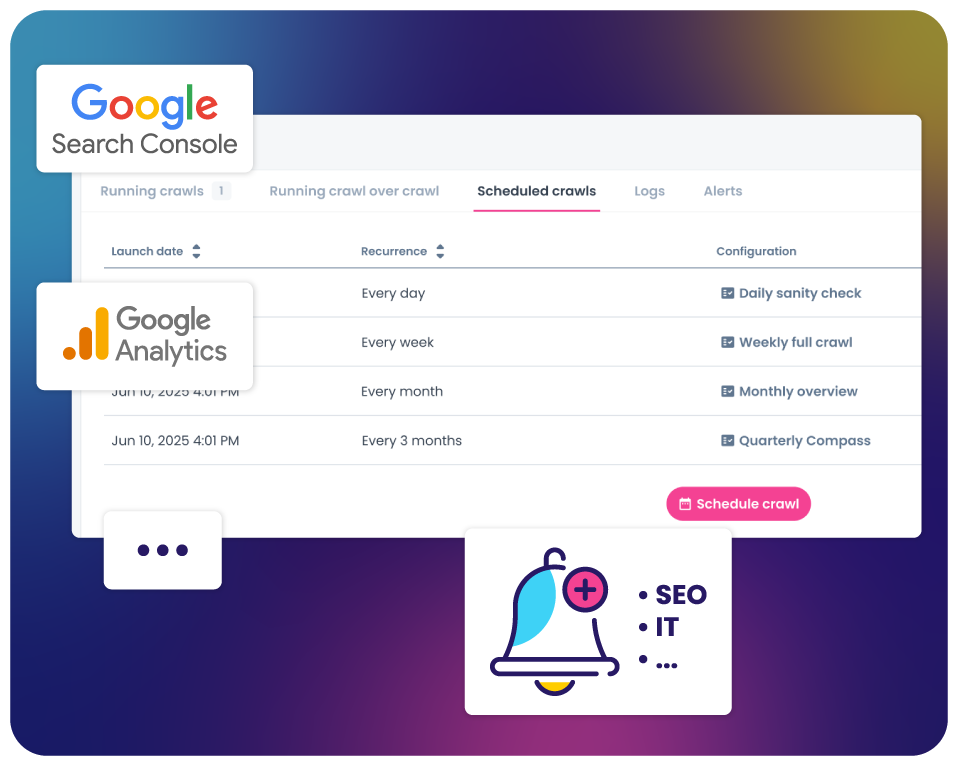
The crawler itself is solid and cloud-based: OnCrawl promises no artificial limits on speed, depth or site size, renders JavaScript, and lets you schedule crawls daily, weekly or after each deployment. Crawl-over-crawl comparison is the feature reviewers praise most, and segments can be applied to old crawls after the fact, which saves re-crawling when you change how you group pages. One small catch: you must verify the domain before crawling faster than 1 URL per second.
Capacity is sold in monthly tokens, and the rate card is where the bill hides. A standard URL costs 1 token. A URL with JavaScript rendering costs 3. Run one or more JavaScript audits and it is 5. A 200,000-URL React storefront crawled with rendering therefore burns 600,000 tokens per crawl; add audits and one crawl costs 1,000,000. Schedule that weekly and you are buying a very different plan from the one the demo suggested.
Running out is not graceful either. Per OnCrawl's help article, updated September 2026, a crawl in progress stops when the quota is exhausted, and you cannot start another until it renews or you buy more. Deleting a crawl does not refund the tokens it used, and per the terms, unused yearly tokens do not roll over unless your contract says so.
Checked on oncrawl.com in October 2026, the pricing page returns a 404, and every call to action on the site is "Book a demo". No free trial is offered on the site. Older third-party reviews quote an Explorer plan at $69 a month and Business at $249, plus a 14-day trial, but those plan names no longer exist, so do not budget from them.
What the terms of service do reveal is the current shape. There are three tiers, set in your order form: Basic, Core and Scale, separated by monthly token volume and features. Basic gets the crawler and core platform. The Log Analyzer, the feature OnCrawl is known for, is listed only from Core up. On top of any tier sit paid extras: the premium Lenses, the Content Lens with its own crawl quota, yearly token top-ups, and the API option.
Two more clauses are worth reading before you sign. Fees may rise by up to 5% a year with 30 days' notice, and usage beyond the capacity in your order form is billed. The contract is with Cogniteev SAS, a French company in Mérignac near Bordeaux, which has been owned by BrightEdge since February 2022. BrightEdge promised no pricing changes at the time of the acquisition; the product still runs under its own name and domain.
Logs can come from Cloudflare, Google Cloud, AWS or Azure, or as uploaded Apache, Nginx and IIS files; the help centre also documents Splunk, Akamai and FTP. Here is the snag the integrations page skips: OnCrawl's own docs note that Cloudflare only hands over raw logs on its Enterprise plan. A site on Cloudflare Pro or Business has to pull logs from its origin servers instead, and if the origin sits behind a host that does not keep access logs, there is nothing to feed in.
Retention is also tiered. You keep daily detail for 90 days, weekly for 56 weeks and monthly for 24 months, so a question like "what did Googlebot do on launch day last spring" has no day-level answer. A single new log upload covers at most 60 days, and the crawl-plus-logs cross-analysis looks at 45.
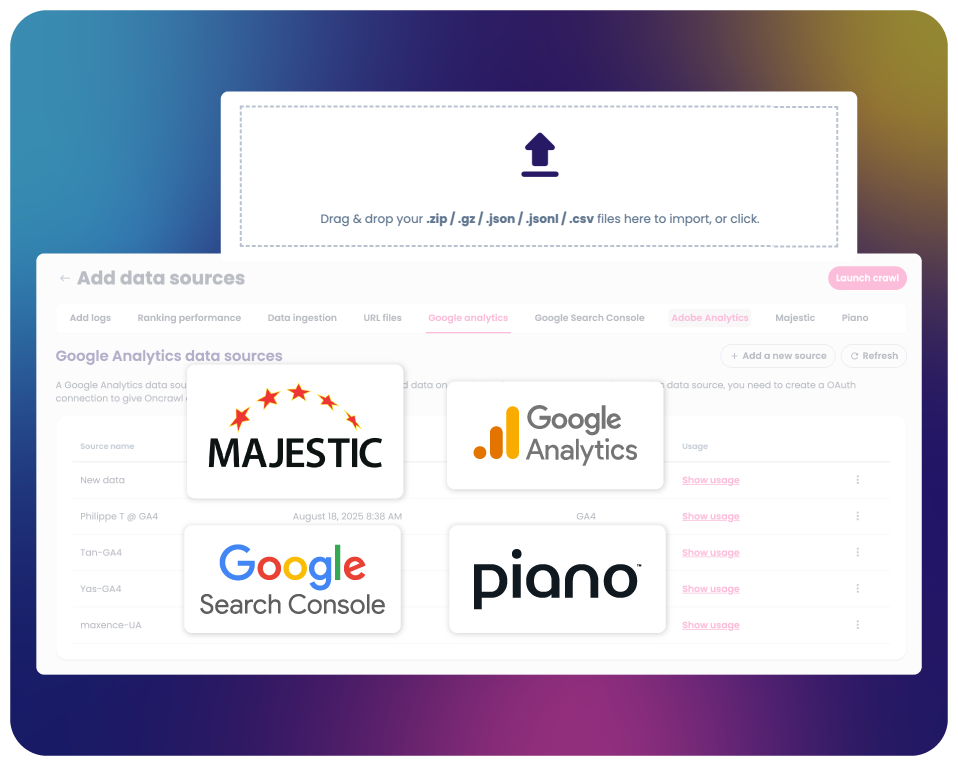
Search Console, GA4, Adobe Analytics, Majestic and Piano connect natively, and CSV or JSON files can be dropped in to enrich URLs. Getting data out is better than most tools in this class: OQL queries, a Looker Studio connector, and bulk export to Google Cloud Storage or S3 as JSON, CSV or Parquet. There is no direct BigQuery export, only via a bucket, and bulk export needs an API token, which needs the paid API option. The same option gates the new MCP server that lets ChatGPT, Claude or Cursor query your OnCrawl data. The in-app AI Assistant is still a beta, and OnCrawl warns some plans may lose it after the beta ends. Report exports in the Download Center expire after 30 days, and after you cancel, your data is deleted within 90.
Review counts are small. G2 shows about 4.5 out of 5 on roughly twenty reviews; Capterra shows 3.8 on four. The praise is consistent: reviewers single out the log analyzer as the best value in the product, alongside scheduled crawls and comparisons. The complaints are just as consistent. Several G2 and Capterra reviewers call it the most expensive tool in its niche for data they could get elsewhere, describe the interface as hard to move between reports, and say the reports are not friendly to hand to a non-SEO. A few mention difficulty cancelling, which fits a contract-and-order-form model rather than a monthly card charge.
The product is still moving fast. The October 2026 changelog added page and link comparison datasets to crawl alerts, the Data Explorer was redesigned in August, and the Accessibility Lens, built on weighted Lighthouse audits, went to all users in September.
Buy it if you run a large site, tens of thousands of URLs and up, you can get raw access logs, and the question you need answered is "what are Google and the AI bots actually doing on my site versus what I think they see". The crawl-plus-logs cross-analysis and the training/search/user bot split are genuinely useful there, and the export options mean your data team can take it further. Make sure the quote is for Core or Scale, not Basic, or you are paying for a crawler without the log analyzer.
Skip it if you are a freelancer, a small agency or a site under about 10,000 pages. Screaming Frog's SEO Spider costs $279 a year per licence and its Log File Analyser £99 a year, both with published prices, no tokens and no annual uplift clause; the only limit is your machine. If you are an enterprise comparing quote-only platforms, put OnCrawl beside Botify, which also hides its price behind a demo, and ask both for the per-URL cost of a weekly JavaScript crawl of your real site. That one number will tell you more than either demo.
Visit the official website to see the latest plans, pricing, and special offers.
Get Started - OnCrawl* Affiliate link - we may earn a commission at no extra cost to you.