Pagecloud Review: Freeform Website Builder, Paid to Publish
Pagecloud review: Launch, Grow and Optimize pricing and limits, the AI Site beta, code access, no-refund terms and no export, plus how it compares with Wix, Squarespace and Webflow.
Expert Review

Free to build, paid to publish
Pagecloud made its debut on the TechCrunch Disrupt stage in May 2015, with Shopify CEO Tobias Lütke among its seed investors. Eleven years later the Ottawa company is still independent, still small, and still selling the same idea: a website builder where you drag anything anywhere on the page instead of filling in a template's boxes.
The first thing to understand is the business model, because it is not the one Wix taught everyone to expect. Pagecloud's help centre puts it plainly (article updated September 12, 2026): "You can build and edit a Pagecloud website for free. A paid subscription is required to publish a live website." There is no free subdomain and no ad-supported tier. Capterra lists the free trial as "Not available".
So a free account is a sandbox. You can design the whole site, every page, and nobody outside your login will ever see it until you pay. That is fair as long as you know it going in. It also means the comparison with Wix is not about features at all - Wix publishes a site for $0, and Pagecloud does not.
Pricing and plan limits
Pagecloud's pricing page draws its numbers in the browser, so the figures below come from price trackers checked in October 2026 rather than from a page we could read directly. All prices are in USD, which Pagecloud does confirm. The plans are called Launch, Grow and Optimize, and every one covers a single site.
| Plan | Billed annually | Billed monthly | Pages | Visitors / month | Form submissions | Popup impressions | Team members |
|---|---|---|---|---|---|---|---|
| Launch | $22/mo | $26/mo | 150 | 15,000 | 250 | 5,000 | 1-2 |
| Grow | $36/mo | $45/mo | 200 | 50,000 | 1,000 | 25,000 | 10 |
| Optimize | $69/mo | $89/mo | 300 | 100,000 | 10,000 | 50,000 | 15 |
Sources disagree on whether Launch allows one team member or two. Either way it is the number that bites first: Squarespace's $19 Basic plan comes with unlimited contributors, so a three-person shop pays Pagecloud's $36 Grow price for something Squarespace includes at $19. Each extra site is $24 a month on Launch and Grow and $22 on Optimize.
The caps on visitors, form submissions and popup impressions are the other thing to read twice. A Launch site that runs one successful promotion can burn through 250 form entries in a week, and the research for this review found no published policy on what happens when a cap is crossed. Ask support before you plan a campaign around it.
Annual billing adds a free domain for the first year through Pagecloud's partner Hover (valued at $13) and a free custom email for the first year. Plans can be switched at any time and charges are prorated. For context, earlier listings in February 2024 showed different plan names and a $99 top tier, so these prices have moved before and will move again.
Selling online costs extra. E-commerce is a premium add-on that puts Buy buttons on pages, takes payments through PayPal, Square and Stripe, and requires Stripe for recurring subscriptions. Pagecloud does not publish the add-on prices in a form we could verify; one third-party review puts them between roughly $29 and $89 a month, so treat that as an estimate. The help centre also documents embedding an outside store - Shopify, Ecwid, Gumroad, Square and others - which is often the cheaper route.
The drag-and-drop editor
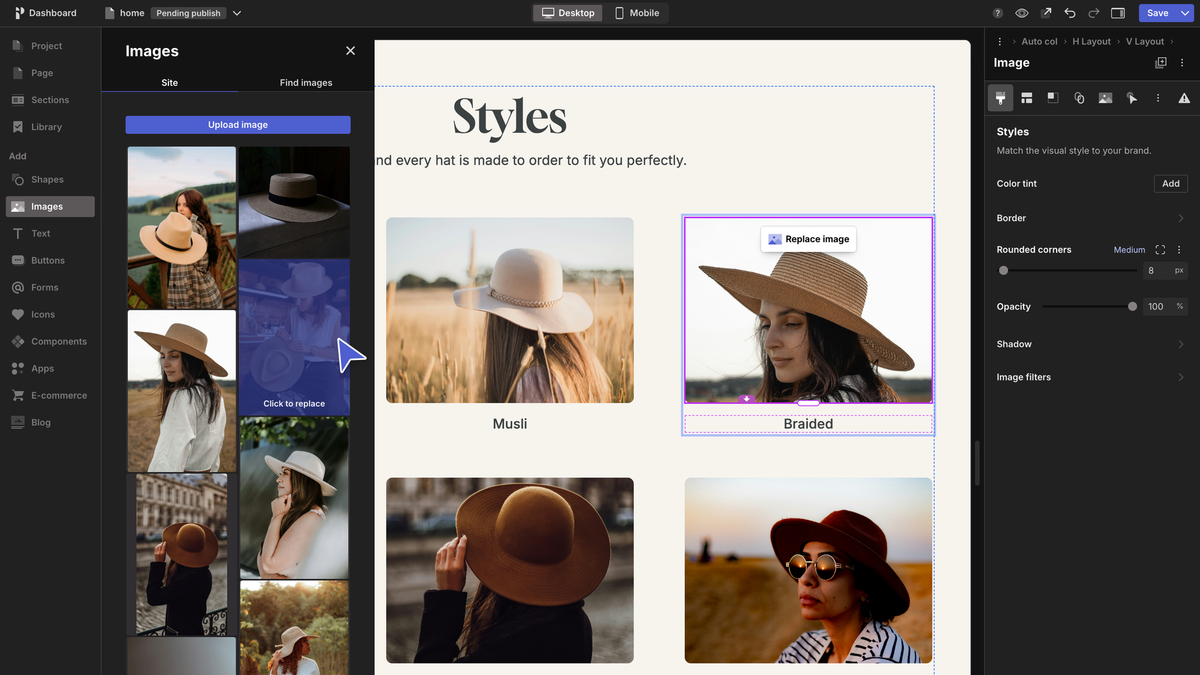
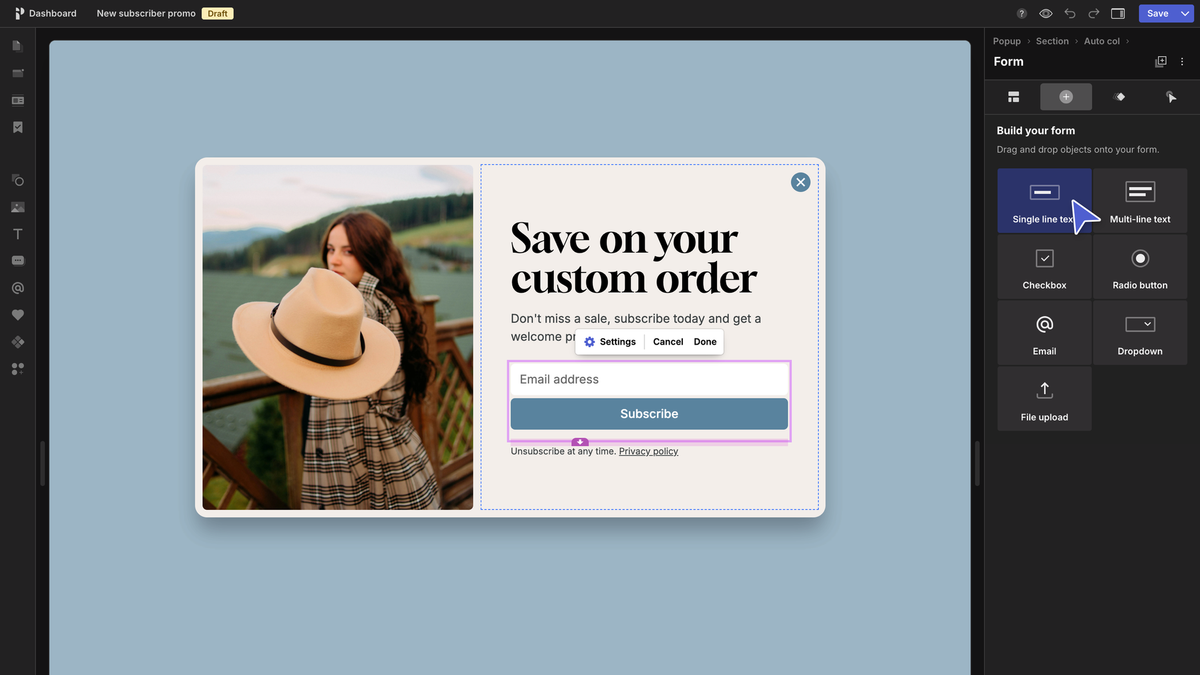
This is what you are paying for. The classic editor lets you place images, text boxes, icons, forms, lists and galleries freely on the canvas, pull pre-built sections from a template, and mix sections from different templates on one page. Desktop and mobile have separate editors, so you can rearrange the phone layout without breaking the desktop one.
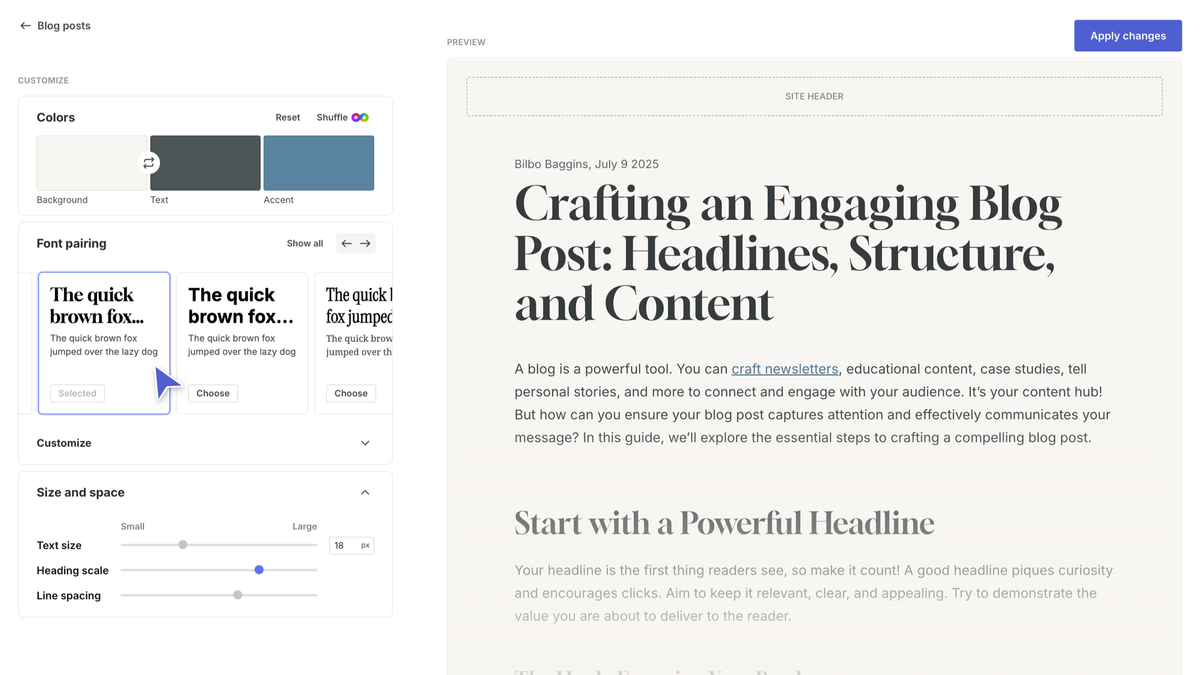
Two features set it apart from Squarespace in particular. Every plan includes source code access - HTML, CSS and JavaScript - so a developer can step in when the visual editor runs out. And SEO controls go further than most builders at this price: a Semrush integration for keyword research and direct control of the H1 to H6 heading hierarchy. Plans also include unlimited blog posts, a form builder, GDPR-compliant analytics, SSL on connected domains and more than 100 app integrations.
Team access is split into four roles - Blog Editor, Editor, Site Admin and Owner - which matters if a writer should be able to post without being able to move the homepage around.
The freedom has a cost. A Capterra reviewer from 2021 put it mildly: "Design mode is a bit more complicated in terms of tracking layers." A template builder stops you from overlapping elements; Pagecloud lets you, and on a busy page you will spend time finding which box is on top.
Pagecloud AI Site: a second builder in beta
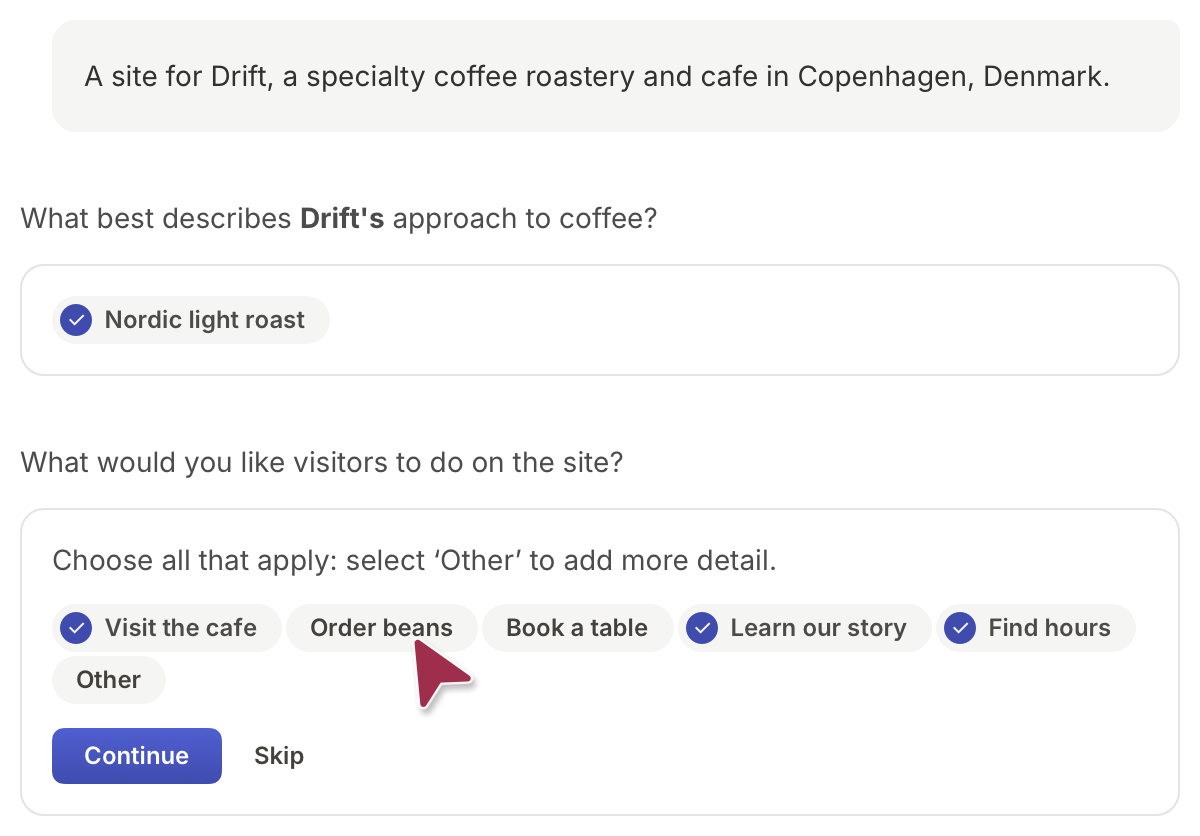
Pagecloud's bet for 2026 lives at a separate address, pagecloud.ai. The pitch: "Describe your business and Pagecloud AI builds a beautiful, ready-to-launch website with editing, hosting, analytics, and forms built in." You answer an onboarding interview about your business and it generates the site.
Checked in October 2026, it is still a beta and AI usage costs nothing - Pagecloud says it "does not charge for AI usage" in the AI Site beta or in the classic editor. Publishing an AI site still needs one of the paid plans above.
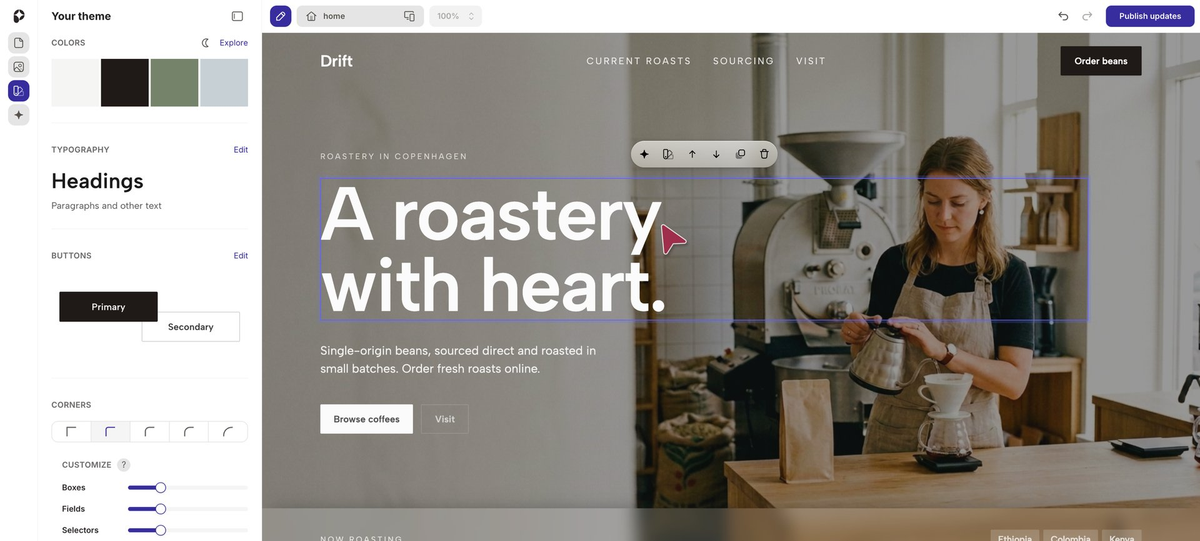
The catch is that an AI Site is not a classic Pagecloud site with a head start. It opens in a different editor, built around an assistant called Paige plus panels for theme, pages and media. The freeform canvas described above is the other product. Meanwhile, the AI inside the classic editor only handles text - fixing spelling, changing tone, rewording and drafting blog copy - and only inside what Pagecloud calls an Auto Column.
So decide which editor you want before you start. Generate with AI and you get speed; build classic and you get the drag-anywhere control that is the reason to pick Pagecloud at all.
Refunds, renewals and leaving
This is the part the pricing page does not tell you, and it is all in the terms of service (last updated March 26, 2021).
Payments "are non-refundable even if you stop using the Services." Subscriptions renew automatically unless you switch auto-renew off before the term ends, and Pagecloud may charge "the then-applicable fee" without notice. The one protection is that the price will not change in the middle of a subscription period. Cancelling takes effect at the end of the period you have paid for - so an annual plan cancelled in month two still runs, and still costs, for ten more months.
Leaving is harder still. The terms say Pagecloud has "no obligation to hold, export or return Your Stuff", and the help centre has no export tool. A 150-page site built here stays here; moving it means rebuilding it. One more trap from the help centre: unpublishing a site does not reduce the number of sites you are billed for. You have to email support or start a live chat to drop one.
Support itself gets good marks. Pagecloud offers in-app chat and email, though it publishes no hours or per-plan tiers, and Capterra users rate it 4.8 for customer service inside a 4.7 overall from 120 reviews. The recurring complaint there is price. "Compared to other drag and drop builders and website builders, this one might cost a lot more," wrote one reviewer in December 2022, and another found that resubscribing later came at "a stark difference" in price. On Trustpilot, the most recent review (August 2025, one star) said simply: "Everything you can do is very limited."
Pagecloud vs Wix, Squarespace and Webflow
Wix wins outright if the site has to cost nothing: its free plan publishes, Pagecloud's does not. Wix's editor is also freeform, so you give up less than you might expect.
Squarespace starts at $19 a month with unlimited contributors, against Pagecloud's $22 Launch plan with one or two. You lose the drag-anywhere canvas and the code access, and in exchange the templates do the design work for you.
Webflow starts at $15 a month billed annually for its Basic site plan, which has no CMS. It asks more of you than Pagecloud, but it is the better home for a content-heavy or developer-maintained site, and it does not leave you with a site that cannot be moved. If all you need is a landing page that converts, a dedicated tool such as Leadpages fits better than any of these.
Verdict
Pagecloud is a good builder for a narrow buyer: one small business or creative portfolio that wants to place every element by hand, likes having HTML and CSS within reach, and values live-chat support. For that site, $22 a month billed annually is a reasonable price, and the AI beta is a free way to get a first draft.
Skip it if you want a published site for free (use Wix), if several people need to edit (Squarespace gives unlimited contributors for less), or if the site will grow into a CMS-heavy or developer project (Webflow). And whoever you are, budget for the two things that only show up after you pay: no refunds, and no way to take the site with you.
Ready to try Pagecloud?
Visit the official website to see the latest plans, pricing, and special offers.
Get Started - Pagecloud* Affiliate link - we may earn a commission at no extra cost to you.