Signal Now Blocks Siri AI and Gemini From Reading Your Chats - and Admits It Can't on Mac
Signal now blocks Siri AI and Gemini from reading chats with screenshot blocking on iOS 27 and Android. Why it is partial, what Mac users must do, and what Signal wants.
News Report

What Signal changed
On November 20, Signal started blocking the AI agents built into phone operating systems from reading its chats. The announcement, a post by Signal president Meredith Whittaker titled "Signal is Serious About Protecting Your Privacy", names two targets: Apple's Siri AI Onscreen Awareness on iOS 27 and Google's Gemini Intelligence on Android. "Privacy is our mission; it's why we exist, and we do everything we can to protect it," it says.
The tool is an old one. An assistant that "looks" at your screen is, in effect, taking a screenshot, so Signal switches on screenshot blocking. The post is unusually frank that this closes one door and leaves several others open.
How it works on iOS 27 and Android
On iPhone, Signal adds a setting called Block Siri AI. With it on, screenshots inside the app are blocked, and so are screen recordings, according to Notebookcheck. Citing Signal's support article, Notebookcheck reports that the setting needs iOS 27 and Signal 8.37 or later, ships switched on, and can be paused for ten minutes or turned off entirely. Signal's own screenshot shows the toggle enabled.
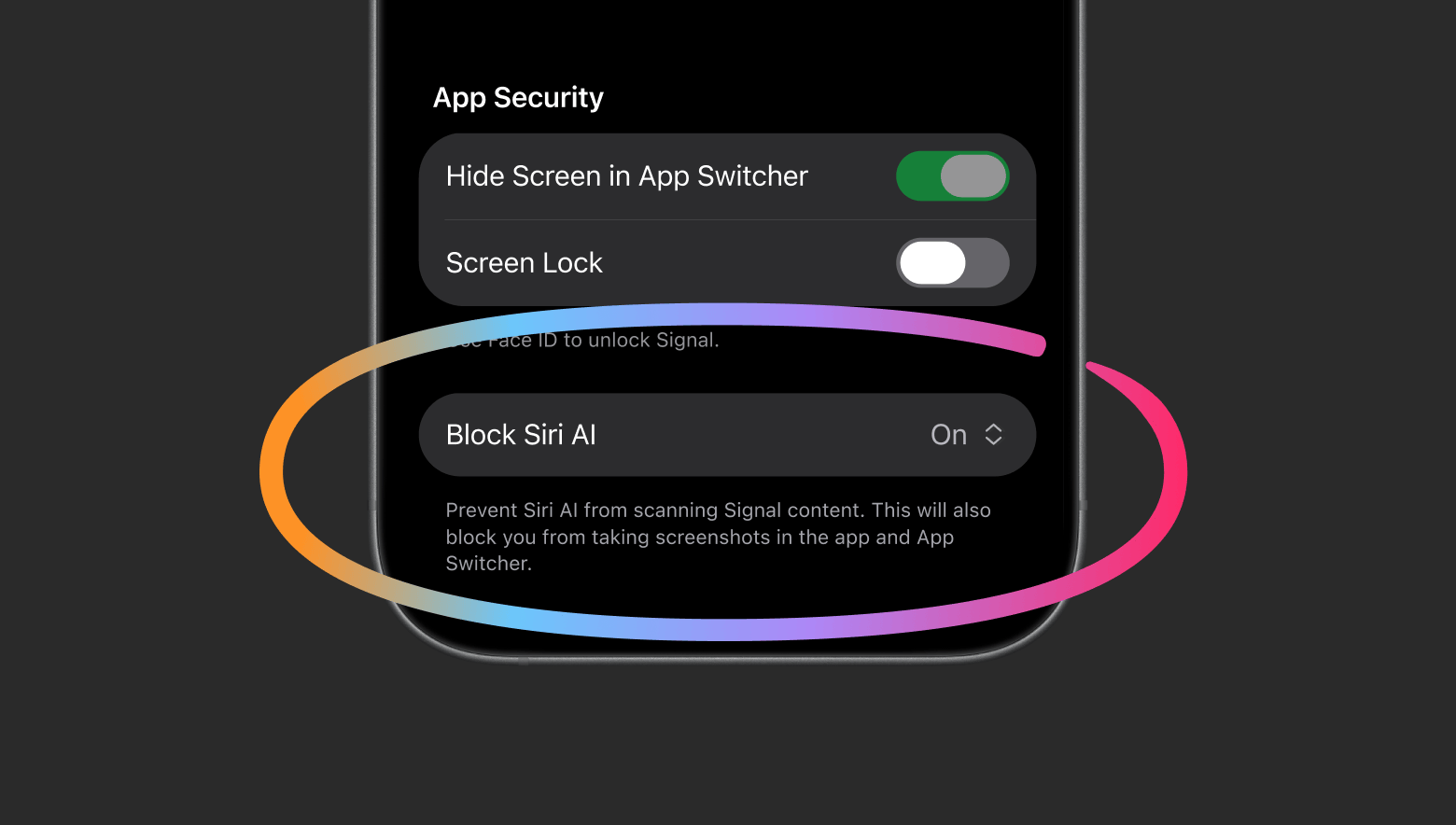
Android gets no new switch. Signal already had Screen security, and it now turns that on by itself when it detects an AI assistant trying to read the screen - from Signal 8.35.1, per Notebookcheck. Detection is the weak point. Signal says it cannot reliably spot screenshot attempts on every manufacturer's build of Android, especially where screenshots are already disabled.
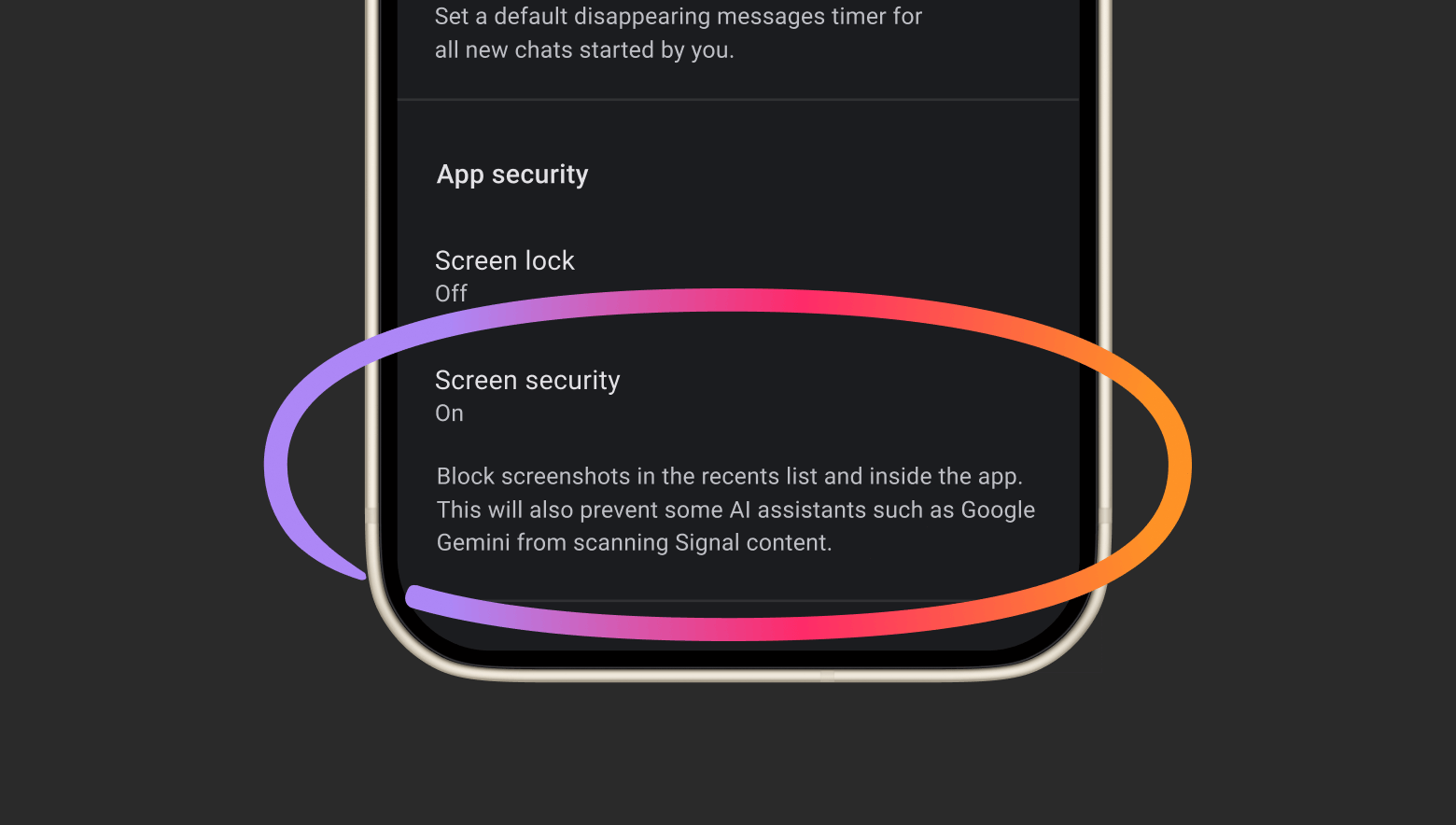
Both protections can be turned off in Signal's settings. Signal's warning is that doing so exposes your own messages and also whatever your contacts send you, and they get no say in it.
The Muse report two days earlier
The timing follows a Reuters investigation dated November 18. As reported by Fortune and Notebookcheck, Reuters found that Meta's Muse agent could read Signal message text without breaking Signal's encryption at all. It simply read messages after they had been decrypted: through push-notification access on Android, and through accessibility and screen-recording permissions on macOS. Apple told Reuters an OS update had closed the specific Mac route it tested.
The example that made it concrete came from inside Meta. An employee got a Muse reminder on a personal phone to answer a Signal message from a sister, and posted: "This seems like an extreme privacy violation." Muse was reportedly "set up by default with permission to access push notifications on Android phones". Meta's spokesperson answered that "Android users have the option to grant apps notification access, which they must opt in to." Muse launched in September and has been downloaded more than 10 million times.
What screenshot blocking cannot stop
Neither Muse route involved a screenshot. Signal says as much: "restricting screenshots does not address other more sneaky ways AI agents could potentially access application data". Its example is an agent reading content already stored on the device through the filesystem. Third-party agents such as Muse can also lean on broad permissions like accessibility settings, which a screenshot flag never sees.
The Mac is worse. On macOS 27, Signal says it cannot block Siri AI and cannot reliably block screenshots. "The only recommendation we have for macOS 27 users is to add Signal to the Excluded Apps section" under System Settings > Siri. Apple added Excluded Apps to iOS in version 27.2, a change the EFF welcomed on October 28; before it, neither users nor developers could stop on-screen awareness reading a Signal group chat. It is still a user control. Every Signal user on a Mac has to find it and set it, one machine at a time, and nothing Signal ships can do it for them. Related: our report on AI agents and full-disk access on macOS.
What this changes for app developers
For anyone building a messaging, health or banking app, the before and after is short. Before November 20, the honest answer to "how do I keep OS-level AI agents out of my app?" was that you can't, cleanly. After it, the answer is the same - except that now Signal has said so in public. The one lever that exists is screen security, the FLAG_SECURE-style flag Signal has used on Android for years and now applies on iOS 27 too. It is blunt. It blocks the user's own legitimate screenshots, it does nothing about notifications, the filesystem or accessibility access, and on Android the app has to guess when an assistant is looking.
The pressure is growing because the agents are doing more than reading. Android Authority notes that Gemini can analyse on-screen content without a manual screenshot and can act inside third-party Android apps, ordering food or booking rides.
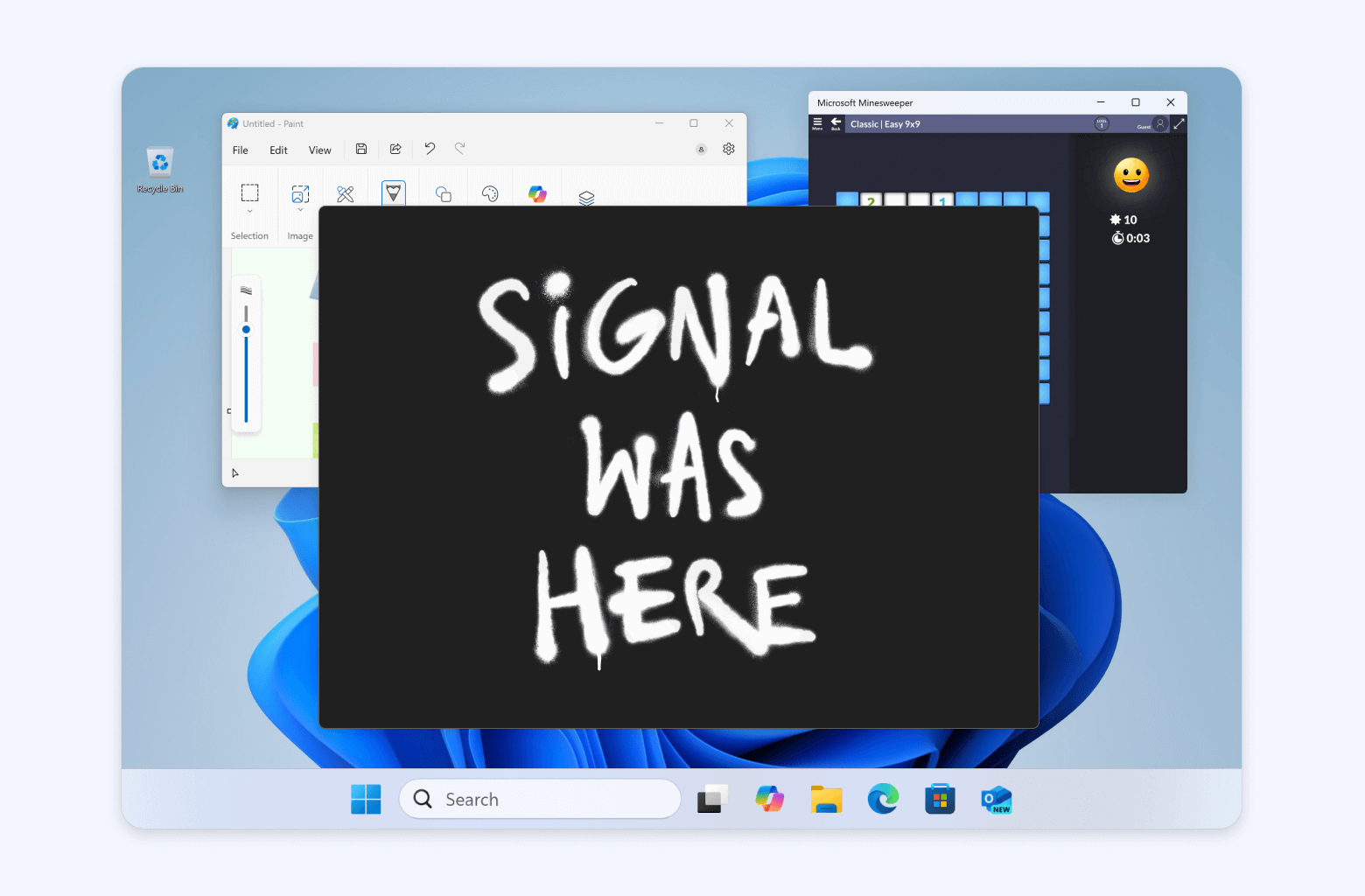
Signal has been here before. In May 2025, Signal Desktop on Windows 11 turned on screen security by default to keep Microsoft Recall from capturing chats, and the new post points back to it. Eighteen months later it is reaching for the same workaround on two more platforms, which is the best evidence for its complaint that "Google, Apple, Microsoft, and others do not provide ways for developers to easily restrict such AI data access." It also dismisses the industry's favourite reassurance: "Confidential computing approaches are not a complete solution, and do not address these core concerns."
What Signal is asking for
The post ends with three requests to Apple, Google and Microsoft. First, an easy, well-documented way for developers to opt their apps out of AI data access and processing - screen reading, filesystem access, notifications, APIs and other OS frameworks - without breaking the app's core functions. Second, better documentation and technical specs on how AI agents access and process data. Third, tools to stop third-party agents from using broad permissions such as accessibility to reach app data.
Photo: Kritzolina, via Wikimedia Commons, CC BY-SA 4.0
Signal's post does not say whether any of the three has responded. As of November 22, 2026, what readers can do is simple. On iOS 27, leave Block Siri AI on unless you need screenshots for a few minutes. On Android, check that Screen security is on in Signal's privacy settings rather than trusting detection. On a Mac running macOS 27, add Signal to Excluded Apps yourself, because Signal cannot. Developers should treat screenshot blocking as the only tool they have and design around the screenshots it breaks, until an operating system gives them a real "AI agents keep out" switch.