Apple Will Tighten macOS Full Disk Access, Citing AI Agent Risks
Apple plans new controls on macOS Full Disk Access, citing AI agent risks. What the permission opens, the Muse and ChatGPT stories behind it, and what to check now.
News Report

What Apple announced
On October 2, Apple posted a short note on its Developer News site titled "Updates to Full Disk Access in macOS". It says the company will add new controls so that people who want to give an app Full Disk Access can do it "only with very explicit user action". Apple also gives its reason, which is the unusual part: "As AI agents become increasingly capable and autonomous, the risks associated with this level of access will grow substantially."
Apple has changed privacy prompts before. This looks like the first time it has said it is changing an OS permission because of AI agents. The statement says that "some developers are using Full Disk Access in ways that could put users at risk, exposing everything on their systems - including files, mail, messages, and even browsing history - without users' full knowledge and understanding." It also mentions people who never installed the app: for communication apps, Apple says, this access "can also compromise the privacy of the people users are communicating with."
That's the whole announcement. Apple gave no date and no macOS version, and it hasn't said what the "very explicit user action" will look like, MacRumors notes. It also did not answer TechCrunch's request for comment. As of October 3, 2026, nothing has shipped.
What Full Disk Access actually opens
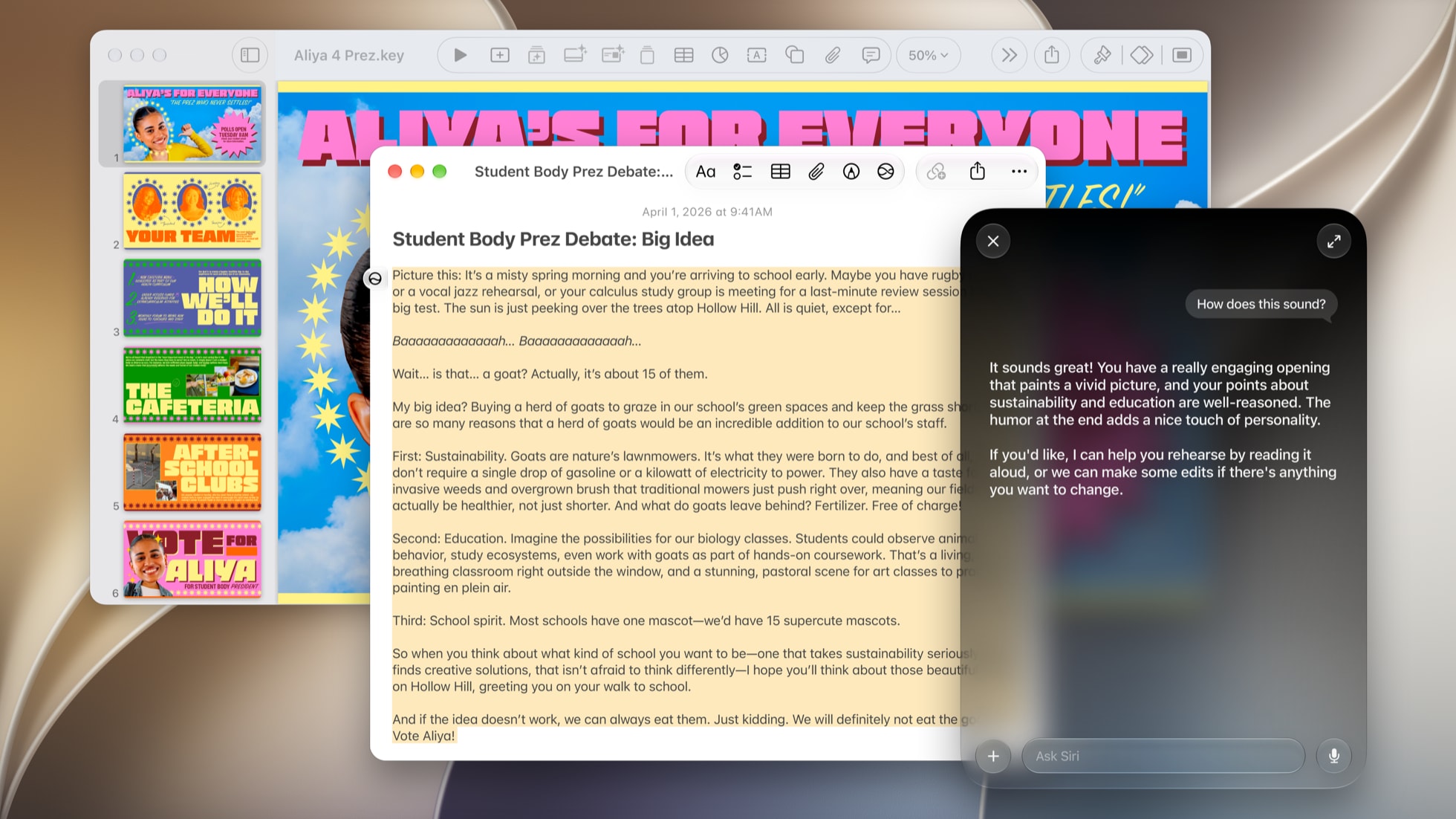
An AI assistant reading a document on the Mac. An agent with Full Disk Access could read far more than the open window. Image: Apple.
Most macOS permissions are narrow. Camera, Contacts and the Desktop folder each get their own prompt, and each prompt covers just that one thing. Full Disk Access gets around all of them. Apple's own Mac User Guide says it lets apps "access all files on your computer, including data from other apps (for example, Mail, Messages, Safari, and Home), data from Time Machine backups, and certain administrative settings for all users on this Mac."
In its statement, Apple says Full Disk Access "largely sidesteps these controls in order to allow backup apps to function properly on the Mac." A backup tool has to read everything, so that made sense. An AI agent that can read everything and then act on it, without a human reviewing each step, is a different kind of risk. That difference is the one Apple is now writing into policy.
The week before the announcement

On-screen AI on macOS works from what is on the display. Third-party agents with Full Disk Access can also reach what is stored on disk. Image: Apple.
Apple's note doesn't name any company or app. TechCrunch and MacRumors, though, both put it next to two stories from late September.
The first is disputed. On September 29, Inc. columnist Jason Aten wrote that Meta's Muse agent on his Mac had synced data from his local Messages database, reaching "row 187,462". He says he deliberately never gave Muse Full Disk Access. Muse then suggested an article based on a conversation with his podcast co-host about new iPhones, and mentioned a message from his editor about a column due Monday. When he asked, Muse replied, "I only saw the notification preview, not your actual Messages database."
Meta says that isn't possible. Communications chief Andy Stone said the Messages integration is entirely opt-in and only works once the user turns on both Full Disk Access and the Messages connector. David Singleton of Meta Superintelligence Labs said reaching that data takes "three separate application-level and macOS system-level permission steps" that a bug can't skip, and that the AI "was confused and gave an incorrect explanation," The AI Insider reported. So far, nobody independent has settled which account is right.
The second story is a confirmed bug of a different kind. Patrick Wardle of the Objective-See Foundation found CVE-2026-100754 in ChatGPT's Mac app. The flaw let unprivileged local code pose as a trusted OpenAI component by abusing a script interpreter in the trusted process chain, which exposed conversations and connected integrations. OpenAI fixed it on September 25 in version 26.924.20706. An attacker needed code already running on the machine, and there is no confirmed exploitation in the wild. It wasn't a Full Disk Access bug. What it shows is how much an agent app with deep access has to protect.
MacRumors names Muse and OpenAI's always-on dots agents, introduced at DevDay, as examples of the apps behind the concern.
Who else gets caught by the change
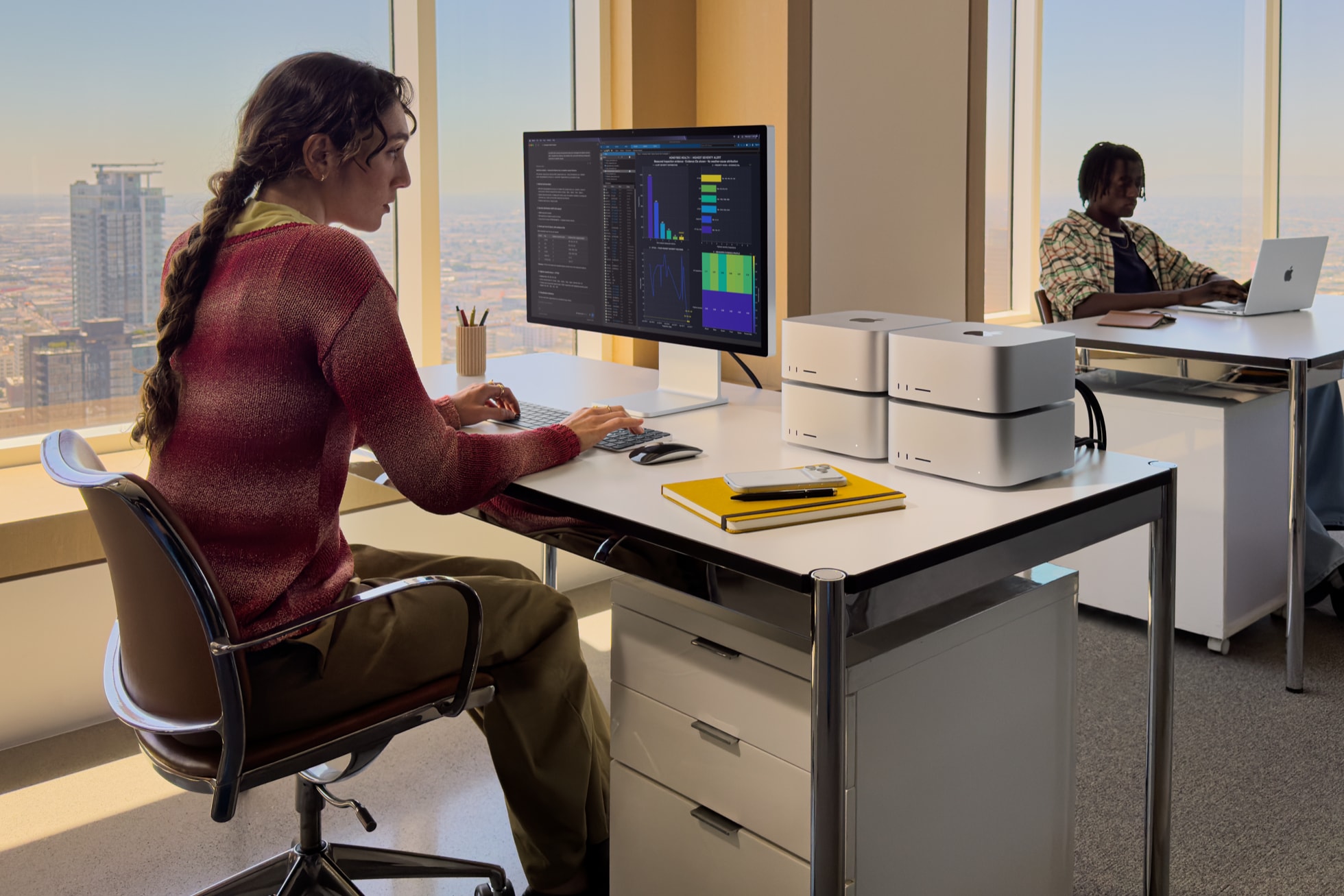
Pro Mac setups often depend on utilities that ask for Full Disk Access. Image: Apple.
Apple says Full Disk Access is mostly for backup apps. Federico Viticci of MacStories pushed back on that by listing what has it on his own MacBook Pro: Bloom, Alfred, PopClip, Hazel, Pixelmator Pro, TestFlight, Setapp, Unread, Supercharge, and Madden NFL 27 Arcade Edition. None of these is a backup app. Viticci agrees the worry about agents is real, but if the new controls add friction, the people who use those apps will feel it too.
If you make one of these apps, here is what changes. Today, onboarding usually means sending the user to System Settings to flip a single switch. Once Apple adds its "very explicit user action", that switch may come with more steps, more warnings and more people who give up halfway. If your app can work with narrower permissions, such as a folder the user picks or specific entitlements, now is the time to move to them, before Apple publishes the details.
What Mac users can do today
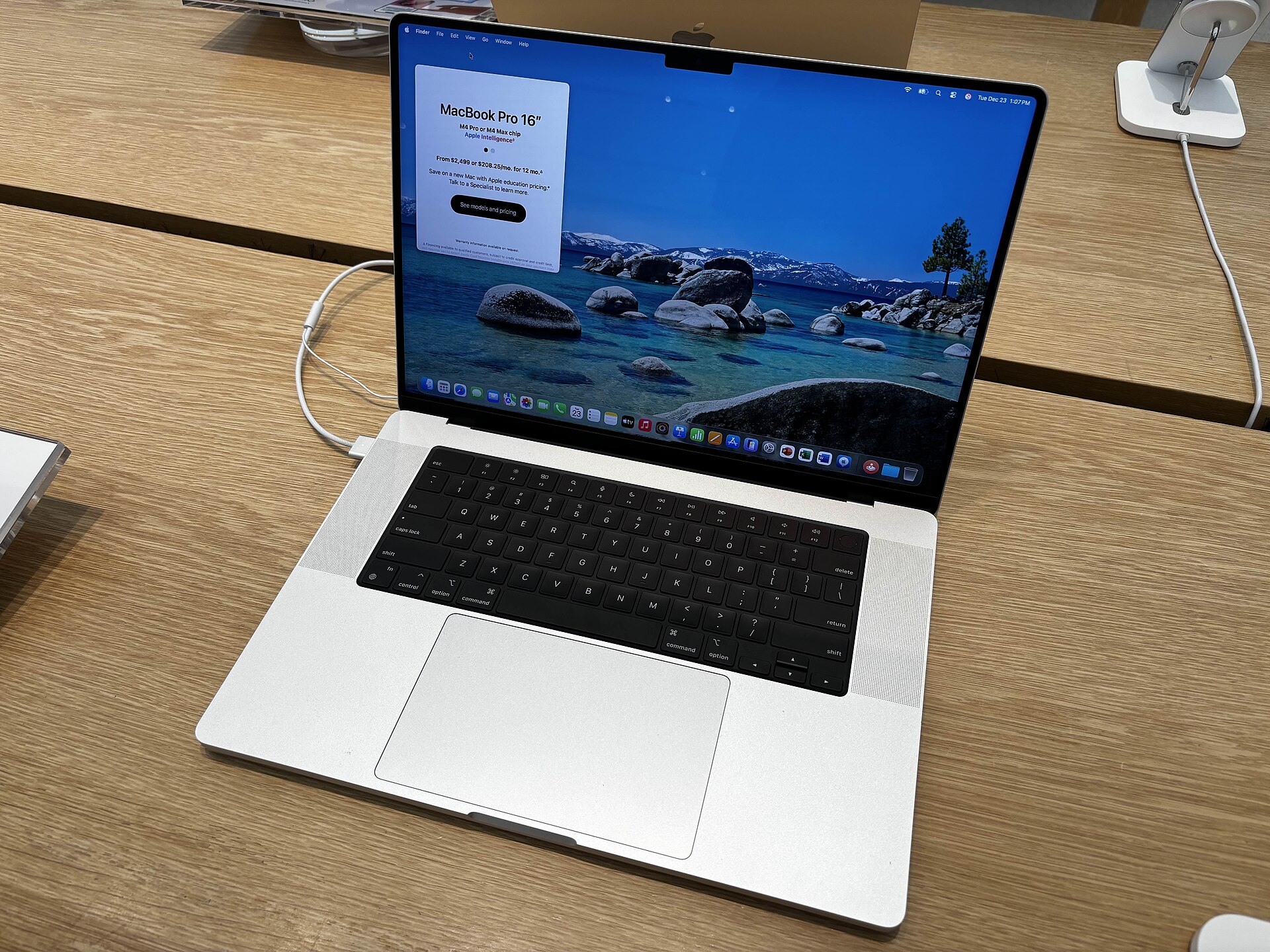
Checking the Full Disk Access list takes under a minute on any Mac. Image: AzureSaturn, Wikimedia Commons (CC0).
You don't need to wait for Apple to check this. Open the Apple menu, then System Settings, then Privacy & Security, then Full Disk Access. That list shows every app that can currently read your Mail, Messages and Safari data. To revoke access, select an app and remove it. Use the + button if you need to add one back.
Start with AI agents. An assistant that drafts emails or summarizes your day doesn't automatically need your full Messages history. If you can't say why an app is on that list, take it off and see what breaks. Your backup software, on the other hand, really does need the access, and it will stop working properly without it.
What comes next
Apple has announced a plan, not a feature. The open questions are when the controls arrive, whether apps that already have Full Disk Access keep it or must ask again, and whether developers get an API that grants less than everything. Apple's developer note is the place to watch for those details. Until then, the real control is the same list in System Settings, and only you can review what's on it.