CallRail Review: Call Tracking That Works, Billing You Must Watch
CallRail review: the new Lead Tracking and Lead Conversion plans from $50/month, how DNI call tracking works, the per-minute overage trap, and alternatives.
Expert Review

The short version
CallRail answers one question for anyone who spends money on ads: which campaign made the phone ring? It does that well, and it has done it for small businesses and agencies for over a decade. The catch is not the software. It is the bill. Every plan is priced "plus additional usage", and the per-minute charges that sit behind that phrase are the complaint that shows up in review after review.
This review covers the new plan lineup (the names changed recently), what each tier adds, where the overage trap sits, and who should pick something else.
How the call tracking actually works
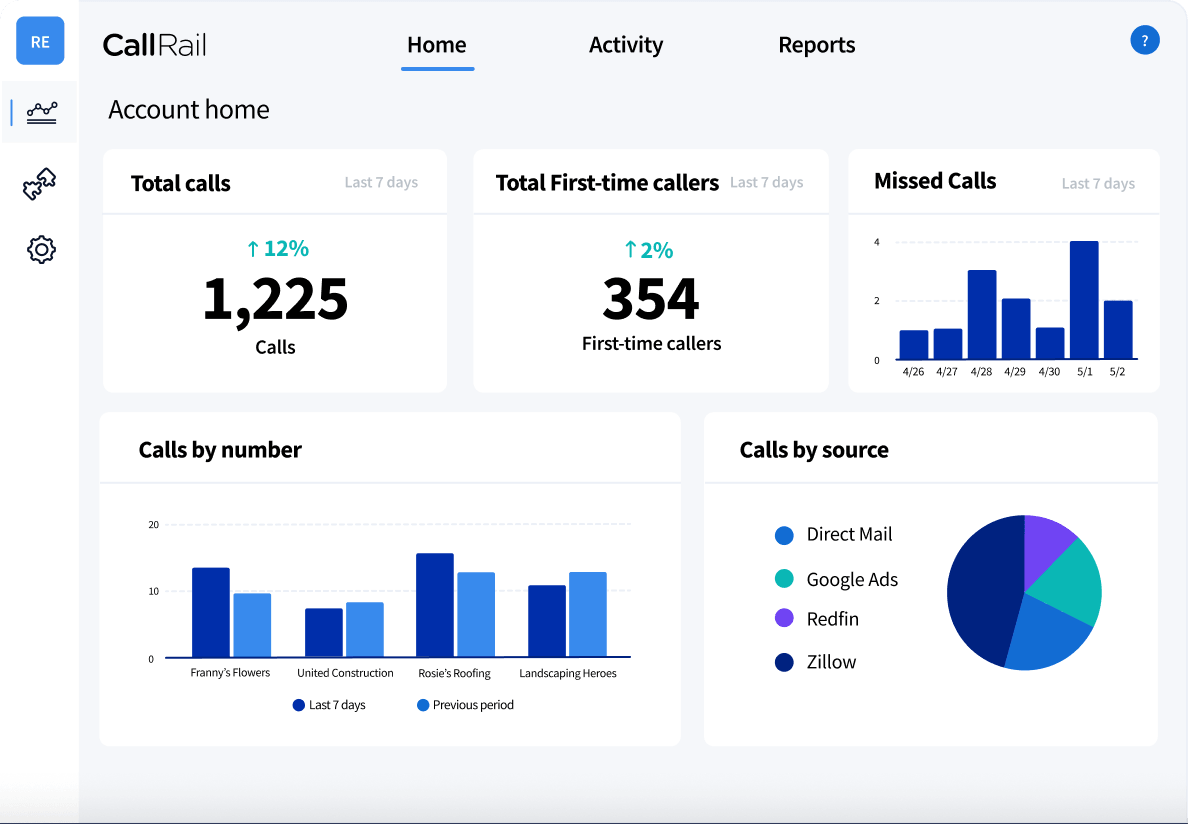
The core feature is Dynamic Number Insertion (DNI). A snippet on your site swaps the phone number each visitor sees based on how they arrived - Google Ads, organic search, social, email or direct. When someone calls, CallRail knows which number they dialled, and therefore which channel sent them. Without it, a phone lead from a $40 click looks exactly like one from a free Google listing.
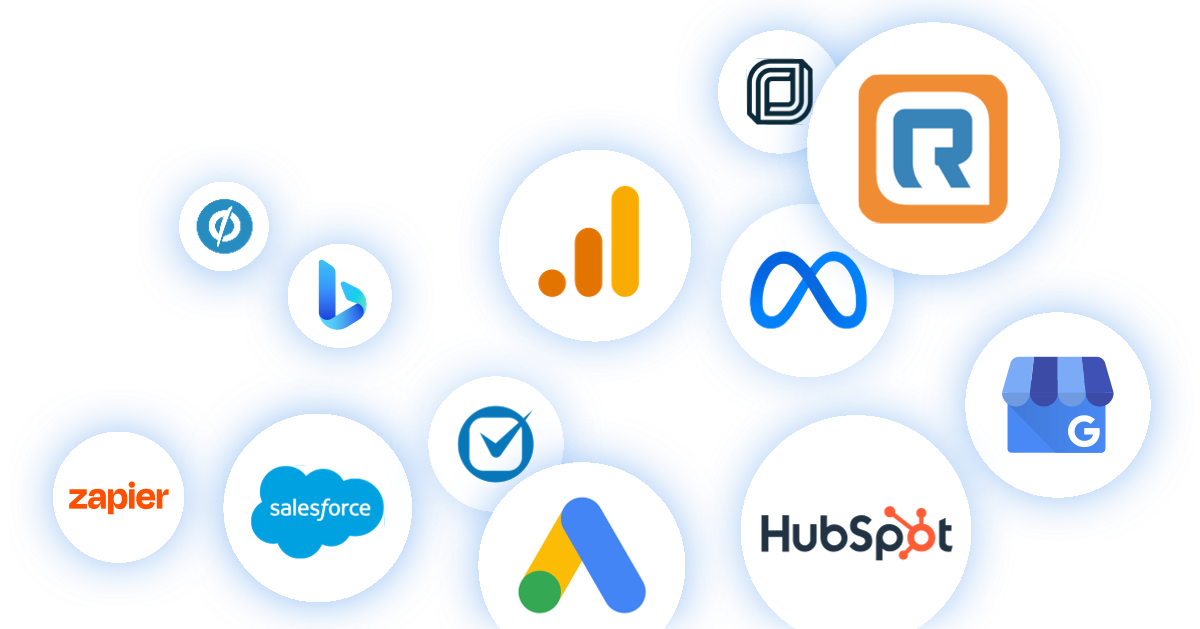
Around that sit the pieces you would expect: call recording, routing rules, transcription, and text tracking on the same numbers. On the higher tiers the data flows into HubSpot, Salesforce, Marketo, Unbounce, Google Ads and Google Analytics. The HubSpot integration is the most useful of these in practice. It attaches call and text history to the existing contact, and when a caller is not in the CRM yet it creates a new contact with a first and last name and a placeholder email. That placeholder is worth knowing about - if your HubSpot workflows key on email domains, those auto-created contacts will fall through them until someone fills in a real address.
Pricing and the new plan names
CallRail renamed its tiers. What used to be sold as Call Tracking, Conversation Intelligence (an add-on) and Marketing Suite is now four plans, and Conversation Intelligence is folded into the top two rather than bought separately. Prices below were checked on callrail.com/pricing in September 2026.
| Plan | Annual billing | Monthly billing | What it adds |
|---|---|---|---|
| Lead Tracking | $50/mo | $55/mo | 5 local numbers, 250 minutes, 25 texts, call and text attribution, recording, routing, transcription, automation rules |
| Lead Tracking Complete | $95/mo | - | Form tracking and attribution, form builder, 1,000 form submissions/month, multi-touch cost-per-lead reporting |
| Lead Conversion | $150/mo | $165/mo | Premium Conversation Intelligence: call summaries, sentiment, trend reports, automatic conversion tagging, coaching tools, 10,000 analysis minutes |
| Lead Conversion Complete | $195/mo | $215/mo | Everything above: calls, forms and Conversation Intelligence together |
Annual billing saves up to 10%. The AI Voice Assistant, which answers calls and captures leads when nobody picks up, is still a separate add-on from $95/month, and it needs a Lead Tracking plan underneath it - so the cheapest way to get it is roughly $150/month, not $95.
There is a 14-day free trial with no credit card required. We found no money-back guarantee on the pricing page, so treat the trial as your only refund window.
The overage trap
Five numbers and 250 minutes sound like plenty until you do the arithmetic. A single tracking number on a busy Google Ads campaign can burn through 250 minutes in a week. Past the allowance, extra minutes run about $0.05 to $0.08 each depending on number type and tier, and extra numbers and texts are billed on top.
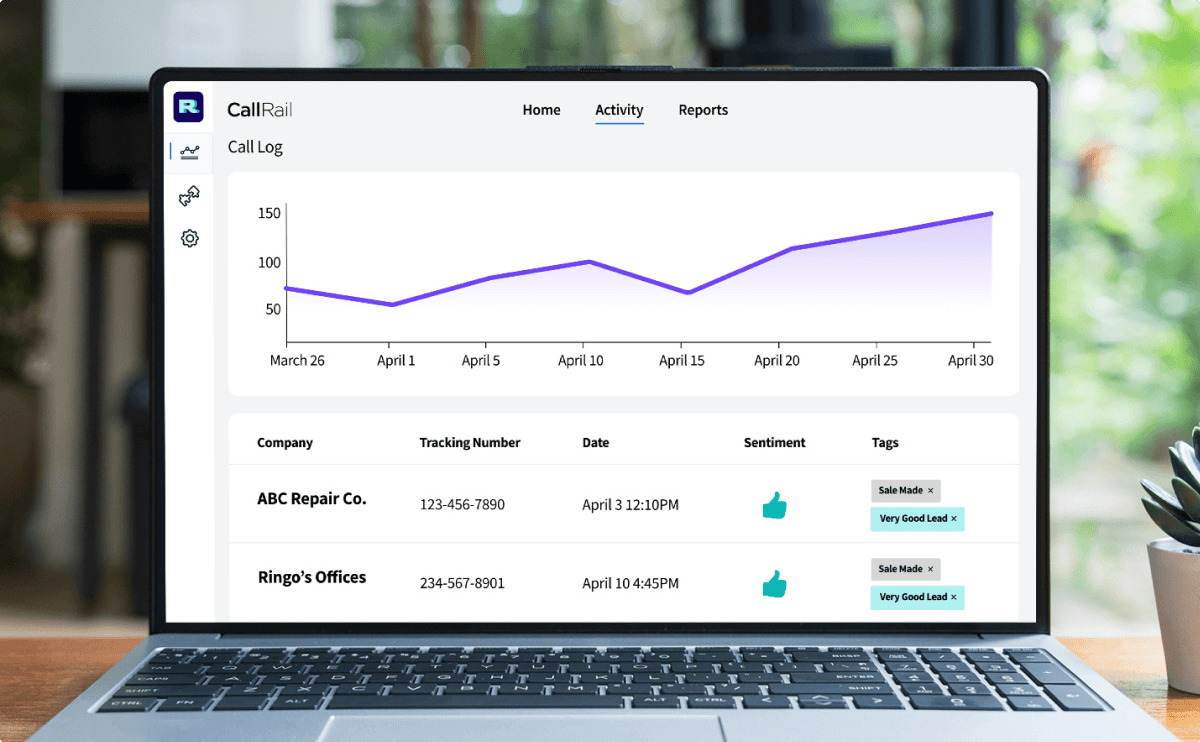
Two details make it worse than it looks. Reviewers on G2 report that minutes are charged on unanswered calls as well as answered ones, so a phone that rings out still costs you. And several describe a $50 plan turning into a $200+ invoice with no alert beforehand. Some also describe cancelling as harder than signing up, including one report of a $500 charge months after the account was believed closed.
None of that means the product is a scam. It means you should do three things in the first week: count how many numbers your campaigns really need (DNI pools add up fast), look at last month's call minutes from your current phone provider, and get written confirmation of any cancellation. Budget for the usage, not the headline price.
Is Conversation Intelligence worth $100 more?
The jump from Lead Tracking ($50) to Lead Conversion ($150) buys you AI on top of the recordings: summaries of each call, sentiment, trend reports across all calls, and automatic tagging of which calls converted. The tagging is the part that pays for itself. Instead of someone listening to 300 recordings to mark the ones that became bookings, the rules do it, and those conversions can feed back into Google Ads bidding.
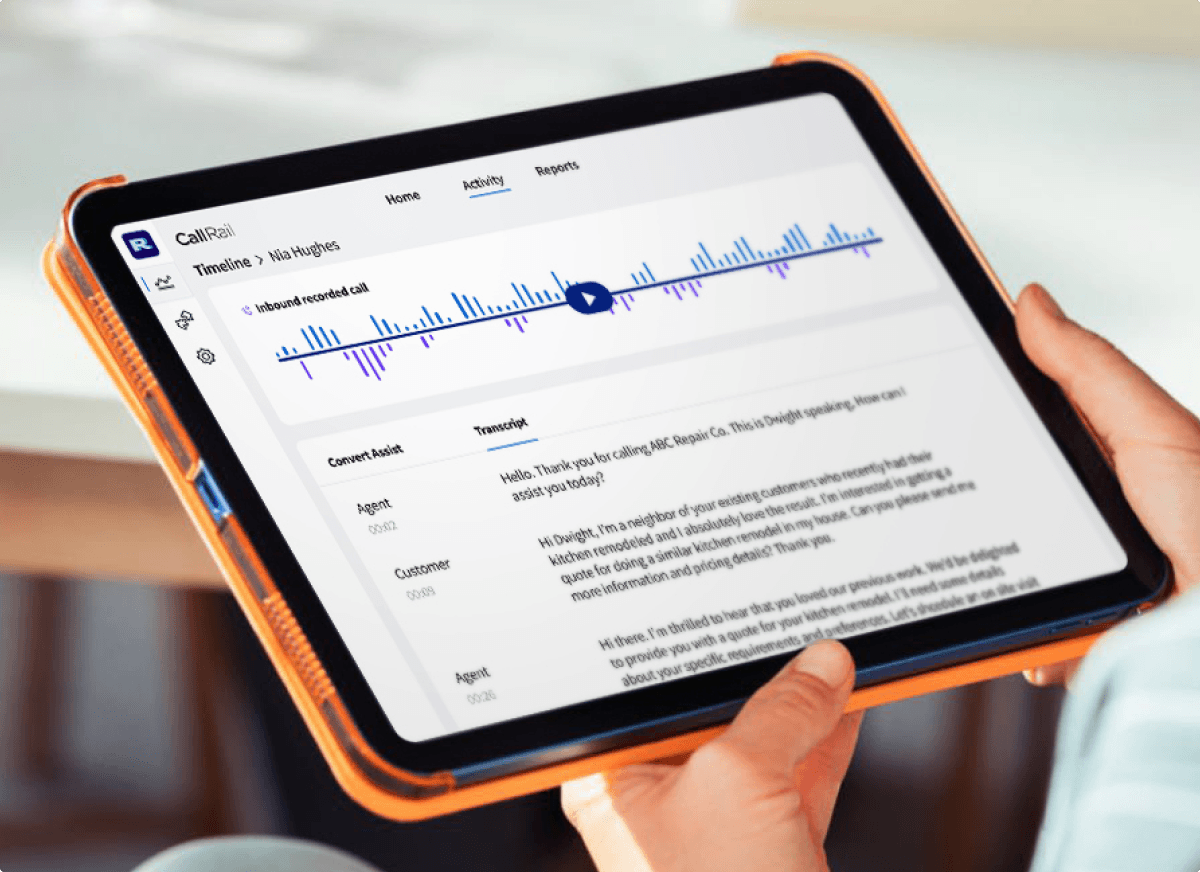
For a business taking 20 calls a week, a person can do that by ear and the $100 gap is hard to justify. For an agency running a dozen client accounts, or a home-services company where every call is a potential $2,000 job, the 10,000 analysis minutes and coaching tools start earning their keep.
How it compares
CallRail's main rival for the same buyer is CallTrackingMetrics, which leans harder into contact-centre features. WhatConverts tracks calls, forms and chats in one lead list and is often the pick for agencies that care about forms as much as calls. Nimbata and Ringba cover the lighter and the pay-per-call ends of the market. At the top sits Invoca, built for enterprise attribution and sold on custom contracts that typically land in the five-to-six-figure annual range - a different league from CallRail's self-serve plans.
Capterra reviewers mostly praise CallRail for the interface and the integrations, describing it as an easy way for smaller teams to tie calls and texts to marketing spend. That matches its position: the approachable middle of the market.
Verdict
Buy it if you run paid search for local services - dentists, law firms, HVAC, agencies managing those clients - and phone calls are your real conversions. DNI plus the Google Ads integration is exactly what that job needs, and the setup is quick enough to prove value inside the 14-day trial.
Skip it if your call volume is high but each call is worth little, because per-minute billing will eat the margin; a flat-priced tool or your phone system's own analytics will do. Skip it too if form leads matter as much as calls and you do not want to pay $95 just to see them - WhatConverts handles both on one plan. And if you need enterprise-grade attribution across a large contact centre, go straight to Invoca.
Whatever you choose, set a usage alert on day one. CallRail does the tracking well. Watching its bill is your job.
Ready to try CallRail?
Visit the official website to see the latest plans, pricing, and special offers.
Get Started - CallRail* Affiliate link - we may earn a commission at no extra cost to you.