LogRocket Review: Session Replay Priced by the Session, With the AI Locked to Pro
LogRocket review: Core vs Pro pricing checked September 2026, what counts as a session, what Galileo AI does, export lock-in, and when PostHog, Sentry or Clarity fit better.
Expert Review
What LogRocket is now
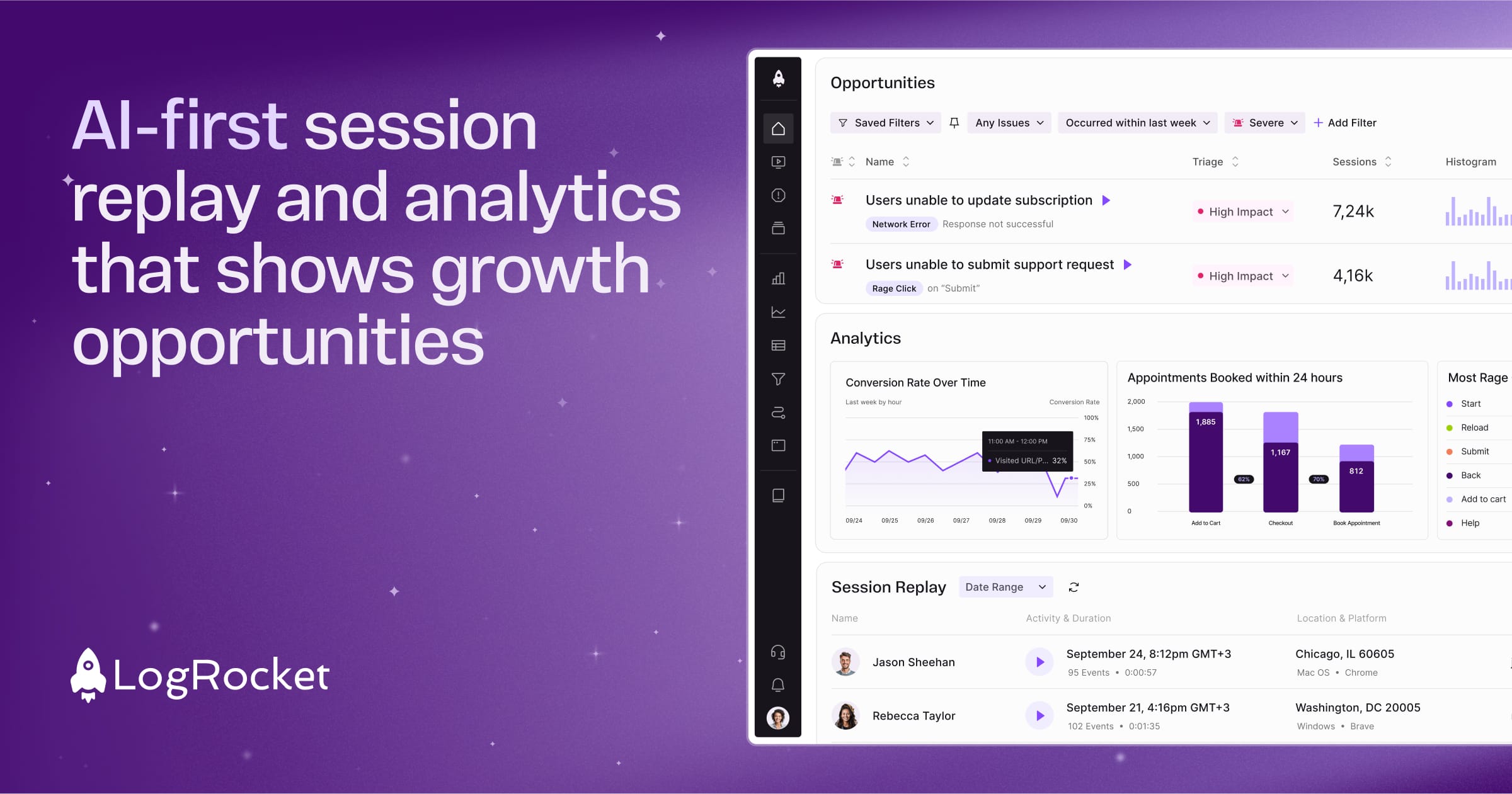
LogRocket began as a way to watch a user's session back with the console and network tab attached, so a bug report stopped being "it broke" and became a replay with the failing request in it. That is still the core. What changed this year is everything around it. In March 2026 LogRocket launched Ask Galileo, a chat that answers questions about your users by watching sessions for you. In June it shipped an MCP server, and on June 23 it started letting Galileo hand user-facing bugs straight to Cursor, Claude Code or Codex, which trace the cause, draft a fix and open a pull request.
The pricing changed shape too. LogRocket now charges for one thing, the session replays it captures, and its pricing page says: "Analytics, logs, and errors are always unlimited." That is a cleaner deal than a meter on every event type. The catch is where the new AI sits. Every Galileo feature is on the Pro plan, and Pro starts at 250,000 sessions a month. Most of this review is about that gap.
Pricing, and the cliff between Core and Pro
There are four plans: Free, Core, Pro and Enterprise. The Team and Professional plans that older reviews quote are gone, and so are their prices. Every figure below is the monthly "starting at" price from LogRocket's pricing page, checked on September 30, 2026. The final quote moves with seats, retention length and add-ons such as Streaming Export, and annual prepayment earns a discount you negotiate rather than read off the page.
| Plan | Sessions per month | Starting price | Per 1,000 sessions |
|---|---|---|---|
| Free | 1,000 | $0 | - |
| Core | 10,000 | $83 | $8.30 |
| Core | 25,000 | $176 | $7.04 |
| Core | 50,000 | $333 | $6.66 |
| Core | 100,000 | $717 | $7.17 |
| Pro | 250,000 | $1,004 | $4.02 |
| Pro | 500,000 | $1,433 | $2.87 |
| Pro | 1,000,000 | $2,258 | $2.26 |
| Pro | 3,000,000 | $5,167 | $1.72 |
| Enterprise | 4,000,000+ | Quote only | - |
Read the last column and the shape is plain. Core gets more expensive per session at its top step, and then Pro, at 2.5 times the volume, costs only $287 more. A team at 120,000 sessions has no Core option at all. It pays $1,004 for Pro or records less.
LogRocket knows where the pain is. The page marks Galileo as "Included free above 100K sessions / mo", and it shows a Conditional Recording estimate that brings Pro at 250K down to about $717 by capturing around 40% of sessions. The docs, though, call Conditional Recording a separate add-on for Pro and Enterprise. Treat that $717 as the start of a conversation with sales, not a checkout price.
Web and mobile share one quota; the slider is labelled "Sessions per month web + mobile". The 14-day trial opens every feature and needs no card. What the page does not publish is how many seats Free, Core and Pro include, or how long each keeps recordings. Both change the price, so get them in writing before you sign.
What counts as a session, and how bills run away
When the session is the only meter, its definition is the fine print that matters. A web session starts on the first page and ends after 30 minutes without mouse movement, clicks or scrolls, or once the user has been away from your app for more than 2 minutes. A new tab opened from the app counts as the same session, which is generous. On mobile, a session ends when the user leaves the app for more than 5 minutes, or at 24 hours.
Model the 2-minute rule before anything else. A shopper who checks email for three minutes mid-checkout comes back as a second session. On an app people dip in and out of, sessions can run well ahead of visitors.
The brake is Impose Session Limit: once a project hits its cap, LogRocket stops recording new sessions until the monthly quota resets. It exists on Pro and Enterprise only. On Core, a traffic spike or a bot wave eats the quota and nothing stops it but you. Conditional Recording, which records only sessions that meet a rule (a visit to checkout, a network failure, an error message, a custom event) and still keeps up to 10 MB of activity from before the rule fired, is Pro and above as well. So the cost controls live on the same plan as the AI, and the plan that needs them most does without.
What Galileo actually does on Pro
Galileo is the reason to pay for Pro, so here is what each part does. Highlights watches up to 10 sessions from one user and writes up what happened. Issues ranks errors and frustration signals down to the 5 to 25 that hurt most; an issue has to occur at least 3 times before it can be rated severe, and a weekly digest emails the top five. Ask Galileo takes a plain-English question and, by default, watches 100 sessions per query to answer it, or 100 per cohort when you compare two.
Hold on to that 100. It turns "why do people abandon the pricing page?" into an answer in seconds, but it is a sample of your traffic read by a model, not a query over every event. Use it to find where to look, then confirm in the funnel.
The coding-agent dispatch is the boldest piece. Galileo can route an issue to Cursor, Claude Code or Codex, and the agent drafts a pull request. That saves the triage. It does not save the review, and those PRs deserve the scrutiny you would give a new hire's.
On data, LogRocket says it "never uses customer-identifiable data to train its models", and its Galileo privacy FAQ says it calls OpenAI, Google and Anthropic APIs for some functions. If your DPA keeps a subprocessor list, those three belong on it. Core users do get one AI feature: AI Feedback Analytics, which reads support and review feedback from tools like Zendesk and Intercom, needs no session replay, and is free.
Privacy, compliance and leaving
Password fields are never recorded, and anything you tag with data-private is stripped in the browser, so it never reaches LogRocket's servers. A project setting can sanitize all text, inputs and images. Beyond passwords, the docs do not say inputs are masked by default, so budget a pass over your forms before launch.
LogRocket states SOC 2 Type II, GDPR and CCPA compliance and runs on Google Cloud with encryption in flight and at rest. We found no EU data-residency region. The residency answer is self-hosting, which is Enterprise only, and the pricing page frames it with "Healthcare HIPAA · HITRUST · BAA" - positioning, not a certification you can cite to an auditor. SSO appears on the Core list, but the SSO doc covers Google-domain sign-in and sends you to support for SAML with Okta or Azure AD. Count SAML as a sales item.
Leaving is the weak spot. The legacy Data Export is deprecated for the cloud product. Its replacement, Streaming Data Export, is a paid add-on that pushes data hourly to one destination per organization (Snowflake, BigQuery, S3, Postgres and others). It is not retroactive: nothing recorded before you switch it on ever leaves, and network bodies and Redux payloads are excluded. If owning your history matters, buy export in the first contract, not in the year you decide to move.
Setup, overhead and what users say
Install is npm i --save logrocket or a script tag, with Redux, ngrx and Vuex plugins that put state changes next to the replay. Mobile SDKs cover iOS, Android, React Native and Flutter. LogRocket's own figures are an 8 KB compressed script that never blocks the main thread for more than 5 milliseconds, and about 15 KB per second of upload from the mobile SDK. We did not measure either. The mobile number deserves a check if many of your users are on metered data.
Users like it. Capterra shows 4.9 out of 5 from 28 reviews, and the praise is specific: one CTO called seeing network requests out of the box "HUGE". The complaint that recurs is price, and it is aimed at the step up from free. Most of those reviews date from 2020 and 2021, before the current plans, but a 1,000-session free tier suggests the complaint still stands.
LogRocket vs PostHog, Sentry, Clarity and Datadog
All prices below were checked on each vendor's pricing page on September 30, 2026.
| Tool | Free replays | About 100K sessions a month | Where it wins |
|---|---|---|---|
| LogRocket | 1,000 per month | $717 (Core) | Console, network and app state in one replay; Galileo on Pro |
| PostHog | 5,000 web per month | About $270, our sum of its per-recording tiers | Cheapest per recording, from $0.0050 down to $0.0015 |
| Sentry | 5,000 per month for the first 3 months; Team includes 50 | Priced per replay on top of Team ($26/month annual) | Error monitoring first, replay attached to the error |
| Microsoft Clarity | Unlimited | $0 | Free heatmaps and replay; no error or network tooling |
| Datadog | None | $250 for replay at $2.50 per 1,000, plus RUM billed separately | Teams already paying for Datadog APM |
PostHog is the direct threat: five times the free replays and well under half the Core price at 100K. What LogRocket keeps is the debugging depth of its player and, on Pro, an AI layer PostHog does not match session for session. Sentry is the better buy when errors, not UX, are the job. Clarity costs nothing and is enough for a marketing team reading heatmaps. Datadog makes sense only when its RUM and APM are already on the invoice.
Verdict
Buy LogRocket Core if you run a web app between 10,000 and 100,000 sessions a month and your engineers debug from replays. Console logs, network calls and Redux state on one timeline is still the best reason to pay, and unlimited errors and analytics make Core easier to budget than a meter on every event.
Move to Pro once you pass 100,000 sessions. At that point the step costs less per session and brings the session cap, Conditional Recording and Galileo with it. Do not chase Galileo below that volume; there is no way to buy it under 250K.
Skip LogRocket if replay on a budget is the goal, because PostHog's 5,000 free recordings and per-recording pricing beat a 1,000-session free plan and an $83 first step. Skip it for heatmaps alone; Clarity is free. Start with Sentry if errors come first. And if you need data residency without self-hosting, LogRocket has no answer below Enterprise.
Ready to try LogRocket?
Visit the official website to see the latest plans, pricing, and special offers.
Get Started - LogRocket* Affiliate link - we may earn a commission at no extra cost to you.