Best AI Video Generators
Best AI video generators compared: Vidnoz vs HeyGen vs InVideo vs Runway vs Pictory on avatars, editing, quality, and price. See which AI video tool fits your workflow.
Expert Review

Best AI Video Generators: Quick Verdict
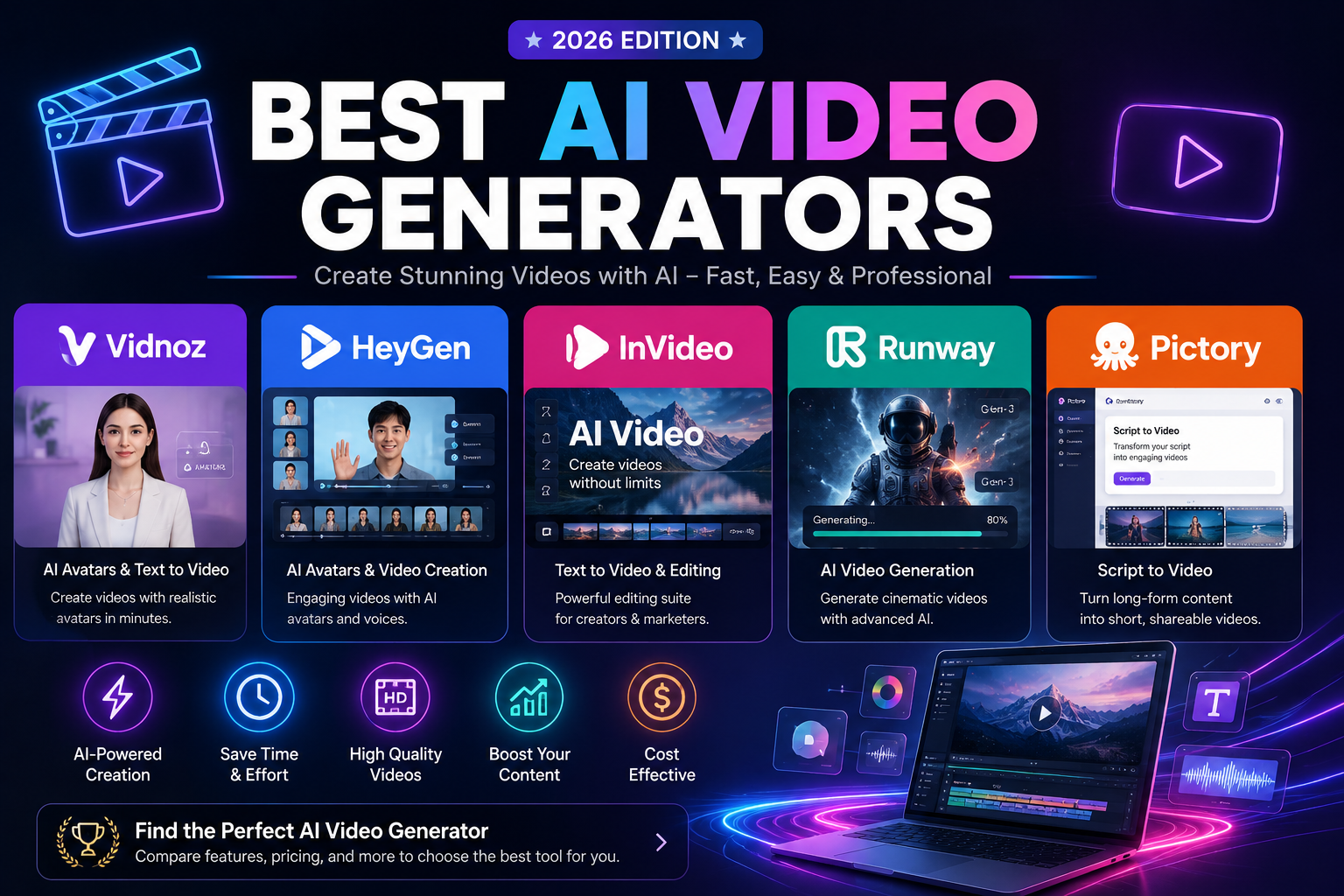
Short on time? Here is the bottom line. Vidnoz is the best value — a huge library of AI avatars and voices with a genuinely useful free tier, ideal for talking-head and social videos on a budget. HeyGen is the quality leader for realistic AI presenters and video translation. InVideo AI turns a single text prompt into a fully edited video with stock footage, voiceover, and captions. Runway is the choice of creatives for cinematic, generative text-to-video and visual effects. And Pictory is the repurposing specialist, spinning scripts, blog posts, and long recordings into short, captioned clips.
| Vidnoz | HeyGen | InVideo | Runway | Pictory | |
|---|---|---|---|---|---|
| Best at | Value avatars | Realistic presenters | Prompt-to-video | Cinematic gen | Repurposing |
| Free tier | Yes | Yes | Yes | Yes | Trial |
| Paid from | ~$12/mo | ~$29/mo | ~$20/mo | ~$15/mo | ~$19/mo |
| AI avatars | Yes | Best-in-class | Limited | No | No |
| Ideal for | Budget creators | Business & training | Marketers | Filmmakers | Bloggers & teams |
Want the fast answer? If you want the most video for your money, Vidnoz is the smartest starting point thanks to its free avatars and low entry price. If your priority is the most lifelike AI presenter, HeyGen is worth the premium. Read on for the full head-to-head, or jump to the final recommendation.
Overview of Each Tool
All five are excellent AI video tools, but each solves a different problem. Here is what each one is and who it is for.
Vidnoz — the value champion
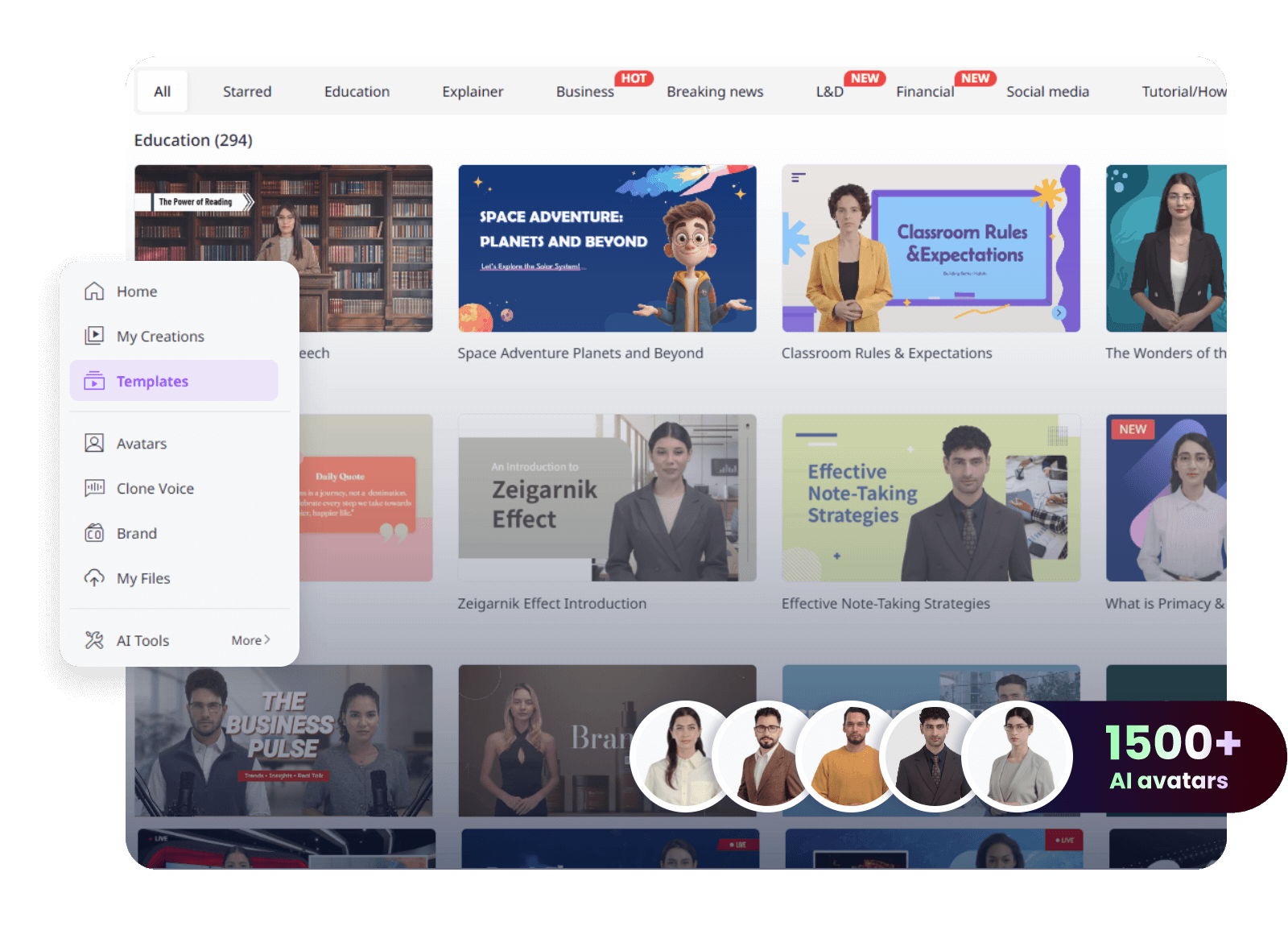
Vidnoz packs AI avatars, text-to-speech voices, talking photos, and a face-swap toolkit into one platform with a surprisingly generous free plan. It is aimed at creators and small businesses who need a steady stream of talking-head, explainer, and social videos without a studio budget. You pick an avatar, type or paste your script, choose a voice, and export — no camera required. For sheer output per dollar, nothing else here comes close.

HeyGen — the most realistic presenters
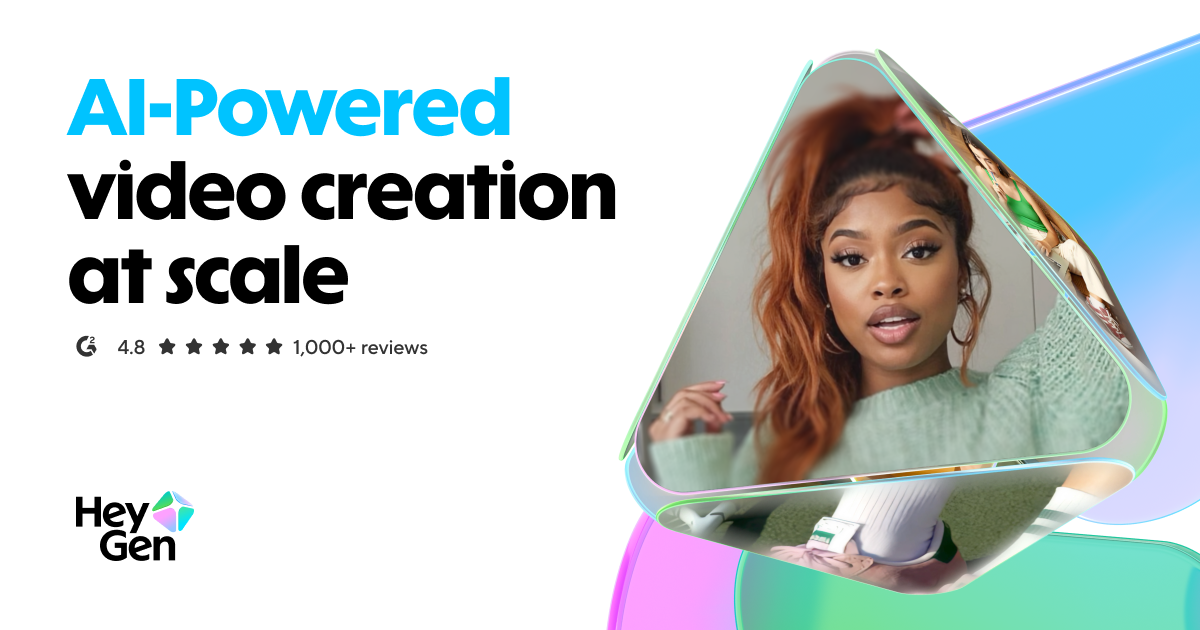
HeyGen is the gold standard for AI avatar and spokesperson videos. Its studio-grade digital humans, natural lip-sync, and instant video translation into dozens of languages make it a favourite for product demos, training, and localized marketing. You can even create a custom avatar of yourself. It costs more than Vidnoz, but the polish and realism are a step above.
InVideo AI — prompt to finished video
InVideo AI takes a different angle: describe the video you want in plain English and it assembles a complete edit — script, stock footage, voiceover, music, and captions — that you refine with more text prompts. It is the fastest way to go from an idea to a publish-ready video, and its enormous template library makes it a marketer's workhorse for ads, YouTube, and social.

Read our full InVideo AI review →
Runway — cinematic generative video
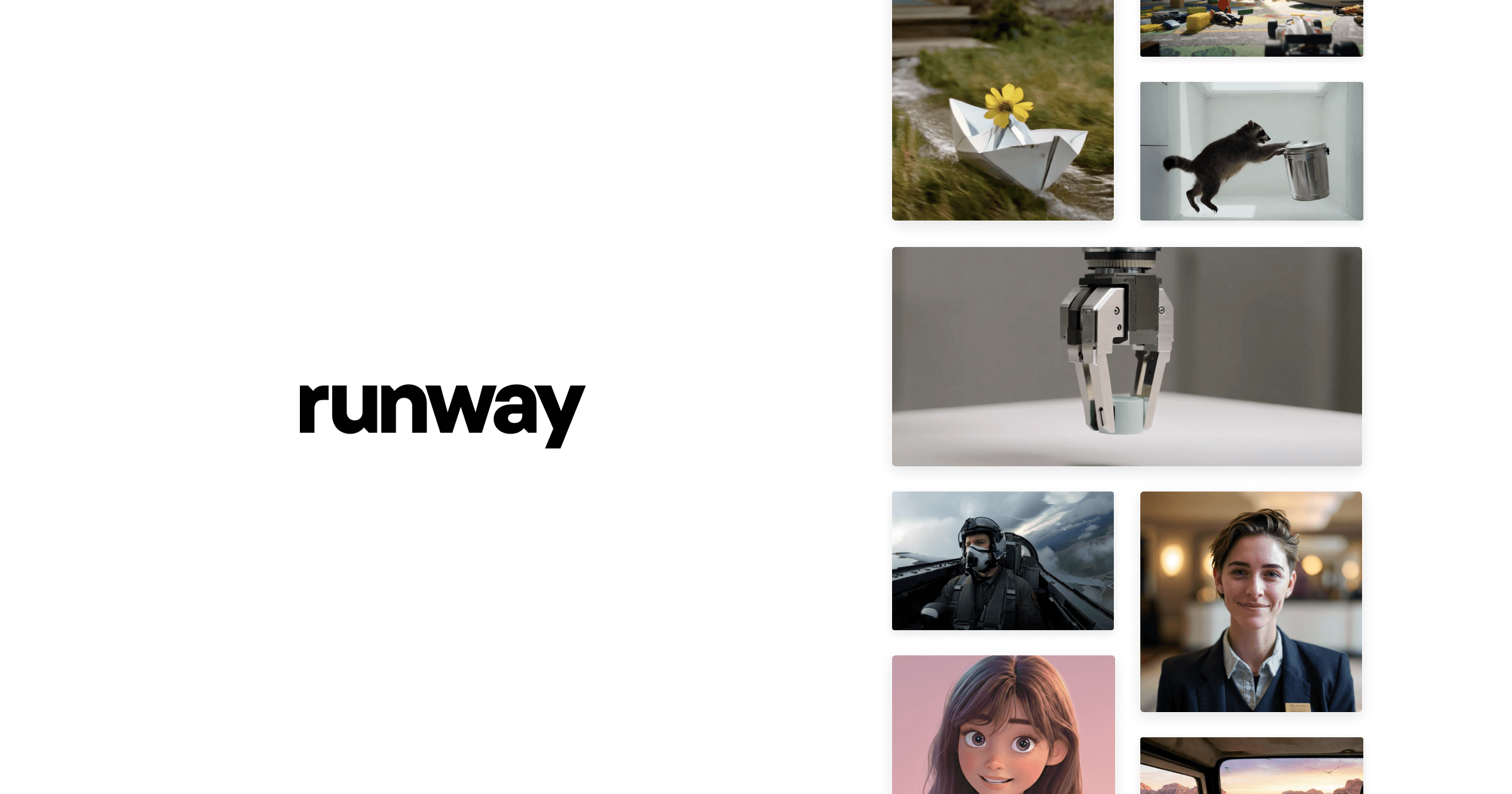
Runway is the creative's tool. Rather than avatars or templates, it generates original, cinematic video from text and images with its Gen-4 model, plus a deep suite of AI editing effects like motion brush, inpainting, and green-screen. It is the pick for filmmakers, artists, and anyone who wants to create footage that never existed rather than assemble stock.
Pictory — the repurposing specialist
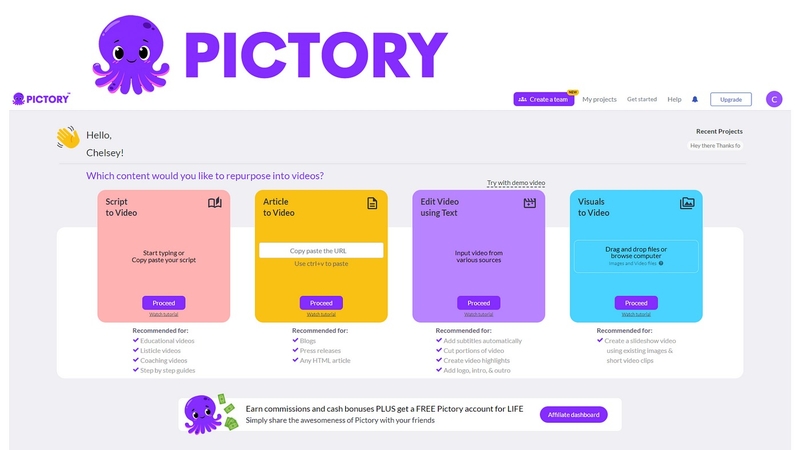
Pictory is built to turn content you already have into video. Paste a blog post, script, or upload a long recording, and it produces short, branded, auto-captioned clips complete with matching stock visuals. It is ideal for bloggers, course creators, and teams who want to scale short-form video without editing skills.

Price Comparison
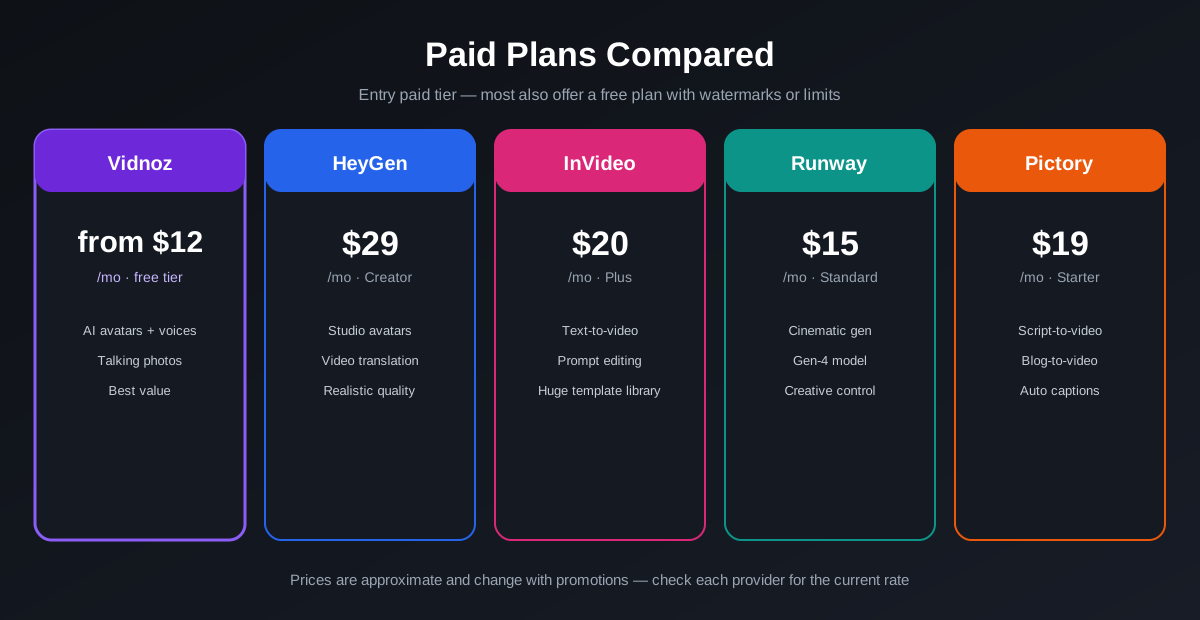
Prices shift with promotions, but the entry paid tiers reveal each tool's positioning:
- Vidnoz: a genuinely usable free plan, with paid plans from around $12/month unlocking more avatars, longer exports, and no watermark — the cheapest way in.
- HeyGen: a limited free tier, with Creator at around $29/month for HD avatar videos and more monthly minutes; higher tiers add custom avatars and translation.
- InVideo AI: a free plan with watermarks, and Plus at around $20/month for watermark-free exports, more generation minutes, and premium stock.
- Runway: a free credit allowance, with Standard at around $15/month for more credits, higher resolution, and removal of watermarks.
- Pictory: a short free trial, with Starter at around $19/month for a set number of videos and premium footage.
The takeaway: Vidnoz and Runway are the most affordable entry points, while HeyGen charges a premium for its realism. If you want to test the waters without spending anything, Vidnoz's free tier is the most generous of the group. Note that generation minutes and credits — not just price — are what really determine value, so match the plan to how much video you actually produce.
AI Avatars & Talking Heads
If your videos feature a person speaking to camera — presenters, explainers, training — this is the deciding category.
HeyGen is the clear leader: its avatars have the most natural expressions and lip-sync, and its one-click video translation is genuinely impressive. Vidnoz is the value alternative, with a large avatar and voice library that covers the vast majority of talking-head needs at a fraction of the price — for social and internal videos, most people won't see the difference. InVideo offers AI presenters too, but they play a supporting role to its editing engine. Runway and Pictory aren't built around avatars at all — Runway generates scenes and characters, while Pictory pairs your script with stock footage rather than a spokesperson.

Editing & Ease of Use
How quickly can a non-editor get from idea to finished video? Each tool answers differently.
InVideo AI is the easiest for a complete video from scratch — a prompt gets you a full edit, and you tweak it by chatting rather than dragging clips. Pictory is nearly as simple for repurposing: paste text or a recording and it does the storyboarding for you. Vidnoz is a straightforward script-in, video-out flow that anyone can learn in minutes. HeyGen is similarly approachable for avatar videos, with a clean studio interface. Runway is the most powerful but also the steepest to learn — it rewards experimentation and a creative eye rather than one-click convenience.

Video Quality & Creativity
Raw output quality depends on what kind of video you're making.
For original, cinematic footage, Runway is unmatched — its generative model produces striking, movie-like shots that no template-based tool can match. For lifelike human presenters, HeyGen leads on realism. Vidnoz delivers clean, professional talking-head output that is more than good enough for most business and social use, especially given the price. InVideo and Pictory shine at polished, template-driven videos assembled from high-quality stock — less about novel visuals, more about fast, consistent, on-brand content. Choose Runway when creativity matters most; choose the others when speed and repeatability do.
Features Comparison
Here is how the core capabilities line up side by side.
| Feature | Vidnoz | HeyGen | InVideo | Runway | Pictory |
|---|---|---|---|---|---|
| Main approach | Avatars + TTS | Realistic avatars | Prompt-to-video | Generative video | Content-to-video |
| Free plan | Yes | Yes | Yes | Yes | Trial |
| AI avatars | Large library | Best-in-class | Limited | No | No |
| Text-to-video | Script-based | Script-based | Prompt-based | Generative | Script/blog-based |
| Video translation | Yes | Best-in-class | Limited | No | Captions only |
| Stock media library | Yes | Limited | Huge | Limited | Huge |
| Auto captions | Yes | Yes | Yes | Yes | Best-in-class |
| Paid from | ~$12/mo | ~$29/mo | ~$20/mo | ~$15/mo | ~$19/mo |
Vidnoz covers the widest range of needs for the least money, HeyGen leads on avatar realism and translation, InVideo and Pictory win on stock and speed, and Runway owns pure creative generation.
Pros & Cons
Vidnoz
- Pros: best value, generous free tier, large avatar and voice library, talking photos and face swap, quick to learn.
- Cons: avatars are a touch less lifelike than HeyGen's, free plan adds a watermark and length limits.
HeyGen
- Pros: most realistic avatars, excellent video translation, custom avatar of yourself, polished output.
- Cons: the priciest here, monthly minutes can run out quickly on lower tiers.
InVideo AI
- Pros: prompt-to-video magic, huge template and stock library, edit by chatting, great for marketing.
- Cons: less control than a manual editor, AI edits sometimes need cleanup.
Runway
- Pros: best-in-class cinematic generation, deep creative effects, affordable entry, constant model upgrades.
- Cons: steeper learning curve, credit-based usage adds up, not built for talking-head content.
Pictory
- Pros: effortless repurposing of blogs and long recordings, excellent auto-captions, big stock library, no editing skill needed.
- Cons: no AI avatars, output is template-driven rather than original, trial rather than a free tier.
Which Should You Choose?
All five are excellent — the right pick comes down to the kind of video you make:
- Choose Vidnoz if you want the most video for your money — avatars, voiceovers, and social clips with a free tier to start.
- Choose HeyGen if you need the most realistic AI presenter and top-tier video translation for business or training.
- Choose InVideo AI if you want to describe a video in words and have it edited for you, fast.
- Choose Runway if you want to generate original, cinematic footage and have full creative control.
- Choose Pictory if your goal is turning existing blogs, scripts, and recordings into short captioned clips.
For most creators and small businesses, the smartest place to start is Vidnoz: it delivers the broadest set of AI video features — avatars, voices, and translation — at the lowest cost, with a free tier that lets you prove the workflow before you pay a cent. It is our recommended pick for anyone who wants professional AI video without a premium bill.
Get Started
Ready to make your first AI video? Pick a tool below — Vidnoz is our top value choice — or read our in-depth review of each first.
Prefer the full breakdown first? Read our in-depth reviews of Vidnoz, HeyGen, InVideo AI, Runway, and Pictory.
Ready to try Vidnoz AI?
Visit the official website to see the latest plans, pricing, and special offers.
Get Started - Vidnoz AI* Affiliate link - we may earn a commission at no extra cost to you.