Pictory vs Hypernatural vs Descript: Best AI Video Tool?
Pictory vs Hypernatural vs Descript compared: price, how each creates video, features, and ease of use. Pictory leads for turning text into video — see the full head-to-head.
Expert Review
Pictory vs Hypernatural vs Descript: Quick Verdict
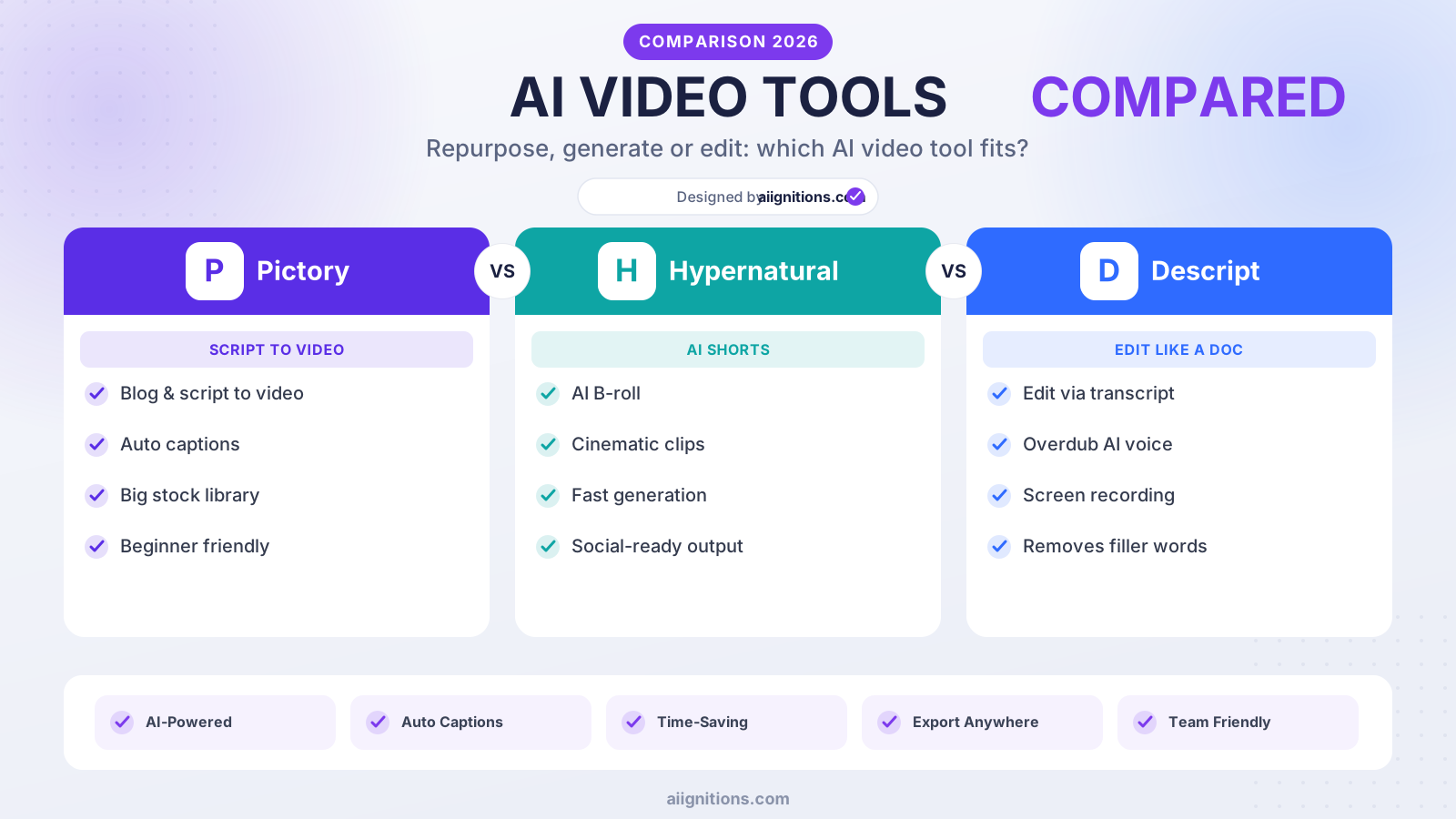
Short on time? Here is the bottom line. Pictory is the best pick for most people — it turns scripts, blog posts, and long videos into short, captioned, branded clips, making it the fastest way to repurpose text and existing content into video. Hypernatural is the strong runner-up: it generates polished, often faceless short-form video straight from a prompt in minutes, perfect for social. Descript is a full AI editor built around transcript-based editing, for creators who want hands-on control over podcasts and video.
| Pictory | Hypernatural | Descript | |
|---|---|---|---|
| Type | Text/long-video → short video | Prompt → video | AI video/audio editor |
| Free plan | Free trial | Yes | Yes |
| Entry paid price | from ~$25/mo | from ~$12/mo | from ~$16/mo |
| Best strength | Repurposing content | Fast faceless shorts | Full editing control |
| Ideal for | Marketers, bloggers | Short-form creators | Podcasters, editors |
Want the fast answer? For turning your words and existing content into video, Pictory is our recommended pick. Read on for the full head-to-head, or jump to the verdict.
Overview of Each Tool
All three help you make video faster with AI, but they start from different places — existing text, a prompt, or raw footage. Here is what each is and who it fits.
Pictory — turn text and long videos into short clips
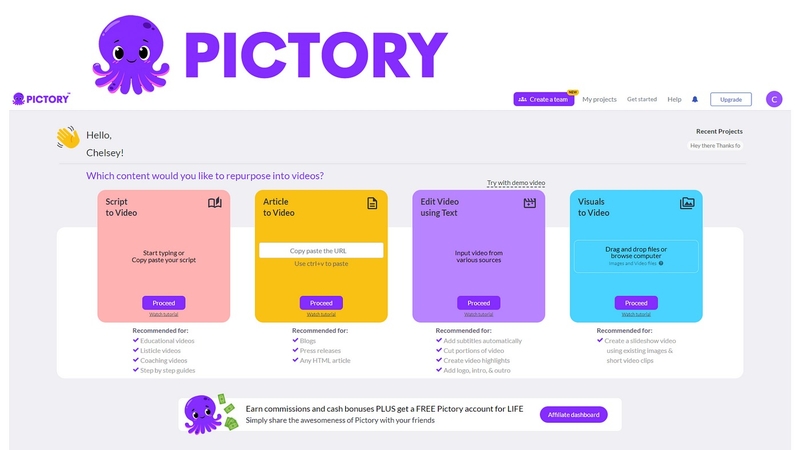
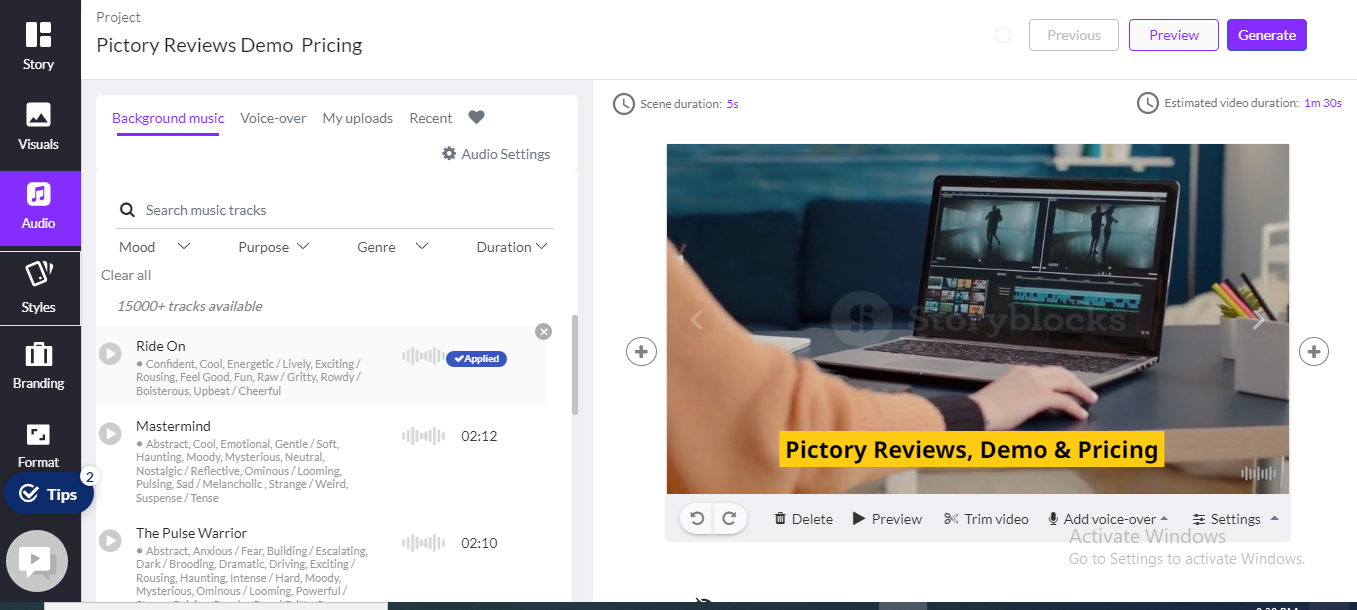
Pictory is an AI text-to-video platform. Paste a script or blog post and it builds a captioned video with matching stock footage and an AI voiceover; feed it a long webinar or recording and it auto-summarizes the highlights into share-ready shorts. Everything runs in the browser with brand controls for fonts, colors, and logos. It is the go-to for marketers and bloggers who want to repurpose written or long-form content into polished video at scale.

Read our full Pictory review →
Hypernatural — prompt to polished video in minutes
Hypernatural is an AI video generator built for speed: describe what you want and it produces a polished, often faceless short-form video — complete with visuals, captions, and pacing tuned for social — in minutes. It leans into the fresh-content use case rather than repurposing, which makes it a favorite for creators pumping out TikToks, Reels, and Shorts without filming anything.

Read our full Hypernatural review →
Descript — the transcript-based AI editor
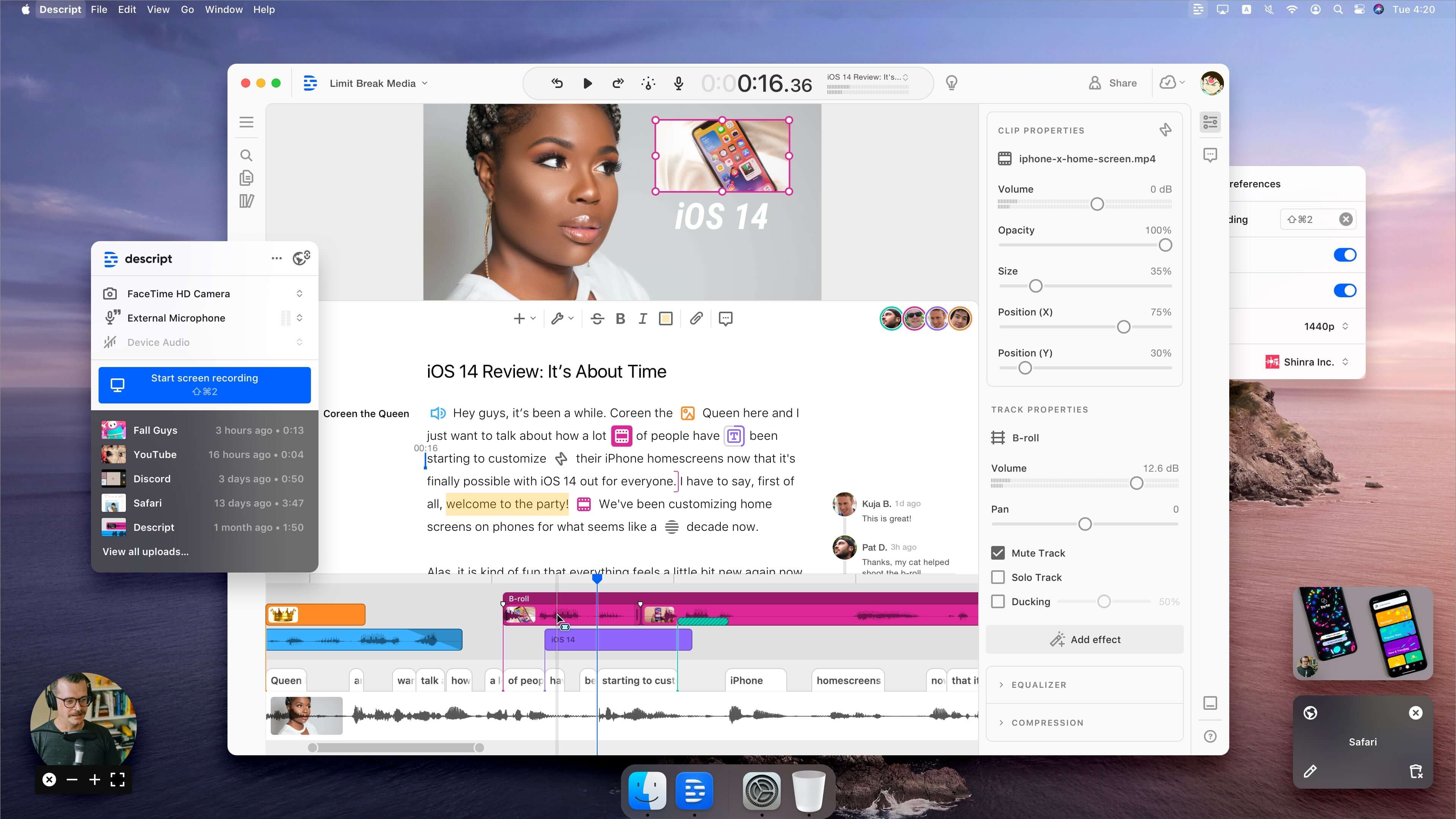
Descript is an all-in-one AI editor for audio and video. Its signature is transcript-based editing: you edit the text and the media edits with it — cut a word, cut the clip. Add Overdub to fix narration by typing, screen recording, automatic captions, filler-word removal, and real-time collaboration, and you have a tool for people who want genuine editing control rather than fully automated generation.
Price Comparison
Prices shift with promotions, so check the current offer — but the positioning is steady:
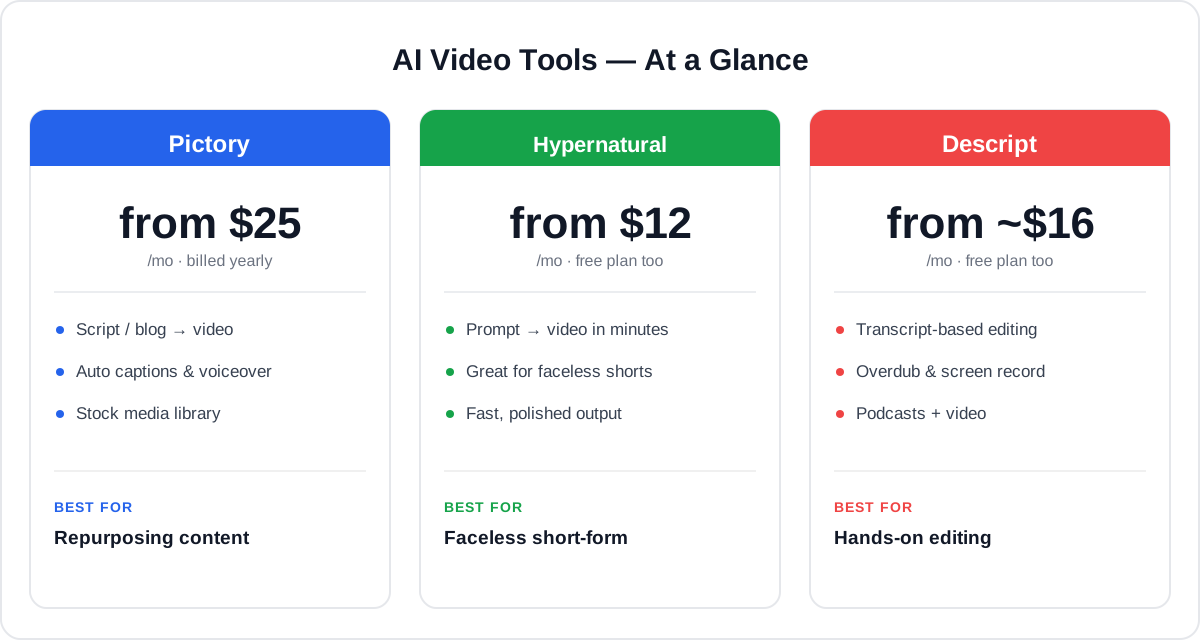
- Pictory: a free trial, then plans from about $25/month (billed annually; roughly $29 monthly), a mid tier around $35/month, and higher team plans. You pay for volume of video and premium features as you scale.
- Hypernatural: a free plan (with a watermark and lower export resolution), then paid plans from about $12/month billed annually, with a higher tier around $22/month — the cheapest entry of the three.
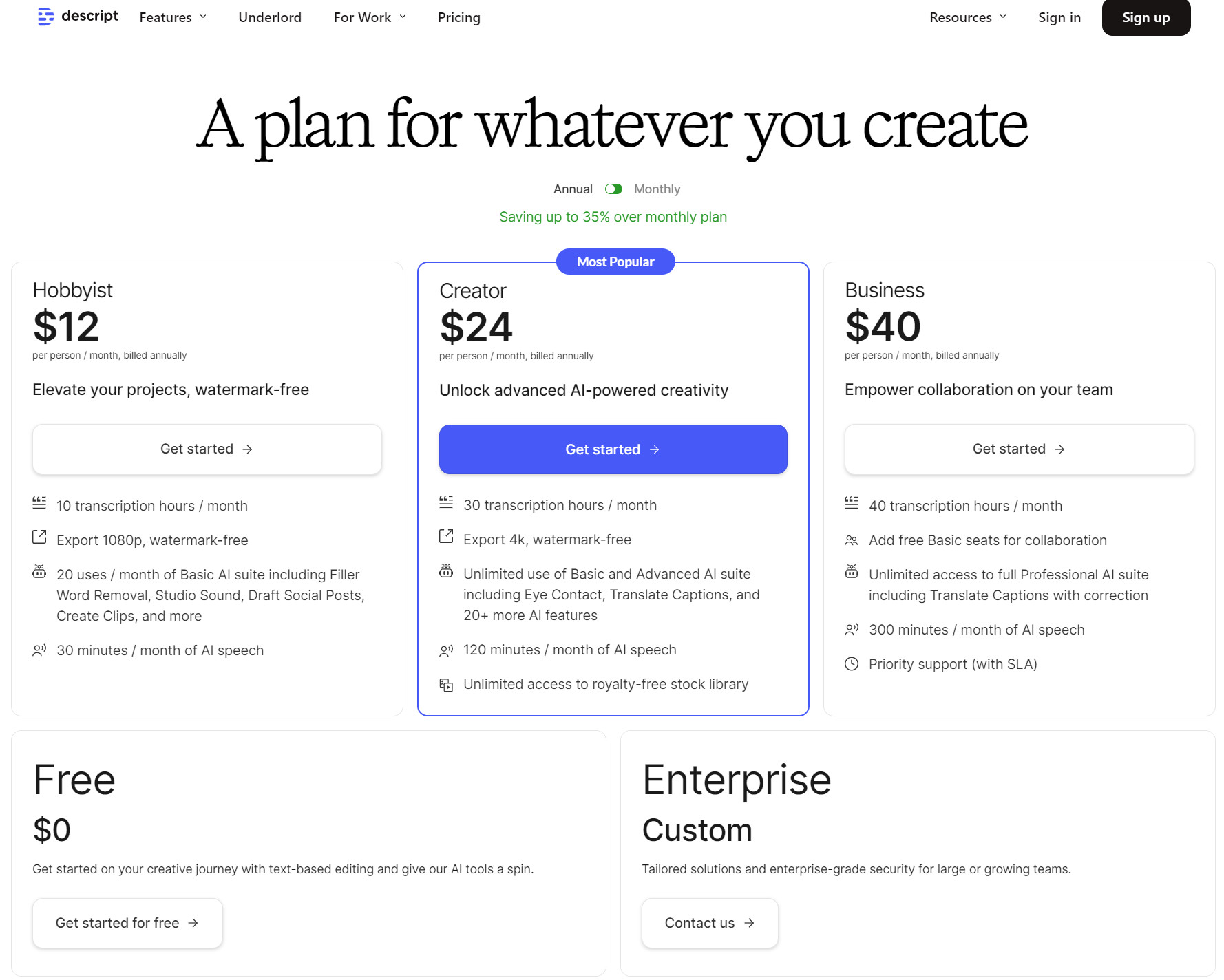
- Descript: a free plan, then paid tiers from about $16/month (billed annually) that raise transcription hours, exports, and unlock the full AI toolset.
The takeaway: Hypernatural is the cheapest to start and has a real free plan; Descript sits in the middle with a free tier; Pictory costs a little more but bundles the text-to-video and long-video repurposing that its rivals do not.
How Each Creates Video
The biggest practical difference is the starting point — and it should drive your choice.
Pictory starts from content you already have: a script, an article, or a long recording. It matches your words to footage, adds captions and a voiceover, and can auto-clip highlights from long videos — ideal when your goal is repurposing.
Hypernatural starts from a prompt: you describe the video and it generates a fresh, polished short from scratch, which is perfect when you need new faceless content fast and do not have a script or footage.
Descript starts from your own recording: you upload audio or video (or record in-app), and edit it by editing the transcript. It is creation-by-editing rather than generation, giving you the most control over the final cut.
Features Comparison
Here is how the core capabilities line up side by side.
| Feature | Pictory | Hypernatural | Descript |
|---|---|---|---|
| Script / blog → video | Yes | Partial | No |
| Prompt → video | Limited | Yes | No |
| Long video → short clips | Yes | Limited | Manual |
| Auto captions | Yes | Yes | Yes |
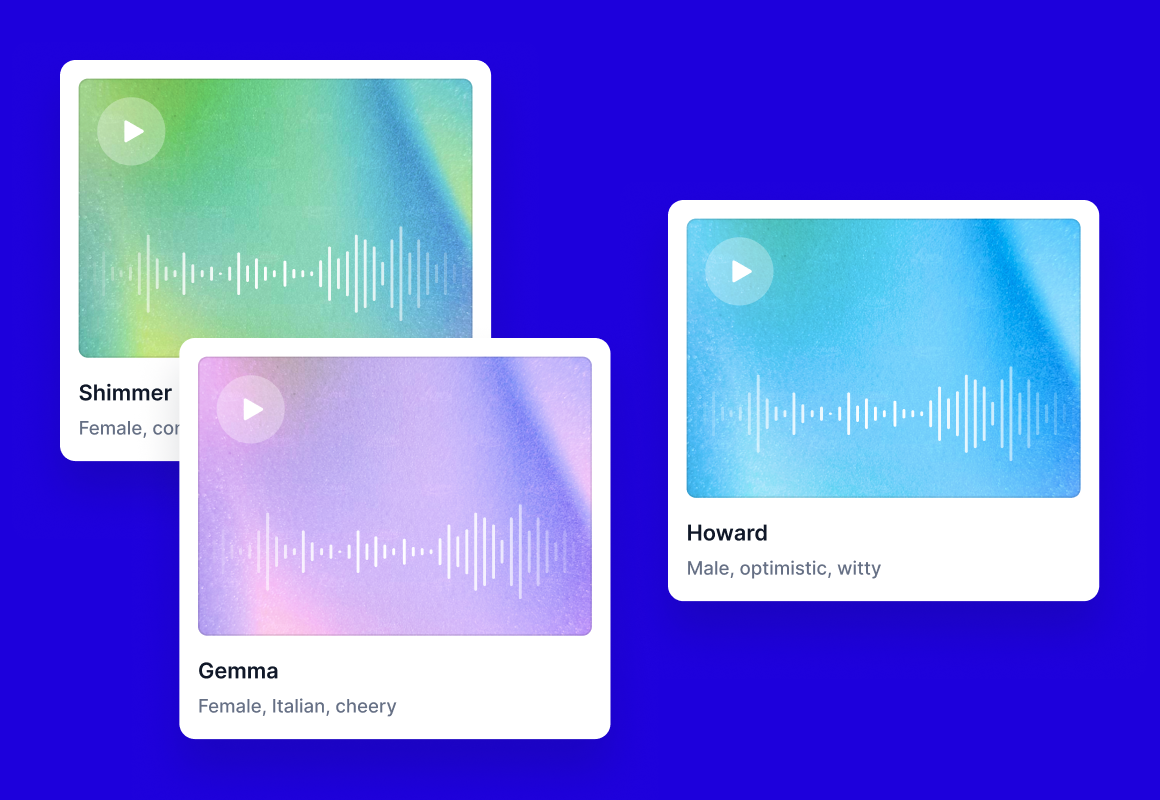
| AI voiceover / voices | Yes | Yes | Overdub |
| Transcript-based editing | No | No | Yes |
| Screen recording | No | No | Yes |
| Stock media library | Yes | Yes | Yes |
| Brand kit | Yes | Yes | Yes |
Pictory owns text-to-video and long-video repurposing; Hypernatural owns prompt-to-video generation; Descript owns real editing (transcript editing, Overdub, screen recording).
Ease of Use
All three are approachable, with different learning curves. Pictory is very beginner-friendly for its job: paste text, pick a style, and export — no editing skills needed. Hypernatural is the simplest of all for generation, since a single prompt gets you a finished short. Descript is still friendly but asks the most of you, because it is a real editor — the transcript approach is intuitive, yet there are more tools to learn. If you want the least effort to a finished video from your own content, Pictory leads; for zero-effort generation, Hypernatural wins.
Who Each Is Best For
- Pictory suits marketers, bloggers, and course creators who want to turn scripts, articles, and long recordings into short, branded, captioned videos at scale.
- Hypernatural suits short-form creators and social teams who need a stream of fresh, faceless clips generated from prompts, fast.
- Descript suits podcasters, YouTubers, and editors who want precise, hands-on control and prefer editing real recordings over generating from scratch.
Pros & Cons
Pictory
- Pros: turns text and long videos into polished shorts, auto captions and voiceover, stock media, brand controls, beginner-friendly.
- Cons: pricier entry, less suited to fully original prompt-based generation or deep manual editing.
Hypernatural
- Pros: fast prompt-to-video, great for faceless shorts, cheapest entry, real free plan.
- Cons: free plan watermark, less control than an editor, weaker at repurposing existing content.
Descript
- Pros: powerful transcript-based editing, Overdub, screen recording, captions, collaboration, strong all-rounder.
- Cons: not an automatic generator, more to learn, best value needs the paid tiers.
Which Should You Choose?
Our overall recommendation, in order:
- 1. Choose Pictory if you want the best all-round tool for turning scripts, blog posts, and long videos into short, captioned, on-brand clips. For marketers and content teams repurposing what they already have, it is the smartest pick.
- 2. Choose Hypernatural as the strong runner-up if you mainly need fresh, faceless short-form video generated from a prompt, fast and cheaply.
- 3. Choose Descript if you want genuine editing control over your own recordings — podcasts and talking-head video — with transcript editing and Overdub.
For the best balance of speed, output, and versatility, Pictory is our recommended pick. Step to Hypernatural for prompt-based faceless shorts, or go with Descript when you want a full editor.
Get Started
Ready to make your first AI video? Pick a tool below — Pictory is our top pick — or read our in-depth review of each first.
Prefer the full breakdown first? Read our in-depth reviews of Pictory, Hypernatural, and Descript.
Ready to try Pictory?
Visit the official website to see the latest plans, pricing, and special offers.
Get Started - Pictory* Affiliate link - we may earn a commission at no extra cost to you.