SureTriggers (Now OttoKit) Review: WordPress-First Automation, $499 Lifetime Plans and Two Exploited Plugin Bugs
SureTriggers, now OttoKit, reviewed: pricing from $0 to $1,499 lifetime, what the free plan blocks, log retention, the 2025 plugin CVEs, and who should pick Zapier instead.
Expert Review

SureTriggers is now OttoKit
If you searched for SureTriggers, you are in the right place under a different name. Brainstorm Force, the company behind the Astra theme, Spectra, CartFlows and SureCart, renamed its automation platform OttoKit in April 2025. Accounts, logins and existing automations carried over unchanged, and the old name still survives in two places: the WordPress.org plugin lives at /plugins/suretriggers/, and suretriggers.com still has an old Trustpilot listing.
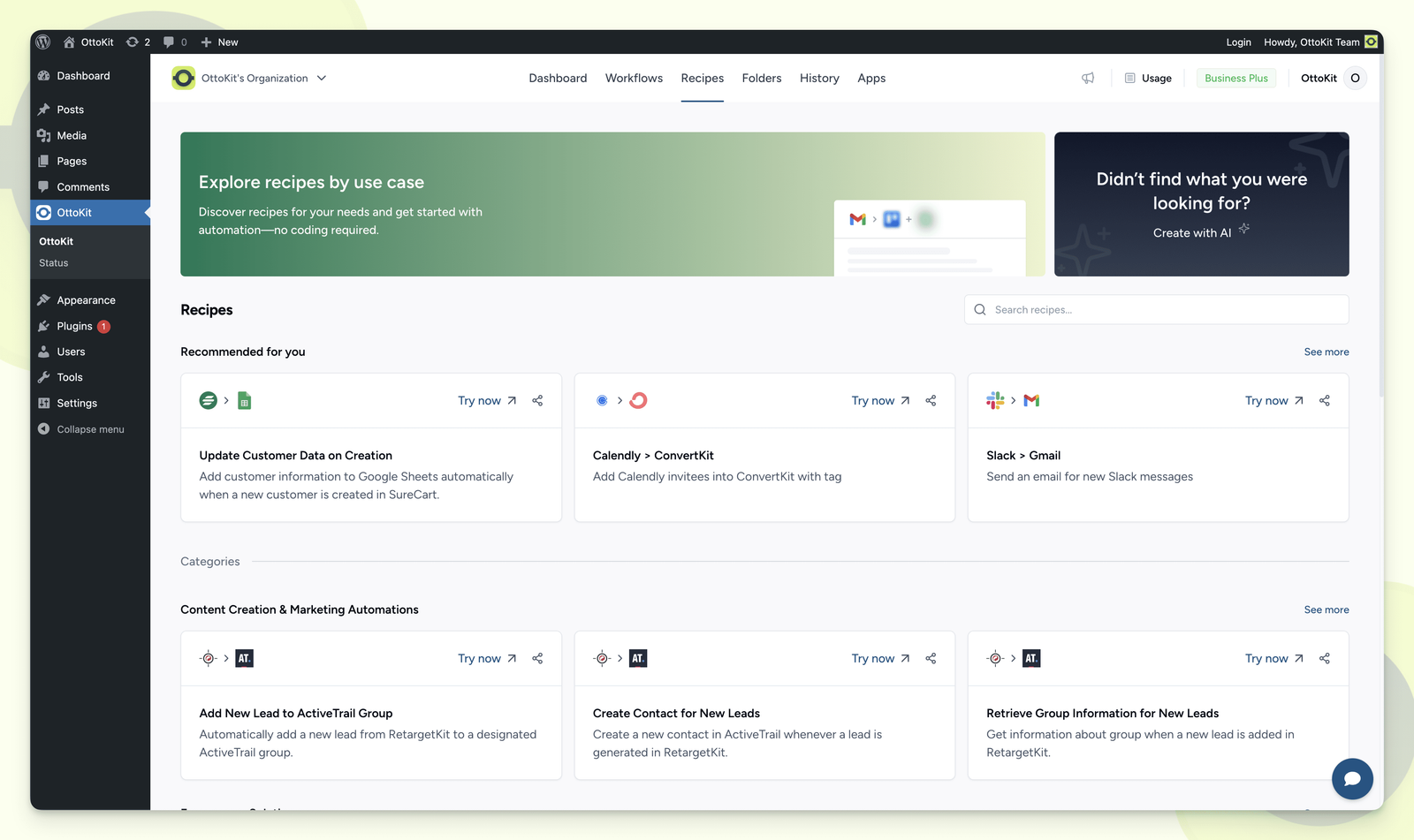
What makes OttoKit different from Zapier or Make is where it starts. It is a cloud automation service, but it was built around a free WordPress connector plugin, so WooCommerce orders, SureCart purchases, FluentCRM tags and form submissions are first-class triggers rather than webhooks you wire up yourself. The plugin reports 90,000+ active installs on WordPress.org (checked on 27 September 2026), with a 4.9-star average from 122 ratings.
That plugin is also the reason this review has a security section. Two of its bugs were exploited in the wild within hours of disclosure in 2025. More on that below, because it changes how you should install it.
How it works: tasks, triggers and the WordPress link
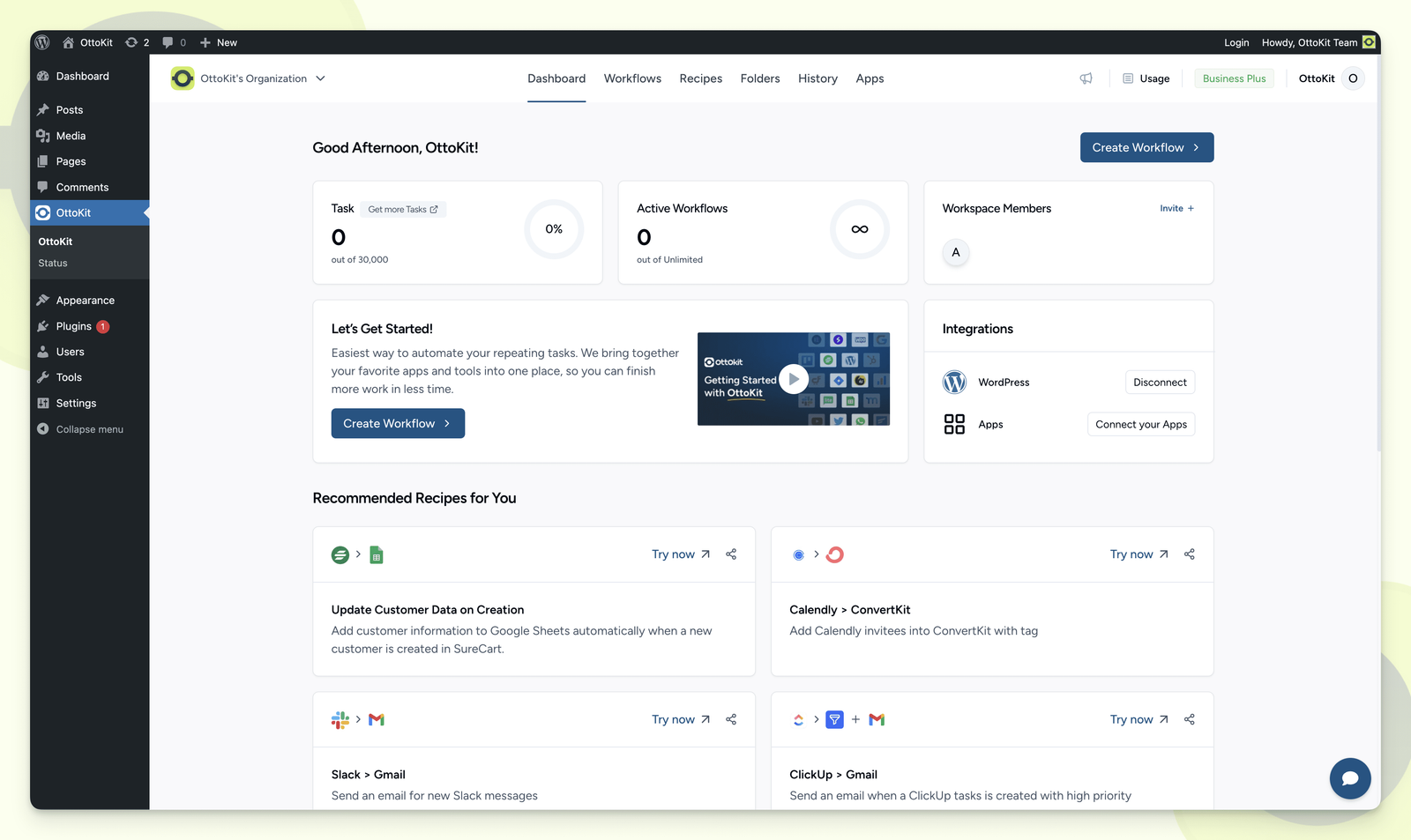
You build workflows in OttoKit's web app: one trigger, then a chain of actions. The billing unit is the task, and the definition is generous. "A task is any single action your workflow completes successfully; triggers are free." A workflow that fires on 100 WooCommerce orders and sends one email each costs 100 tasks, not 200. Failed actions do not count.
Triggers come in two kinds. Instant triggers, which include everything coming from a connected WordPress site, run in real time. Scheduled triggers poll the other app at fixed intervals, and the documentation's own example checks Notion "every 60 minutes". OttoKit does not publish a minimum polling interval, so if you need a Google Sheets row acted on within a minute, test it on the free plan before paying.
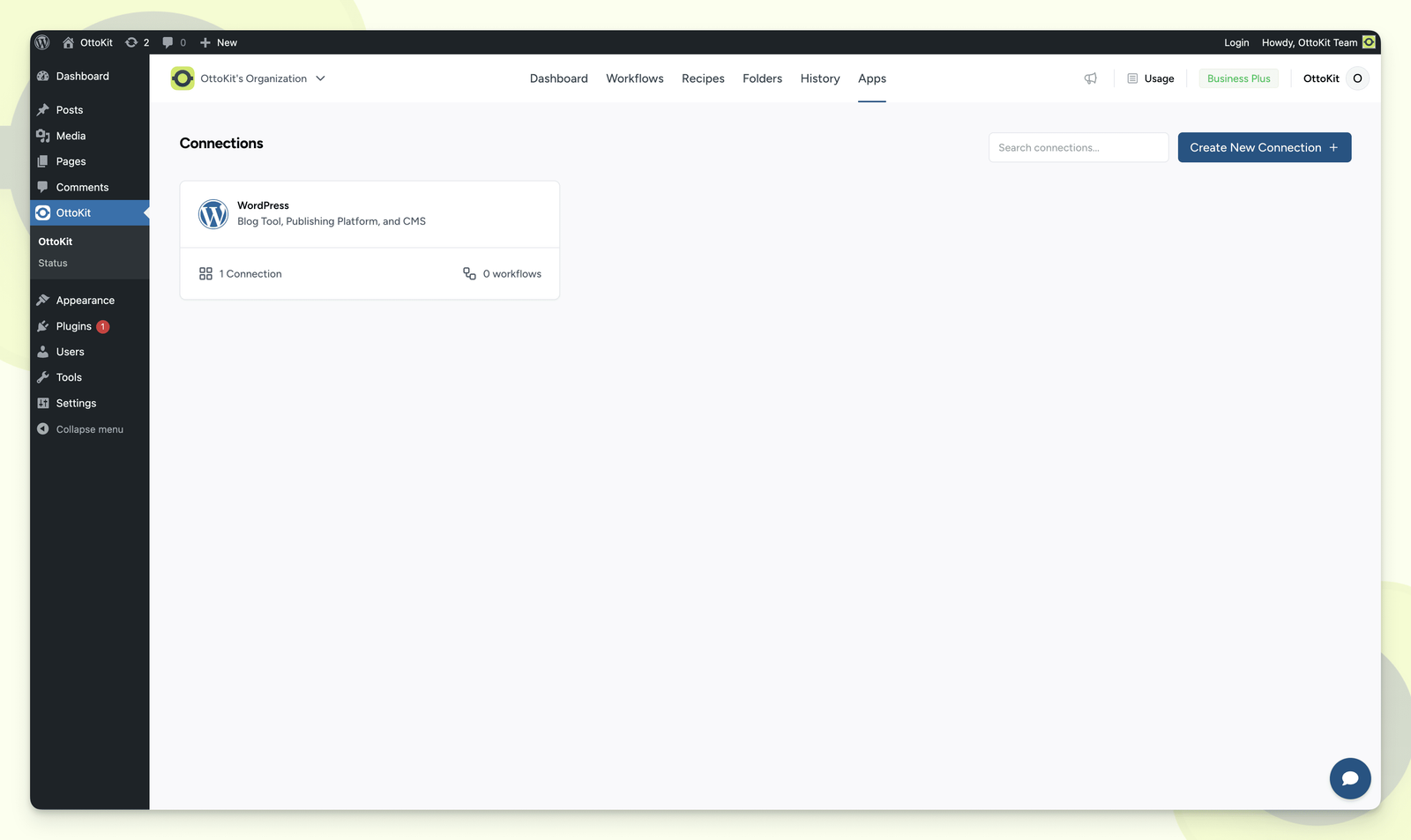
Each WordPress site is a "connection". Free allows one, Pro five, and Business unlimited. Automations between several WordPress sites (a sale on one store creating a member on another) are a paid feature, and this is where OttoKit does something Zapier cannot do without custom plugins on both ends.
The AI layer is newer. OttoKit runs an MCP server, included on every plan including Free and unlimited while it is in beta, which lets Claude, ChatGPT or Cursor call your workflows as tools. A late-2025 update added MCP Chat inside the app and an AI assistant that helps build and debug workflows. AI Agent steps inside a workflow need Pro. There is also a Python code step, with one limit the marketing does not mention: output over 5,000 characters is silently truncated.
Pricing and what each plan really includes
Prices below were checked on ottokit.com/pricing on 27 September 2026, in USD. The annual figures are monthly equivalents billed once a year.
| Plan | Monthly | Annual | One-time (lifetime) | Tasks / month |
|---|---|---|---|---|
| Free | $0 | $0 | - | 250 |
| Pro | $12 | $9 ($108/yr) | $499 | 5,000 |
| Business | $24 | $19 ($228/yr) | $799, or 11 x $79 | 10,000 |
| Business Plus | $49 | $39 ($468/yr) | $1,499, or 11 x $149 | 30,000 |
The lifetime plans are the headline, and OttoKit's FAQ is unambiguous that they are "pay once and keep using OttoKit on that plan forever". At $499, Pro lifetime pays for itself against the annual Pro plan in under five years, and against Zapier far sooner. Do not take the instalment route by accident, though: 11 payments of $79 comes to $869 for Business, $70 more than paying once, and the Business Plus instalments cost $140 extra.
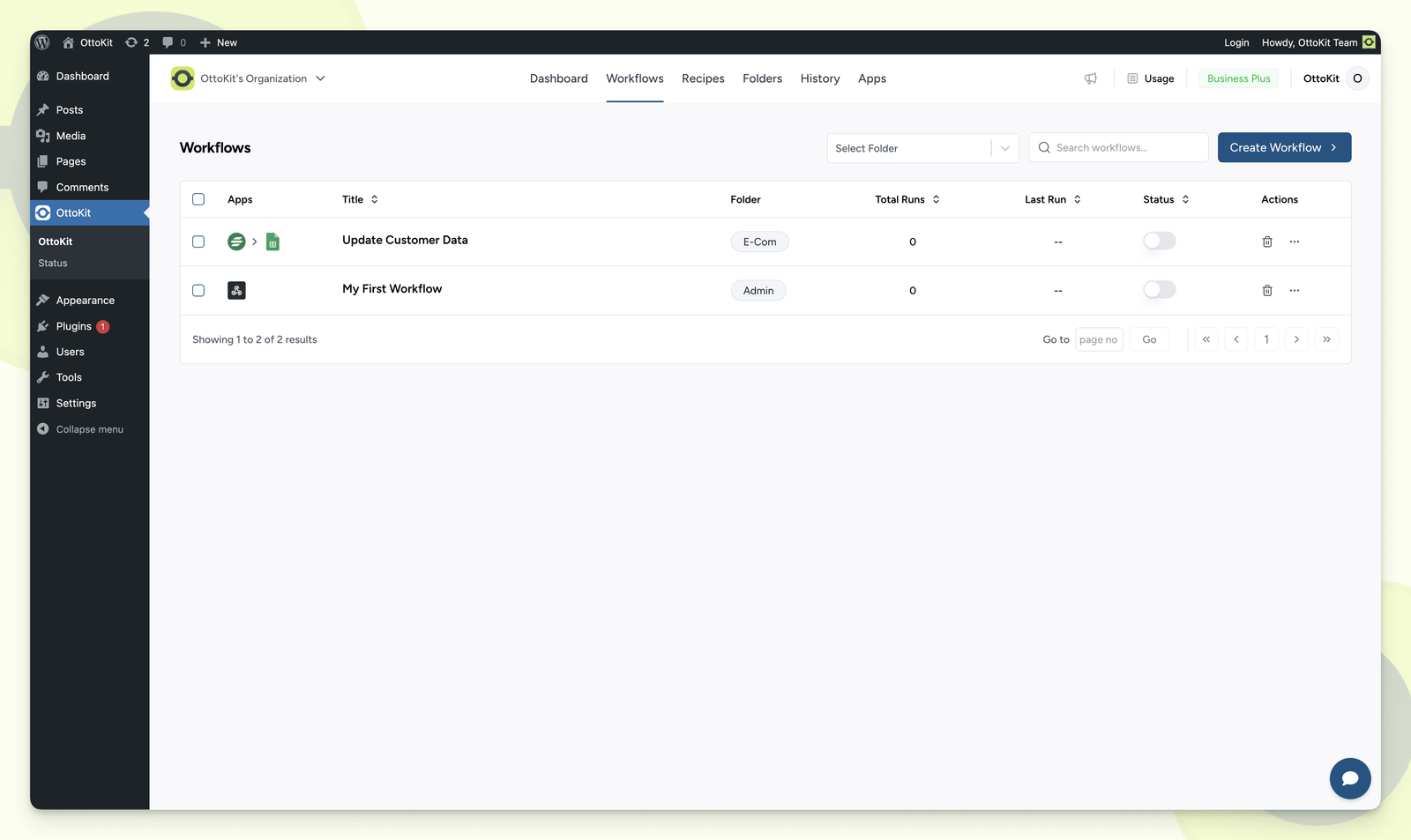
The Free plan is a real plan with 250 tasks, 20 workflows, webhooks, multistep workflows and every integration, and it needs no credit card. What it lacks matters more than the task count. There is no Filter, no Conditions, no Delay, no Schedule, no Formatter and no Loop. Every trigger fires every action, every time, so "only email me about orders over $200" is already a paid workflow. One 1-star review on WordPress.org describes hitting exactly this wall: an error that a paid feature had been used, "without any clear indication of which feature that was."
Pro adds those logic steps. Branch and Path (routing a run down two or more routes), raw API calls to apps OttoKit has no connector for, and Human in the Loop approvals sit on Business. That makes Business, not Pro, the plan most Zapier refugees actually need, and $19 a month billed annually is cheap for 10,000 tasks.
What the pricing page leaves out
Run logs disappear fast. History is kept for 3 days on Free, 15 on Pro and 30 on Business and Business Plus. On Free, a run that failed last Monday is gone by Friday, and with it the payload you would need to replay it.
The page contradicts itself. The Pro card lists Human-in-Loop, but the comparison table marks it Business-only. It promises "unlimited workspaces" on every plan, while the table says 1, 1, 5 and unlimited. The app count reads 1,500+ in the menu, 1,400+ on the homepage and 1000+ in the table. "Premium App Integrations" is ticked on Free next to a tooltip saying they are for paid plans only. Trust the table over the plan cards.
Nobody agrees on what happens at the task cap. The pricing FAQ says "your workflows keep running - we never cut you off mid-automation." The task-limit documentation, last updated December 2024, says extra tasks "will pause until your task count resets at the start of the next month." Top-ups are sold on every paid plan, but their price is not published. Ask support in writing before a busy sales month.
Support is ticket-only and tiered. Pro gets Standard, Business Premium, Business Plus Priority. There is no published response time outside a separately sold VIP tier that promises replies within two hours, at a price that is also unlisted.
The refund is 14 days, with conditions. The pricing page calls it a "no-questions-asked" guarantee. The refund policy itself excludes renewal payments and reserves "the right to deny a refund request if deemed necessary." For a lifetime purchase, test everything you need inside those two weeks.
The 2025 plugin vulnerabilities
Both incidents were in the WordPress connector plugin, not the cloud service, and both were patched quickly. They still deserve a paragraph each, because attackers moved faster than most site owners update.
CVE-2025-3102 (CVSS 8.1) let an unauthenticated attacker create an administrator account on sites running version 1.0.78 or older. The catch: only sites where the plugin was installed and active but never connected with an API key were exposed. The fix, 1.0.79, shipped on 3 April 2025. Patchstack recorded the first exploit attempt four hours after it added the bug to its database.
CVE-2025-27007 (CVSS 9.8) was worse. A missing capability check in the connection code allowed admin takeover in versions up to 1.0.82, on sites that had never set up an application password, provided the attacker knew an admin username. Version 1.0.83 fixed it on 21 April 2025 and WordPress.org force-updated nearly every install within three days. Mass exploitation still began in early May, targeting both bugs, and a public Metasploit module now chains them into full remote code execution. OttoKit said it had seen no evidence of successful attacks against its users.
The plugin changelog has flagged further security fixes since, including one on 3 April 2026 and a release covering SSRF protection and an unauthenticated object-injection fix. Version 1.1.40 shipped on 24 September 2026. The practical rules follow from how the 2025 bugs worked: never leave the plugin installed but unconnected, keep auto-updates on for it, and delete it from any site that no longer runs an automation.
What users complain about
Public reviews are thin for a tool on 90,000 sites. Capterra shows none. On WordPress.org, the 3-star "Quite Good" review calls some of the Events Manager and FluentCRM interplay "flakey", and a separate 1-star complains about notification spam inside wp-admin. The only Trustpilot review on ottokit.com, 3 stars from November 2025, sums up the pattern: "When it works, it works well, but my takeaway for now is for business critical tasks I would stick to Zapier." The reviewer cites slow support, a fix that took seven days and pushy lifetime-deal marketing.
Verdict: who should buy OttoKit
Buy it if your business runs on WordPress: WooCommerce, SureCart, FluentCRM, LatePoint or a forms plugin feeding a CRM, a spreadsheet and your email tool. Business at $19 a month annually, or $799 once, covers branching, API calls and automations across all your WordPress sites for a fraction of what Zapier charges for 10,000 tasks. If you already use Astra or SureCart, the connectors are made by the same company and it shows.
Skip it if your automations are business-critical and live mostly between SaaS apps. Zapier costs more but has deeper app coverage and support you can plan around; Make gives you complex branching and routers at a low price. If what you want is a lifetime deal and WordPress is incidental, compare Pabbly Connect, which has a larger SaaS catalogue and its own one-time plan. And whatever you choose, treat the free tier as a trial rather than a home: with no filters and 3-day logs, it is too blunt for anything you depend on.
Ready to try OttoKit?
Visit the official website to see the latest plans, pricing, and special offers.
Get Started - OttoKit* Affiliate link - we may earn a commission at no extra cost to you.