Windsurf Review: The Agentic AI IDE Powered by Cascade
Windsurf review: the agentic AI IDE with the Cascade agent, Supercomplete Tab, and whole-codebase awareness — features, pricing, pros and cons for developers.
Expert Review

What is Windsurf?
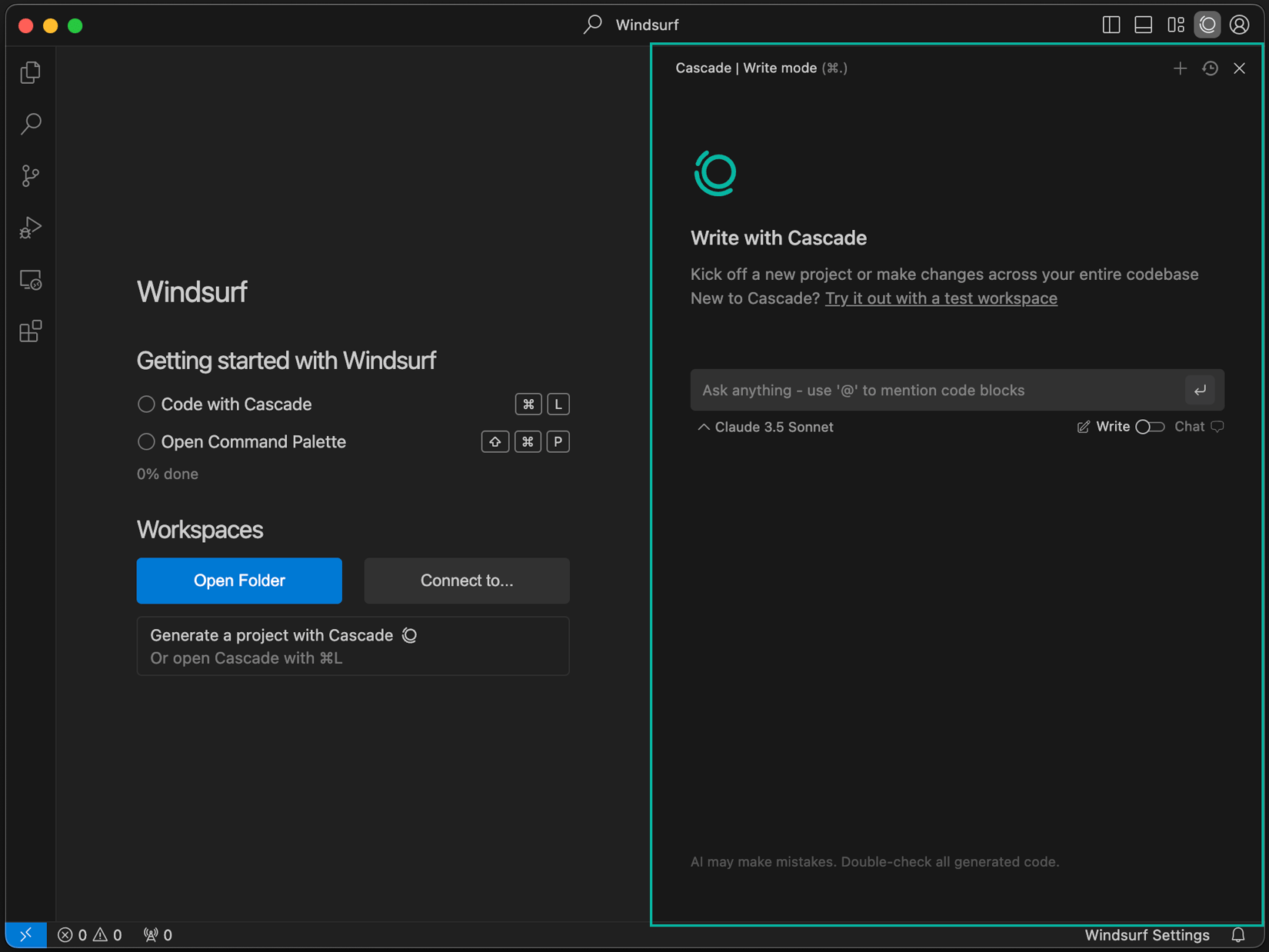
Windsurf is an AI-first, agentic code editor — a fork of Visual Studio Code with artificial intelligence built into its core rather than bolted on as an extension. It was created by the team at Codeium and is now developed by Cognition, the company behind the Devin AI software engineer. The result is a familiar VS Code-style editor that puts an autonomous coding agent, called Cascade, at the center of the workflow.
The idea is simple: keep everything developers already know — extensions, themes, keybindings — while letting an AI agent understand your entire project, write and edit code across many files, run terminal commands, and stay aware of what you are doing in real time. Windsurf supports frontier models from Anthropic, OpenAI, Google, and others, and is aimed at professional developers who want to move faster without leaving a familiar environment.
Benefits of Using Windsurf
- Familiar foundation: as a VS Code fork, Windsurf imports your extensions, settings, and keybindings in one click, so the editor itself has almost no learning curve.
- An agent that acts, not just suggests: Cascade can plan and carry out multi-step tasks across your codebase instead of only completing the current line.
- Whole-codebase awareness: Windsurf indexes your project and tracks your recent actions, so its edits and answers are grounded in your real code.
- Faster everyday edits: Supercomplete and Tab predict your next change and let you apply it with a keystroke, turning repetitive edits into quick jumps.
- Fewer interruptions: automatic lint fixing, in-editor browser previews, and terminal auto-execution keep you in flow instead of context-switching.
- Model flexibility: access to multiple top-tier models lets you pick the right one for reasoning-heavy work or fast iteration.
AI Features of Windsurf
-
Cascade — the Agentic Assistant
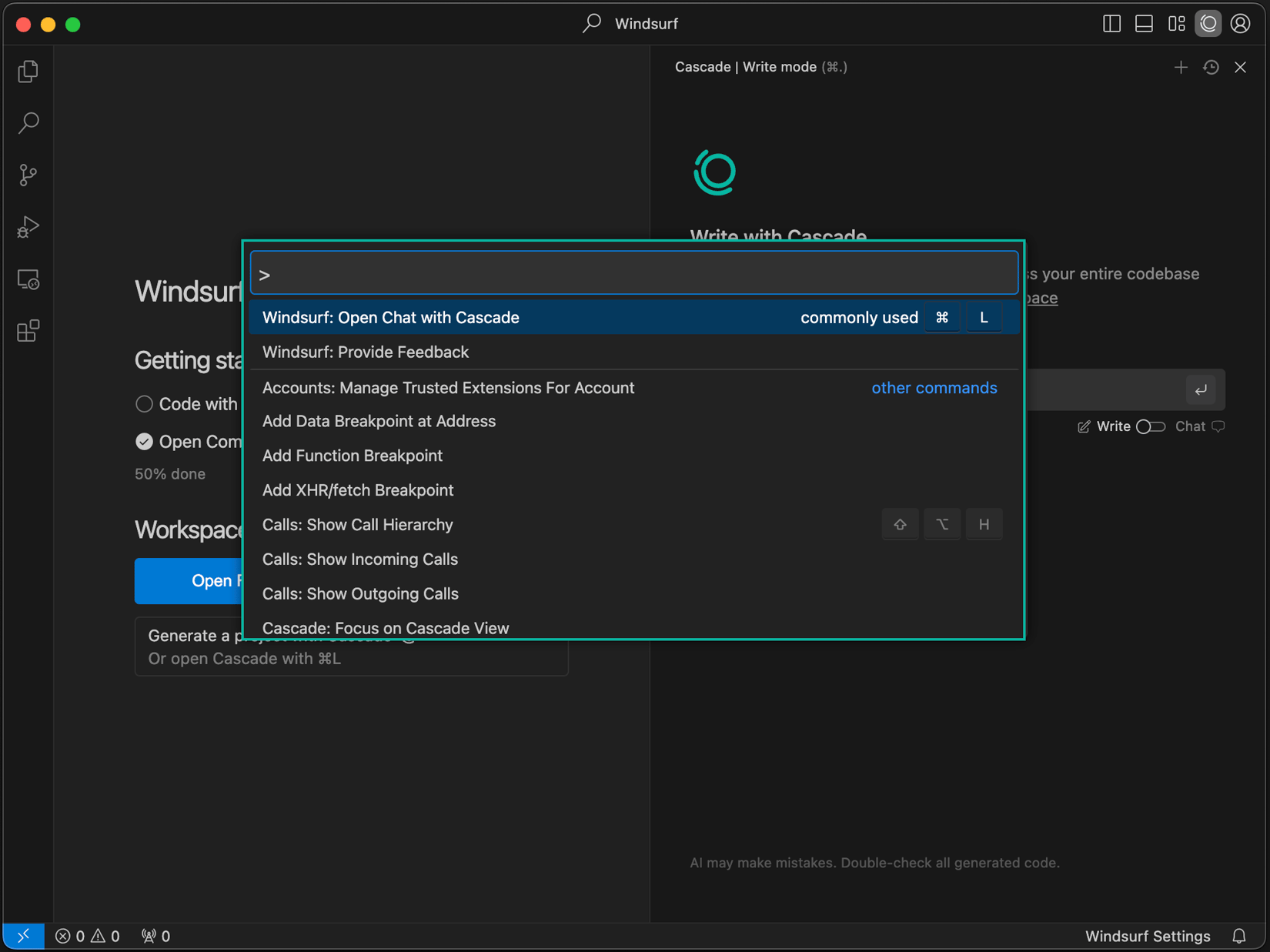
Cascade is Windsurf's flagship. In Write mode it acts as an agent that can kick off a new project or make changes across your entire codebase — editing multiple files, calling tools, running terminal commands, and looping on errors until the task is done. In Chat mode it answers questions with full project context. Checkpoints let you roll back if the agent goes the wrong way, keeping a human firmly in the loop.
-
Windsurf Tab & Supercomplete
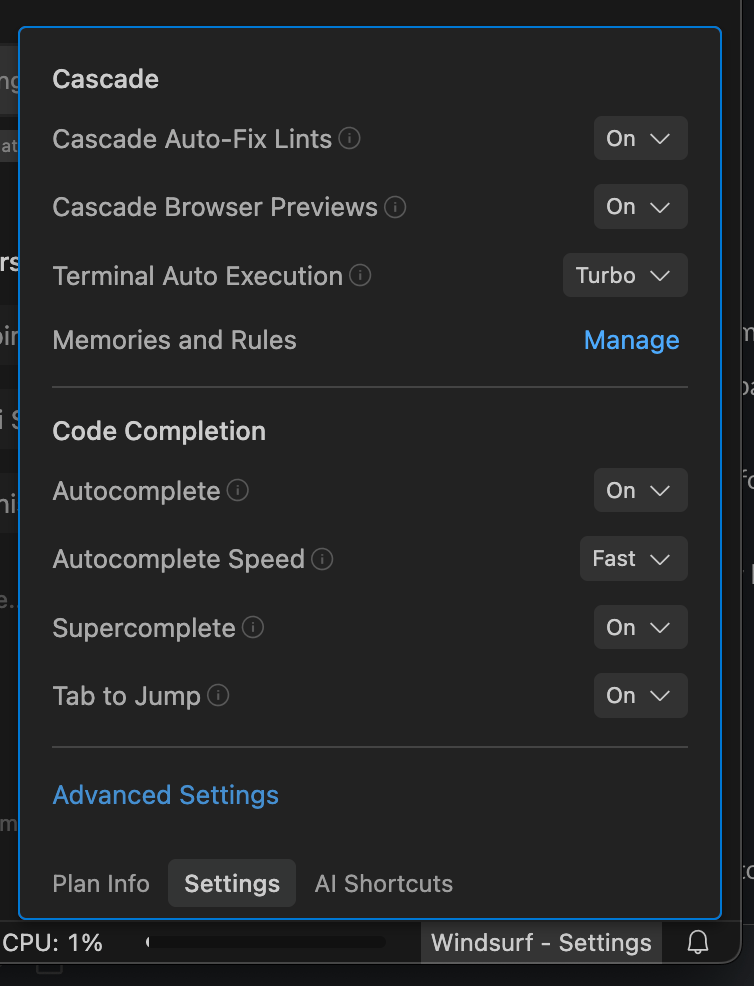
Windsurf's completion goes beyond ordinary autocomplete. Supercomplete predicts your next edit — not just the next word — and "Tab to Jump" moves your cursor to the next logical place to change, so multi-step edits become a series of quick keystrokes. You can tune completion speed and behavior right from the settings panel.
-
Auto-Fix Lints & Turbo Terminal
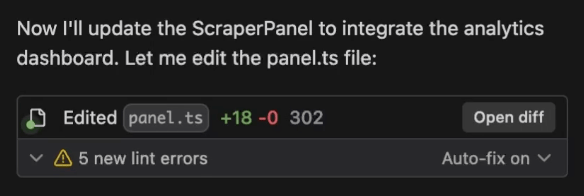
Cascade watches for problems as it works. Auto-Fix Lints cleans up linter errors it introduces without you asking, and Terminal Auto Execution (with a "Turbo" mode) lets the agent run and verify commands as part of a task. Browser previews render your app inside the editor so the agent — and you — can see the result immediately.
-
One-Click Import from VS Code & Cursor
Switching editors is usually painful, so Windsurf makes migration a single command. You can import your extensions, settings, and keybindings from VS Code or Cursor in seconds, which means your customized environment carries straight over on day one.

-
Memories, Rules, MCP & Model Choice
Windsurf remembers project-specific context through Memories and Rules, so the agent follows your conventions across sessions. Support for the Model Context Protocol (MCP) lets Cascade connect to external tools and data sources, and you can switch between frontier models to match the task at hand.
Pricing of Windsurf
Windsurf uses a freemium model with a free tier plus paid plans for individuals, teams, and enterprises. Paid plans include a monthly allowance of AI usage measured in prompt credits, with heavier tiers unlocking far more capacity.
- Free: $0 — a free plan with limited prompt credits, plus access to Cascade and Tab. Good for casual use and trying Windsurf out.
- Pro: around $15/month — a larger monthly credit allowance, the full Cascade agent, Supercomplete and Tab, and priority access to top models. The standard plan for professional developers.
- Teams: around $30/user/month — everything in Pro plus centralized billing, admin and analytics tools, and SSO for organizations.
- Enterprise: custom pricing — self-hosting options, advanced security and controls, dedicated support, and volume pricing.
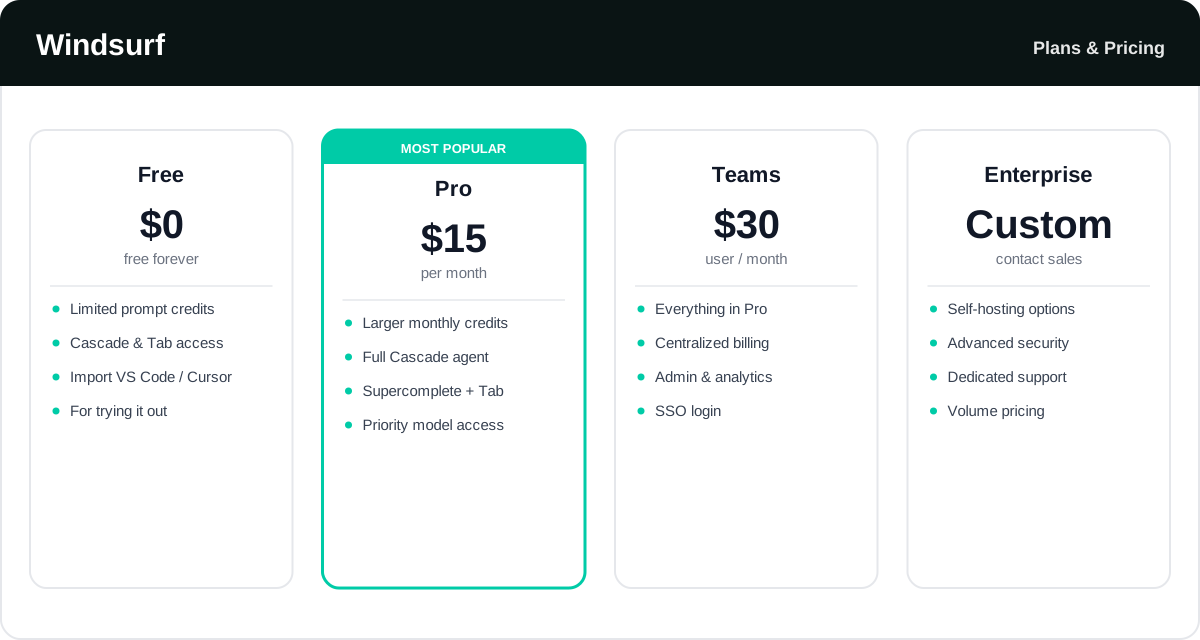
Windsurf's plans and credit allowances change often — check the official Windsurf pricing page for the latest rates and exactly what each tier includes.
Real-World Use Case Analysis
-
Professional Software Engineers
Shipping features faster: engineers hand Cascade a task and let it scaffold changes across multiple files, then use Tab and Supercomplete to refine the details, cutting the time from idea to working code.
Understanding large codebases: whole-codebase awareness helps developers navigate unfamiliar repositories and get grounded answers instead of generic snippets.
-
Startups and Rapid Prototyping
Moving at speed: small teams use Cascade to turn plain-language specs into functional prototypes, leaning on browser previews and terminal auto-execution to build and test quickly under tight deadlines.
-
Teams and Enterprises
Consistency at scale: Memories and Rules keep the agent aligned with team conventions, while admin controls, SSO, and self-hosting options make Windsurf viable for larger organizations with security requirements.
Pros and Cons of Windsurf
-
Advantages of Using Windsurf
Windsurf offers real strengths, including:
- A powerful, agentic Cascade that plans and executes multi-file tasks with a human reviewing the changes.
- Deep, real-time codebase awareness that keeps edits grounded in your actual project.
- A familiar VS Code foundation with one-click import from VS Code or Cursor.
- Quality-of-life automation — auto-fix lints, browser previews, and terminal auto-execution — that keeps you in flow.
-
Disadvantages of Using Windsurf
A few drawbacks to weigh:
- Heavy AI use can burn through prompt credits, and costs climb with add-on usage.
- The agent can make sweeping changes that still need careful review to catch subtle mistakes.
- The brand has been through ownership changes (Codeium to Cognition), so plans and branding can shift.
- Committing to Windsurf means switching editors and, for some organizations, sending code to the cloud.
Final Thoughts on Windsurf
Windsurf is one of the strongest examples of the agentic IDE — an editor where an AI teammate genuinely does the work across your codebase while you stay in control. Cascade's planning and execution, Supercomplete's predictive edits, and thoughtful automation like auto-fix lints and browser previews add up to a faster way to build software, all inside a familiar VS Code shell. The trade-offs are credit costs at heavy usage, the need to review the agent's work, and the decision to switch editors. But if you code every day and want a capable agent at the center of your workflow, Windsurf is well worth trying. Start on the free plan to feel the difference before committing to Pro.
Related comparison: See how Windsurf compares in Cursor vs Windsurf vs GitHub Copilot: Best AI Coding Tool? — or browse all comparisons & best-of guides.
Ready to try Windsurf?
Visit the official website to see the latest plans, pricing, and special offers.
Get Started - Windsurf* Affiliate link - we may earn a commission at no extra cost to you.