Cursor vs Windsurf vs GitHub Copilot: Best AI Coding Tool?
Cursor vs Windsurf vs GitHub Copilot compared: price, autocomplete, agents, features, and editor support. Cursor leads as the best all-round AI code editor — see the full head-to-head.
Expert Review
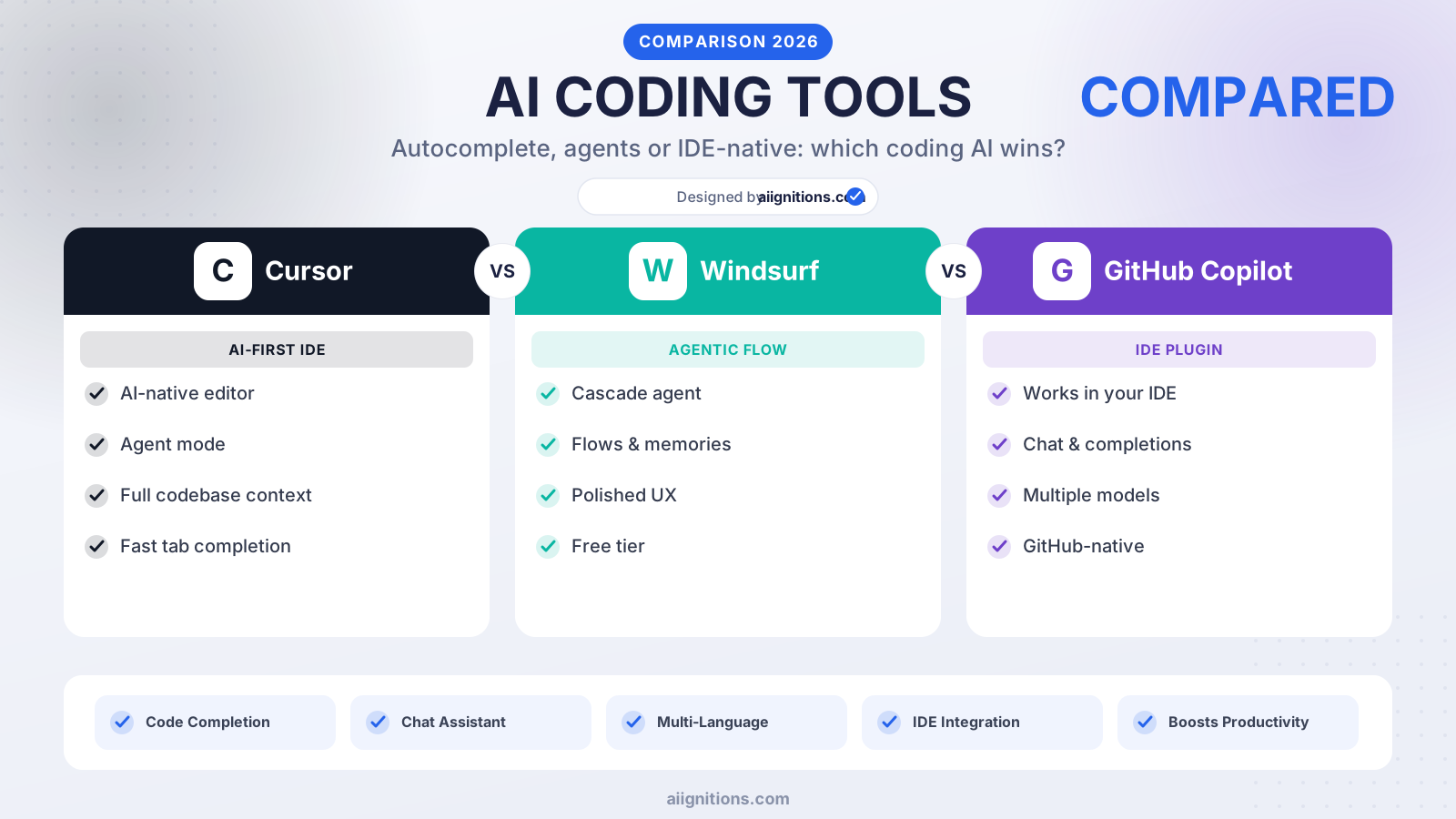
Cursor vs Windsurf vs GitHub Copilot: Quick Verdict
Short on time? Here is the bottom line. Cursor is the best all-round pick for most developers — an AI-first editor with the sharpest predictive Tab, a powerful agent that edits across files and runs commands, and chat that understands your whole codebase. Windsurf builds the entire experience around its Cascade agent, giving the cleanest, most beginner-friendly agentic flow at strong value. GitHub Copilot is the most ubiquitous: it drops AI into the editors you already use — VS Code, JetBrains, Visual Studio, Neovim — and into GitHub itself, at the lowest entry price.
| Cursor | Windsurf | GitHub Copilot | |
|---|---|---|---|
| Type | AI-first code editor | Agentic AI IDE | AI assistant for any editor |
| Free plan | Yes | Yes | Yes |
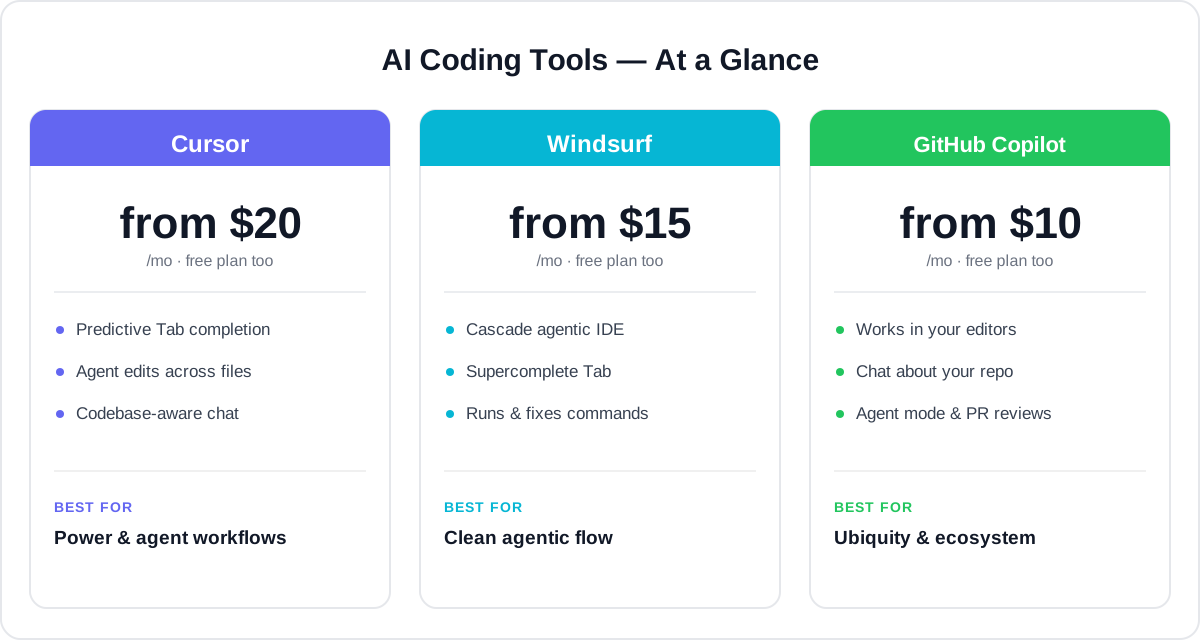
| Entry paid price | from ~$20/mo | from ~$15/mo | from ~$10/mo |
| Best strength | Power & agent workflows | Clean agentic flow | Ubiquity & ecosystem |
| Ideal for | Pro devs, power users | Agentic building, newcomers | Teams on existing editors |
Want the fast answer? For the most capable AI-first coding experience, Cursor is our recommended pick. Read on for the full head-to-head, or jump to the verdict.
Overview of Each Tool
All three help you write code faster with AI, but they take different shapes — a full editor, an agent-first IDE, and an assistant that lives inside your existing tools. Here is what each is and who it fits.
Cursor — the AI-first code editor
Cursor is a fork of VS Code rebuilt around AI. You get a familiar editor with predictive Tab completion that jumps ahead multiple lines and edits, an Agent (Composer) that can change code across many files and run terminal commands, and chat that indexes and understands your whole codebase. It runs frontier models like Claude and GPT under the hood, and it is aimed at professional developers who want maximum AI power without leaving a polished editor.

Windsurf — the agentic IDE
Windsurf is an AI-first IDE (also built on VS Code) that puts its Cascade agent at the centre of everything. Cascade keeps track of what you are doing, edits across your codebase, runs and fixes commands, and self-corrects its own mistakes, while a Supercomplete Tab handles inline suggestions. Its clean, guided flow makes agentic coding approachable, which is a strong fit for developers who want the agent to drive and for newcomers easing into AI development.
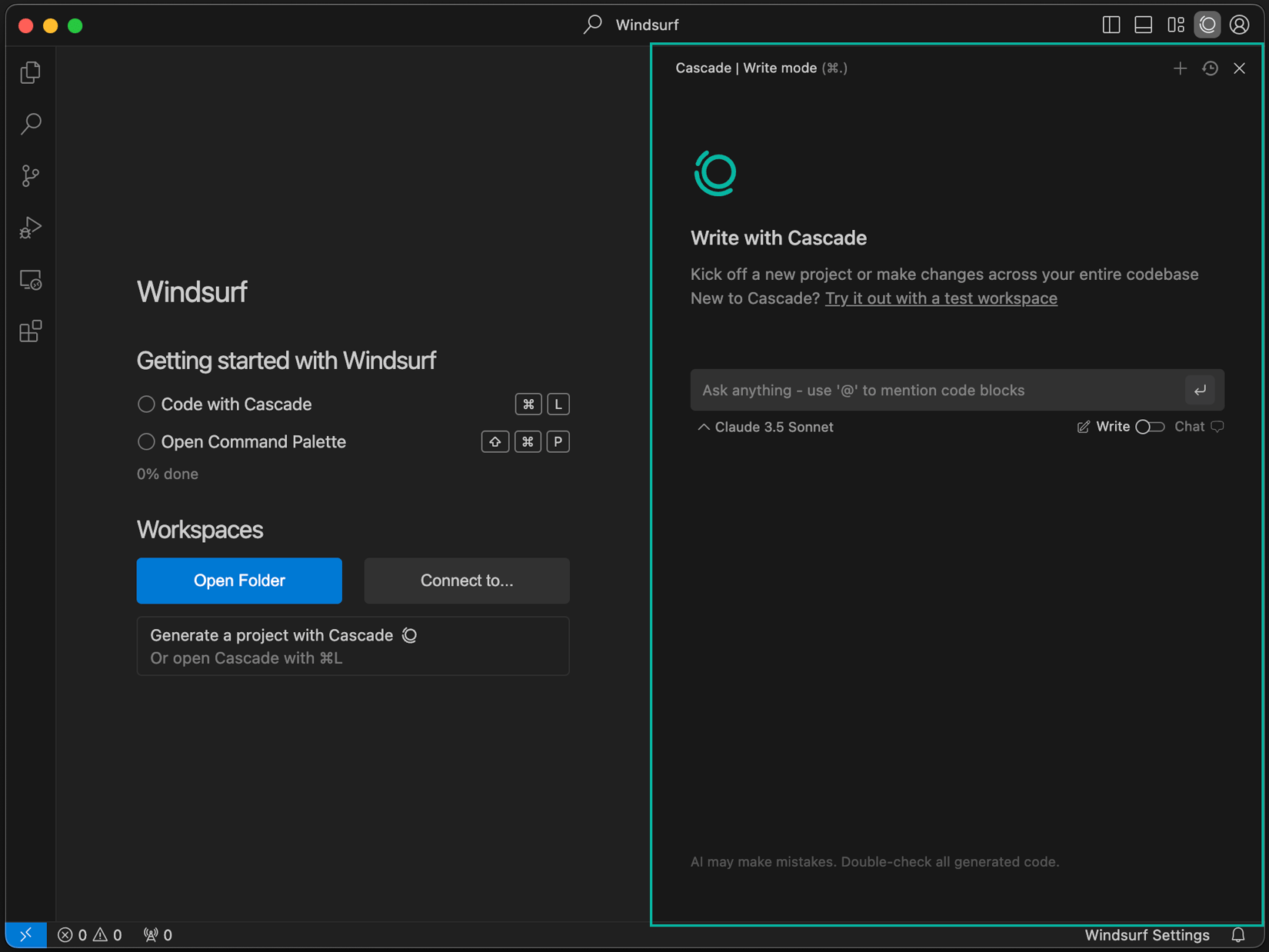
Read our full Windsurf review →
GitHub Copilot — the AI assistant everywhere
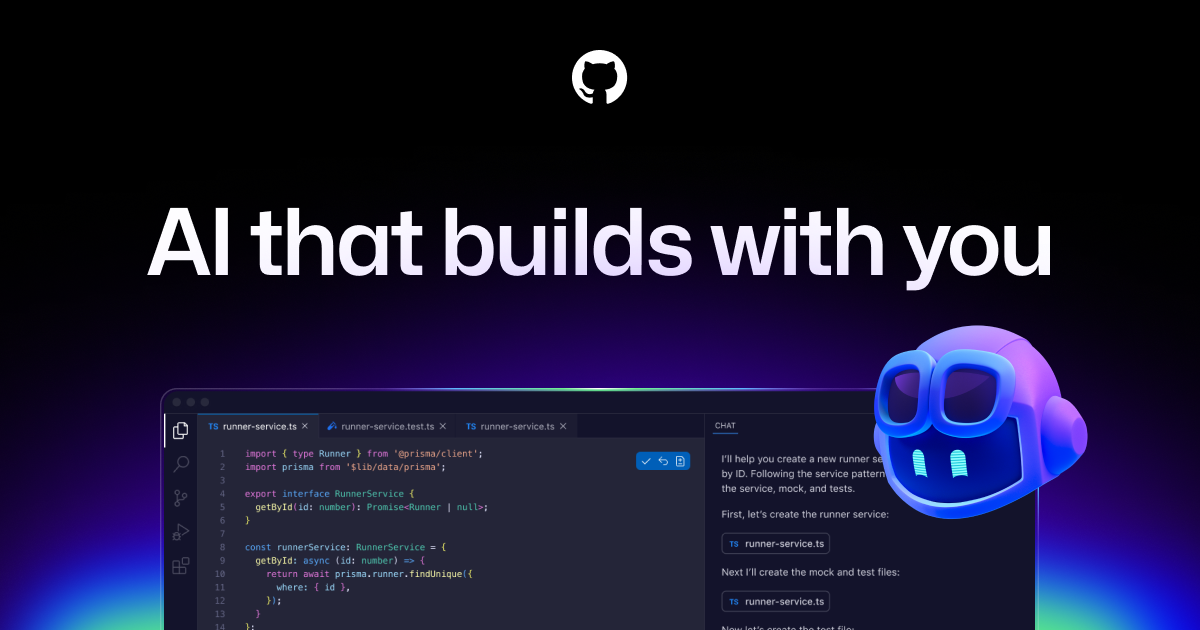
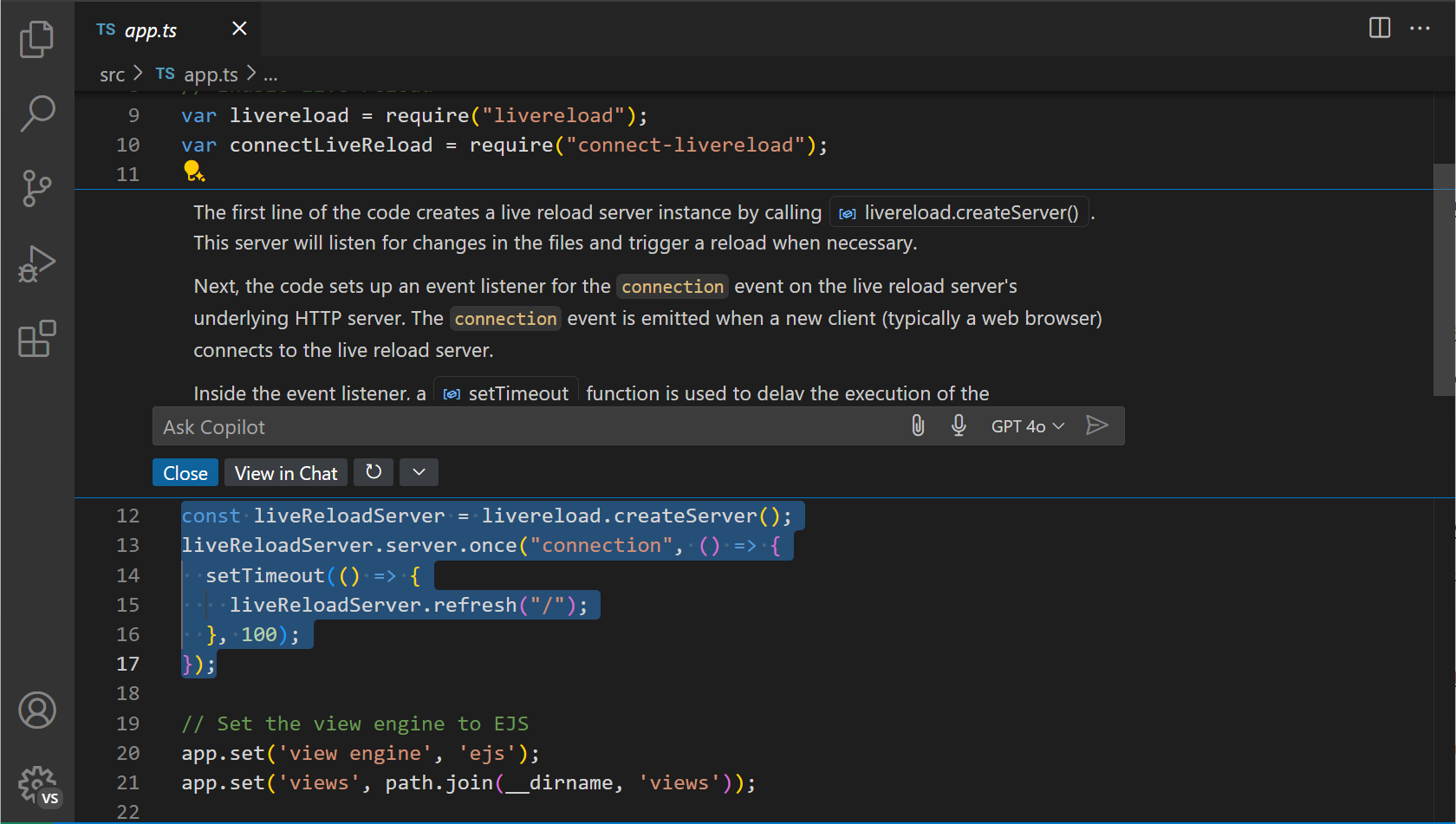
GitHub Copilot is the assistant that started the AI-coding wave, and its edge is reach: it works inside VS Code, JetBrains IDEs, Visual Studio, Neovim, and on GitHub.com itself, so you keep your existing setup. It offers code completion, Copilot Chat, an agent mode that edits files and fixes errors, and automated pull-request reviews, and it now lets you pick between GPT, Claude, and Gemini models. It is the go-to when you want AI in the tools you already use, backed by the GitHub ecosystem.
Price Comparison
Pricing shifts with plans and promotions, so confirm the current rate — but the shape is consistent:
- Cursor: a free Hobby plan to explore, then Pro at about $20/month, a heavy-usage Ultra tier around $200/month, and Teams from roughly $40/user/month. You are paying for the most capable AI-first editor and generous agent usage.
- Windsurf: a free plan with meaningful limits, then Pro at about $15/month and Teams around $30/user/month, billed with a credit system for agent actions. Strong value for a full agentic IDE.
- GitHub Copilot: a free tier (limited monthly completions and chats), then Pro at about $10/month, Pro+ around $39/month for the biggest model quota, and Business at about $19/user/month. The cheapest way in, and free for verified students and many open-source maintainers.
The takeaway: GitHub Copilot has the lowest entry price and the widest free access; Windsurf undercuts Cursor on its paid tier; and Cursor costs a little more but justifies it with the deepest AI-first editing and agent power.
Autocomplete & Speed
Inline suggestions are what you touch every second, so this matters more than any demo.
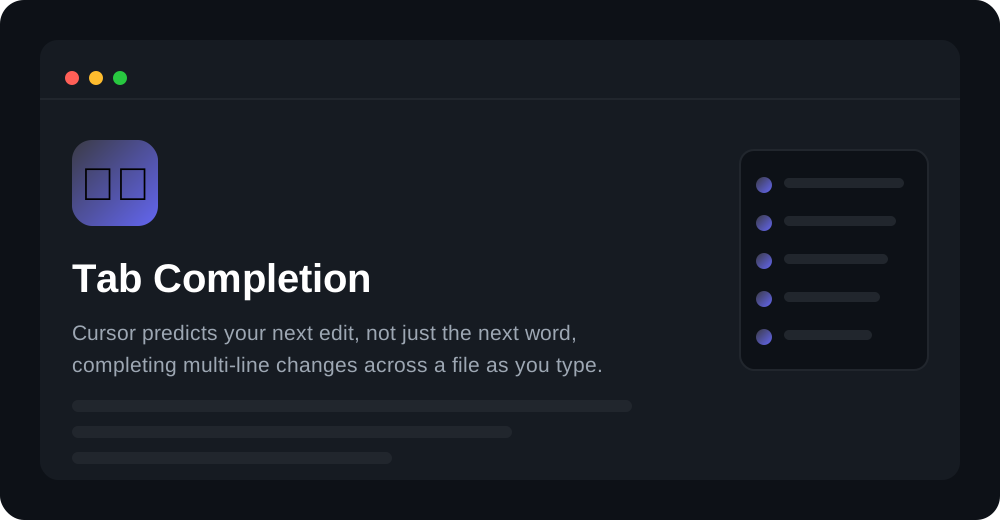
Cursor is widely regarded as the leader here: its Tab model predicts multi-line edits, follows your cursor across a file, and often completes an entire refactor with a single keypress — it feels a step ahead of plain completion.
Windsurf is close behind with Supercomplete, which reasons about intent rather than just the next token, and its suggestions integrate tightly with the Cascade agent for larger edits.
GitHub Copilot offers fast, reliable completion that has improved steadily and now includes next-edit suggestions; it may not feel quite as aggressive as Cursor's Tab, but it is consistent across every editor it supports.
Agents & Codebase Awareness
The biggest shift in AI coding is the move from autocomplete to agents that plan and execute multi-step changes.
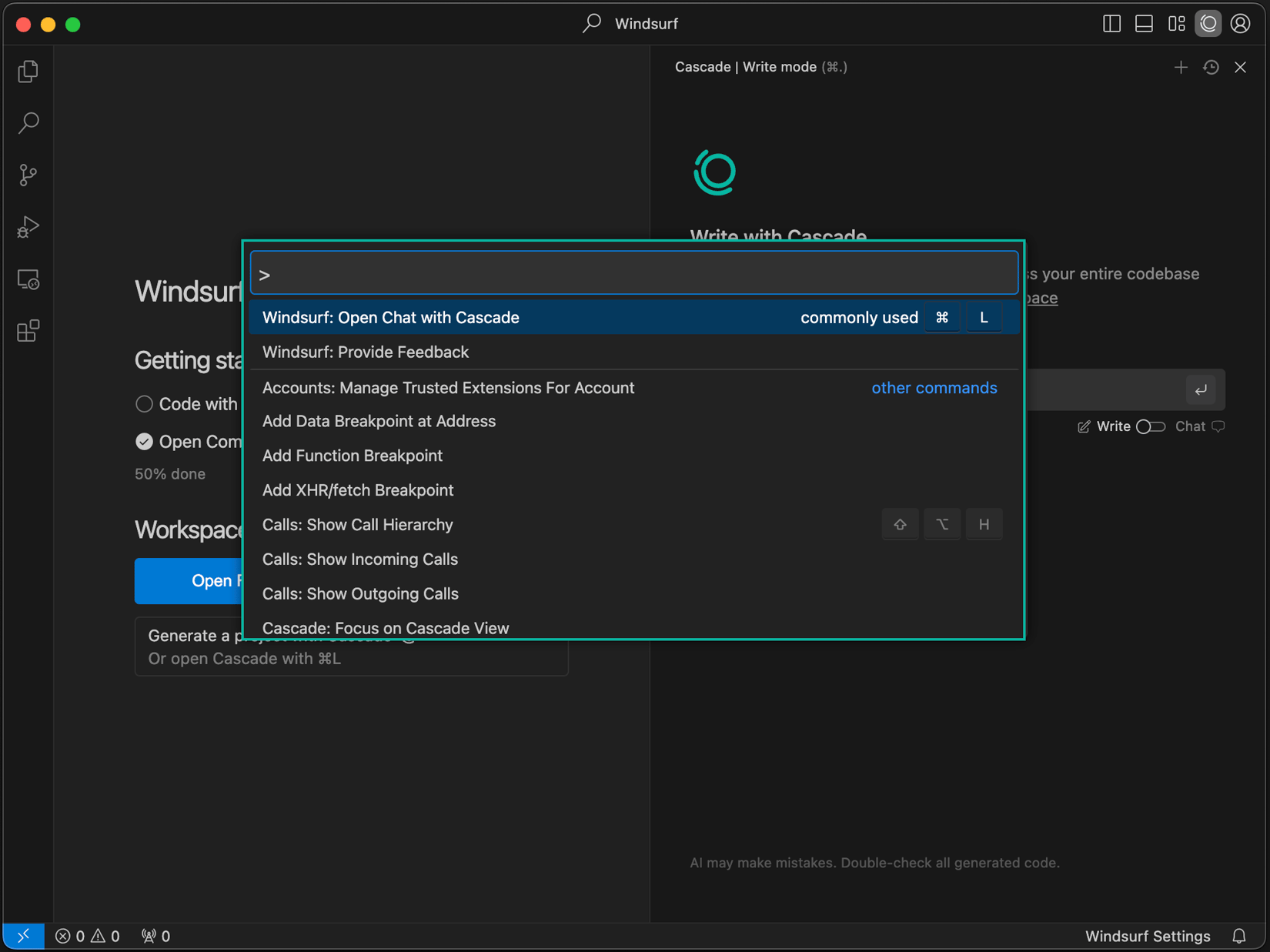
Cursor's Agent edits across many files, runs terminal commands, reads errors, and iterates, while codebase indexing lets chat answer questions about your entire project — powerful and highly controllable. Windsurf's Cascade is the most agent-native of the three: it maintains context of your actions, chains steps automatically, and self-corrects, which makes hands-off building feel smooth. GitHub Copilot has caught up fast with agent mode and its autonomous coding agent on GitHub that can pick up an issue and open a pull request, plus deep repo awareness through your GitHub context.
Features Comparison
Here is how the core capabilities line up side by side.
| Feature | Cursor | Windsurf | GitHub Copilot |
|---|---|---|---|
| Predictive autocomplete | Yes (best-in-class) | Yes (Supercomplete) | Yes |
| Multi-file agent | Yes (Agent) | Yes (Cascade) | Yes (agent mode) |
| Codebase-aware chat | Yes (indexed) | Yes | Yes |
| Runs terminal commands | Yes | Yes | Yes |
| Choice of models | Yes (Claude, GPT) | Yes | Yes (GPT, Claude, Gemini) |
| Own editor vs plugin | Own editor | Own editor | Plugin for many editors |
| PR reviews on GitHub | No | Limited | Yes |
Cursor wins on raw AI-first editing power; Windsurf wins on a clean, agent-driven flow; GitHub Copilot wins on editor reach and GitHub-native features like PR review.
Ecosystem & Editor Support
Whether you adopt the AI or the AI adopts your setup is a real fork in the road.
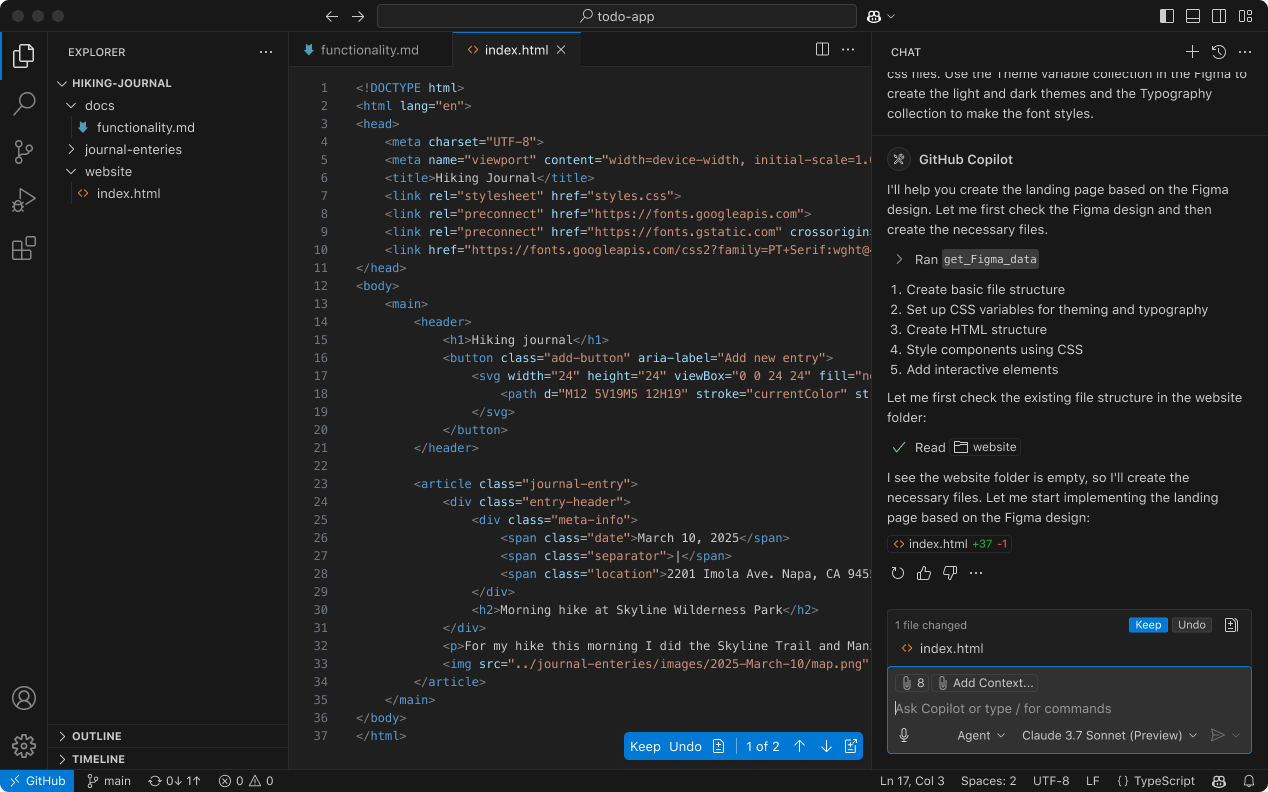
Cursor and Windsurf ask you to switch to their editor — both are VS Code forks, so your extensions, keybindings, and themes mostly carry over, and the trade is a purpose-built AI experience. GitHub Copilot takes the opposite path: it installs into the editor you already have (VS Code, JetBrains, Visual Studio, Neovim) and into GitHub.com, so teams standardised on those tools adopt it with zero migration. If you live in JetBrains IDEs, Copilot is often the only one of the three that fits without changing your workflow.
Pros & Cons
Cursor
- Pros: best-in-class predictive Tab, powerful and controllable agent, strong codebase indexing, polished VS Code-based editor, free plan.
- Cons: priciest paid tier, requires switching editors, heavy agent use can burn through quota.
Windsurf
- Pros: the cleanest agentic flow via Cascade, approachable for newcomers, great value, self-correcting multi-step edits.
- Cons: also requires switching editors, smaller ecosystem than GitHub, credit system can feel limiting at scale.
GitHub Copilot
- Pros: works in the editors you already use plus GitHub, lowest entry price, free for students, PR reviews and coding agent, choice of models.
- Cons: autocomplete is a touch less aggressive than Cursor, agent is newer than the AI-first editors, best value is tied to the GitHub ecosystem.
Which Should You Choose?
Our overall recommendation, in order:
- 1. Choose Cursor if you want the most capable AI-first coding experience — the sharpest autocomplete, a powerful agent, and deep codebase understanding in a polished editor. For most professional developers, it is the smartest pick.
- 2. Choose Windsurf if you want the cleanest agent-driven flow at a lower price, or you are new to AI development and want the agent to guide you.
- 3. Choose GitHub Copilot if you want AI inside the editors you already use, the cheapest way in, JetBrains support, or tight GitHub integration for your team.
For the best balance of power, speed, and control, Cursor is our recommended pick — the most complete AI-first editor. Consider Windsurf for a smoother agentic flow, or GitHub Copilot when ecosystem reach and price matter most.
Get Started
Ready to code with AI? Pick a tool below — Cursor is our top pick — or read our in-depth review of each first.
Prefer the full breakdown first? Read our in-depth reviews of Cursor, Windsurf, and GitHub Copilot.
Ready to try Cursor?
Visit the official website to see the latest plans, pricing, and special offers.
Get Started - Cursor* Affiliate link - we may earn a commission at no extra cost to you.