Copper CRM Review: The Gmail-Native CRM Whose Real Price Starts at Professional
Copper CRM review: Gmail-native CRM pricing checked November 2026, what the $23 Basic plan leaves out, Copper GPT limits, data export and the best alternatives.
专家评测

A CRM that lives next to your inbox
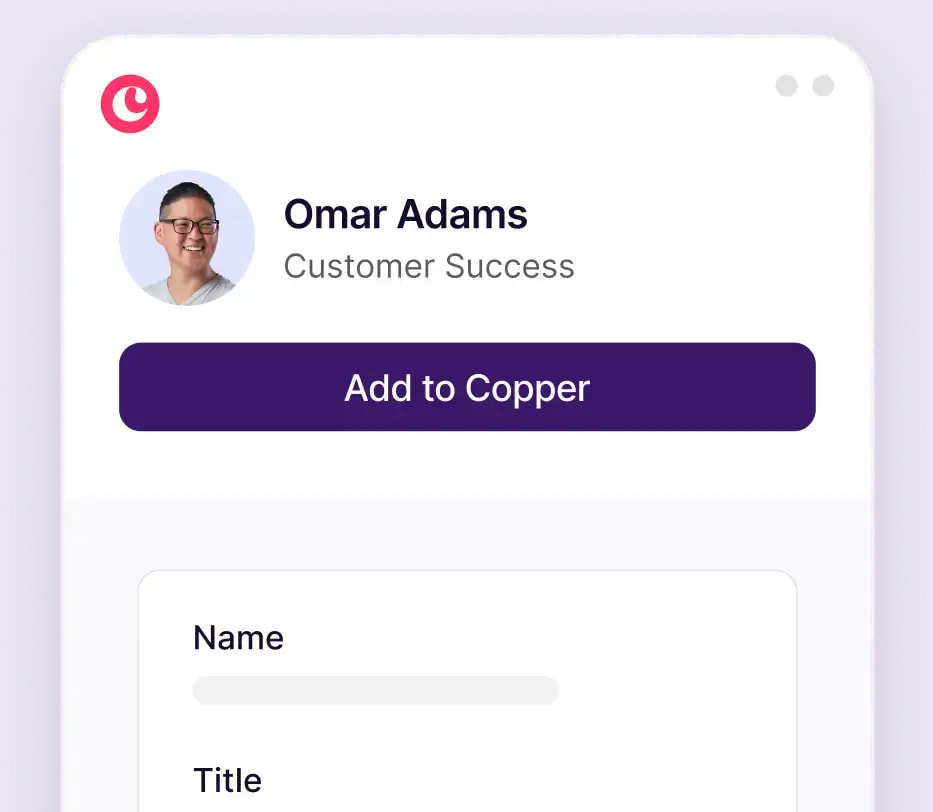
Copper's Google Workspace Marketplace listing pitches it in one line: "Know how to use Gmail? You already know Copper." The product, formerly called ProsperWorks, sits in a sidebar beside your inbox. It pulls people and companies out of email threads and syncs with Google Calendar, Drive and Sheets. Copper CRM, Inc. says more than 30,000 companies use it and that it has raised $102M.
The Google fit is real. The homepage leaves something out, though: the plan most teams end up needing is the middle one, at more than twice the entry price.
Signing up takes no card. Installing from the Marketplace starts a free 14-day trial, according to the listing updated in July 2026. copper.com itself only promises "instant activation, no credit card required" and does not give a trial length.
Pricing, checked in November 2026
Three plans are on copper.com/pricing, checked on 4 November 2026. Prices are per seat per month, in USD, before tax.
| Plan | Billed annually | Billed monthly | Contact limit | What it adds |
|---|---|---|---|---|
| Basic | $23 | $29 | 2,500 | Pipelines, task automation, project management, contact enrichment |
| Professional | $59 | $69 | 15,000 | Workflow automation, bulk email, reporting, integrations, Developer API |
| Business | $99 | $134 | Unlimited | Email series, custom reports, multi-currency, premium support |
The toggle advertises "up to 26% off" for annual billing, and only Business gets the full 26%: paying monthly costs $35 a seat more there. For a five-person team the yearly bill is $1,380 on Basic, $3,540 on Professional and $5,940 on Business, all billed annually. Pay for Professional month to month and the same five seats cost $4,140.
Monthly billing costs you more than the discount. Personal onboarding and a customer success manager are listed "for eligible Business & Professional annual tier accounts" only. The pricing page also says 63% of customers started on Professional, which tells you where Copper expects you to land.
There used to be a cheaper Starter tier capped at 1,000 contacts. It still appears in a help-center comparison from August 2025, but it is gone from the pricing page. Basic is now the cheapest plan.
What the $23 Basic plan leaves out
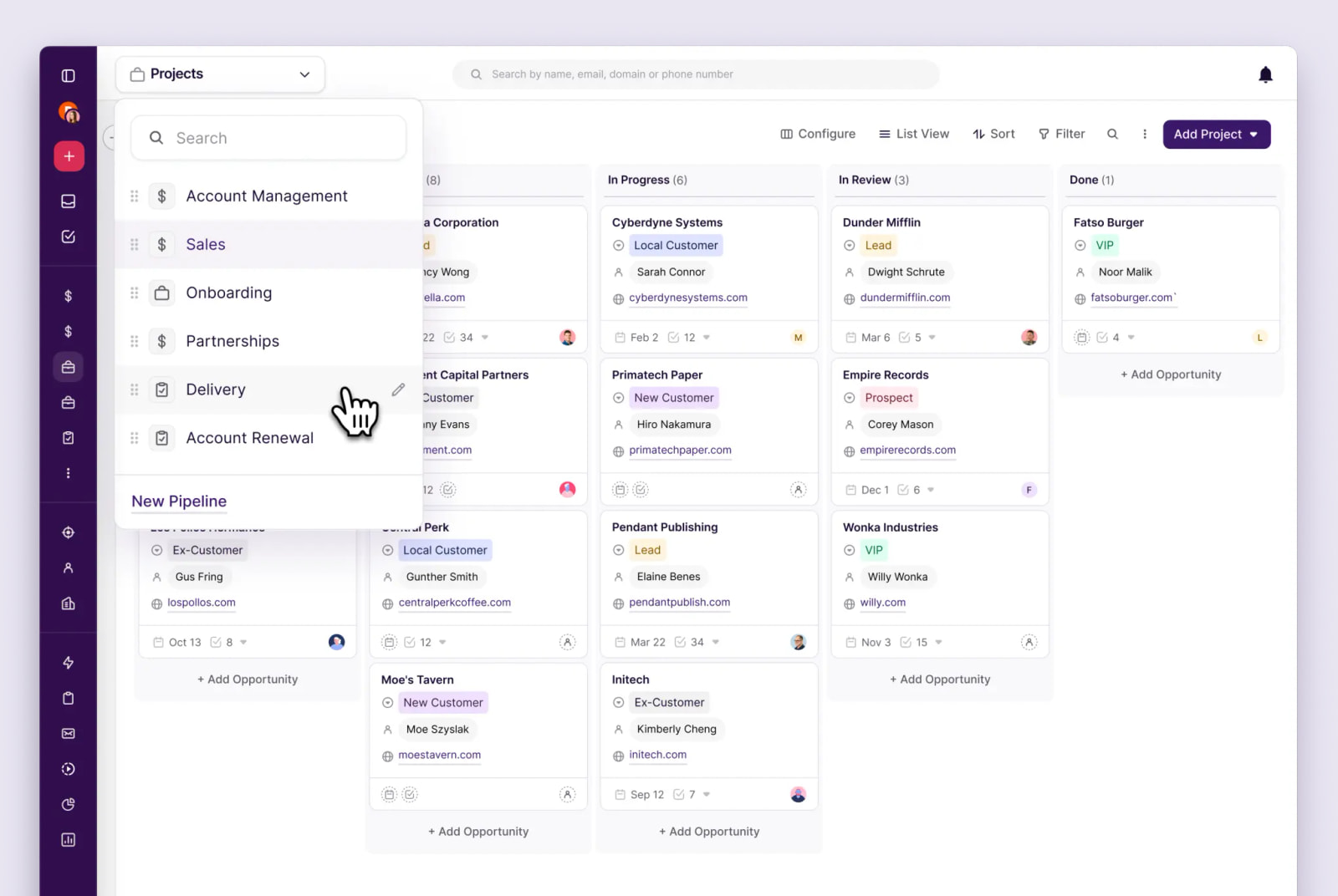
Basic is a pipeline tracker with a Gmail sidebar. Copper's own plan comparison puts workflow automation, bulk email, email tracking, pipeline and activity reports, the Leads object, team permissions, the Google Sheets add-on, Looker Studio and the Developer API behind Professional. The same goes for the Slack, QuickBooks, DocuSign, Mailchimp, PandaDoc, Zendesk, JustCall and RingCentral integrations.
In practice, a team on Basic cannot email a list, cannot see whether a prospect opened a message and cannot pull a win-rate report. It cannot reach its own records through the API either. Then there is the contact cap. Once Copper starts adding everyone who emails you, 2,500 people fills up fast, and the next tier up allows 15,000. Custom fields go from 25 on Basic to unlimited on Professional, per the help center.
Treat Basic as a longer trial. Budget for Professional.
The AI features are thin
Copper GPT, launched on 3 November 2025, is a custom GPT inside ChatGPT that answers questions about your CRM records. The help center, updated in April 2026, calls it "a read-only AI assistant". It can tell you which deals have gone quiet, but it cannot update a record, log a call or move a deal down the pipeline. You also need a paid ChatGPT plan to use it, and questions count against that plan's usage limits, not Copper's. The launch post limited it to Professional and Business, but the help article now lists all plans.
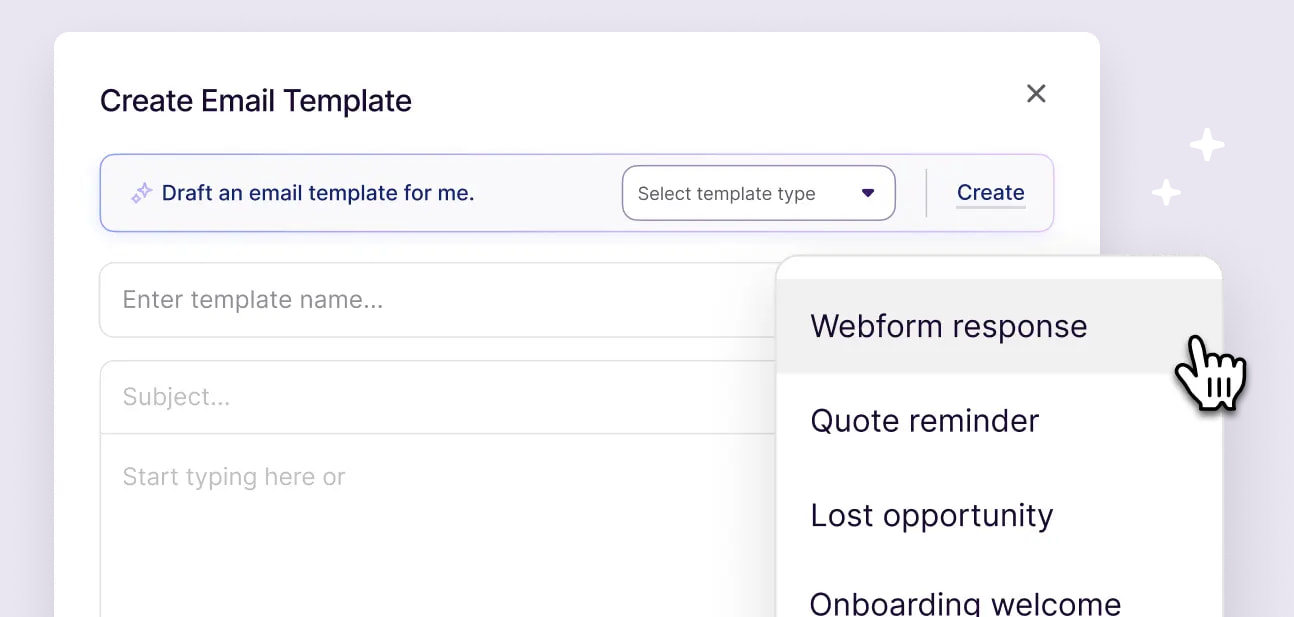
The other AI feature drafts email templates. It is Professional and Business only, and capped at 10 generated templates a day. Copper says OpenAI cannot use customer data to train its models. Neither feature is a reason to pick Copper, and neither is worth paying for a higher tier.
Getting your data out
Ask every CRM how you would leave before you sign up. Copper's answer is mostly good. Admins can export people, companies, opportunities, projects, tasks and leads as an .xlsx file, up to 100 GB per export, and can let other users export too.
Activity history is the gap. The emails, calls and notes logged against each contact are not in the self-serve export. The help center's instruction is to "Contact Copper Support for a one-time activity export." Leave after three years, and getting every past conversation out depends on a support ticket.
The API is the other way out, and it starts at Professional. It allows 180 requests per minute on a rolling window, and bulk endpoints are held to 3 requests per second. Imports only take CSV or Excel files, and the help center warns that special characters are not supported.
Support, and what reviewers complain about
Support works through in-app live chat and email at [email protected]. We found no phone line. Agents work Monday to Friday from 4 AM to 11 PM Eastern, and weekends from 9 AM to 6 PM. Billing is not covered at weekends, and billing questions can take up to two business days to answer.
Ratings are solid: about 4.5 from roughly 1,150 reviews on G2, and 4.4 from 622 on Capterra. The complaints repeat. G2 reviewers say reporting and customization run out quickly, that email sync sometimes misses messages and that the mobile app is weak. Capterra reviewers mention support requests that went unanswered and no flexibility on cancellations. One TrustRadius review is titled "Started out strong, but dropped off a cliff when asked to cancel." On an annual plan, set a reminder well before renewal.
Copper vs Streak, HubSpot, Pipedrive and Close
Streak is the closest rival. It runs entirely inside Gmail rather than beside it, which suits a solo founder or a pair who never want a separate CRM window. Copper pulls ahead once a team needs projects, a Leads object and shared reporting.
HubSpot has a free CRM and Copper does not. If $23 a seat for a capped plan feels like paying to evaluate, start there. Pipedrive suits pipeline-first sales teams that are not tied to Google, including Microsoft 365 shops, where Copper's main advantage disappears. Teams that sell by phone should look at Close, which has built-in calling. Copper has no dialer of its own and only connects to JustCall or RingCentral on Professional.
The wider field is in our best CRM software roundup.
Verdict
Buy Copper if your small team lives in Gmail and Google Calendar and you are ready to pay for Professional at $59 a seat billed annually. People actually use a CRM that sits beside the inbox they already have open. At that tier you get automation, reporting, the integrations and an API.
Skip it if you work in Outlook, if you need a free plan (HubSpot), if you are one person working out of Gmail (Streak) or if most of your selling happens on calls (Close). Whatever you choose, skip Basic. A 2,500-contact cap with no automation, no reports and no API is the price on the banner, not the CRM you will end up running.