Klap vs Vizard vs VEED: Best AI Tool to Turn Long Videos Into Shorts?
Klap vs Vizard vs VEED compared: price, clip quality, features, ease of use, and languages — a clear head-to-head to choose the best AI tool for turning long videos into short clips.
Expert Review

Klap vs Vizard vs VEED: Quick Verdict
Short on time? Here is the bottom line. Klap is the most hands-off clip generator — paste a link and it delivers polished, caption-ready Shorts with minimal fuss. Vizard is the best value: it turns one long video into 5–20 clips, supports 100+ caption languages, and is the only one of the three with a genuinely usable free plan alongside the cheapest paid tier. VEED is not just a clipper — it is a full browser-based video editor with AI clipping built in, so you get manual editing control that the other two do not offer.
| Klap | Vizard | VEED | |
|---|---|---|---|
| Type | AI clip generator | AI clip generator | Video editor + AI clips |
| Free plan | Trial only | Yes | Yes |
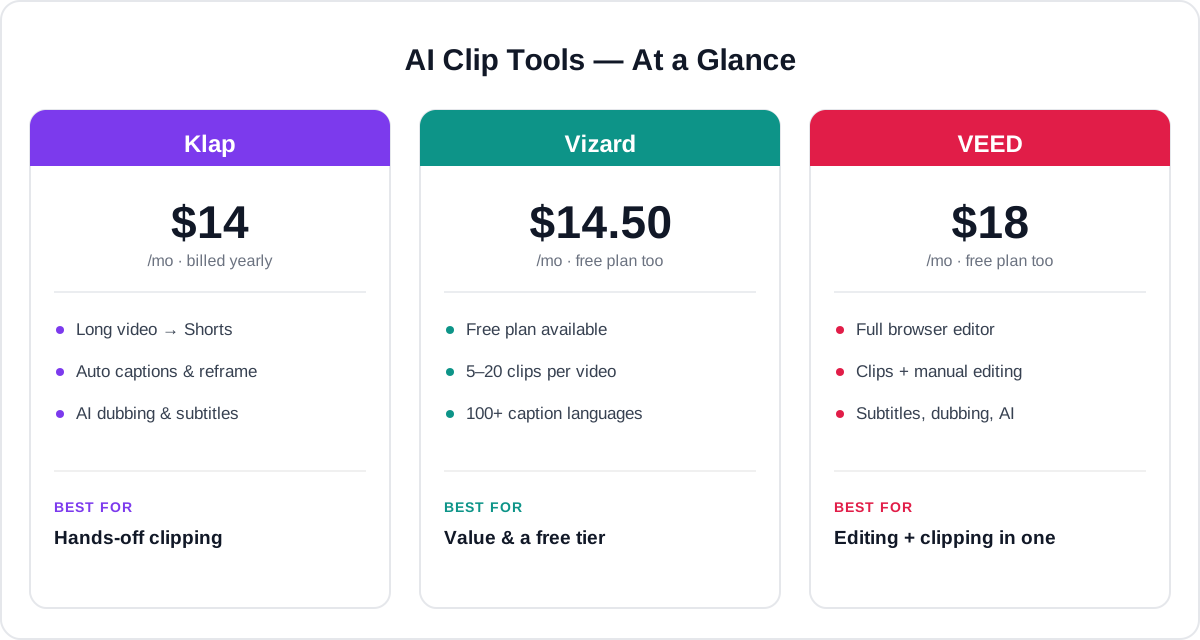
| Entry paid price | ~$14/mo (yearly) | ~$14.50/mo (yearly) | ~$18/mo |
| Best strength | Automated, polished clips | Value & volume | Full editing control |
| Ideal for | Set-and-forget creators | Social teams on a budget | Editors who also clip |
Want the fast answer? For most creators, Vizard hits the best balance of price, output, and a free tier to start. Read on for the full head-to-head, or jump to the final recommendation.
Overview of Each Tool
All three help you get more short-form content out of video you already have, but they approach it differently. Here is what each one is and who it is built for.
Klap — hands-off clip automation
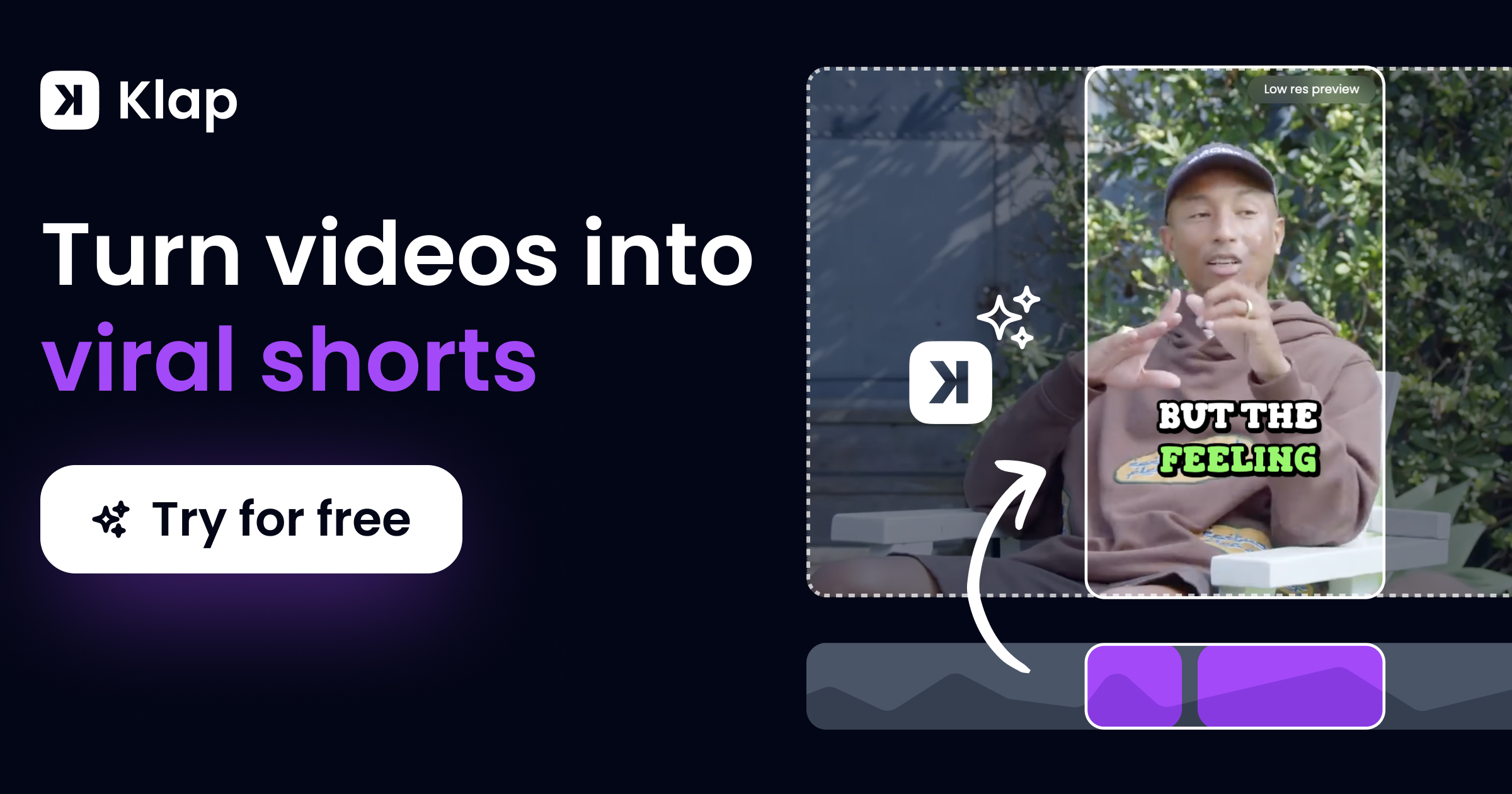
Klap is an AI video-repurposing platform that turns a single long-form video — a YouTube upload, a podcast episode, a webinar, or an interview — into a batch of ready-to-post vertical clips. You paste a link or upload a file, and Klap's AI watches the whole thing, finds the most engaging moments, reframes them to 9:16, and adds animated captions automatically. It leans hard into automation, including scheduling and AI dubbing, so it is the closest to a true set-and-forget tool.
Vizard — value-packed clip generator
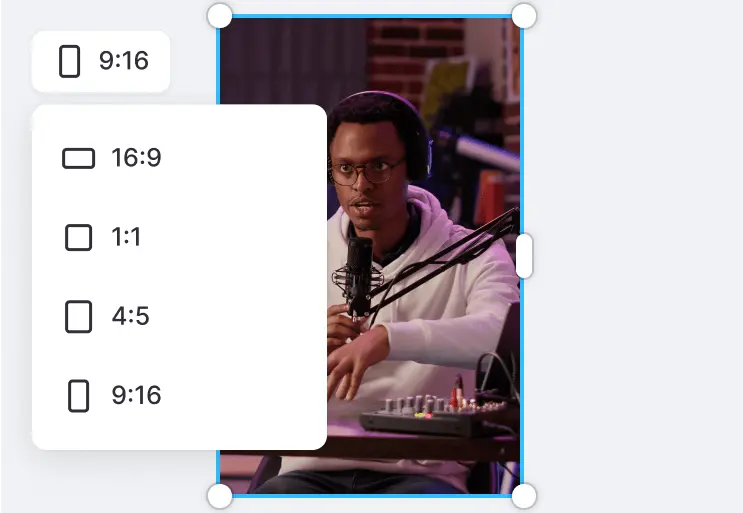
Vizard is a direct competitor to Klap: upload or link a long video and its AI produces 5–20 short clips formatted in 9:16, 1:1, or 16:9, each with styled captions ready for silent mobile viewing. What sets it apart is value — a real free plan, low paid pricing, brand kits, scheduling, and caption translation across 100+ languages, making it a strong pick for social teams that ship a high volume of clips.

Read our full Vizard AI review →
VEED — a full editor that also clips
VEED.io is broader than the other two: it is a complete browser-based video editor with recording, subtitles, translation, Clean Audio, Eye Contact correction, and AI generation — plus an auto-clip feature that pulls short highlights from long videos. If you want to both generate clips and then fine-tune them (or edit videos from scratch), VEED is the only all-in-one option here.

Price Comparison
All three offer paid tiers that unlock higher resolution, longer videos, and more output. The rough starting points:
- Klap: free trial only (no permanent free plan). Starter is around $23/month, or about $14/month billed yearly (~10 uploads, ~100 HD clips). Pro is ~$63/month (~$39/mo yearly) with 4K, translation, and dubbing; Pro+ scales to ~1,000 clips.
- Vizard: a free plan at $0 (about 60 minutes of upload/month, 720p, watermark). Creator is ~$29/month, or about $14.50/month billed yearly — removes the watermark and unlocks 4K exports, scheduling, and brand kit. Business is ~$39/month.
- VEED: a free plan at $0 (720p, watermark, ~10-minute videos). Basic (Lite) is ~$18/month; Pro is ~$30/month (4K, ~2-hour videos, full AI suite); Business starts around $59/user/month.
The takeaway: Vizard is the best value — the cheapest effective paid tier and a genuinely useful free plan. Klap is competitively priced yearly but has no free plan, only a trial. VEED costs a little more, but you are paying for a full editor, not just a clipper.
Clip Generation & Output Quality
This is the core job for two of the three, so it is where they separate most clearly.
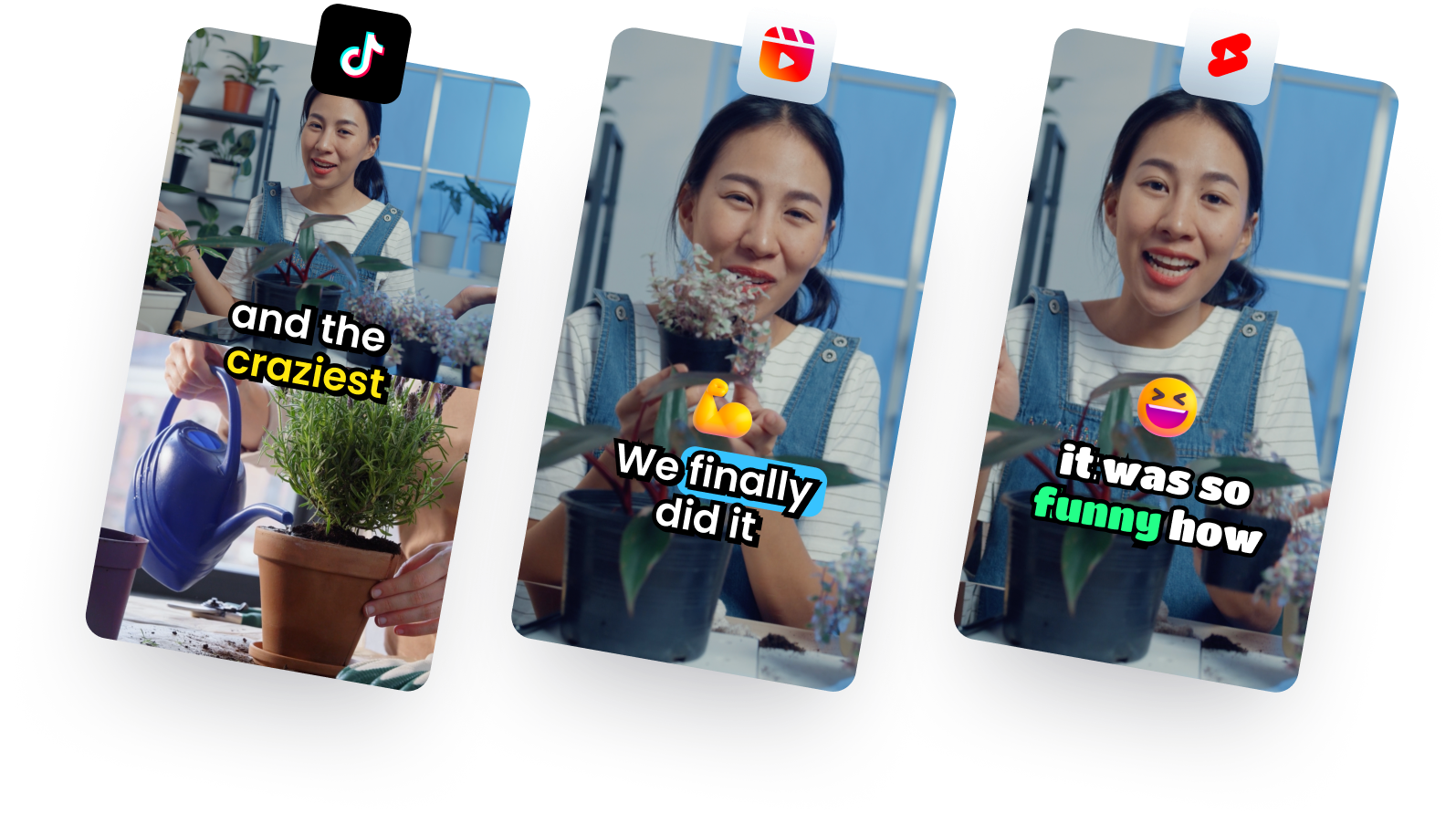
Klap produces the most polished clips out of the box. Its moment-detection is strong, the automatic reframing keeps the speaker centered, and the animated captions look ready to post with little tweaking — ideal if you want to publish straight from the AI's first pass.
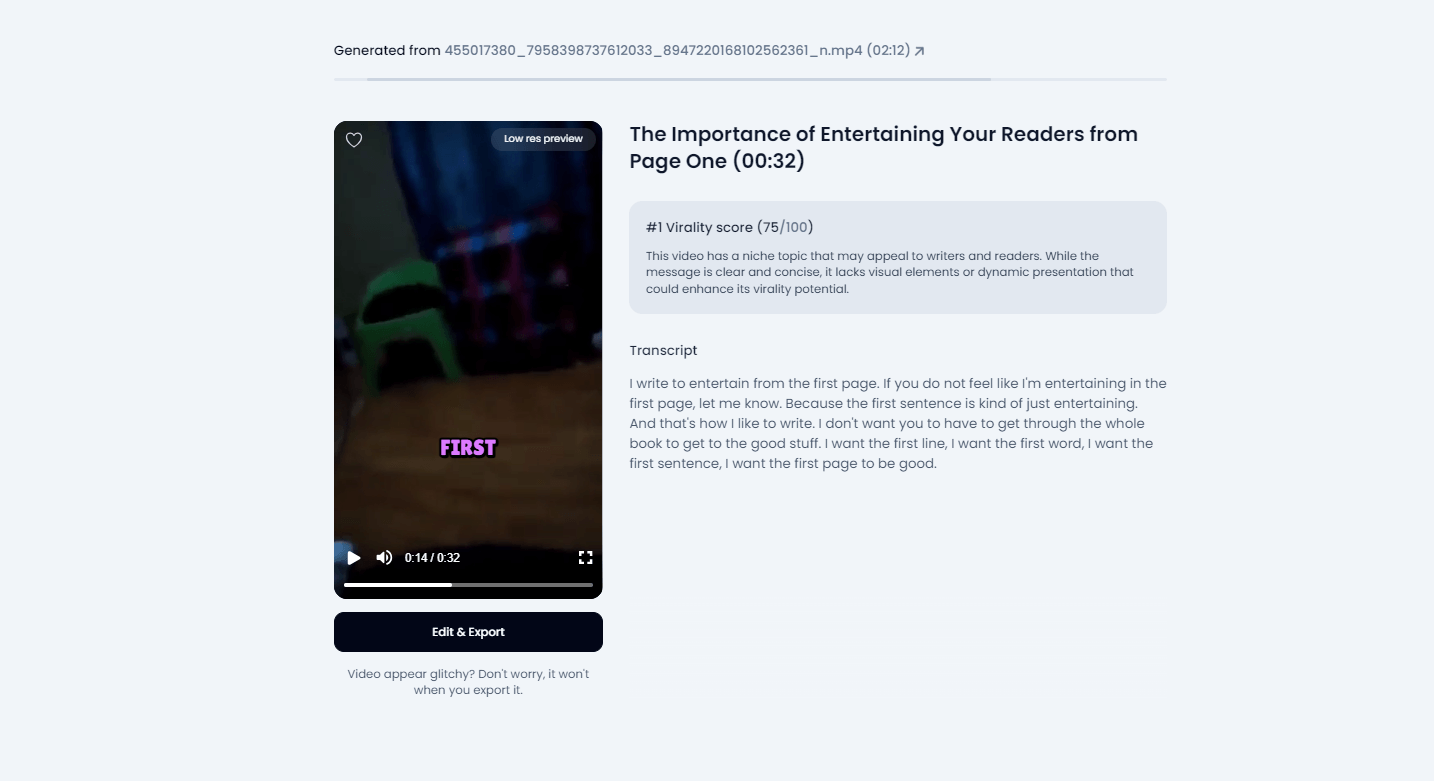
Vizard is the volume champion, turning one long video into 5–20 clips per run with a virality score to help you pick the best. Output is clean and platform-ready in multiple aspect ratios, and you get more clips per source video, which is exactly what high-output social teams want.
VEED auto-clips too, but its real edge is what happens after: because it is a full editor, you can refine any clip — trim, restyle captions, swap audio, add b-roll — rather than accepting the AI's cut as final. Its automatic clip detection is a little less specialized than Klap's or Vizard's, but the editing control makes up for it.
Features Comparison
All three cover the modern short-form basics — auto captions, reframing, and scheduling — but the breadth differs.
| Feature | Klap | Vizard | VEED |
|---|---|---|---|
| Auto long-to-short clipping | Yes | Yes | Yes |
| Clips per video | Batch | 5–20 | Auto-clip |
| Aspect ratios (9:16 / 1:1 / 16:9) | Yes | Yes | Yes |
| Animated captions | Yes | Yes | Yes |
| Brand kit / templates | Yes | Yes | Yes |
| Scheduling / social posting | Yes | Yes | Limited |
| Full manual video editor | No | No | Yes |
| AI dubbing / translation | Yes | Yes (captions) | Yes |
| Screen / webcam recording | No | No | Yes |
VEED has the widest toolkit because it is an editor first — recording, Clean Audio, Eye Contact, and generation all live under one roof. Klap and Vizard are more focused: they do clipping and scheduling extremely well but do not try to be a full editor.
Ease of Use
Speed from upload to publishable clip matters when you are producing content daily.
Klap is the simplest: the workflow is essentially paste-link, wait, download or schedule. There is very little to configure, which is perfect for creators who want clips without learning an editor.
Vizard is nearly as easy, with a clean dashboard and sensible defaults, plus a bit more control over which clips you keep thanks to virality scoring and quick trims.
VEED has the steepest (still gentle) learning curve of the three, simply because it does more — the timeline editor takes a few minutes to learn. But it stays beginner-friendly, and everything runs in the browser with nothing to install.

Languages, Captions & Dubbing
If you repurpose content for global audiences, multilingual support is a real differentiator.
Vizard leads here, with transcription and caption translation across 100+ languages, making it easy to take one clip international. Klap also offers subtitles in dozens of languages plus AI dubbing on its higher tiers, so you can voice a clip in another language, not just caption it. VEED brings translation and dubbing as part of its wider AI suite, which is handy when you are editing full videos rather than just clipping.
For pure caption-language breadth, Vizard and Klap are the strongest; for dubbing inside a full edit, VEED is convenient.
Pros & Cons
Klap
- Pros: most automated, polished clips with little editing, strong moment detection, AI dubbing, competitive yearly pricing.
- Cons: no permanent free plan (trial only), less manual control, higher tiers get pricey for big clip volumes.
Vizard
- Pros: best value, real free plan, 5–20 clips per video, 100+ caption languages, scheduling and brand kits.
- Cons: not a full editor, free plan adds a watermark and caps upload minutes.
VEED
- Pros: full browser video editor plus AI clipping, recording, Clean Audio, Eye Contact, all-in-one toolkit.
- Cons: pricier entry tier, auto-clipping less specialized than Klap or Vizard, slightly more to learn.

Which Tool Should You Choose?
There is no single winner — the right tool depends on how you work:
- Choose Klap if you want the most hands-off experience and clips that look ready to post straight from the AI, and you do not need a free plan or manual editing.
- Choose Vizard if you want the best value and volume — a free plan to start, the cheapest paid tier, lots of clips per video, and broad language support. It is the safest pick for most social teams and creators.
- Choose VEED if you want to both generate clips and edit them (or edit full videos) in one browser tool, and you value control over pure automation.
For most creators, Vizard offers the best balance of price, output, and a free tier to try. Go with Klap when you want the most automated, polished clips, or pick VEED when you need a full editor and clipping in the same place.
Get Started
Ready to start clipping? Pick your tool below and try it — or read our in-depth review of each first.
Prefer the full breakdown first? Read our in-depth reviews of Klap, Vizard AI, and VEED.io.
Ready to try Vizard AI?
Visit the official website to see the latest plans, pricing, and special offers.
Get Started - Vizard AI* Affiliate link - we may earn a commission at no extra cost to you.